

Well, if you are following my blog, you know, I have tested 100+ crypto wallets from open-source code-based to hardware wallets and multi-sig devices.
Below, I’ll break down the 5 best open-source crypto wallets you can use right now. All these are community-tested and audited, and used by millions of crypto HODLers.
Quick verdict: The best open-source wallets for cryptocurrency are Trezor Safe 5, Keystone 3 Pro, Tangem Wallet, Electrum, and Wasabi Wallet due to their strong security, public code, and special features for privacy and control.
Table of Contents
My list of the top 5 best open source crypto wallets is here…
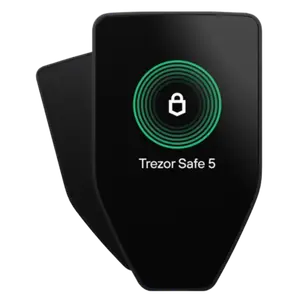
- Trezor Safe 5: It’s a 100% open-source crypto wallet that features NDA-free EAL 6+ Secure Element and Shamir Backup for top-tier security.
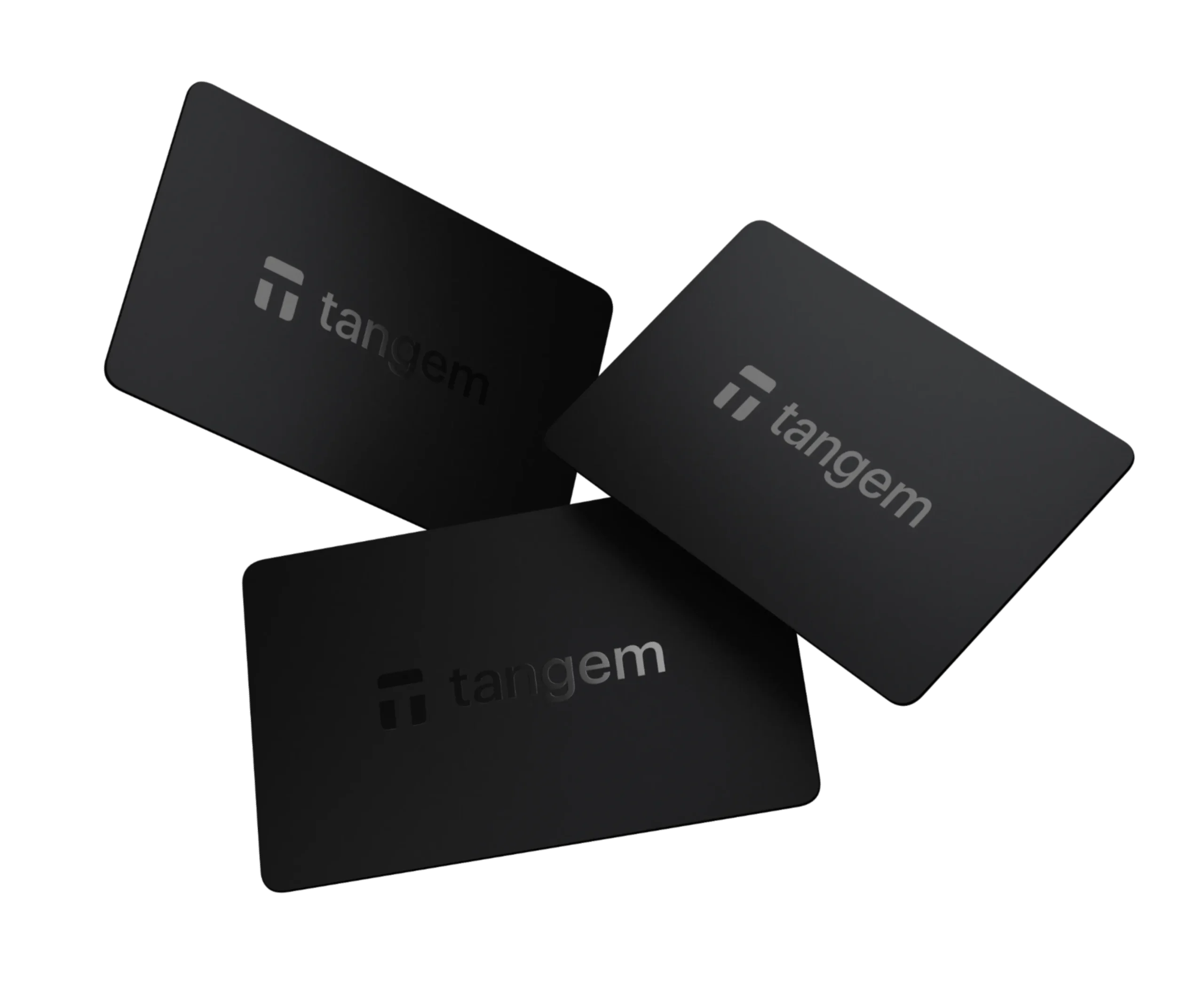
- Tangem Wallet: A credit-card-based tap-to-go wallet that uses a secure EAL 6+ chip and has no seed phrase backup. Its app is fully open-source.
- Keystone 3 Pro: It’s 100% air-gapped with QR codes and three EAL 5+ Secure Elements.
- Electrum: A trusted open-source Bitcoin wallet with multi-signature and full node support.
- Wasabi Wallet: A private Bitcoin wallet with built-in CoinJoin and Tor integration.
Here are the best cryptocurrency wallets with open-source code explained
These are my most trusted open-source wallets for crypto storage…
Okay, here is a full in-depth guide on these best open-source crypto wallets…
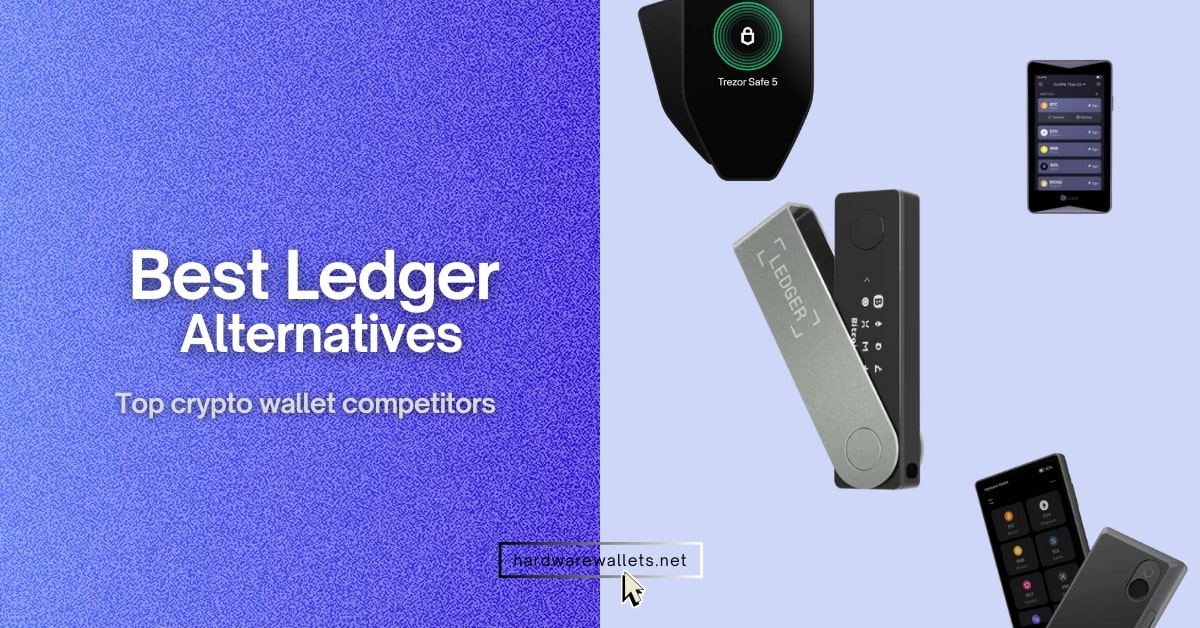
1. Trezor Safe 5: Best open-source crypto wallet (hardware device)
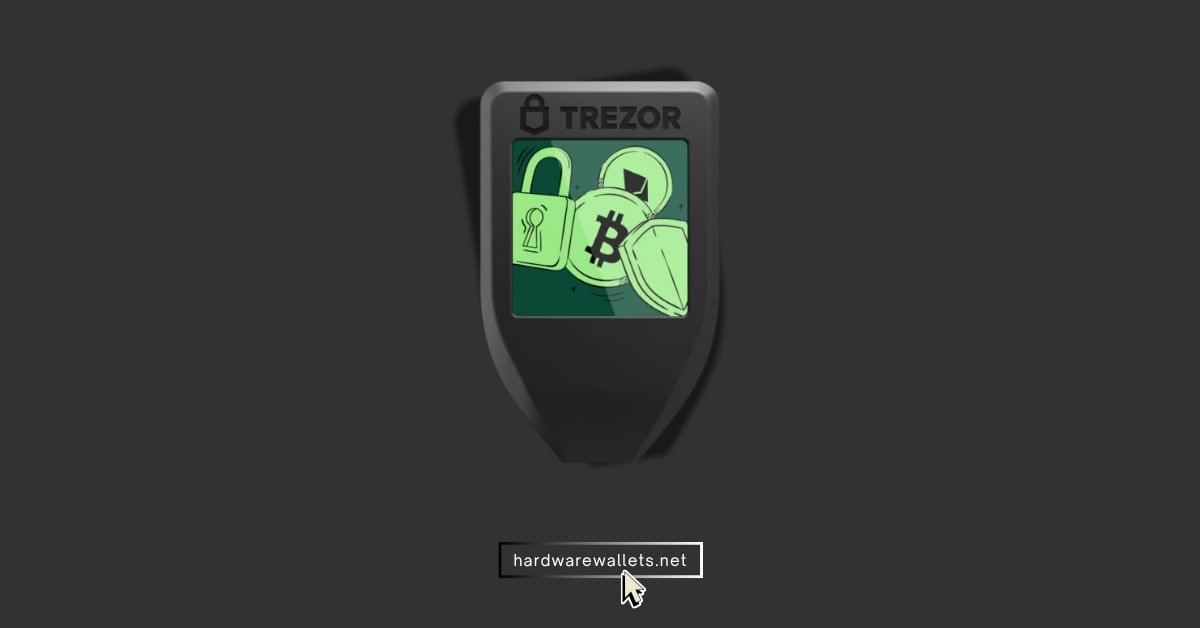
- Open-Source Security: The Trezor Safe 5 is one of the top open-source hardware wallets right now. So, both the firmware and software are open-source because anyone can review the code for bugs or backdoors. It also uses an EAL6+ certified Secure Element chip that’s NDA-free (no secret parts).
- Touchscreen & Haptic Feedback: The Safe 5 now introduces a 1.54-inch color touchscreen. You can just tap through the menus and confirm transactions on the device itself. Also, it has Trezor Touch haptic feedback.
- Strong Privacy Features: All the Trezor wallets also support the Tor browser for privacy and CoinJoin for transaction routing. It also supports U2F/FIDO2 authentication.
2. Tangem Wallet: Unique NFC-based credit card-type wallet with transparent code
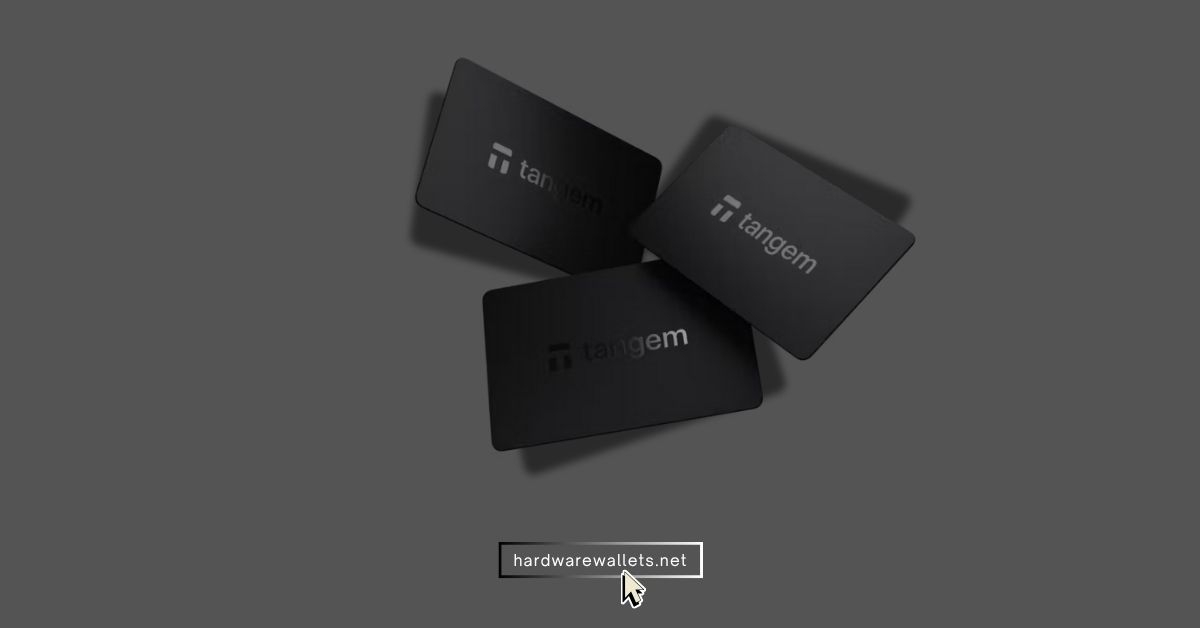
- Credit Card Form Factor: Tangem Wallet comes as a set of cards that look and feel like normal bank cards. So, there’s no screen or buttons; everything happens via NFC with your smartphone. To send a transaction, you bring the card near your phone, and the Tangem app prompts you to tap the card, yes, just like using Apple Pay or any contactless payment.
- Open-Source Mobile App: The Tangem mobile app (for iOS and Android) is where you manage everything, and actually, it’s completely open-source. But the wallet’s firmware on the physical card is closed-source for security reasons, to prevent it from being cloned, according to Tangem.
- Multi-Currency, Multi-Chain Support: The mobile app recognizes over 16,000 tokens across 85+ blockchains. Even the app also integrates things like WalletConnect, so you can interact with DeFi apps or NFTs using your Tangem as the signer.
3. Keystone 3 Pro: Open-source multi-coin cold wallet (You can also get BTC-only firmware)
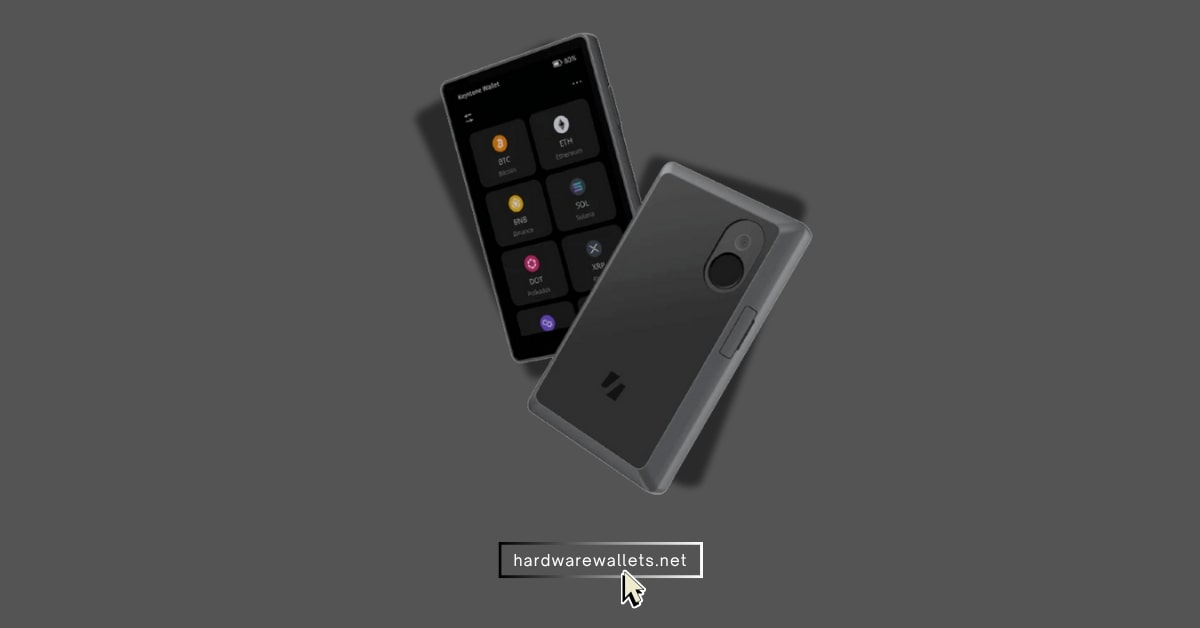
- Open-Source Firmware: Well, Keystone also made its firmware open to the public. I also noticed it regularly releases firmware updates (which you can easily load via SD card or QR). Those updates often add new coin support or features, and being open-source, the community can verify each update.
- Air-Gapped & QR-Based: Air-gapped means you don’t connect it to your PC or phone via USB for data transfer. So, transactions are actually handled by scanning QR codes back and forth between the Keystone and your smartphone.
- Three Secure Elements & Fingerprint Lock: Uniquely, the 3 Pro contains three secure element chips. The device also features a built-in fingerprint scanner.
4. Electrum: It’s the oldest open-source Bitcoin wallet (lightweight)
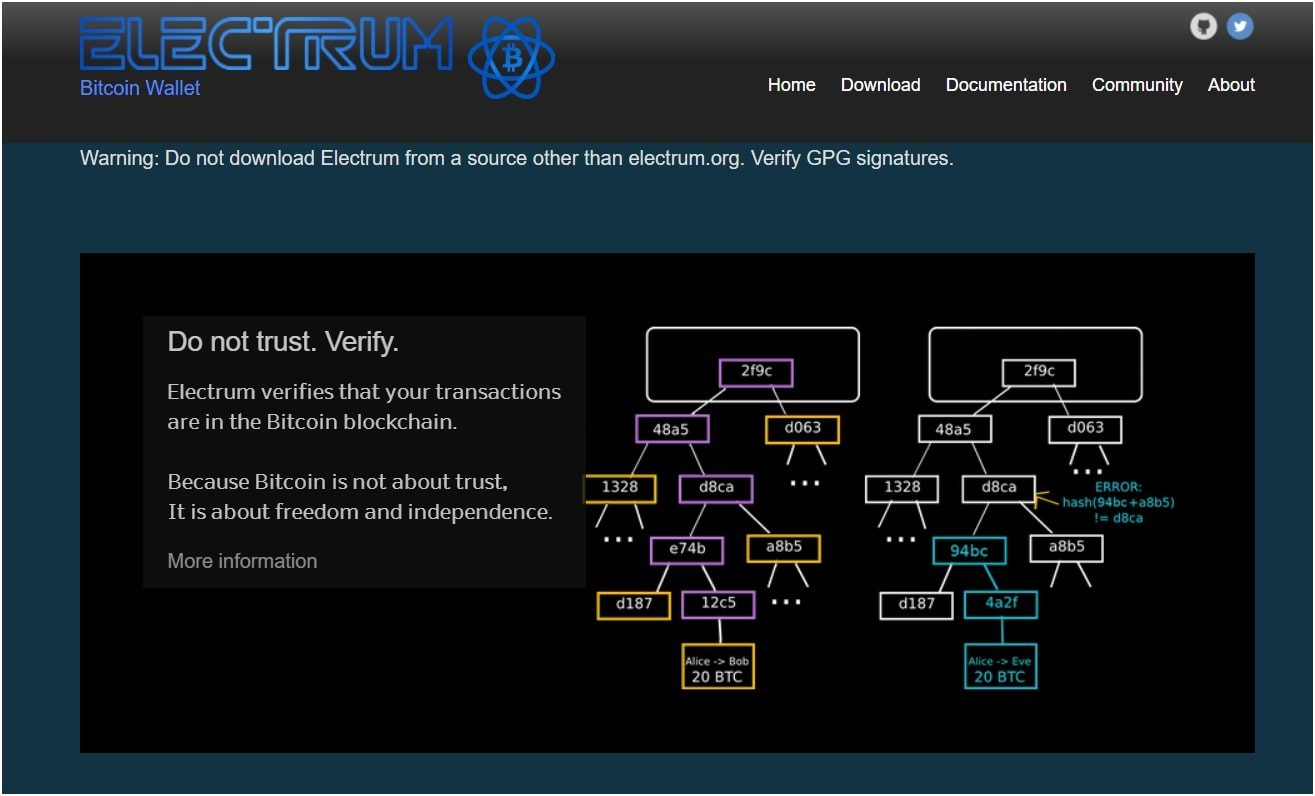
- Bitcoin-Focused and Time-Tested: The wallet has had over a decade of peer review, and actually, it’s one of the most trusted open-source Bitcoin wallets out there. Also, Electrum’s core code is open-source, and many other wallets have even forked Electrum’s codebase to build on that solid foundation.
- Advanced Features: It supports multi-signature wallets, and even it also easily works with hardware wallets like Trezor or Ledger. Plus, you can create an “offline wallet” on an old laptop disconnected from the internet to sign transactions, and an “online watch-only” instance to initiate them.
- Fee Control and Privacy Tools: You can set custom fees or use replace-by-fee (RBF) to bump a stuck transaction. Electrum allows coin control. So basically, you can select which Bitcoin UTXOs (coins) to spend. It also can be used over the Tor network if you configure it (or use the Tor-enabled Electrum servers) to obscure your IP address when broadcasting transactions.
5. Wasabi Wallet: Privacy-focused Bitcoin wallet with Tor browser support
- Built-in CoinJoin: It has a feature called “CoinJoin. So, this is where you and a bunch of other people “mix” your Bitcoins together in one big transaction. Then everyone gets their Bitcoin back, but it’s almost impossible to trace who owns which coin.
- Tor Integration: Wasabi automatically sends all its internet traffic through the Tor network, and then Tor hides your computer’s IP address.
- Fully Open-Source: Wasabi is also one of the best open-source Bitcoin wallets. Hence, privacy experts and coders can check all the code to make sure it’s actually making you private and not spying on you.
- Full Node Connection: Just like Electrum, you can (and should) connect Wasabi to your own Bitcoin node.
Let’s compare the most popular open-source wallets for cryptocurrency
Alright, that was a whole lot of information. And sometimes a simple table is the best way to see the differences. I made this table to help you compare my best open-source crypto wallets side-by-side.
| Wallet | Open-Source | Privacy Features | Supported Coins | Price |
|---|---|---|---|---|
| Trezor Safe 5 | Full (Hardware + Software) | Tor connection, coin control | 1000+ coins & tokens (BTC, ETH, LTC, ERC-20, etc. – wide multi-coin). | ~$169 (hardware device). |
| Keystone 3 Pro | Full (Hardware + Software) | Air-gapped by design | 15,000+ coins & tokens | ~$149 (hardware device). |
| Tangem Wallet | App Only (Audited Chip) | No built-in privacy enhancement | 16,000+ assets on 85+ blockchains | ~$70 for a 3-card set (hardware cards). |
| Electrum | Full (Software) | Tor, CoinJoin | Bitcoin only (BTC on-chain and Lightning Network). | Free (software download). |
| Wasabi Wallet | Full (Software) | CoinJoin mixing, Tor by default, never reuses addresses | Bitcoin only (BTC on-chain transactions). | Free (software download). |
How to choose your right open-source wallet
To pick a top-rated open-source crypto wallet, you need to consider factors such as the type of storage method (hot vs cold), supported digital assets, ease of use, pricing, and privacy features.
- Hardware vs. software: A hardware wallet (a “cold wallet”) like the Trezor or Keystone is always, always, always safer. A software wallet (“hot wallet”) like Electrum or a phone app is on a device that’s connected to the internet. So, I guess if you have an amount of crypto you would be sad to lose, you must get a hardware wallet.
- Supported coins: Well, Electrum or Wasabi are built exactly for Bitcoin only. They have powerful Bitcoin features. But if you’re like me and you like to experiment with different coins (like Ethereum, Solana, etc.), you definitely need a multi-coin wallet. The Trezor, Keystone, and Tangem wallets support thousands of different coins.
- Ease of use: Look, you have to be honest with yourself. Electrum and Wasabi are kind of difficult for beginners. You could easily make a mistake. Tangem is probably the easiest wallet on this entire list. Here, you just tap a card.
- Budget and Price: The good news with these best open-source wallets is the software-only ones are free. So, if you’re on a tight budget, you can stick with Electrum or Wasabi and still have a very secure setup (perhaps pair Electrum with a cheaper hardware wallet later on).
What is the best open-source hardware wallet for beginners?
In my opinion, the best open-source hardware wallet for a total beginner is the Trezor Safe 5. I pick this one because the company has been focused on open-source from day one, so you get that trust.
But more importantly, the new hardware is just much easier to use. The old Trezor models were a bit clunky with two small buttons. The new color touchscreen and the haptic feedback make it feel modern.
The Keystone 3 Pro is also fully open-source and great, but I think the whole QR code scanning thing can be a bit weird for a new user.
How do open-source software wallets work?
Actually, open-source cryptocurrency wallets work just like regular hot wallets, except their code is transparent and available for anyone to inspect or improve.
- Private key management: First, the wallet generates and stores your private keys locally on your device.
- Blockchain interaction: The software connects to the blockchain network to display your current balance and to broadcast signed transactions when you want to send funds.
- Transaction authorization: Now, when you authorize a transaction, the wallet gonna use your private key to sign it on your device, and the open-source code allows you to see exactly how this signing process is performed.
- Open-source code: The source code is publicly available, meaning anyone can view, audit, and contribute to it.
Can I store multiple coins in one open source wallet?
Yes, you totally can, but you must check the wallet first. As discussed above, wallets like the Trezor Safe 5 and Keystone 3 Pro are multi-coin hardware wallets.
They support thousands of different coins and tokens from all kinds of different blockchains, like Bitcoin, Ethereum, Solana, Polygon, and many more. The Tangem wallet also supports a lot of different coins. Also, some of the most secure open-source wallets are Bitcoin-only. And, my list has two of them: Electrum and Wasabi Wallet. You can also read my guide on the best Polkadot wallets.
Do I need to know coding to use one?
Absolutely not. You 100% do not need to know any coding. The “open-source” part is for the developers, the security researchers, and the community.
For you, the user, it’s just like any other app. You just need to download it (like Electrum) or then plug it in (like Trezor). You have to follow the on-screen instructions to set it up, and carefully write down your 12 or 24-word seed phrase and hide it somewhere safe. Then you just use the “Send” and “Receive” buttons.
Can I trust open-source online wallets from GitHub?
No, you cannot trust a wallet just because it is on GitHub. Remember, the “open-source” part only means you can look at the code, but It doesn’t mean anyone has looked at it. It doesn’t mean the person who wrote it is honest.
So, you should only, ever, trust open-source wallets that are well-known and have a long history. You need a wallet that has a big community, a public team, and is recommended by many trusted crypto websites and experts.
What if the developers stop updating the wallet?
Well, if the developers of your open-source crypto wallet stop updating it, you generally have a few safeguards:
- Your funds are still safe and accessible, so don’t worry about that
- Community Forking: Now, if the original team stops working, because the project is open-source, other developers in the community can generally fork it (make a copy of the code) and continue the project or make their own version. Well, we’ve seen this happen in practice. A real example: the MyEtherWallet project had a team split, and one group forked it to create MyCrypto.
Honestly, if I saw that my software wallet hadn’t been updated by the developers in six months or a year, I would immediately create a new, modern, and actively-updated wallet (like one from this list) and I would send all my crypto from the old wallet to the new one. It’s just not worth the risk.
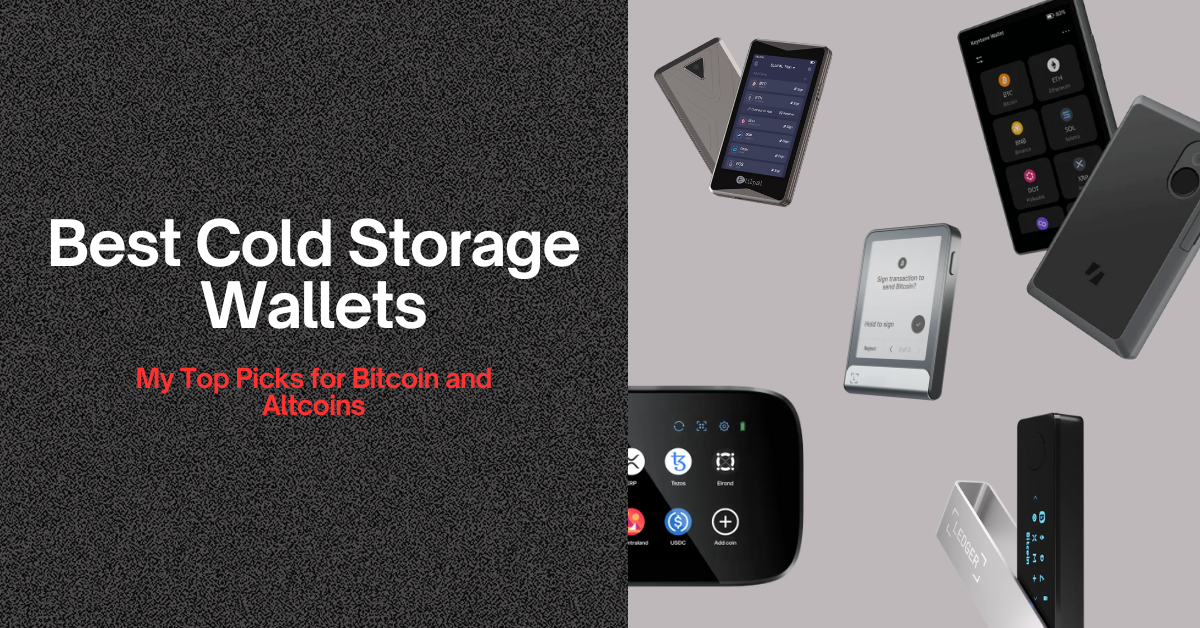
You can read my more guides on the most secure crypto wallets and the best cold storage wallets.