Hardware wallet reviews built around real use, not just specs
We helps you compare cold wallets, hardware wallets, backup tools, and self-custody options without making crypto security harder than it needs to be. I focus on security, setup, recovery, supported coins, connectivity, software experience, and the things you notice only after using a wallet for a while.
Featured Guide
Start here if your main goal is moving crypto away from an exchange or hot wallet and into offline storage.
Best Cold Storage Wallets: Top 10 Safest for Crypto Altcoins
A detailed comparison of leading cold-storage options for Bitcoin and altcoins. The guide looks at air-gapped wallets, touchscreen devices, USB wallets, security chips, backup methods, supported assets, and daily usability.
Read the Full Guide- Air-gapped vs USB and wireless wallets
- Secure element chips and wallet architecture
- Backup and recovery options
- Bitcoin and altcoin support
- Setup and everyday usability
Start With the Right Guide
Different wallets make sense for different users. These guides cover the main ways people choose a hardware wallet.
Best Crypto Hardware Wallets
Compare the main hardware wallet options for beginners, Bitcoin holders, altcoin users, and long-term storage.
Read Guide →Best Air-Gapped Wallets
See wallets that keep transaction signing offline using QR codes or other isolated methods.
Read Guide →Most Secure Bitcoin Wallets
Compare hardware focused on secure elements, open-source code, backups, privacy, and Bitcoin cold storage.
Read Guide →Best Open-Source Wallets
Explore crypto wallets that make more of their code available for public review and verification.
Read Guide →Specs matter, but they are only part of the review
I look at how the wallet protects private keys, how the setup feels, what happens during recovery, how transactions are approved, and how easy the device is to live with after the first day.
Latest Posts
Recent hardware wallet reviews, buying guides, and crypto security articles
Loading latest posts…

Alex Hayes
Crypto Security, Self-Custody & Hardware Wallet Specialist
Alex covers hardware wallets, crypto security, cold storage, and self-custody. His work focuses on how wallets behave in real use, including setup, transaction signing, backup, recovery, secure chips, air-gapped systems, wallet software, supported assets, and long-term usability.
View Alex Hayes’ ProfileNew to hardware wallets?
Start with the main hardware-wallet guide if you are still comparing devices. Go straight to the cold-storage guide if your main goal is keeping Bitcoin or altcoins offline for long-term storage.
List of Hardware Wallet Reviews
Ledger Nano S
Original Nano S model; Ledger retired it in 2022.
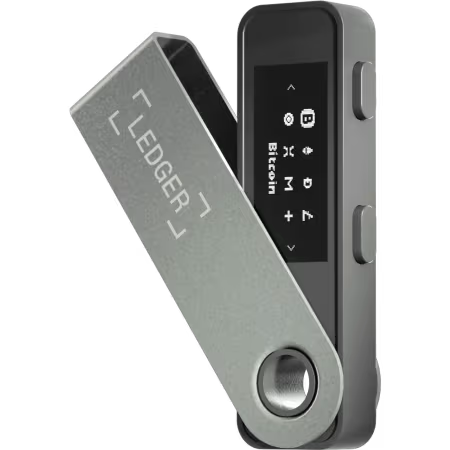
Ledger Nano S Plus
USB-C hardware wallet for desktop and Android.
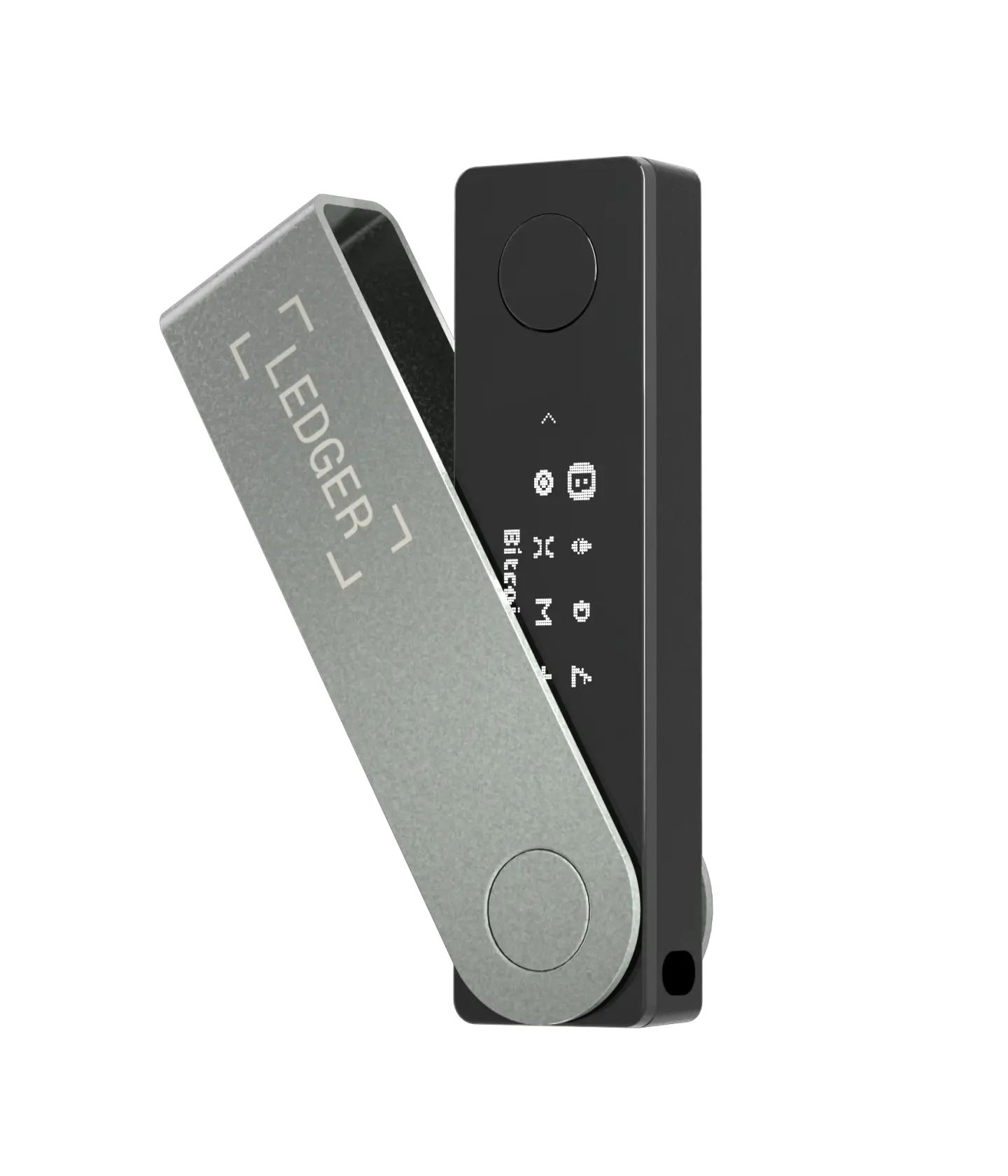
Ledger Nano X
Bluetooth wallet for iPhone, Android, and desktop.
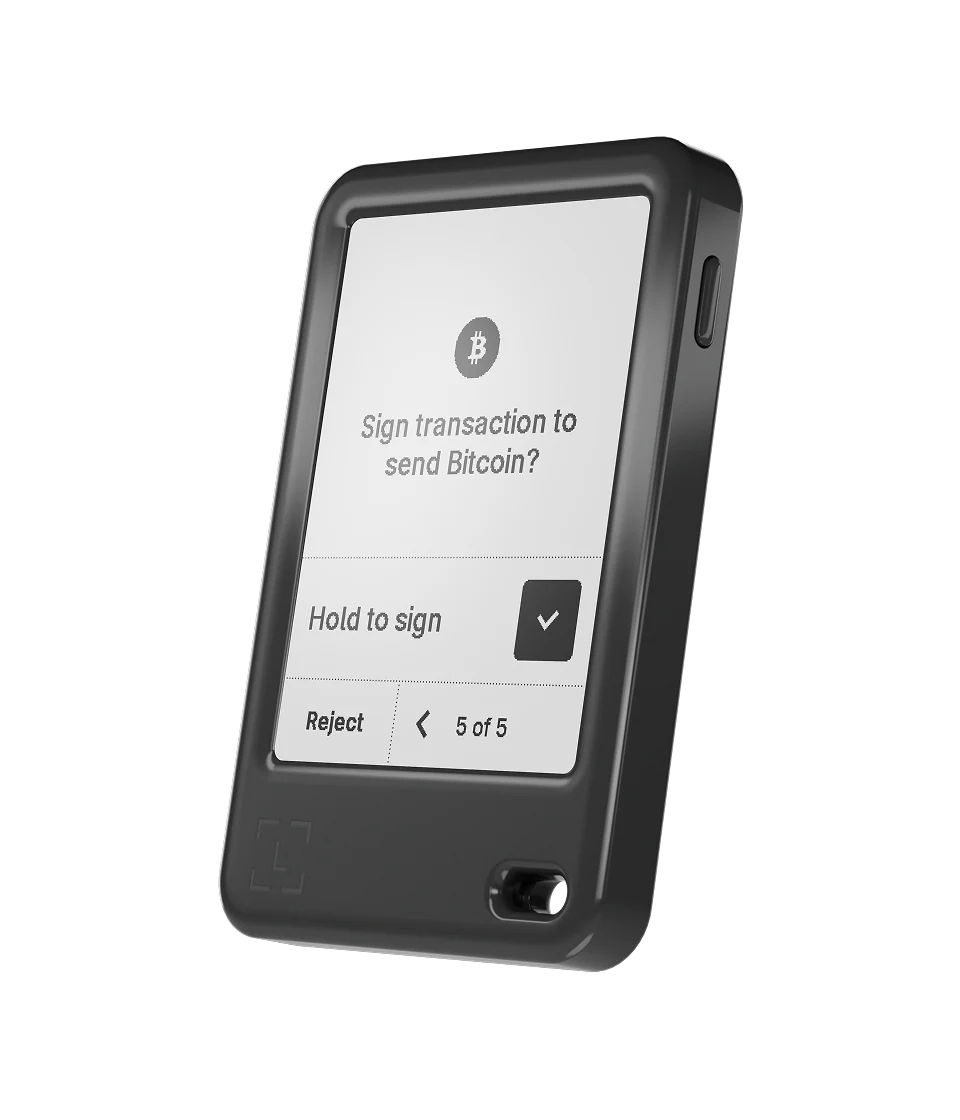
Ledger Nano Gen5
E Ink touchscreen with Bluetooth and USB-C.
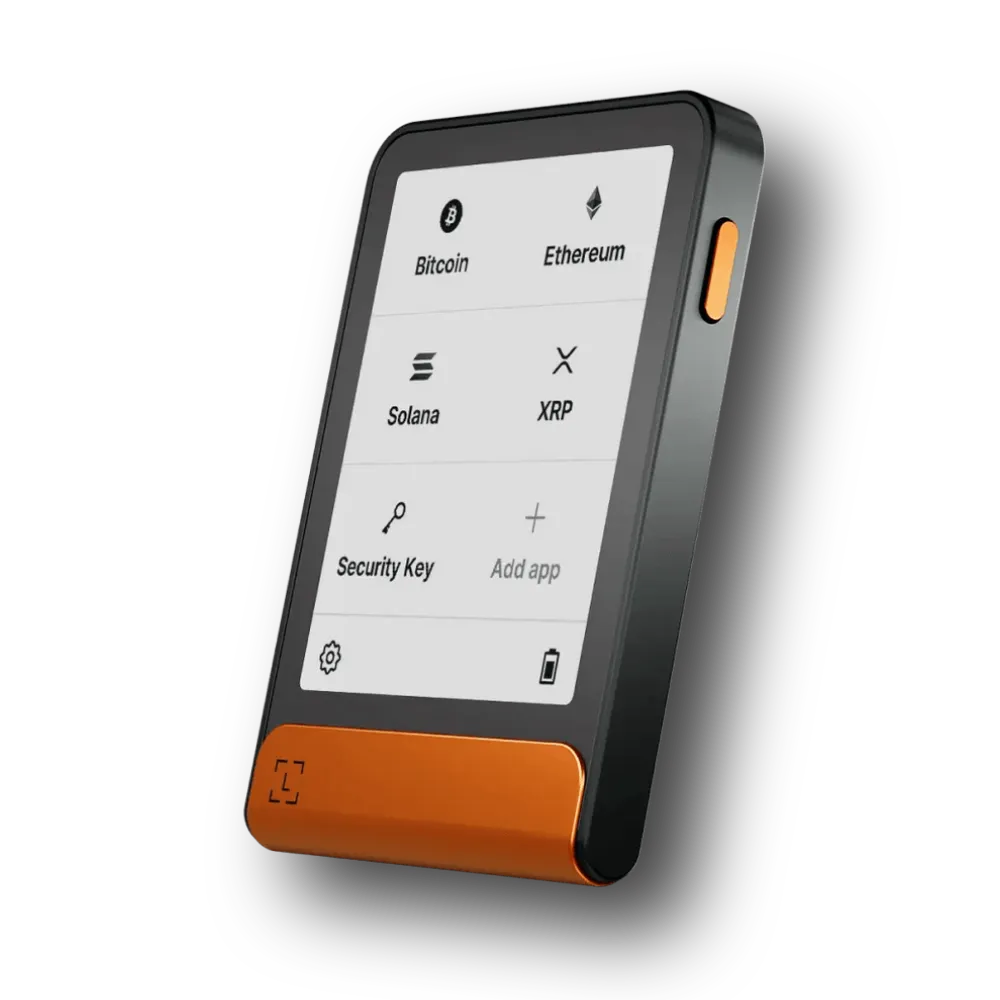
Ledger Flex
Clear E Ink screen and secure device approval.
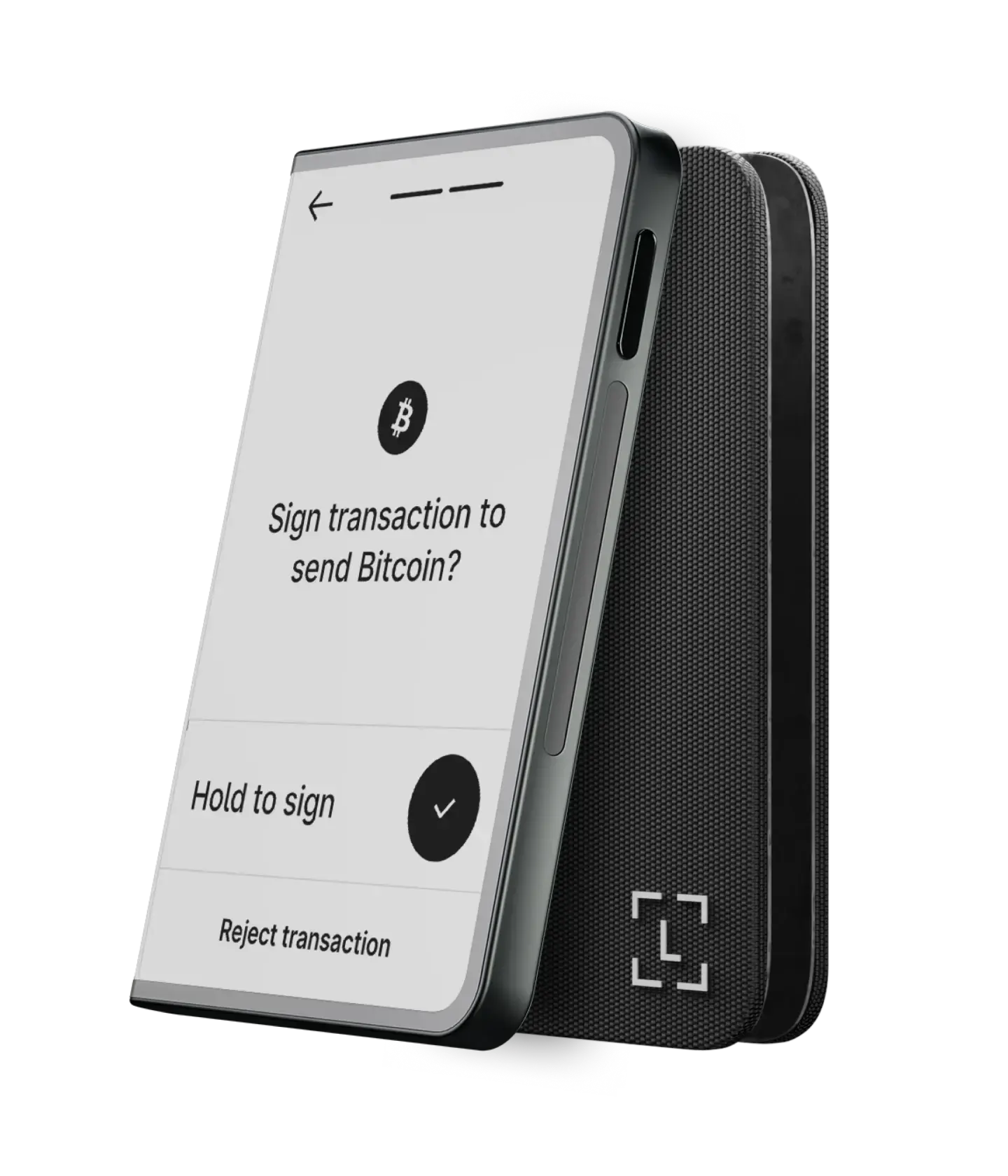
Ledger Stax
Curved E Ink touchscreen and wireless charging.
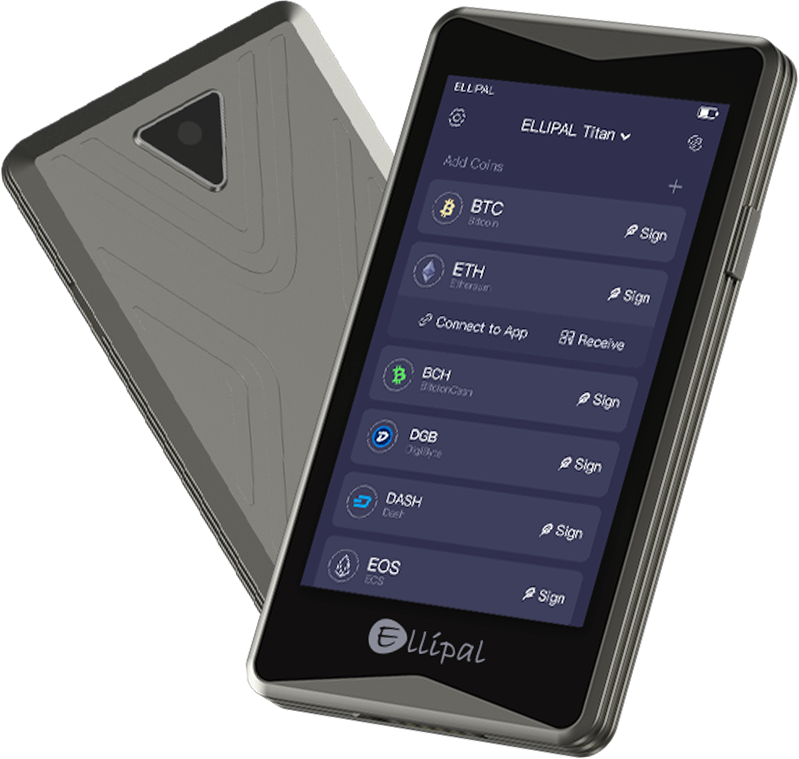
ELLIPAL Titan 2.0
4-inch touchscreen with offline QR-code signing.
ELLIPAL Titan Mini
Smaller QR-signing wallet with a metal body.

ELLIPAL X Card
Tap-to-sign NFC cold wallet for mobile users.
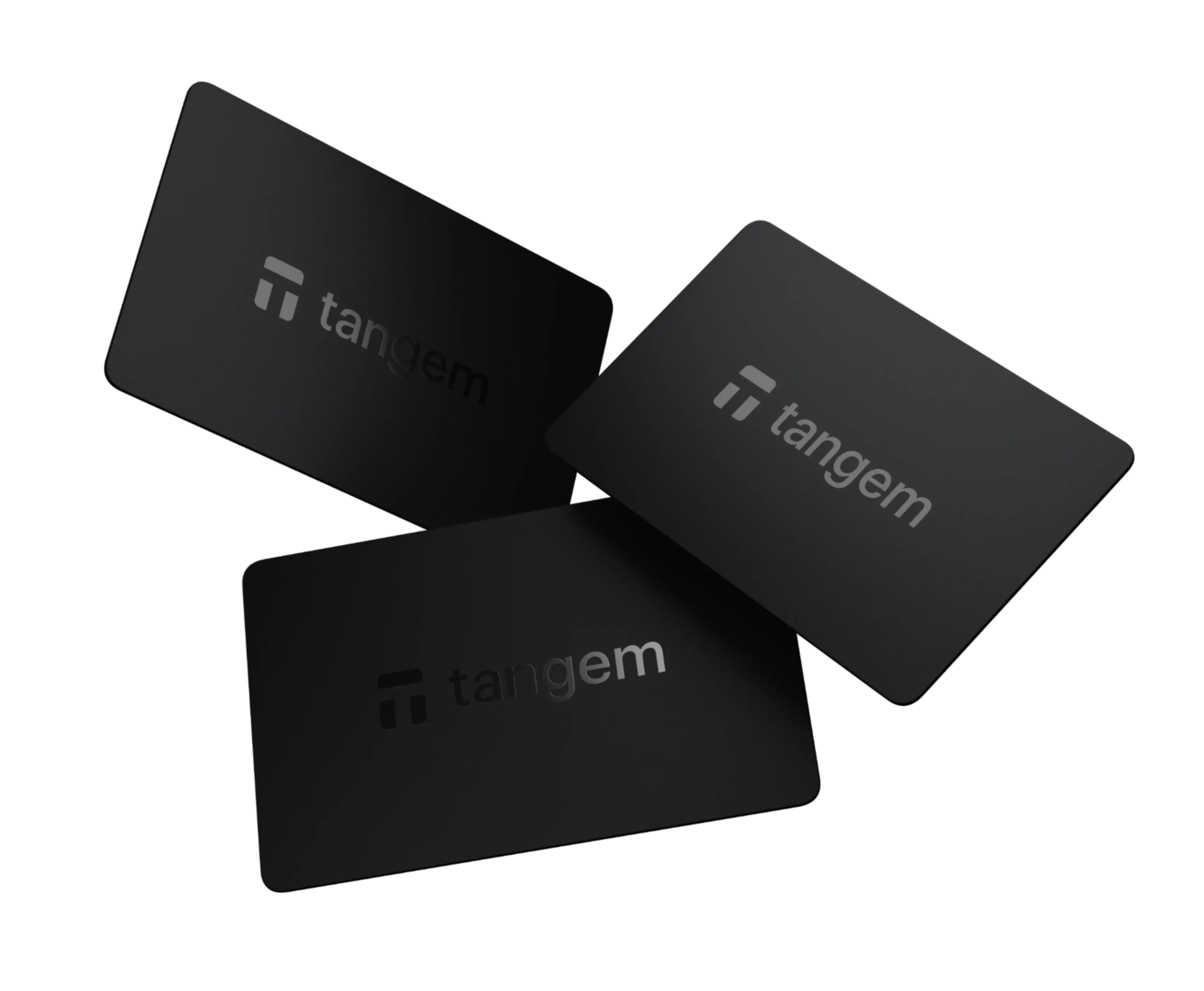
Tangem Wallet – 2 Cards
One daily-use NFC card plus one backup card.
Tangem Wallet – 3 Cards
Three-card set for simpler backup planning.
Tangem Ring + 2 Cards
NFC ring paired with two backup cards.
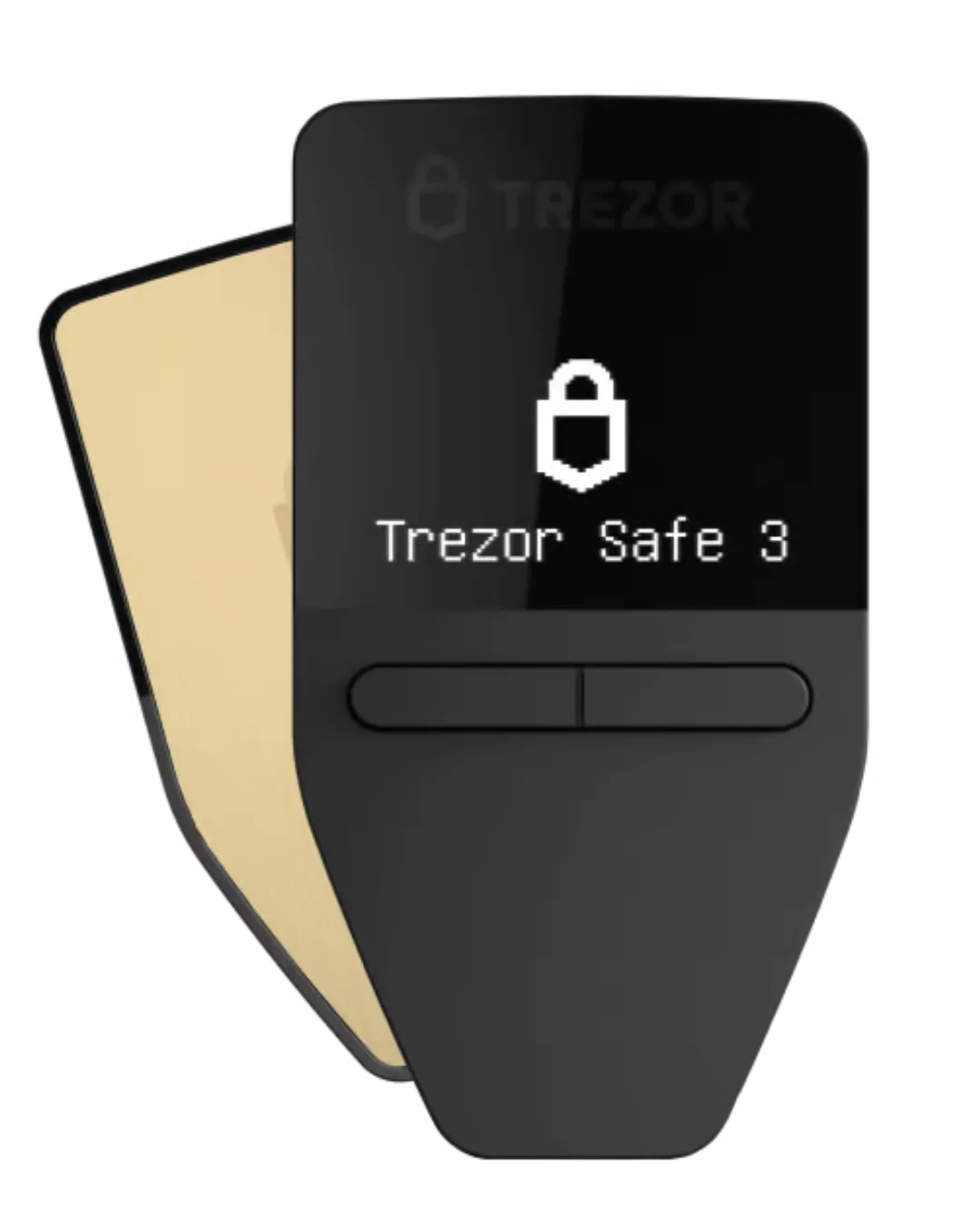
Trezor Safe 3
Two-button wallet with an EAL6+ secure chip.
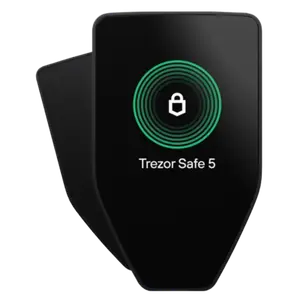
Trezor Safe 5
Color touchscreen with haptic feedback.
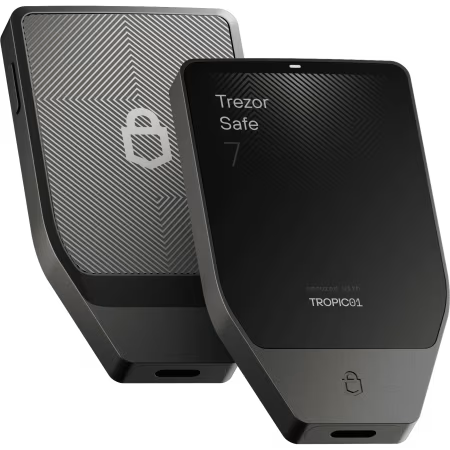
Trezor Safe 7
Large touchscreen, Bluetooth, and auditable security.
Trezor Model T
Older color touchscreen model, no longer sold by Trezor.
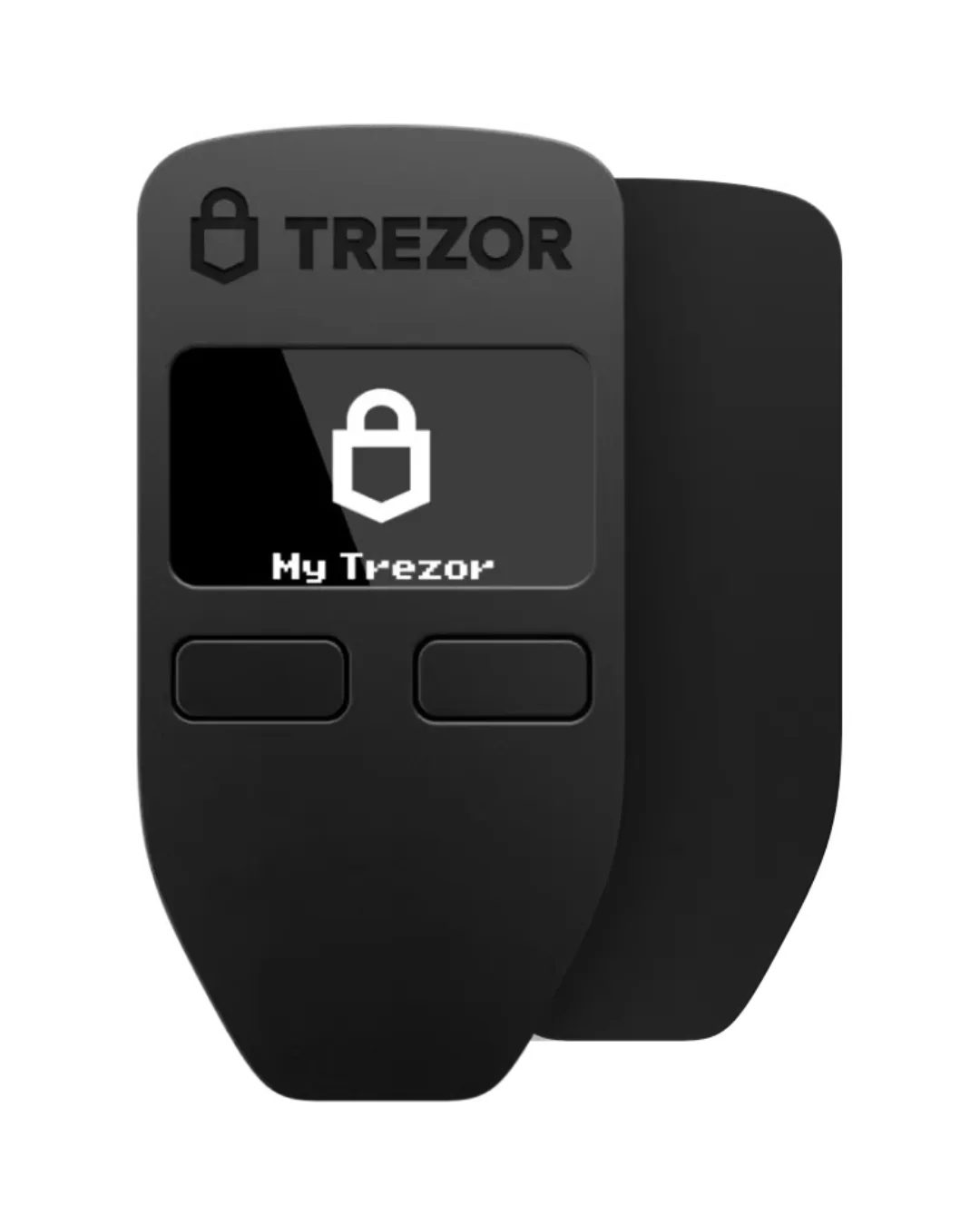
Trezor Model One
Original two-button model, no longer sold by Trezor.
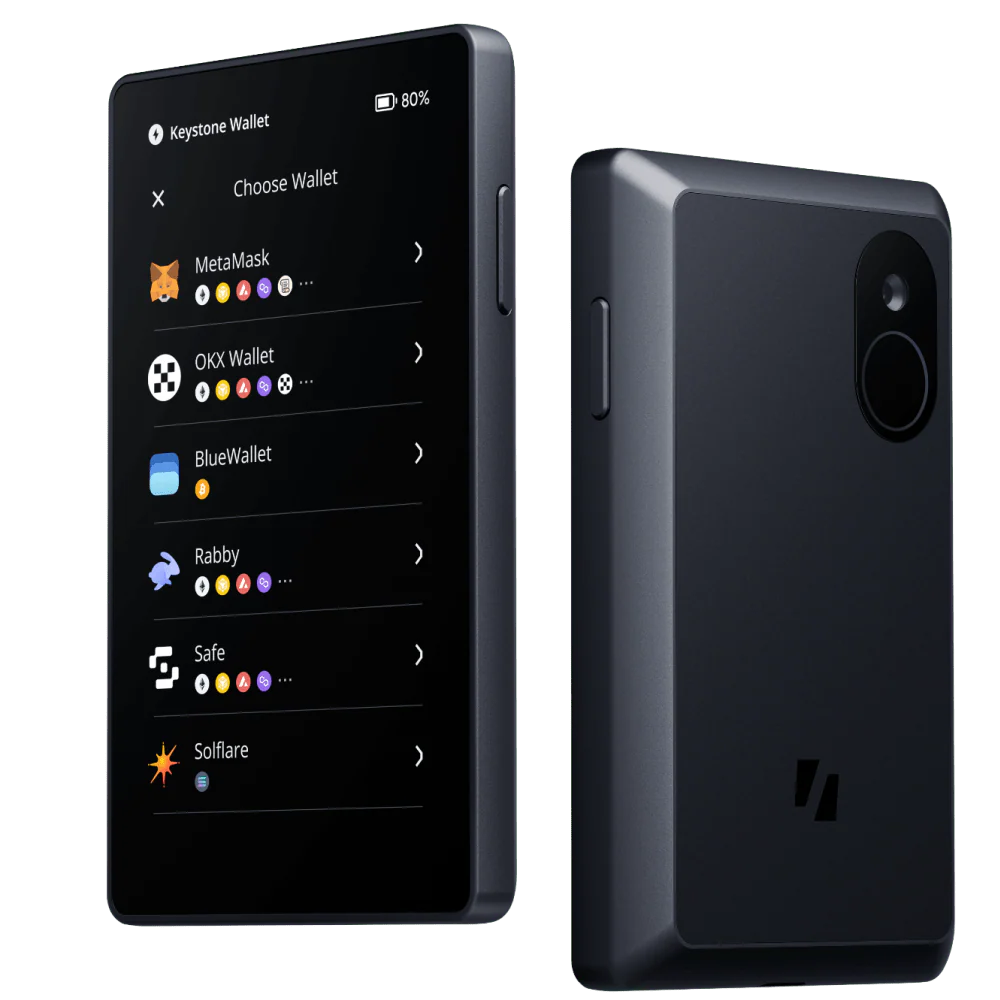
Keystone 3 Pro
4-inch screen, QR signing, and open-source firmware.
Keystone Pro
Previous-generation Keystone hardware wallet.
Keystone Essential
Earlier Keystone model; current store does not list it.
BitBox02 – Multi Edition
USB-C hardware wallet for Bitcoin and selected altcoins.
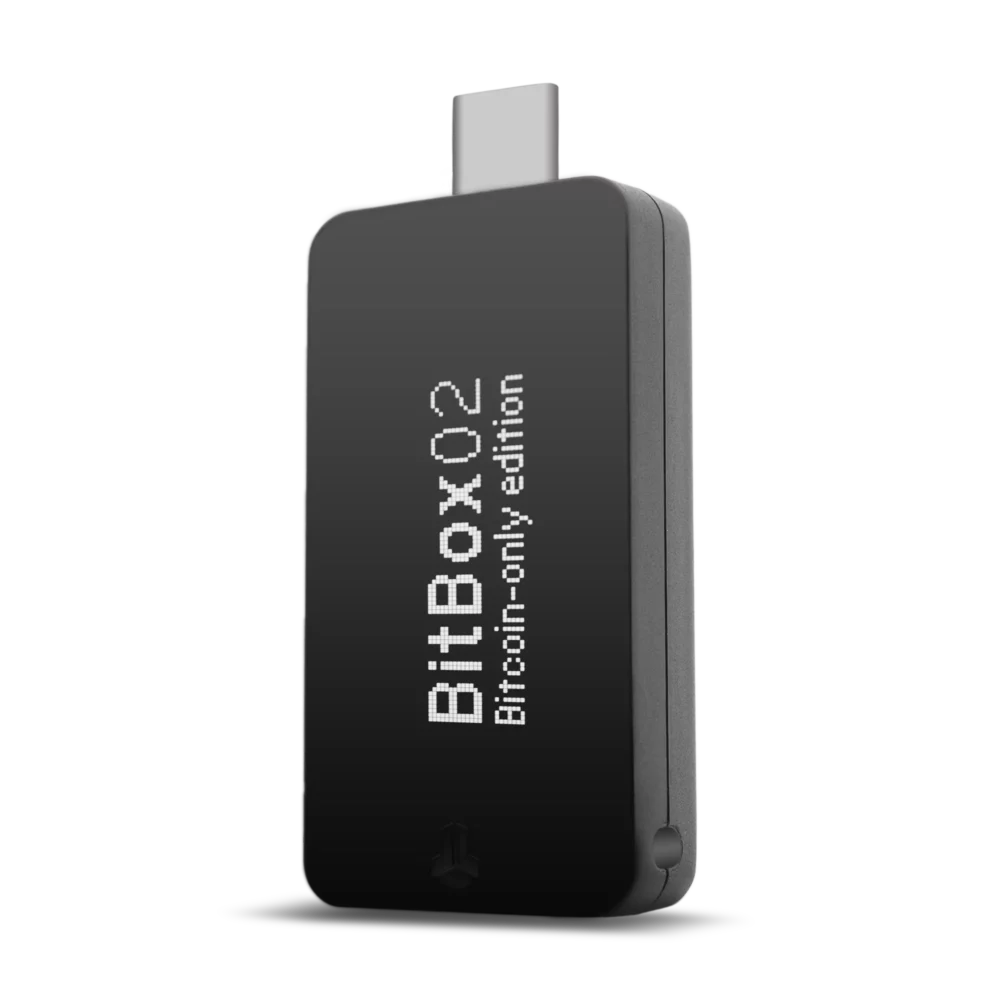
BitBox02 – Bitcoin-only
Bitcoin-only firmware with microSD backup.
BitBox02 Nova – Multi
New glass OLED screen with iOS support.
BitBox02 Nova – Bitcoin-only
Bitcoin-only Nova with USB-C and iOS Bluetooth.

SafePal S1
QR-code hardware wallet for mobile users.
SafePal X1
Open-source Bluetooth hardware wallet.
SafePal S1 Pro
Metal-body upgrade with QR signing.
Prices shown in USD are published retail or current advertised prices checked in November 2026. Discounts, availability, shipping, and taxes may change. Older models are shown for comparison and may no longer be sold.