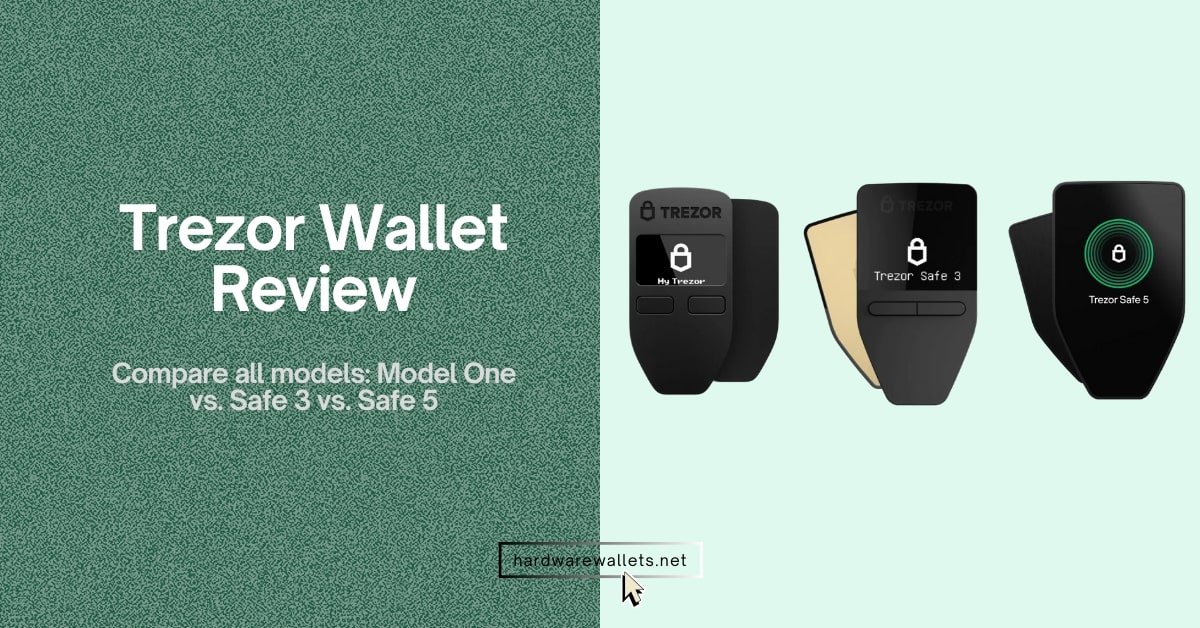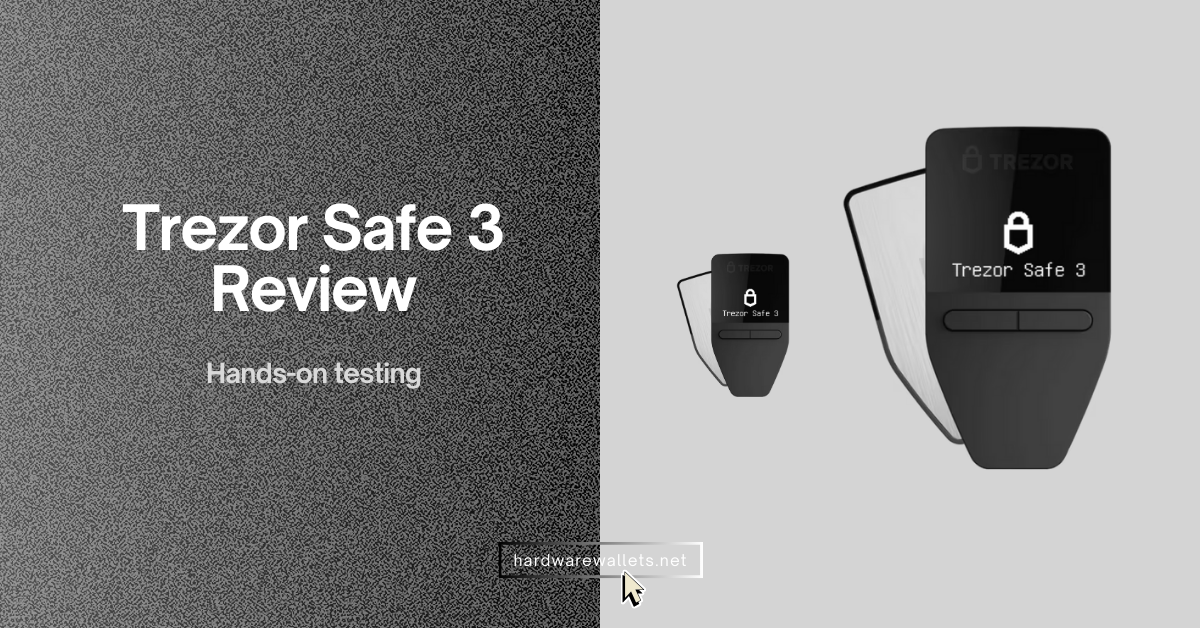

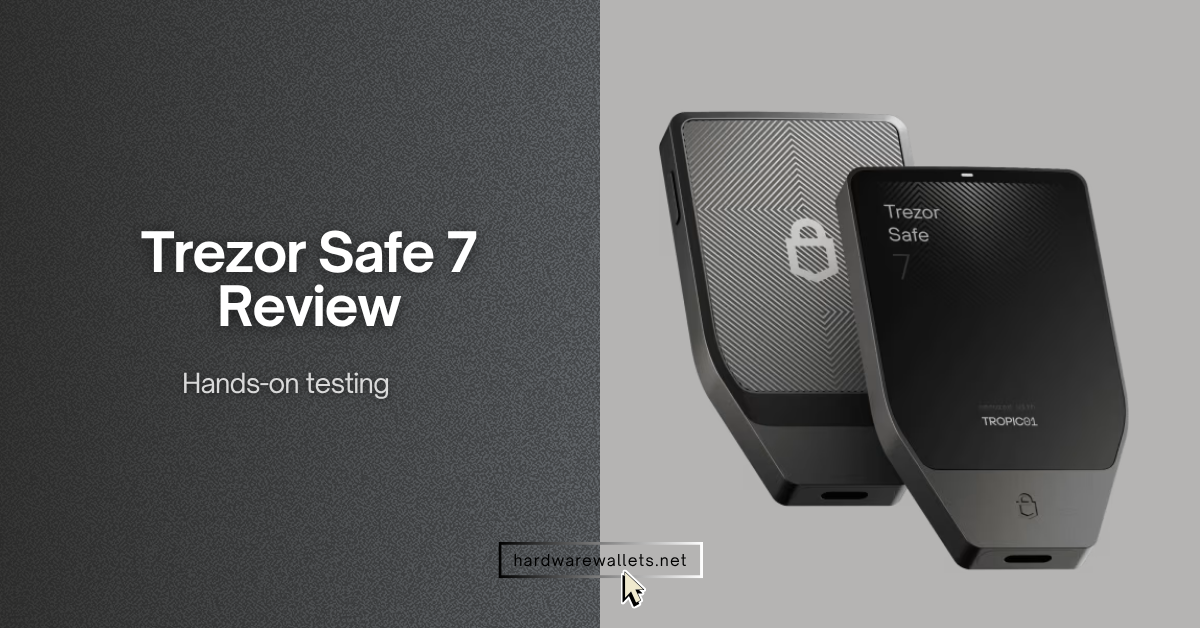
I tested the Trezor Safe 7 like a normal crypto user. Basically, I checked how it feels in hand, how smooth the touchscreen works, how easy the setup feels, how it connects with mobile and desktop, and how safe it looks for storing Bitcoin, Ethereum, USDT, Solana, and other digital assets.
Obviously, the cold wallet looks modern, but I also wanted to see if its high price, Bluetooth feature, battery, TROPIC01 chip, quantum-ready claim, and supported coin list really make sense for daily crypto HODLers.
In this Trezor Safe 7 review, I will cover its design, security, touchscreen experience, Bluetooth connection, wireless charging, supported coins, backup options, privacy tools, app experience, real drawbacks, and whether it is better than Ledger, ELLIPAL, and older Trezor models. I will also explain who should buy this cold wallet, who should avoid it, and whether it is really a good hardware wallet for beginners.
Trezor Safe 7 Review and How it Works?
The Trezor Safe 7 wallet gives you a large touchscreen, encrypted Bluetooth, Qi2 wireless charging, open-source security, dual Secure Elements, and a strong metal body, but it also costs more than most Trezor models and still misses native Solana and TRON (or USDT TRC-20) support.
Overall Rating
Best for serious holders who want a premium Trezor with wireless use, stronger screen comfort, and open-source security.
Trezor Safe 7 Ratings
Trezor Safe 7 Quick Overview
Trezor Safe 7 Key Specifications
| Product Type | Premium crypto hardware wallet with universal crypto version and Bitcoin-only version. |
|---|---|
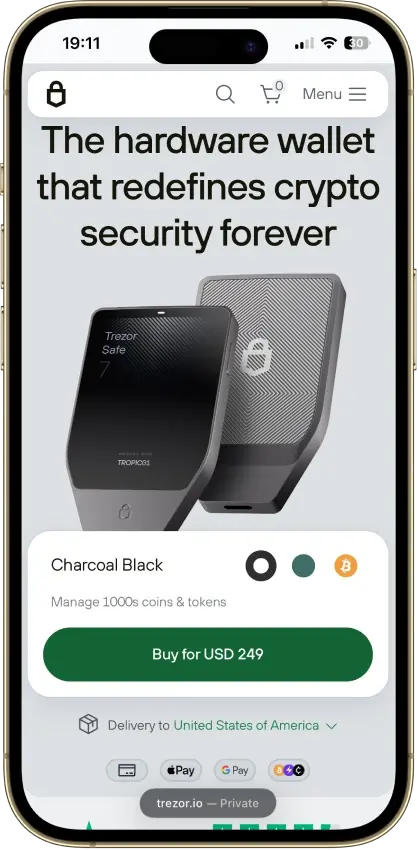
| Price | $249 / €249 launch price. |
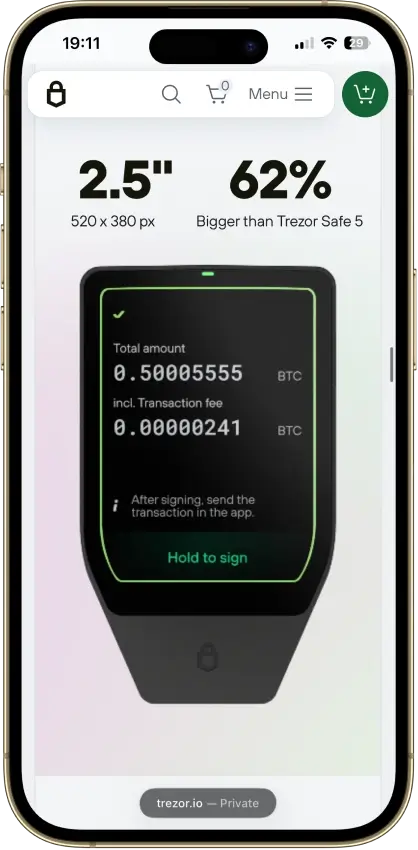
| Display | 2.5-inch high-resolution color touchscreen with 520 × 380 pixels, 700 nits brightness, haptic feedback, and 62% bigger screen than Trezor Safe 5. |
| Security Chips | TROPIC01 auditable Secure Element, NDA-free EAL6+ Optiga Secure Element, and STM32U5 microcontroller. |
| CPU | STM32U5G ARM Cortex-M33 processor running at 160MHz. |
| Connectivity | Bluetooth 5.0+ and USB-C, with open-source Trezor Host Protocol encryption for Bluetooth and USB-C communication. |
| Battery | LiFePO₄ battery, 3.2V, 330mAh, with built-in overheating protection and up to 4× more charge cycles than standard lithium batteries. |
| Charging | Qi2-compatible wireless charging and USB-C wired charging. |
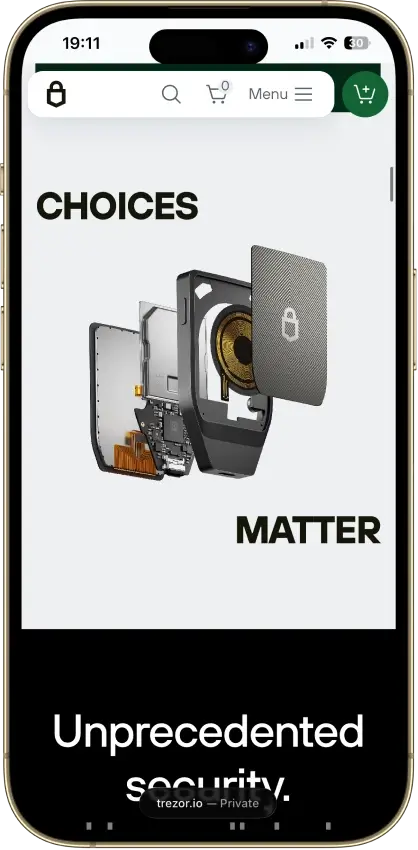
| Body | Machine-anodized aluminum unibody with Gorilla Glass 3 display and reinforced glass backplate. |
| Size and Weight | 75.4 × 44.5 × 8.3 mm and 45g. |
| Protection Rating | IP54-rated protection against dust and water splashes. |
| Backup Options | 12-word, 20-word, and 24-word wallet backup with Advanced Multi-share Backup. |
| Privacy Tools | Coin control and Tor support inside Trezor Suite. |
| Supported Assets | 1000s of coins and tokens, including Bitcoin, Ethereum, Solana, Arbitrum, USDC, and many more supported assets. |
| Web3 Support | 70,000+ supported dApps through WalletConnect and 30+ supported third-party wallet apps. |
| Authentication | FIDO2 security key support for safer account login and stronger online authentication. |
| What Is Missing | No native Solana and TRON support, so USDT TRC-20 is still a major drawback for many stablecoin users. |
Who Should Buy Trezor Safe 7?
You get strong offline key storage, physical confirmation, and better transaction review on a bigger screen.
You can use Bluetooth, battery power, and wireless charging instead of staying tied to a desktop setup.
You get open-source firmware, Tor, coin control, and a more transparent security chip approach.
You can buy cheaper hardware wallets if you only need basic cold storage for Bitcoin or Ethereum.
You should skip it if your main stablecoin activity depends on native USDT on the TRON network.
The wallet uses Bluetooth and USB-C, so QR-only wallet users may prefer another model.
Final Verdict
Trezor Safe 7 is one of the best premium Trezor wallets if you want open-source security, a better screen, wireless use, and strong build quality. I like it for serious holders, but I would not push it to every beginner because the price is high and the missing TRON network support is a real drawback.
Trezor Safe 7 Screenshots
What I Like About the Safe 7 Model
The large touchscreen is super smooth and nice to use
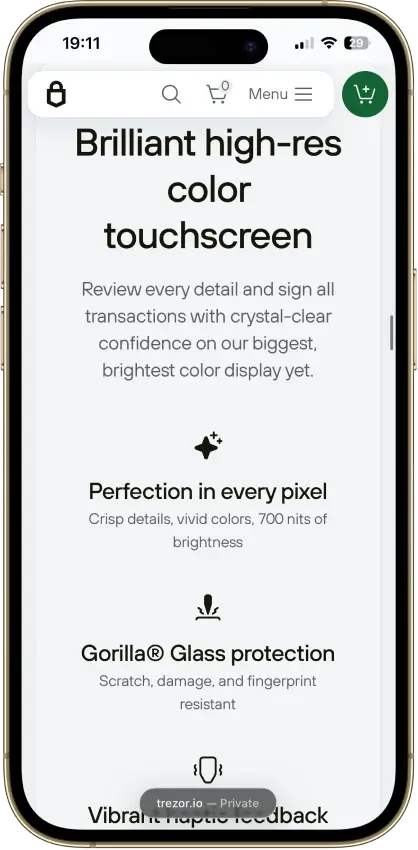
You actually get a massive 2.5-inch color display here. It has a high resolution of 520 x 380 pixels and hits 700 nits of brightness. This means it is very sharp and easy to see even under bright sunlight. The screen uses Gorilla Glass 3, so you do not have to worry about scratches.
Well, the best part is the precise haptic feedback. So, when you tap a number to enter your PIN (which can be up to 50 digits long), the device vibrates slightly. It makes navigation feel very responsive, and you will not misclick your keys.
I can finally use my iPhone with Bluetooth
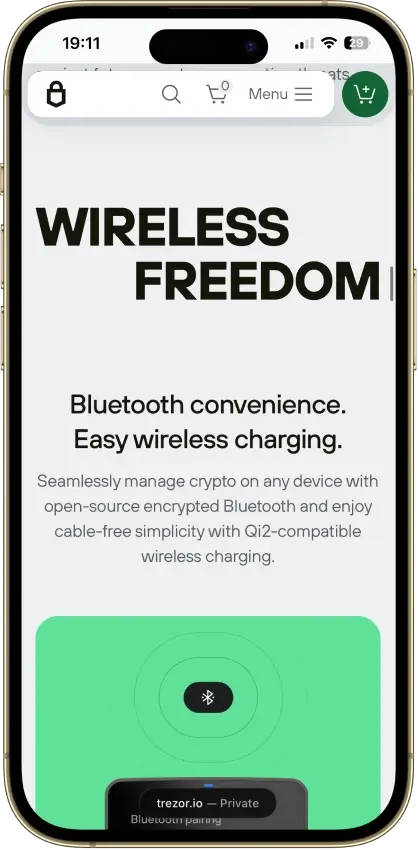
You know, if you use an iOS device, older Trezor wallets were a nightmare because they needed cables. The Safe 7 comes with Bluetooth 5.0+ connectivity. It uses the Trezor Host Protocol (THP) to encrypt every single command sent through the air.
You get full iOS compatibility in the Trezor Suite app. Basically, this means you can manage, send, receive, and trade your crypto right from your iPhone without carrying a laptop or a USB cable around.
Read more: Best cold wallet for crypto
It has true open-source security
Okay, the strongest reason I like Trezor is still its open-source approach. It uses public and reviewable code, so security researchers can inspect, audit, and verify how the wallet works.
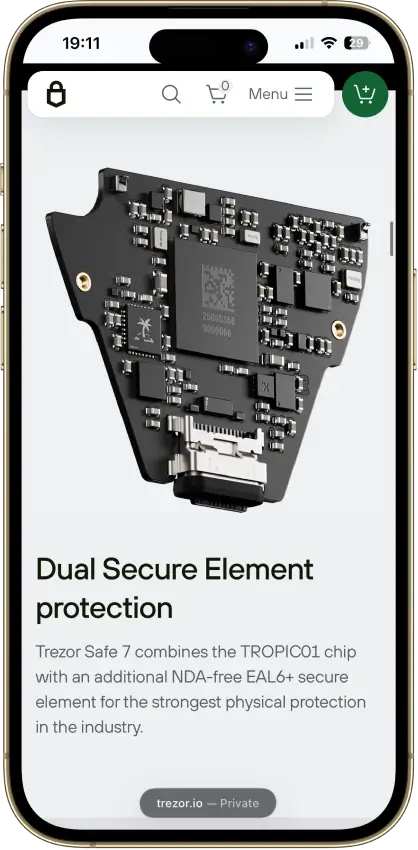
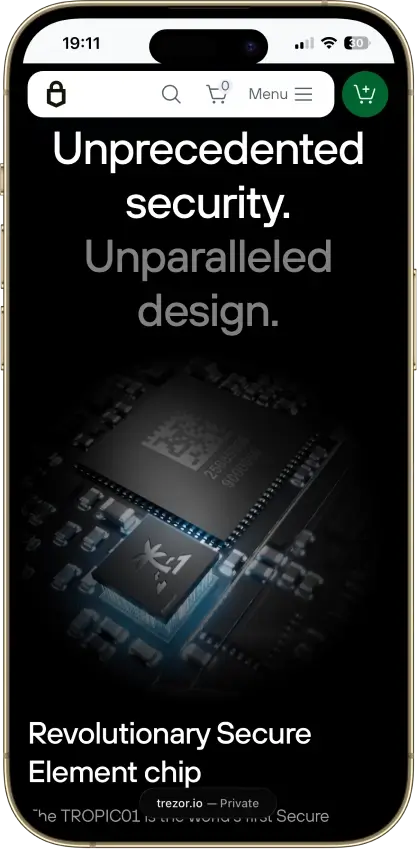
Safe 7 also brings a stronger hardware security setup. It uses three independent chips from three different vendors. The setup includes TROPIC01, an OPTIGA Trust M EAL6+ secure element, and an STM32U5 ARM Cortex M33 processor running at 160 MHz.
To be exact, the main point is simple: the wallet does not depend on one single chip for its full security…
Trezor also says TROPIC01 and OPTIGA Trust M both help verify PIN logic and protect secrets. So, if one secure element fails, the second one still helps block unauthorized access.
Even both secure elements include tamper sensors for voltage, temperature, and laser attacks. Yeah, it gives Safe 7 a much stronger physical security story than older Trezor models like Model One and Model T.
The new battery lasts and charges wirelessly
The Safe 7 is actually the first battery-powered Trezor wallet, and I like the way Trezor handled it. It uses a 3.2V, 330 mAh LiFePO₄ battery with built-in overheating protection. Well, this chemistry is safer and lasts longer than common lithium-ion batteries.
A full charge lasts about one day of normal use and holds power well in standby. The battery can last many years and more than 1,000 charge cycles. Plus, LiFePO₄ gives up to 4x more charging cycles than standard lithium batteries. That is useful if you plan to keep the wallet for many years.
The wireless charging is also practical. Safe 7 supports Qi2-compatible wireless charging, so you can place it on a compatible magnetic pad instead of always searching for a cable.
But the best part is that the wallet still works through USB-C if the battery dies. So even if the built-in battery becomes weak after years, your wallet does not become useless.
Multi-share backup gives better recovery planning
The Multi-share Backup is mainly best for long-term holders. Well, by default, Safe 7 uses a 20-word Single-share Backup based on the SLIP39 standard. But yes, it also supports 12-word and 24-word legacy BIP39 backups.
I like Multi-share Backup because it gives you more control over recovery planning. Instead of keeping one recovery phrase in one place, you can split the backup into multiple shares, and this helps if you want to keep one share at home, one in a bank locker, and one with a trusted person or secure location.
But also, this feature is not needed for every beginner. The rule is, if you only hold a small amount, a normal backup may be enough. But if you hold serious funds for many years, Multi-share Backup gives you a better safety plan. You are not depending on one paper backup that can be lost, burned, stolen, or damaged.
Privacy features are top-notch
Well, Trezor Suite supports the Tor browser (yes, that dark web thing most people talk about). You can hide your online activity and reduce tracking when using the app. It also supports coin control, so you can choose which Bitcoin UTXOs you spend instead of mixing everything together.
This matters more than most beginners think. If you use Bitcoin often, bad coin management can expose more of your wallet history than you expect. Coin control helps you avoid linking different transactions together. It gives you better control over what you reveal on-chain.
You also get passphrase protection, PIN protection up to 50 digits, and FIDO2 support for secure authentication. For me, this makes Safe 7 more than a simple storage device. It gives you proper security and privacy tools if you are willing to learn how to use them.
What I Really Don’t Like
Quantum-ready is a marketing gimmick (blockchains themselves are not fully quantum-resistant yet)
The quantum-ready claim sounds powerful, but I would not treat it as the main reason to buy Safe 7 today. Trezor says Safe 7 uses post-quantum cryptography for the boot process, firmware updates, and device authentication. It uses SLH-DSA-128 for firmware signature checks and ML-DSA-44 for device attestation.
Well, that is useful for the device itself, but it does not make Bitcoin, Ethereum, Solana, or other blockchains fully quantum-resistant today. Right now, blockchains also need to upgrade before crypto funds become fully protected from quantum threats.
So, I see this as future-ready device security, not full quantum-safe crypto storage. It is good that Trezor is preparing early, but normal users should not think, “My Bitcoin is now fully quantum-proof.” That would be wrong. The hardware wallet can prepare for future upgrades, but the blockchain networks also need to move.
It costs a lot of money
The official price tag is USD 249. If you buy extra accessories like the official Privacy Screen Protector for USD 20, the Protective Case for USD 39, or the Qi2 Magnetic Wireless Charger for USD 29, the cost goes up fast.
So, if you are just holding a small amount of crypto or doing basic long-term investing, spending nearly $250 on just the wallet is a tough pill to swallow. You might be better off using the cheaper Safe 3 or Safe 5 models.
Buying crypto inside the app can be glitchy
The buy feature inside Trezor Suite is useful, but I do not see it as the best way for every user to buy crypto. Trezor Suite lets you buy crypto with fiat and send it directly to your Trezor wallet. It supports payment methods like card, bank transfer, Apple Pay, Google Pay, Revolut Pay, PayPal, and SEPA, depending on your region and platform.
The problem is that Trezor does not process the purchase itself. It sends you to third-party providers. The provider handles payment, identity verification, and order processing. Most transactions arrive within 30 minutes, but some can take a few hours depending on the network and provider.
Actually, this is where the experience can feel glitchy. You may see different rates, KYC warnings, payment failures, card issues, provider redirects, or delayed transactions.
Does not support USDT or TRC-20 network (big drawback)
I would say, this is quite a massive drawback if you trade stablecoins. The Safe 7 supports Tether (USDT) on 11 different networks like Ethereum (ERC-20), BNB Smart Chain, and Polygon.
However, it completely lacks native support for the TRON network (TRC-20). You see, TRC-20 is the most popular and cheapest network people use globally to send USDT. How can the biggest crypto hardware wallet company not support it??
Supported Coins (mainly new blockchains) are still limited compared to Ledger or ELLIPAL
Trezor supports 8,000+ coins and tokens, but it still does not feel as wide as Ledger or ELLIPAL for some users. Trezor Suite supports major assets like Bitcoin, Ethereum, Solana, USDT, USDC, BNB, XRP, Dogecoin, Cardano, Litecoin, Avalanche, and many more.
Truth: Most of these supported coins need third-party wallets for full compatibility…
Let’s say, if you hold privacy coins like Monero (XMR), you cannot manage them directly in the Trezor Suite app; you are forced to set up a third-party wallet. Generally, competitors like Ledger or ELLIPAL support way more native layer-1 chains directly out of the box without making you jump through hoops.
FAQs
Is Trezor Safe 7 good for beginners?
No, it is probably overkill for most beginners.
You see, while the interface is very user-friendly and the screen makes navigation easy, the $249 price tag is hard to justify if you are just starting out. You are paying for premium features like multi-share backup, advanced Bluetooth, and a high-end metal build that you likely do not need yet.
So, if you are brand new to crypto and just want to “set it and forget it,” the Trezor Safe 3 crypto wallet is a much better deal. It offers the same core security for less than half the price.
So, I would say, only buy the Safe 7 if you have a larger portfolio and want the convenience of wireless connectivity and a bigger screen. And, also if you are an iPhone user.
Is Trezor Safe 7 quantum safe?
Yes, Safe 7 is quantum safe, but only in a limited way.
Trezor uses post-quantum cryptographic algorithms (like Dilithium) to verify the digital signatures of firmware updates. This prevents a future supercomputer from “tricking” your wallet into installing fake, malicious software.
However, this does not make your actual crypto holdings quantum-proof. Actually, your Bitcoin and Ethereum addresses still use older math (ECDSA) that is technically vulnerable to future quantum attacks.
So, the wallet may protect your device, but the entire blockchain network still needs a massive upgrade before your coins are truly “quantum-safe” from hackers.
What Is The Tropic01?
Tropic01 is Trezor’s own custom-made security chip.
You see, most other cold wallets use “Secure Elements” from third-party companies, which are often “closed-source.” Well, this means nobody, not even the wallet manufacturer, can see exactly how those chips work inside.
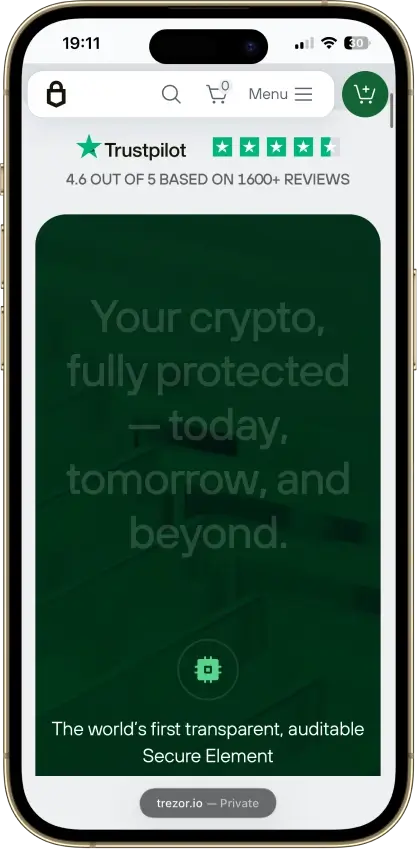
Trezor didn’t like that, so they built the TROPIC01. It is an open-source, EAL6+ certified chip designed specifically to protect your private keys.
Now, because it is open-source, the global developer community can inspect the code at any time to make sure there are no hidden “backdoors” or secret spying tools built into the hardware.
Is the Safe 7 Bluetooth secure?
Yes, it is designed to be very secure.
Trezor knows that Bluetooth is usually a weak spot for hackers, so they went the extra mile. The Safe 7 uses the Trezor Host Protocol (THP).
Basically, instead of sending raw data over a standard, easily hacked Bluetooth connection, the wallet wraps everything in end-to-end encryption. Your private keys never leave the secure hardware chip; the Bluetooth connection is only used to send signed transaction data to your phone.
Hence, even if someone intercepts the signal in the air, they cannot read your data or steal your private keys.
Read more: