
You and I both know that finding the safest place to store your Bitcoin is maybe the most important job you have as a crypto owner. It really doesn’t matter how much money you make from buying BTC if you eventually lose it all to a hack or a scam. Hence, this is why choosing the most secure Bitcoin wallets is important.
In this guide, I will review the top 10 best Bitcoin wallets you can use right now to store your BTC. I will cover both hardware wallets (for long-term storage) and software wallets (for daily transactions).
Quick Summary: The safest Bitcoin wallets are Ledger Flex, ELLIPAL Titan 2.0, Trezor Safe 5, Tangem, Electrum, Sparrow, and Phantom.
My List of 10 Best Bitcoin Wallets: Top-Rated Ways to Store BTC
- Ledger Flex: Best for offline Bitcoin storage (hardware)
- ELLIPAL Titan 2.0: Best wallet for Bitcoin cold storage
- Trezor Safe 5: Safest Bitcoin wallet
- Ledger Nano Gen5: Most user-friendly Bitcoin wallet
- Tangem: Easy-to-use Bitcoin wallet for beginners
- Electrum: Oldest BTC wallet for desktop
- Phantom: Best wallet for multi-chain support
- Trust: Best Bitcoin mobile wallet
- Base: Best hot wallet for Coinbase Bitcoin users
- Sparrow: Best for Bitcoin privacy and anonymity
Note: If you need only a cold storage Bitcoin solution, then you can check out my dedicated guide on the most secure hardware wallet for Bitcoin.
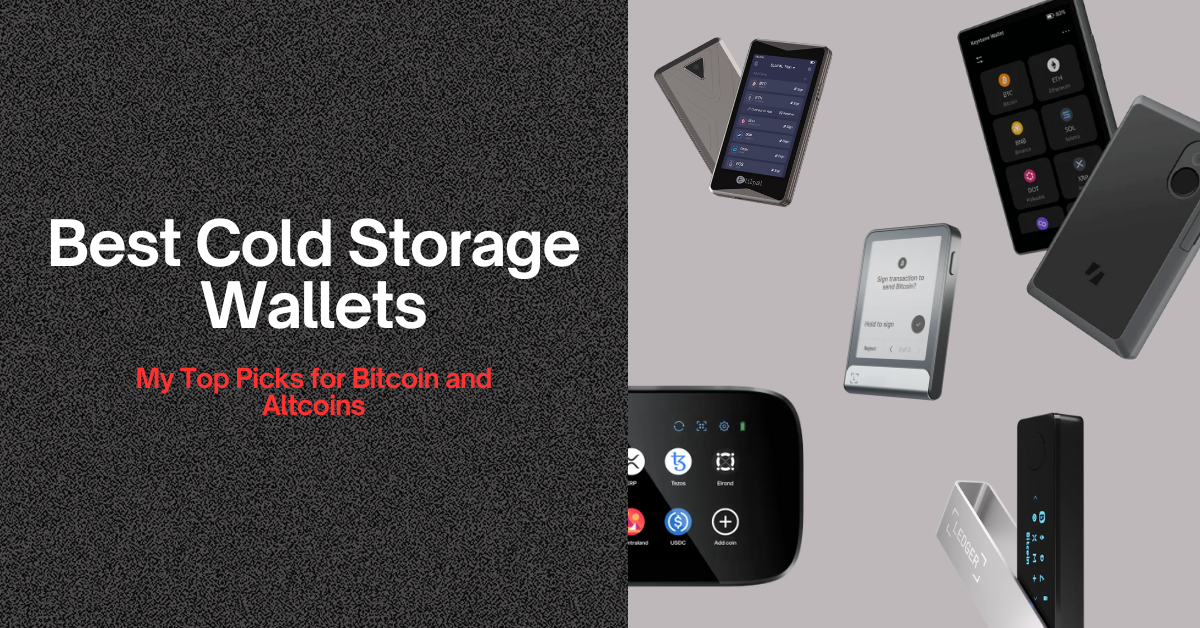
Most Secure Bitcoin Wallets for Long-Term BTC Storage
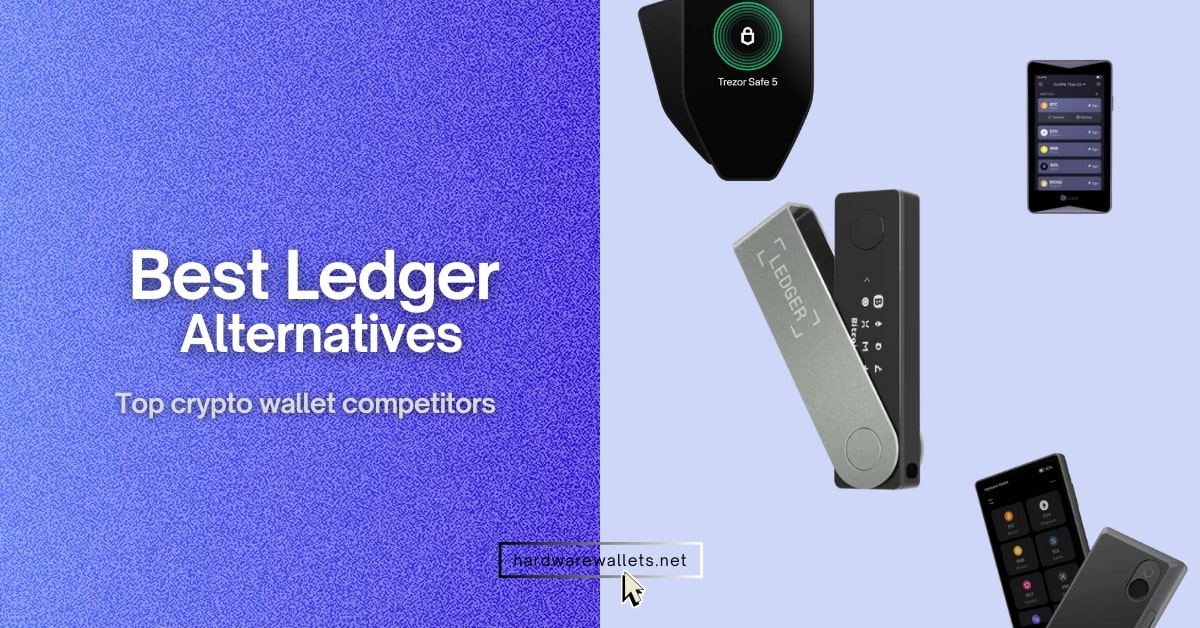
These 2 are my choice: best Bitcoin wallets right now…
Top Wallets for Bitcoin: My In-depth Guide
#1. Ledger Flex: Best for offline Bitcoin storage (hardware wallet)
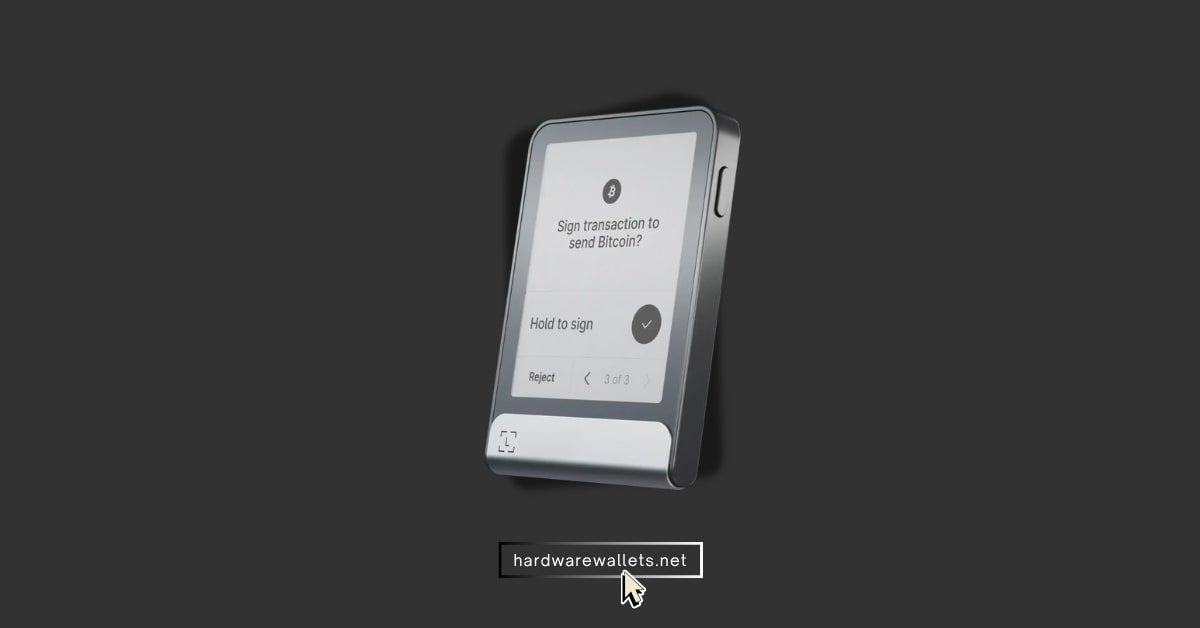
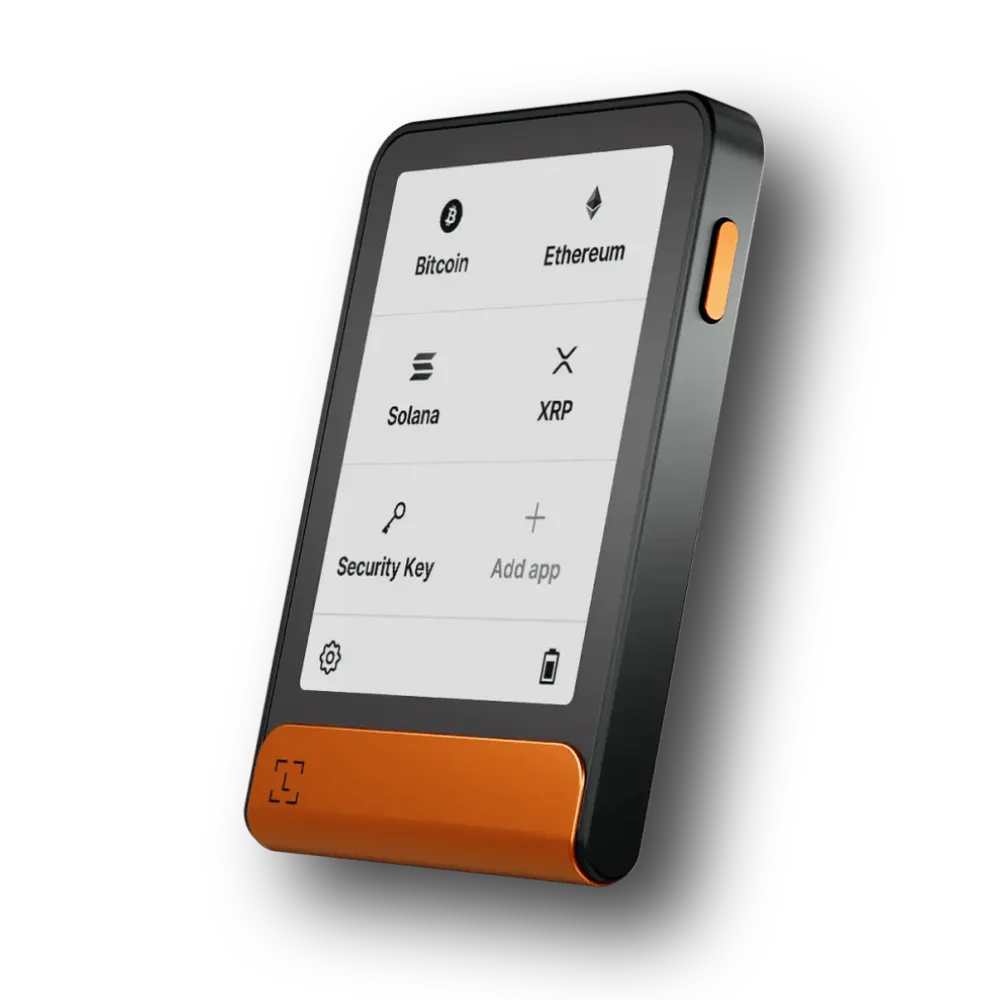
Ledger Flex is one of the best wallets for Bitcoin today, with offline key storage and trusted by 10M+ BTC HODLers. It is also user-friendly for beginners with its touchscreen display and easy-to-use Ledger Live mobile app.
Also, It supports all standard Bitcoin address types you need, including Legacy (P2PKH, starting with “1”), Compatibility (P2SH, starting with “3”), SegWit (bech32, starting with “bc1q”), and Taproot (bc1p, starting with “bc1p”).
Key Insights
- CC EAL6+ Certified Secure Chip: The flex includes this chip to avoid physical tampering. You know, this one is the highest commercial grade for security you’re going to find in passports or credit cards.
- True Cold Storage: Your private keys never touch the internet, as they are always stored offline on the device itself.
- Large E Ink Touchscreen: The 2.84-inch screen lets you clearly verify transaction details before you sign anything.
- Optional Passphrase (25th Word): You can add an extra secret word to your 24-word recovery phrase. So, you can create a separate and hidden wallet for even stronger security.
- PIN Code Protection: You must enter a personal PIN on the device to access your Bitcoin, even if someone steals the Flex itself.
- Ledger Recovery Key (Backup): It comes with a durable card to store your backup phrase. Hence, it is a big improvement over just paper backups.
- Clear Signing Technology: This feature shows you exactly what you are approving in a plain, easy-to-read format, so you totally understand the transaction.
- Full Ledger Live Integration: You can manage and check your BTC balance easily using the Ledger Live desktop or mobile app without ever exposing your private keys.
- USB-C and Bluetooth Connectivity: The Flex gives you options for connecting to your computer or your phone for signing transactions.
What I don’t like
- It’s pretty expensive, costing $249 USD, which is a lot more than most other Bitcoin hardware wallets.
- The battery life, especially when using the Bluetooth feature, can be a bit short if you use it a lot for other assets besides BTC.
- Ledger’s past attempt to introduce a seed phrase recovery service, which you could opt out of now, caused some controversy and made some users kind of nervous about future firmware updates.
#2. ELLIPAL Titan 2.0: Best wallet for Bitcoin cold storage
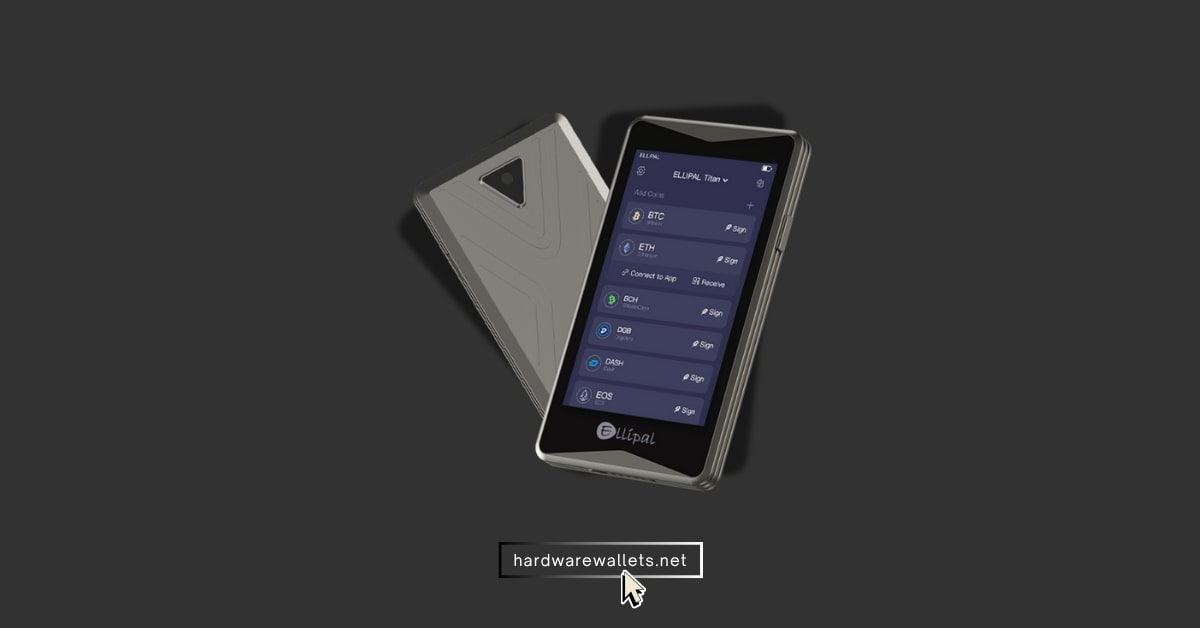
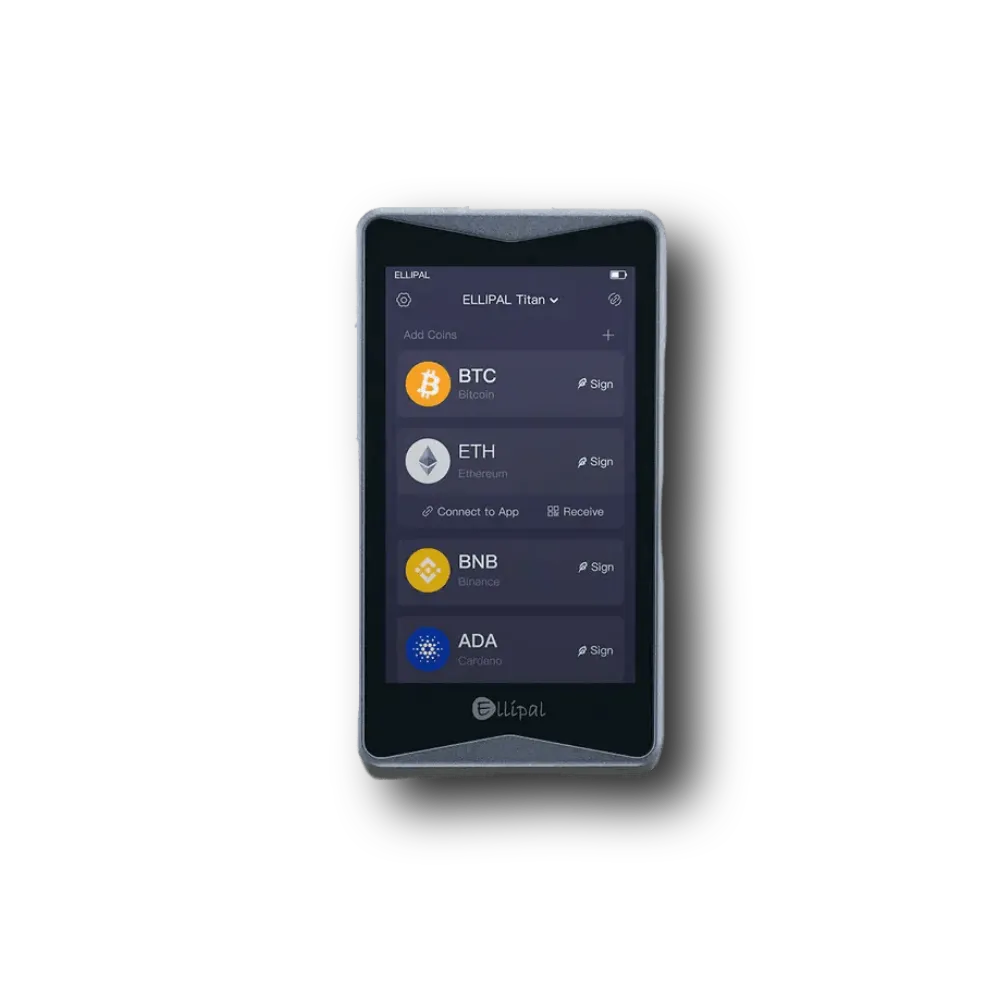
ELLIPAL Titan 2.0 is another most secure Bitcoin wallets due to its 100% air-gapped crypto storage mechanism. To be exact, it communicates only via QR codes, meaning no USB, no Bluetooth, and no Wi-Fi. So, this makes it an incredibly secure option, as if you have a lot of Bitcoin that you plan on holding for years.
Key Insights
- Anti-Tamper and Self-Destruct: The casing will detect a forced opening attempt and securely delete the private keys to prevent theft.
- Full Mobile App Integration: You can easily check your balance and initiate transactions on the ELLIPAL mobile app.
- Large Touchscreen: The screen on the Titan 2.0 is quite large, and it also makes scanning the complex QR codes much faster and more reliable.
- CC EAL5+ Secure Element Chip: It uses a high-grade secure chip to store your private keys in a protected environment.
- Multiple Crypto Support: Generally, it supports 10,000+ cryptocurrencies, though your main focus is BTC, which it handles perfectly.
- Open Source Wallet Interface: While the hardware is closed, the app interface is open source, which allows the community to review the code.
- PIN and Pattern Lock: In the Titan 2.0 device itself, multiple layers of security are required to unlock the device before you can even begin a transaction.
What I don’t like
- The process of scanning QR codes for every Bitcoin transaction is obviously more secure, but also a bit tedious and slow compared to wallets that connect via USB.
- The physical device is quite thick, and it’s even bulky to carry around compared to a card-style or smaller USB drive-style wallet.
#3. Trezor Safe 5: safest Bitcoin wallet
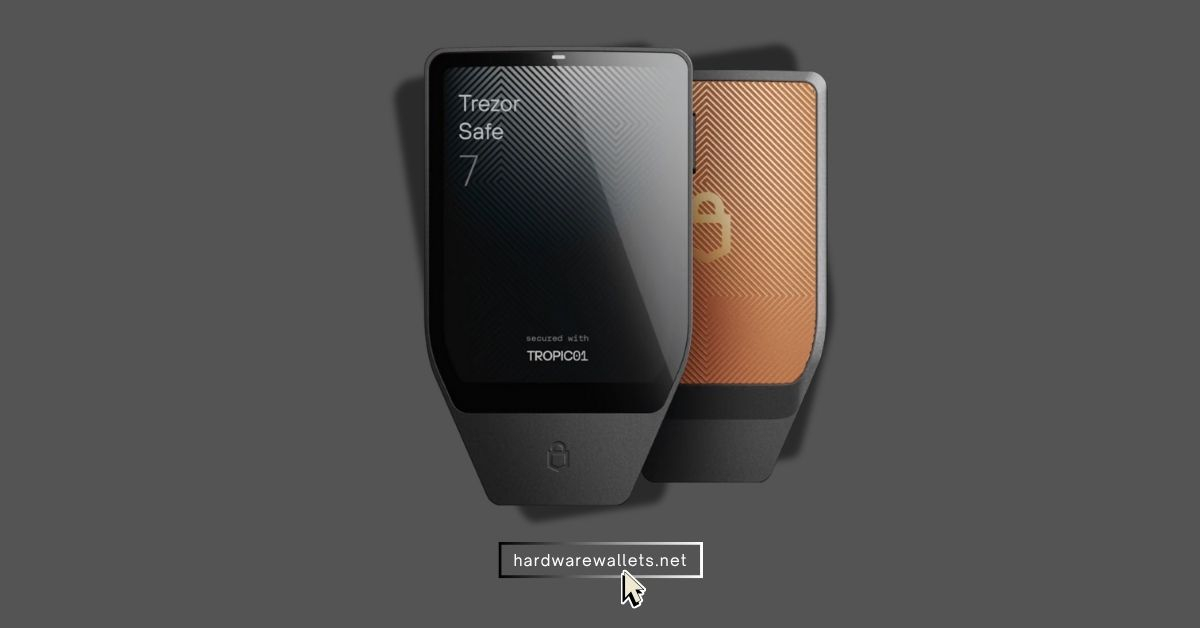
Trezor Safe 5 is basically the safest wallet you can use for Bitcoin because it combines open-source security. Also, they were the first hardware wallet launched in 2013 and today have sold over 7M units. The Safe 5 is their newest model, and it focuses on an even stronger chip and improved screen clarity.
Note: Trezor has also introduced a newer model, “Safe 7,” which is quantum resistant (I believe it’s just a market gimmick)
Key Insights
- Open-Source Firmware: The entire device’s code is public. It is a massive security benefit because the community can audit it for vulnerabilities. You can also check out our guide on the best open-source crypto wallets.
- Integrated Secure Element Chip: The Safe 5 uses a CC EAL6+ chip to protect the secret keys from physical probing.
- Advanced Shamir Backup: You can use this to split your recovery phrase into multiple unique parts and give them to different people or store them in different locations. You only need a certain number of parts (like 3 out of 5) to recover your funds. Read the full guide on what Shamir Backup is.
- Passphrase Protection: You can add more security on top of your standard 24-word seed phrase by creating a “hidden wallet.” Well, this is amazing if someone ever finds your device and forces you to unlock it.
- Tor Integration Support: You can use Trezor with desktop wallets that support Tor. It helps mask your IP address and boosts your privacy when making Bitcoin transactions.
- Support for Bitcoin-Only Firmware: Also, advanced users can actually load a specialized firmware onto the device that only supports Bitcoin.
- Trezor Suite Desktop App: This is a clean and dedicated software application that makes managing your BTC on the device easy.
What I don’t like
- It costs around $169. So, the Safe 5 is a bit pricier than some of the basic models offered by other companies.
- The plastic casing can feel a bit less premium or durable compared to the metal shells used by ELLIPAL or even some of Ledger’s older, metallic designs.
- Well, unlike Ledger, Trezor has sometimes lagged a bit on supporting some of the newest and most niche altcoins, like Solana and Cardano (though for a BTC focus, this is not a huge deal).
#4. Ledger Nano Gen5: Most user-friendly Bitcoin wallet
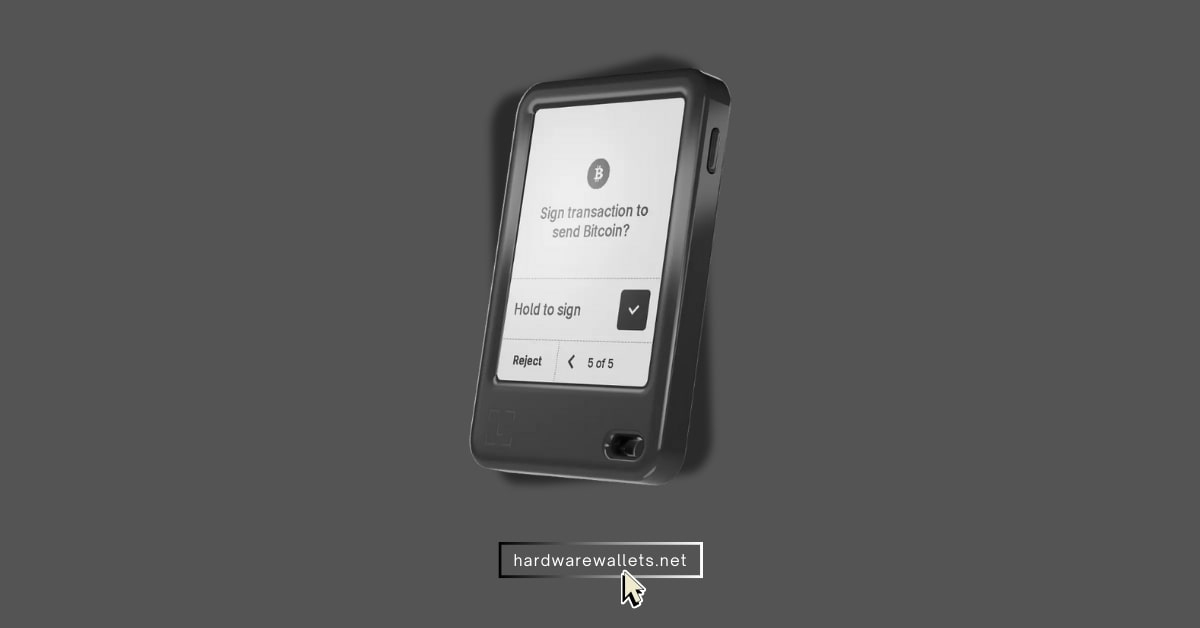
The Ledger Nano Gen5 is the most user-friendly Bitcoin wallet because it takes the classic, trusted Ledger security and adds a comfortable and more modern E Ink touchscreen and simple mobile connectivity. Basically, you get all the best security features, like the Secure Element chip, but with a much better display than the old Nano models.
Key Insights
- E Ink Secure Touchscreen: The 2.8-inch screen is clear and uses E Ink technology. It is very energy-efficient and makes confirming transactions very simple for the user.
- High-Grade Secure Element Chip (EAL6+): Well, like the Flex, this chip is the industry standard for physical and digital key protection.
- Bluetooth 5.2 and NFC Connectivity: It’s totally wireless-ready. You can easily connect to your phone and manage your Bitcoin on the go without needing any cables.
- Clear Signing and Transaction Check: This security layer is really good because it gives you a human-readable summary of what you are about to sign.
- Compact, Lightweight Design: It’s small enough to fit in your pocket or attach to a keychain, making it much more portable than the larger Ledger Flex or ELLIPAL.
- Passkey Support for 2FA: You can use the device as a FIDO2 security key to secure your logins on exchanges and apps.
- Built-in Internal Battery: It has a battery for wireless use. It can last weeks on daily use.
What I don’t like
- Even though it’s cheaper than the Flex, it’s still a bit pricier than the very basic hardware wallets, costing around $179 to be exact.
- The E Ink screen is monochrome (black and white), which isn’t a huge deal for a wallet but is less flashy than a full-color LCD screen.
- Honestly, the wireless connectivity (Bluetooth) can sometimes be a bit glitchy or slow to connect.
- The battery life is usually good, but it will eventually degrade over the years. You can not replace the battery.
#5. Tangem: Easy-to-use BTC wallet for beginners (tap-and-go)
Tangem is an easy-to-use Bitcoin wallet for beginners because it uses a simple set of credit card-style security cards instead of a traditional screen or cable. You basically tap the card to your phone to sign transactions, and there is no seed phrase for you to write down and lose. It uses a secure chip inside the card to protect your keys, and it’s pretty cheap to start with.
Key Insights
- Seedless Backup Option: The biggest feature is the card-to-card backup. You can use one card to create a backup on two other cards. So, multiple backups and no need for a seed phrase, but still, if you want, you can write down the seed phrase; it’s optional.
- Simple Tap-to-Sign Functionality: You just need to tap the Tangem card to your NFC-enabled phone to approve a transaction.
- CC EAL6+ Certified Chip: The security chip inside the card is extremely high-grade. It’s the same CCEAL6+ chip.
- Extremely Portable and Durable: Since it’s just a plastic card, it’s super easy to carry in your wallet, and it’s totally waterproof and resistant to dust and extreme temperatures.
- Open-Source App: The Tangem mobile app is open-source for community trust.
- Mandatory Passcode Protection: Well, your every card is protected by a 4 to 6-digit passcode that you set, so if someone steals one card, they can’t use it without the PIN.
- Multi-Card Backup: I really like that you have to buy a set of cards (usually two or three) because this forces you to have a physical backup right away.
What I don’t like
- I think that not having a physical screen to display the address confirmation makes it rely too much on the phone screen. Hence, chances of a phishing attack. I won’t recommend this over Ledger and ELLIPAL.
- Recovery with a standard seed phrase is an option, but the primary method is the card-to-card backup. So, it might not feel traditional enough for old-school BTC maxis.
- It might not work well with your older phones that have weak NFC reading capabilities.
#6. Electrum: Oldest wallet for Bitcoin OGs
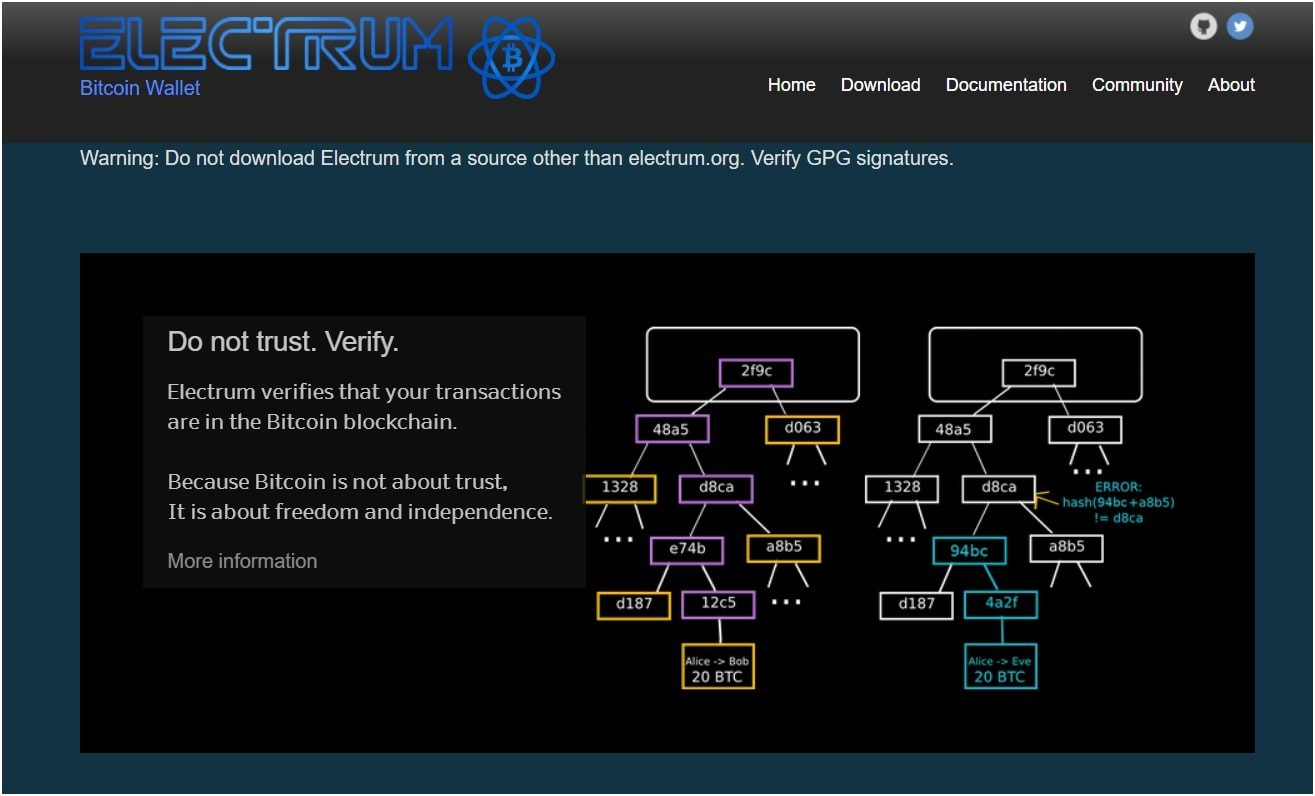
Electrum is the oldest Bitcoin wallet on this list, and it remains a top choice because it is a fast, powerful, and truly Bitcoin-only desktop software wallet that gives you complete control. Well, this is basically the OG of non-custodial software wallets, and it has been around since 2011.
Obviously, it’s a bit old-school, so it’s not the prettiest wallet, and it can be a bit intimidating for a beginner, but it’s really powerful. It connects to the Bitcoin network using simple payment verification (SPV), which makes it super fast because you don’t have to download the entire blockchain yourself.
Positives
- True Bitcoin-Only Support: It only stores Bitcoin. The code is much simpler, and the overall security “attack surface” is smaller.
- Advanced Security Options: It supports two-factor authentication (2FA), multisig wallets, and cold storage via hardware wallet integration (like Trezor and Ledger).
- Custom Transaction Fees: You get full control over setting your transaction fees manually.
- Open-Source and Audited: The code is completely open-source.
- Coin Control Features: Advanced users can precisely manage their Unspent Transaction Outputs (UTXOs) for better privacy and control over how their funds are spent.
Negatives
- The user interface is kind of outdated and not very modern or pretty, which can be off-putting for new users.
- It’s mainly designed for desktop use, and the mobile version isn’t really as feature-rich as a dedicated mobile wallet like Trust.
- Also, no way is this wallet for beginners; the large number of settings and advanced features can be overwhelming.
- There have been a lot of phishing attempts targeting Electrum users via fake updates due to its popularity, so you have to be really careful where you download the software from.
- It doesn’t support other cryptocurrencies at all, which is fine if you are only a BTC person, but not if you also hold Ethereum or Solana.
#7. Phantom: Best for multi-chain support, along with Bitcoin
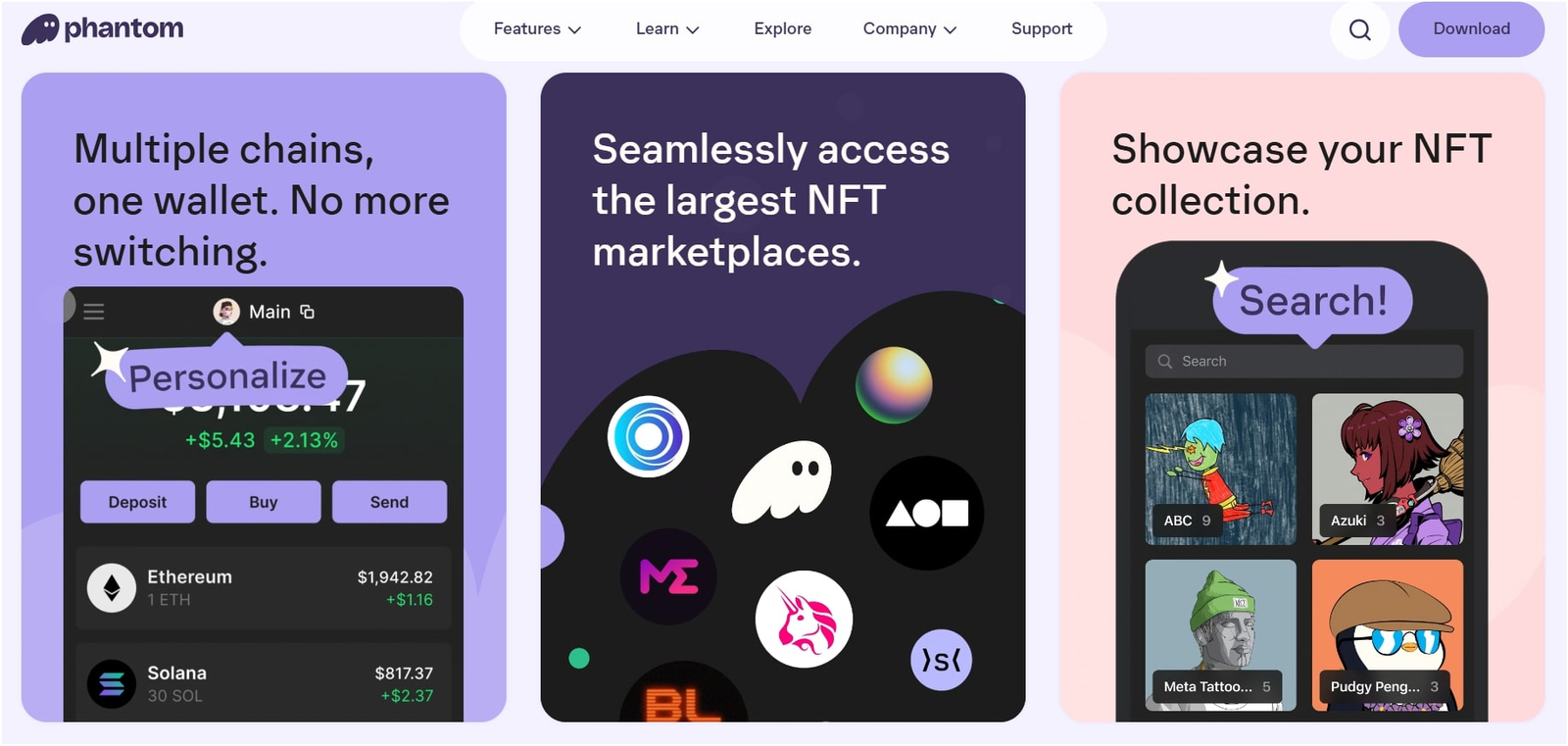
Phantom is the best choice for multi-chain support, and while it started on Solana, it has expanded to become a highly user-friendly wallet for managing Bitcoin alongside other major networks. It’s honestly one of the smoothest, most visually pleasing software wallets out there, and I totally agree that the user experience is amazing.
Positives
- Multi-Chain Support (Bitcoin, Solana, Ethereum, Polygon, etc.): This is its key strength. It handles assets across many major blockchains from one single interface. Also, read our guide on the best multi-chain hardware wallets.
- Excellent User Interface (UI): It is pretty clean, fast, and modern, making it a joy to use compared to some of the older, clunky desktop wallets.
- Built-in Swapping Functionality: You can easily swap one cryptocurrency for another right inside the wallet.
- Hardware Wallet Compatibility: You can connect your Ledger device to Phantom.
- Native NFT Support: It has a great section for viewing and managing your Non-Fungible Tokens. So, you can even manage Bitcoin ordinals.
- Mobile App & Browser Extension: You can access your funds easily on your phone or while using your desktop browser.
Negatives
- It’s mainly a hot wallet. Your private keys are always stored on an internet-connected device.
- Bitcoin isn’t its primary focus; it was built for Solana, so the BTC features might sometimes feel a little less deep or advanced compared to a dedicated wallet like Electrum or Sparrow.
- It does not offer Bitcoin privacy features like the Tor browser or CoinControl.
#8. Sparrow: Best for Bitcoin privacy and anonymity
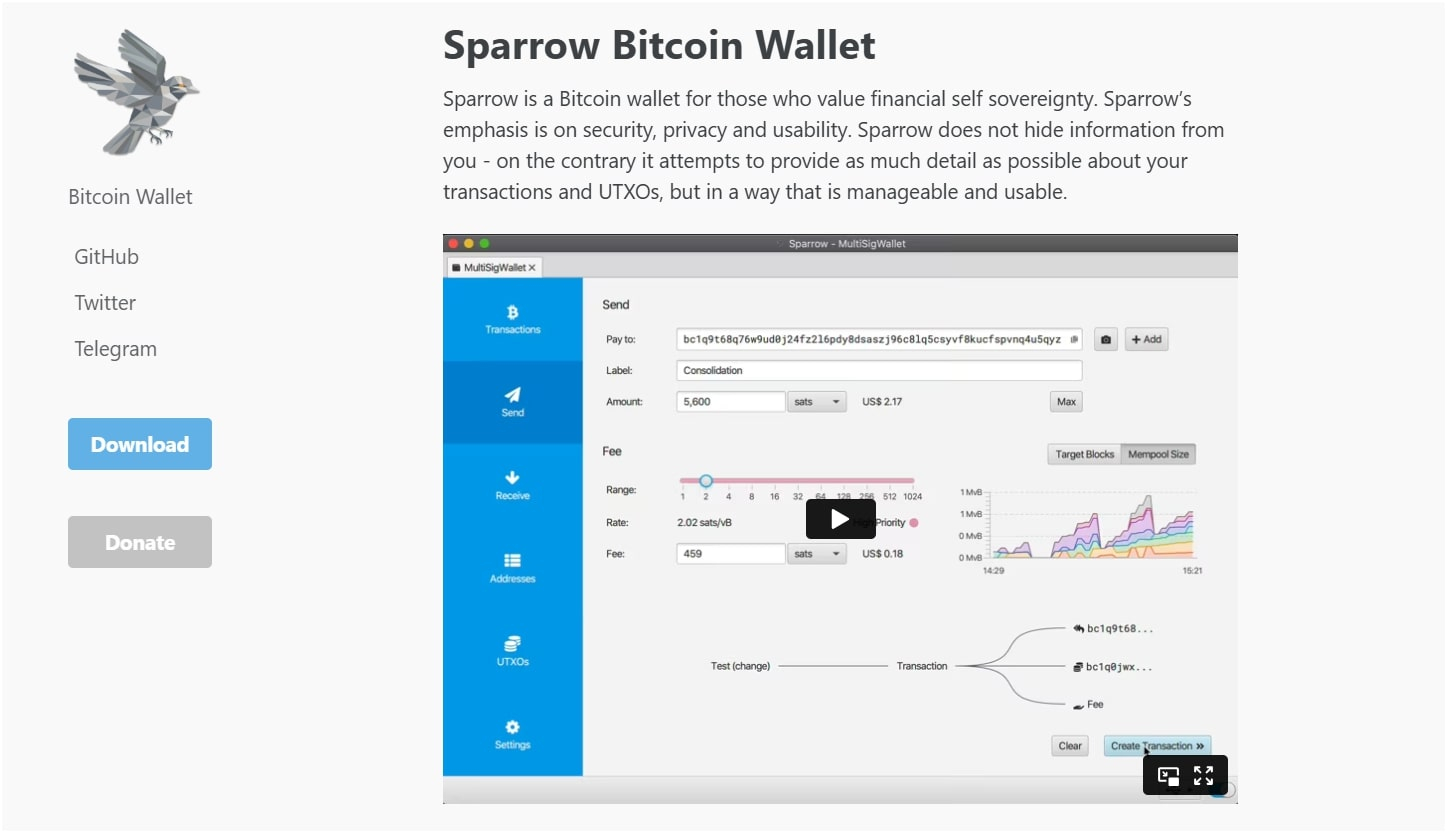
Sparrow is the best choice for Bitcoin privacy and anonymity because it is a desktop wallet focused on advanced features like Coin Control, PayNyms, and full integration with privacy tools like Tor.
Pros
- Native Coin Control: It gives you total, granular control over which specific UTXOs (bits of Bitcoin) you spend.
- Full Tor Integration: It can route all your transactions through the Tor network, completely hiding your IP address and making it much harder for anyone to track where your transaction came from.
- Advanced Hardware Wallet Support: It works with all the best crypto hardware wallets (Ledger, Trezor, ColdCard) and supports advanced connection methods like air-gapped signing.
- Support for PayNyms (BIP47): This lets you create a reusable address that improves privacy by creating a new and unique payment address for every transaction you receive.
- Connects to Your Own Node: Also, advanced users can connect Sparrow to their own personal Bitcoin node
Cons
- No way is this for a beginner. The user interface is full of technical details and settings that will totally overwhelm new crypto owners.
- It’s desktop-only, so you can’t easily manage your funds on the go using your phone.
- It only supports Bitcoin, so if you have other crypto, you will need to use a second wallet.
- I guess it’s not clean at all; the design is totally functional and utilitarian, not sleek or modern.
Comparing Safest Bitcoin Wallets 2026
| Wallet | Type of Wallet | BTC Storage Method | Supported Bitcoin Address Types | Multi-chain Support | Price |
|---|---|---|---|---|---|
| Ledger Flex | Hardware (secure element) | Offline, non-custodial | Standard BTC types (Legacy, SegWit, bech32) | Yes | US$209 |
| ELLIPAL Titan 2.0 | Hardware (air-gapped cold wallet) | Fully offline, non-custodial | All major BTC address types | Yes | US$129 |
| Trezor Safe 5 (Bitcoin-Only Edition) | Hardware wallet | Offline, non-custodial | Bitcoin-only formats | No (BTC-only) | US$179 |
| Ledger Nano Gen5 | Hardware wallet | Offline, non-custodial | Legacy, SegWit, bech32 | Yes | US$179 |
| Tangem Wallet | Hardware (smart-card style) | Offline, non-custodial | Standard BTC address types | Yes | US$54.99 |
| Electrum | Desktop software wallet | Non-custodial (keys stored on device) | Bitcoin-only formats | No | Free |
| Trust Wallet | Mobile software wallet | Non-custodial (keys on mobile device) | Standard BTC types | Yes (100+ chains) | Free |
| Phantom | Mobile / Browser wallet | Non-custodial | Limited BTC support; primarily Solana/EVM | Yes | Free |
| Base Wallet (formerly Coinbase Wallet) | Mobile hot wallet | Non-custodial | Standard BTC types | Yes | Free |
| Sparrow Wallet | Desktop software (focused on privacy) | Non-custodial (keys stored locally) | Advanced BTC formats, PSBT, multisig | No (Bitcoin-focused) | Free |
How to Choose the Best Bitcoin Wallets to Store BTC Securely?
Well, choosing the best wallet really comes down to what kind of crypto user you actually are. I guess there are three main questions you need to ask yourself before you spend any money.
First, ask yourself: How much Bitcoin am I storing, and for how long?
Now, if you are only holding a little bit of BTC, maybe a few hundred dollars, and you plan to trade it actively, a good hot wallet like Trust or Phantom is probably fine, just because of the convenience.
However, if you are planning on holding thousands of dollars worth of Bitcoin for 2 or 5 years, you simply must buy a hardware wallet like the Trezor Safe 5 or the Ledger Flex. Obviously, no way you should leave serious amounts of money on a hot wallet or a crypto exchange. The risk is just too big, and you know it.
Second, you need to decide if you want convenience or maximum security
This is basically the hot versus cold wallet debate. You know, hot wallets are super convenient; you can access your BTC instantly from your phone and connect to all those decentralized apps as well. But they are vulnerable to malware and phishing.
The cold storage wallets are a bit annoying to use, making you plug them in or scan QR codes, but they are nearly impossible to hack remotely. So, if you’re kind of an active user, maybe keep 5-10% of your total funds on a hot wallet and the rest (90%) locked up in cold storage.
Third, think about your own comfort level with technology
Let’s say, if you are a total beginner, the Tangem card is an excellent and simple starting point. The Ledger Nano Gen5 is a great step up because the Ledger Wallet app is so easy to use.
But if you are technically savvy, or you are really focused on your privacy, then you should totally look at a technical wallet like Sparrow or Electrum, even though they have a steep learning curve.
So, the best Bitcoin wallet is the one you feel confident enough to use correctly every single time. It doesn’t matter how secure a wallet is if you mess up the setup.
My Security Tips to Manage Your Bitcoin Safely
Look, having the most secure Bitcoin wallets is only half the battle. So, here are a few simple but powerful security tips that I personally use and that I really think you should follow, too.
- Store your recovery phrase (seed phrase) safely: Basically, your 12 or 24 words are the master key to all your Bitcoin, no matter which wallet you use. You should never, ever store it digitally. No photos, no screenshots, no emails, no documents on your computer, no way. You need to write it down on paper or, better yet, engrave it onto a metal plate, and then store those copies in two or three very different, physically secure locations.
- Never buy hardware wallets from a second-hand seller: You must only buy directly from the official manufacturer’s website (Ledger, Trezor, ELLIPAL, etc.). Well, this makes sure that the device hasn’t been tampered with or secretly loaded with malicious software that could steal your keys.
- Always double-check the recipient address on the hardware wallet screen itself: Scammers sometimes use malware to swap the address you copied on your computer for their own. If you check the address on the device’s physical screen before you press “Confirm,” you are protected from that kind of attack.
What is a Bitcoin Wallet?
A Bitcoin wallet is basically a software program or a physical device that lets you interact with the Bitcoin network. But Bitcoin is never actually in the wallet. So, what does the wallet actually hold? It holds the private key and the public key for your Bitcoin address.
The public key is what you share with people so they can send you BTC. And the private key is the secret that proves you are the owner of that Bitcoin. It’s the key you use to digitally “sign” a transaction, giving permission to move the BTC to a different address.
Also chec out my other guides like:
I have a mobile Bitcoin wallet, is it really safe to use?
A mobile Bitcoin wallet is safe to use for what it is designed for: small, daily transactions only. It is not safe for long-term storage. Yes, it’s pretty convenient to use, but no way should you trust it with your entire Bitcoin savings.
Modern mobile wallets like Trust and Phantom are really secure applications themselves, using encryption and strong passcodes. The problem isn’t usually the wallet app; the problem is your phone.
You know, smartphones are constantly connected to the internet, running lots of apps, and they are kind of easy to lose or steal. If your phone gets infected with malware or a virus, that malware can sometimes read the data on your phone and potentially steal your private keys, or, at least, trick you into approving a transaction.
Should I use a self-custody wallet, or can I leave Bitcoin on my exchange?
You should use a self-custody wallet, and you really should not leave Bitcoin on a centralized exchange like Coinbase or Binance, especially for the long term.
Actually, when you leave your Bitcoin on an exchange, you generally don’t own the private keys; the exchange owns them. You basically just have an IOU that the exchange owes you that amount of BTC. Now, this brings two massive risks.
- First, if the exchange gets hacked (and many huge ones have been hacked), all the Bitcoin they hold, including yours, could be stolen.
- Second, if the exchange goes bankrupt (like what happened with FTX), a court could freeze all its assets, and you might lose access to your money for years, or maybe even lose it all.
So, my advice is: only leave the Bitcoin on the exchange that you plan to sell or trade in the next week, and move everything else to your own self-custody wallet. It’s the smart and responsible thing to do, and that’s the main reason we use the best Bitcoin wallets like Ledger and Trezor.
Which is the best anonymous Bitcoin wallet according to me?
The best anonymous Bitcoin wallet that you can use today is Trezor Wallet. I guess, this is because anonymity isn’t just about using a nickname; it’s about breaking the link between your real-world identity and your transactions on the public blockchain.
Trezor really helps you do this in a few key ways. First, it focuses heavily on Coin Control. Second, it has that built-in Tor support. Third, you can connect it to your own full Bitcoin node through Sparrow Wallet, which gives you the maximum possible privacy and removes your reliance on any third-party servers to broadcast your transactions.
Do these most secure Bitcoin wallets support other cryptos as well?
Generally speaking, yes, almost all of the most secure Bitcoin wallets on my list actually support other cryptocurrencies too, but there are a couple of big exceptions.
The hardware wallets like the Ledger Nano Gen5, Ledger Flex, and Trezor Safe 5 support thousands of different coins and tokens. They are designed to be multi-currency, obviously, which is really handy if you also hold Ethereum, Solana, or any of the popular stablecoins.
But the two privacy-focused desktop wallets, Electrum and Sparrow, are strictly Bitcoin-only. They don’t support any other altcoins at all.
How do I know if my chosen BTC wallet is actually legit or a scam?
- First: Check the age and reputation: Is the wallet brand new, or has it been around for years? Wallets like Trezor, Ledger, and Electrum have been around for over a decade. They are community-vetted, and their code is well-known.
- Second: Is it open-source: You know, open-source code (like Trezor, Electrum, and Sparrow) means that smart developers can check the code for bad things.
- Third: Do you hold the keys: If the wallet says it is “non-custodial,” it means you get the seed phrase, and you hold the private keys. If the wallet doesn’t give you the seed phrase, it is an exchange or a custodial service, and you are not really in control.
Read my other guides as well: best hardware wallet for NFTs and best hardware wallet for staking crypto…