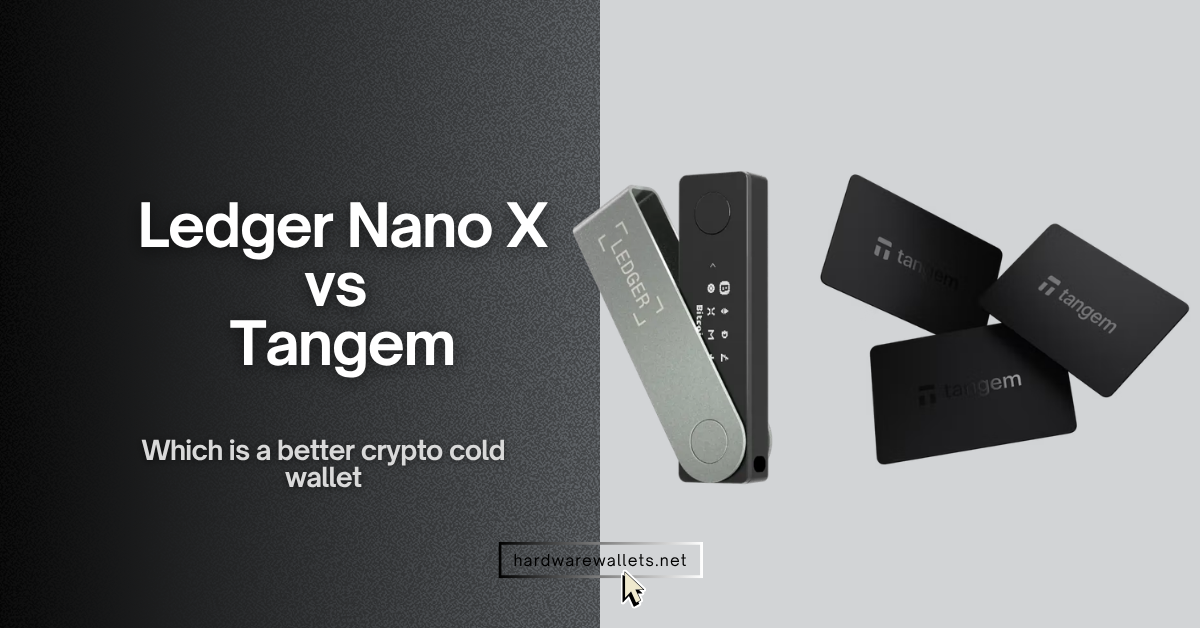
I have used both crypto cold wallets (Ledger Nano X and Tangem wallet), tested the setup process, checked the signing flow, compared the backup experience, and looked at how each hardware wallet feels when you actually use it for normal crypto storage.
Now, after this hands-on testing, I found clear similarities, major differences, and a few practical points that most buyers may miss if they only read the product pages. This Ledger vs Tangem comparison will help you understand which wallet feels easier, safer, more convenient, and more practical for your own crypto use.
Best for Bluetooth users (both mobile & desktop)
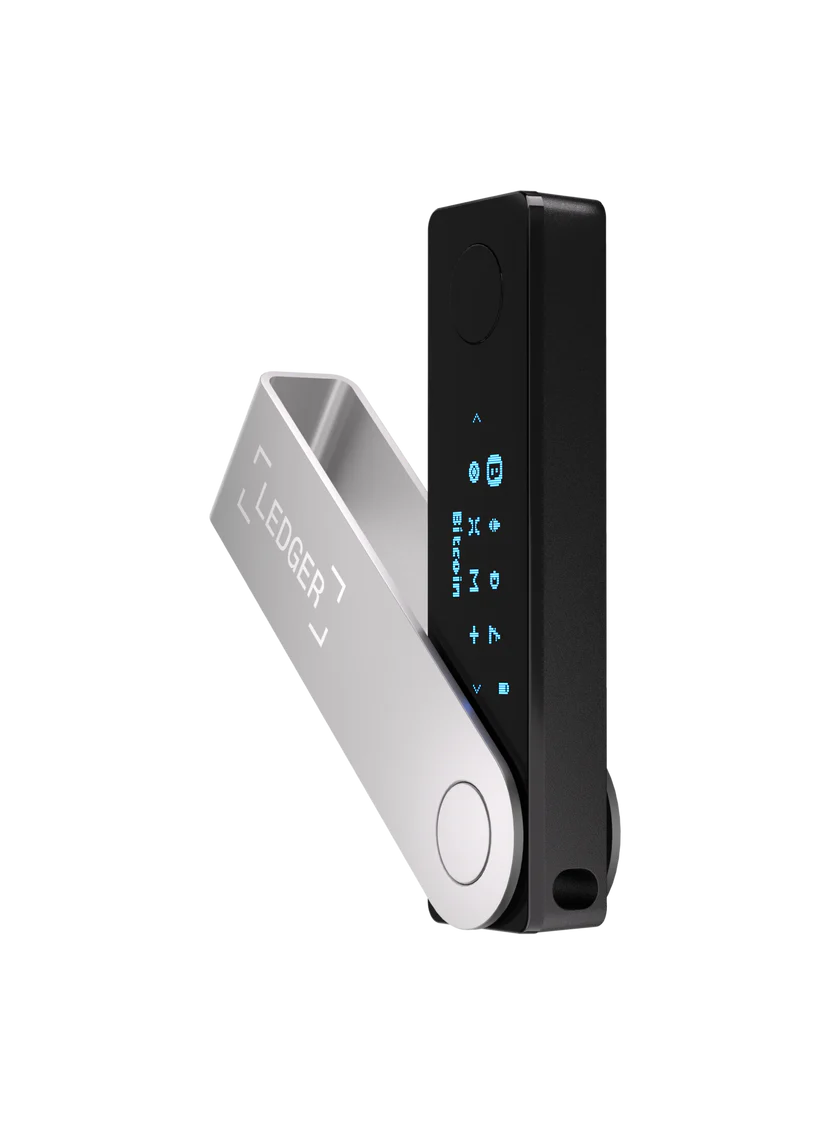
Ledger Nano X
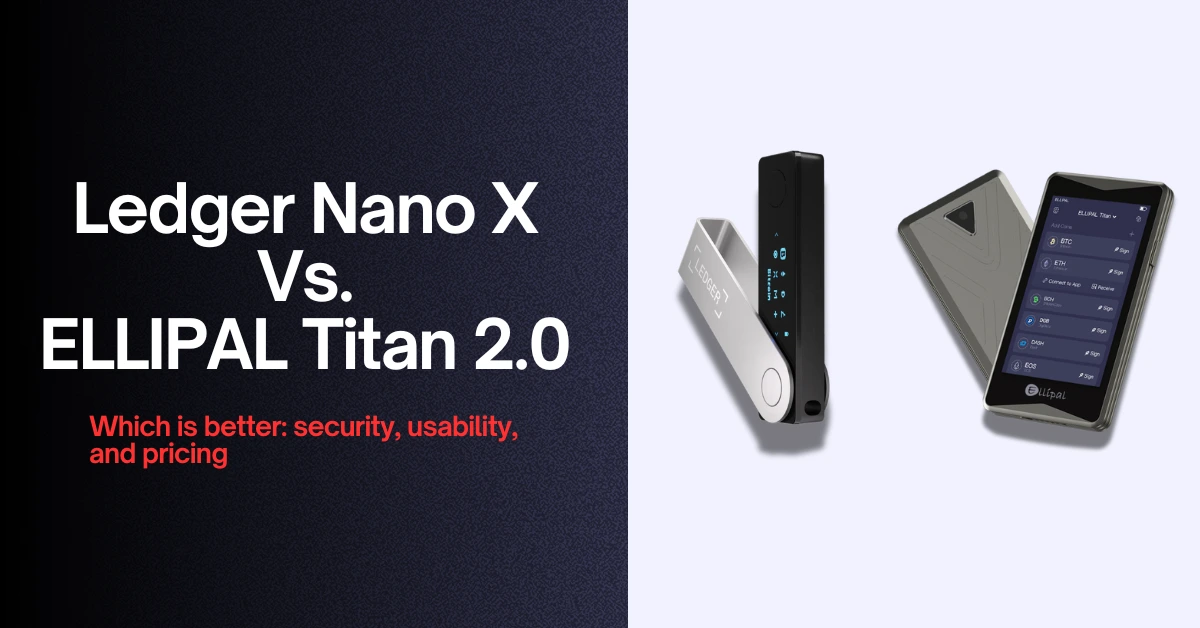
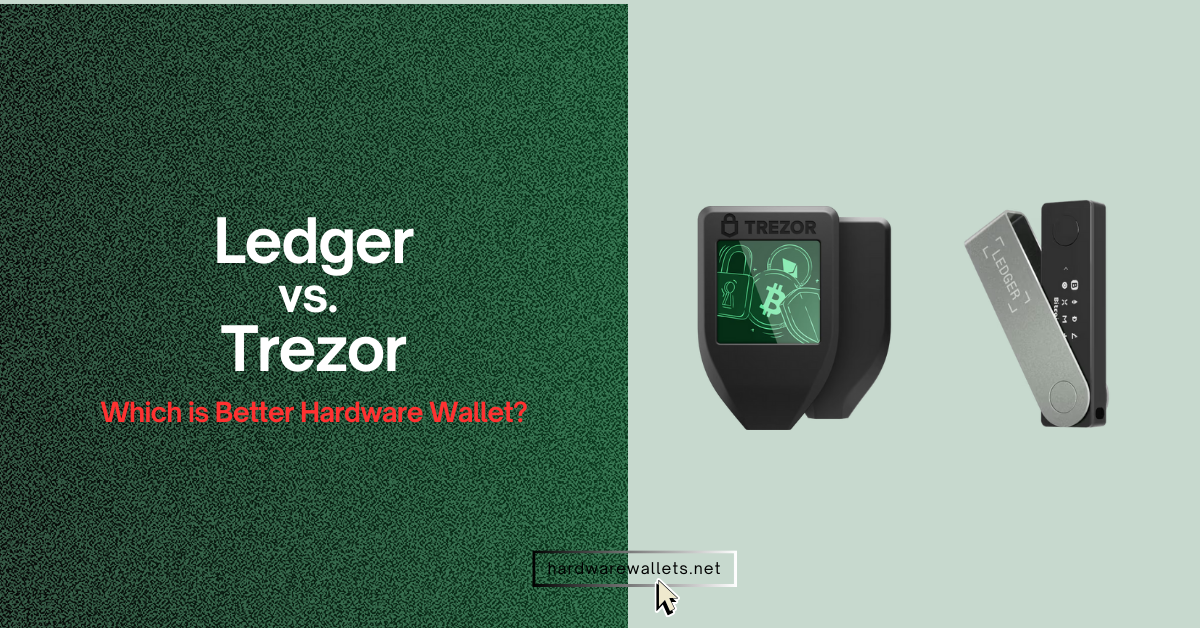
Ledger Nano X is a Bluetooth hardware wallet with a Secure Element chip, OLED trusted display, Ledger OS, USB-C, mobile support, and recovery phrase backup.
★★★★★
$149
Read More
Best for simple NFC card storage (only mobile users)
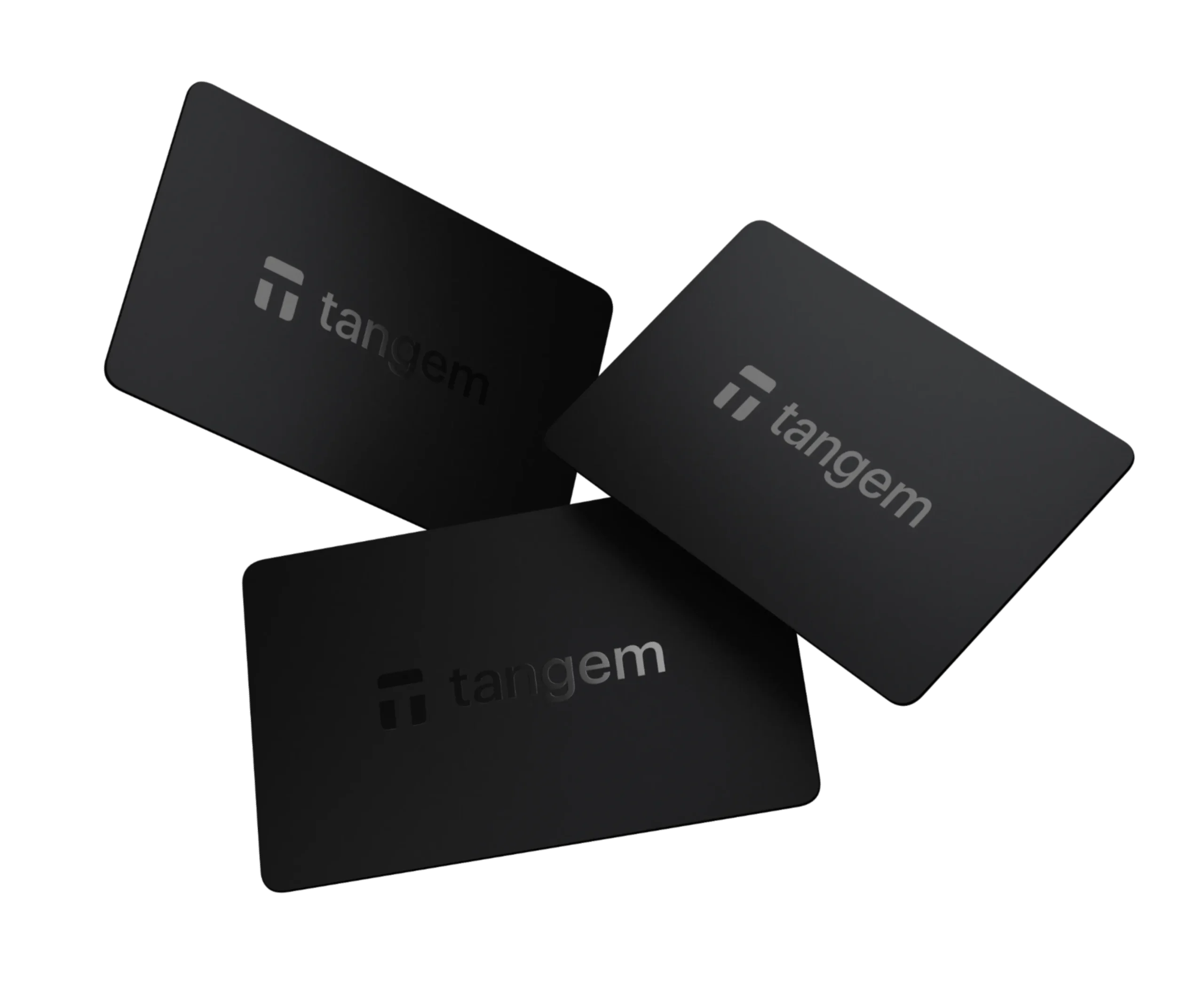
Tangem Wallet
Tangem Wallet is an NFC card hardware wallet with an EAL6+ Samsung secure chip, seedless backup, optional seed phrase, IP69K protection, and 25-year warranty.
★★★★★
From $54.90
Read More
Quick Overview
Product typeUSB and Bluetooth hardware wallet.
Product typeNFC card hardware wallet.
Main useSecure crypto storage with screen-based transaction approval.
Main useSimple tap-to-sign crypto storage through a phone.
Best forUsers who want Ledger Wallet app, Bluetooth, and a screen.
Best forUsers who want no battery, no cable, and backup cards.
Starting price$149.
Starting price$54.90 for 2-card set.
3-device/card option–
3-device/card option$69.90 for 3-card set.
Security Architecture
Security chipST33J2M0 Secure Element.
Security chipSamsung secure chip.
Chip certificationCC EAL5+.
Chip certificationEAL6+.
Operating systemLedger OS.
Operating systemPreloaded card firmware.
Private key storagePrivate keys stay inside the Secure Element.
Private key storagePrivate keys stay inside the card chip.
Private key extractionPrivate keys never leave the device.
Private key extractionNon-extractable private key.
Tamper protectionSecure Element protects keys from physical and software attacks.
Tamper protectionChip sensors can erase the private key after unauthorized access attempts.
Transaction Signing
Signing methodReview on OLED screen and approve with two buttons.
Signing methodTap the card on an NFC phone to sign.
Trusted displayYes, OLED trusted display.
Trusted display–
On-device confirmationYes, physical button confirmation.
On-device confirmation–
Screen reviewYes, transaction details appear on the device screen.
Screen reviewTransaction details appear in the phone app.
Blind signing riskLower when clear details appear on the device screen.
Blind signing riskDepends more on phone-app review because the card has no display.
Screen, Buttons, and Physical Controls
ScreenMonochrome OLED display.
Screen–
Resolution128 × 64 px.
Resolution–
Touchscreen–
Touchscreen–
ButtonsTwo-button navigation.
Buttons–
Standalone device UIYes, menus appear on the device screen.
Standalone device UI–
Connectivity
BluetoothBluetooth BLE 5.2.
Bluetooth–
NFC–
NFCYes, NFC-powered card signing.
Mobile connectionBluetooth for iOS and Android.
Mobile connectionNFC phone required.
Desktop connectionUSB-C for desktop use.
Desktop connection–
Wired-only useYes, Bluetooth can be avoided by using USB-C.
Wired-only use–
Battery and Maintenance
Battery100mAh lithium-ion battery.
Battery–
ChargingCharges through USB-C.
Charging–
No-battery design–
No-battery designYes, no battery or charging needed.
Firmware updatesYes, Ledger OS updates are supported.
Firmware updatesCard firmware cannot be changed after manufacturing.
Long-term maintenanceNeeds occasional charging and firmware updates.
Long-term maintenanceNo charging and no card firmware updates.
Backup and Recovery
Default backup model24-word Secret Recovery Phrase.
Default backup modelBackup cards with the same private key.
Seed phrase requiredYes.
Seed phrase requiredNo, seedless setup is default.
Optional seed phrase–
Optional seed phraseYes, optional seed phrase setup is available.
Recovery sheets3 recovery sheets included.
Recovery sheets–
Backup devicesRecovery phrase can restore wallet on another Ledger or compatible wallet.
Backup devices2-card or 3-card set gives backup access.
Access if device is lostRestore with recovery phrase.
Access if card is lostUse another backup card from the same wallet set.
Supported Coins, Tokens, and NFTs
Supported assets15,000+ coins and tokens.
Supported assets14,000+ tokens.
Supported networks90+ chains through Ledger ecosystem.
Supported networks90+ networks.
Ledger Wallet app support500+ crypto supported natively through Ledger Wallet app.
Native app support14,000+ tokens across 90+ networks in Tangem app.
Example assetsBitcoin, Ethereum, Solana, XRP, stablecoins, and more.
Example assetsBitcoin, Ethereum, Solana, USDT, USDC, and more.
NFT supportYes, NFTs supported through Ledger Wallet app and third-party wallets.
NFT supportYes, NFTs supported on compatible networks through Tangem app.
App and Crypto Management
Main appLedger Wallet app.
Main appTangem App.
Buy cryptoYes, through Ledger Wallet app partners.
Buy cryptoYes, through Tangem app providers.
Sell cryptoYes, through Ledger Wallet app partners.
Sell cryptoYes, through Tangem app providers.
Swap cryptoYes, through Ledger Wallet app providers.
Swap cryptoYes, through provider quotes in the app.
StakingYes, selected assets through Ledger Wallet app and partners.
StakingYes, selected assets and Yield Mode support.
Portfolio trackingYes, through Ledger Wallet app.
Portfolio trackingYes, with balances, prices, and market data.
dApps and Web3
WalletConnectYes, through supported apps and wallets.
WalletConnectYes.
Third-party walletsYes, thousands of assets through third-party wallets.
Third-party walletsWorks with supported Web3 connections through Tangem app.
DeFi accessYes, through Ledger Wallet app and external wallets.
DeFi accessYes, through WalletConnect, swaps, staking, and Yield Mode.
Payment featureLedger ecosystem includes card and payment partner features by region.
Payment featureTangem Pay works with Apple Pay and Google Pay where available.
System Compatibility
WindowsWindows 10 and Windows 11.
Windows–
macOSmacOS Monterey and Ventura listed.
macOS–
LinuxUbuntu LTS 20.04 and 22.04, excluding ARM processors.
Linux–
iPhoneiOS 14+.
iPhoneNFC-enabled iPhone with Tangem app.
AndroidAndroid 10+.
AndroidNFC-enabled Android phone with Tangem app.
ChromebookNot compatible with Chromebooks.
Chromebook–
Physical Design and Durability
Form factorUSB-stick-style hardware wallet.
Form factorCredit-card-style hardware wallet.
Dimensions72 × 18.6 × 11.7 mm.
DimensionsCredit-card style.
MaterialsBrushed stainless steel and plastic.
MaterialsCard body with embedded secure chip and NFC antenna.
Water rating–
Water ratingIP69K waterproof.
Dust rating–
Dust ratingIP69K dust protection.
Temperature rating–
Temperature rating–25°C to +50°C.
X-ray resistance–
X-ray resistanceProtected against X-rays under ISO 7816-1.
Privacy and Data Exposure
Account registrationLedger Wallet app may use partner services for buy, sell, swap, and staking.
Account registrationNo user registration required for wallet use.
Server dependenceLedger Wallet app connects to Ledger and partner infrastructure.
Server dependenceTangem says it does not process transactions through its own servers.
Geolocation collection–
Geolocation collectionTangem says it does not collect geolocation.
Wallet balance privacyDepends on app, network, and service usage.
Wallet balance privacyTangem says it does not collect wallet content information.
Authenticity, Audits, and Warranty
Authenticity checkLedger Wallet app verifies genuine Ledger device during setup.
Authenticity checkEvery Tangem card is authenticated as genuine.
Firmware auditLedger has internal Donjon security testing.
Firmware auditFirmware audited by Kudelski Security and Riscure.
App source modelLedger Wallet app is not fully open-source.
App source modelTangem says its app is open source.
WarrantyStandard Ledger warranty by region.
Warranty25-year limited hardware warranty.
Box Contents
Device1 Ledger Nano X.
Device2 or 3 Tangem cards, depending on set.
Cable1 USB-C to USB-A cable.
Cable–
Recovery material3 recovery sheets.
Recovery material–
Accessories1 keychain strap.
Accessories–
Printed guideSafety and regulatory leaflet included.
Printed guideManual included.
Practical Buying Difference
Choose it forScreen verification, Bluetooth, USB-C, Ledger Wallet app, and seed phrase recovery.
Choose it forSimple NFC use, no charging, lower price, backup cards, and IP69K durability.
Main advantageYou can verify transactions directly on the device screen before approving.
Main advantageYou can use it like a bank card without battery, cable, or screen navigation.
Main limitationSmall screen, button navigation, battery maintenance, and higher price.
Main limitationNo screen, no USB desktop use, and phone NFC is required.
Better for beginnersGood, but seed phrase setup and device navigation need more care.
Better for beginnersBetter because setup is simple, seedless, and card-based.
Better for advanced usersBetter if you want screen approval, Ledger ecosystem, and wider wallet workflows.
Better for advanced usersBetter if you want a low-maintenance card wallet with optional seed phrase mode.
Better overall safety styleStronger for on-device transaction verification.
Better overall safety styleStronger for durability, no-battery storage, and simple backup cards.
Tangem is better than Ledger Nano X if you want a simple, affordable, and low-maintenance cold cryptocurrency wallet for daily crypto storage. You do not need a cable, battery, screen, or firmware updates.
Basically, you only need to tap the card on your NFC phone, approve the action in the app, and keep your backup cards safe. Tangem also costs less, supports thousands of tokens, gives strong IP69K durability, and comes with a 25-year warranty.
Ledger Nano X is better if you want screen-based transaction verification, USB-C support, Bluetooth, and a more traditional hardware wallet setup. You can check wallet addresses and transaction details directly on the device screen before approval, and that matters if you do not want to depend only on your phone display. It also fits users who already trust the Ledger Wallet app and prefer a 24-word recovery phrase.
So, between Ledger Nano X vs. Tangem, the choice depends on your use case.