
I’ve tested over 50 best Solana wallets, and I’m here to share my personal top 10 picks. Here, you’ll see which wallets I trust for storing SOL, staking it for rewards, and even handling Solana NFTs.
My List of Top 10 Best Wallets for Solana NFTs and SOL Tokens
Here’s my handpicked list of the 10 best Solana wallets 2026:
- Ledger Nano Gen5: Overall best Solana hardware wallet (currently trusted by 7M+ HODLers)
- ELLIPAL Titan 2.0: Best air-gapped cold wallet for Solana (no WiFi, no Bluetooth, no NFC, QR-code based)
- Trezor Safe 7: Most secure wallet for Solana (open-source with Tor browser integration)
- Tangem Walle: Most budget-friendly SOL hardware wallet (credit card-style NFC-based)
- SecuX Nifty: Best hardware wallet for Solana NFTs (quite a big screen to show off your NFT collectibles)
- Solflare Wallet: Top Solana software wallet (very feature-rich for SOL, staking, and NFTs)
- Phantom: Popular Solana hot wallet (user-friendly for tokens, DeFi, and NFT collection)
- MetaMask: It’s a multi-chain wallet (now also supports Solana via plugin)
- Trust Wallet: Best mobile wallet (multi-crypto support, including Solana, great for Android/iOS)
- SafePal: Best offline + online wallet combo (offers cold devices as well, like X1, S1 Pro, etc.)
Now, let’s break them down in detail so you can see which one is actually right for you. So, first, I’ll cover the best Solana hardware wallets (or you can say Solana cold wallets), and then we are going for software ones for everyday convenience.
My Side-by-Side Comparison Between Best Solana Wallets 2026
Now, to make it easier for you to choose, let’s compare these top Solana wallets side-by-side based on their most important factors…
| Wallet | Type of Wallet | Solana NFTs | Solana Staking | Solana Memecoins | Price |
|---|---|---|---|---|---|
| Ledger Nano Gen5 | Hardware (Cold, Bluetooth & USB) | Yes (via Ledger app; clear signing on device) | Yes (via Ledger app or partners) | Yes | ~$179 USD |
| ELLIPAL Titan 2.0 | Hardware (Air-gapped QR device) | Limited (no native NFT display; use app for NFTs) | Yes (via QR on staking dApps) | Yes | ~$129 USD |
| Trezor Safe 7 | Hardware (Cold, USB & Bluetooth) | Yes (via third-party like Phantom; no device image) | Possible (through third-party wallet) | Yes | $249 USD |
| Tangem Wallet | Hardware (Smart NFC card) | No (app doesn’t show Solana NFTs) | No (no staking feature) | Yes | ~$55 USD (2-card set) |
| SecuX Nifty | Hardware (Cold, Touchscreen) | Yes (on-device NFT image display) | Not directly (manual via DApps) | Yes | ~$169-199 USD |
| Solflare | Software (Extension & Mobile) | Yes (built-in NFT gallery) | Yes (native staking UI) | Yes | Free |
| Phantom | Software (Extension & Mobile) | Yes (native NFT support + burn) | Yes (native staking UI) | Yes | Free |
| MetaMask (with Snap) | Software (Extension; Snap plugin) | Limited (no native Solana NFT view) | No (no built-in staking) | Yes | Free |
| Trust Wallet | Software (Mobile App) | No (Solana NFTs not shown) | Yes (in-app staking) | Yes | Free |
| SafePal (App) | Software (Mobile App) | Yes (cross-chain NFT support) | Yes (in-app staking via Kiln) | Yes | Free |
First, Let’s Review the Best Solana Hardware Wallets in 2026
These 2 are my best wallets for Solana chain tokens and Solana NFTs, without any doubt…
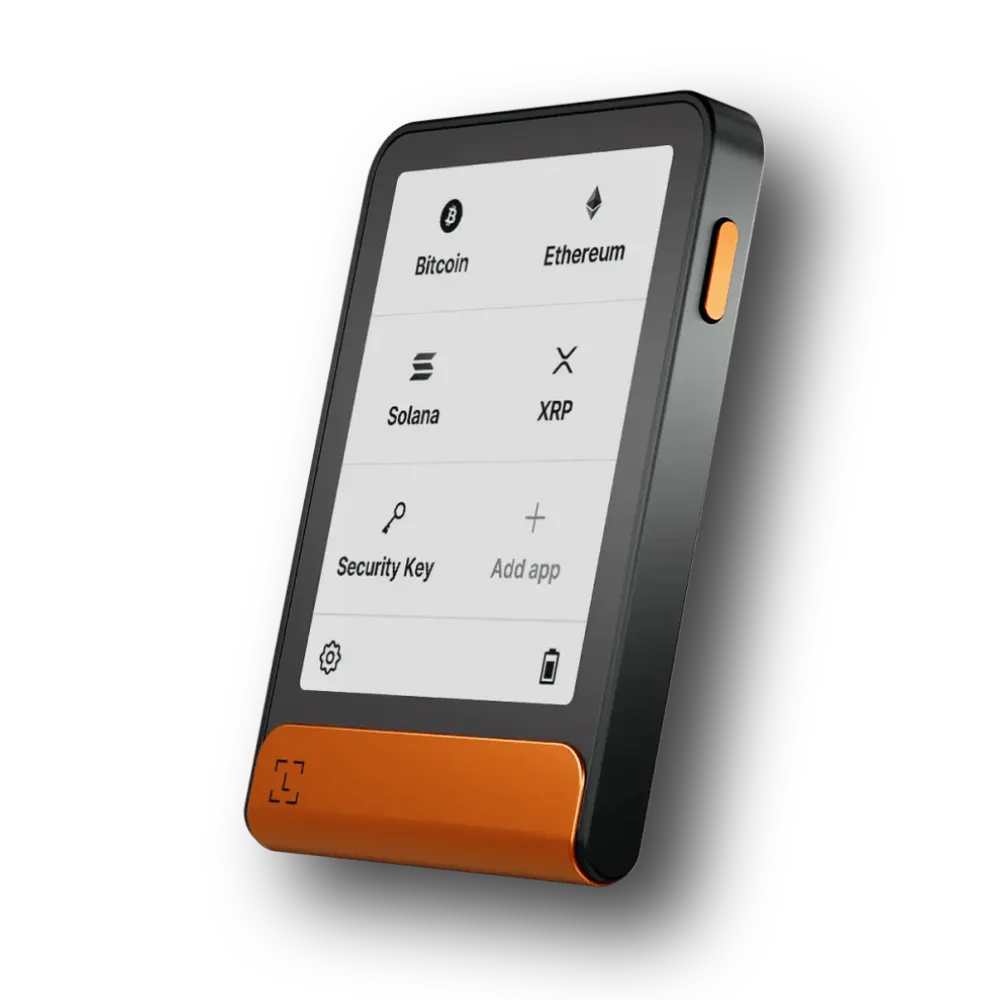
#1. Ledger Nano Gen5: Overall best Solana crypto wallet
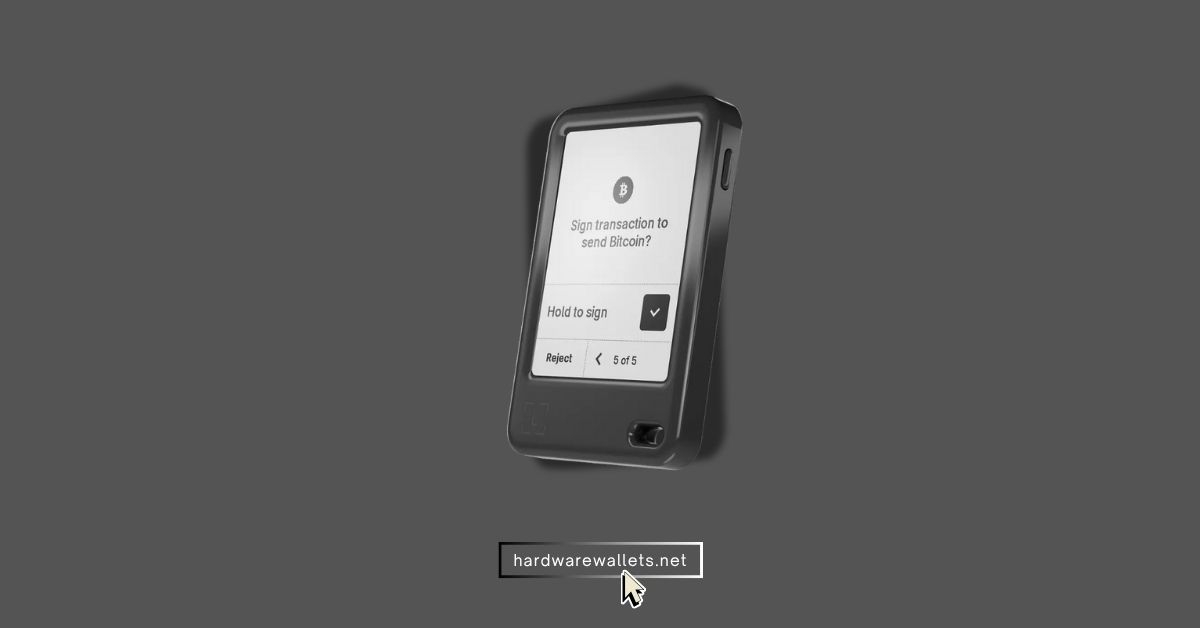
The Ledger Nano Gen5 is Ledger’s latest generation hardware wallet, and it’s my top overall pick for Solana in 2026. Well, this one isn’t as “nano” as older Ledgers; it has a larger E-Ink touchscreen (about 3 inches) that makes it pretty easy to navigate and confirm transactions.
Now, because Ledger supports the Solana network fully through its Ledger Live app and also works super well by connecting to popular wallets like Solflare and Phantom, it really gives you the best mix of security for storing your SOL and the best usability for interacting with Solana dApps and NFT marketplaces.
The Nano Gen5 for Solana storage
| Type of Wallet | Hardware (Cold wallet device); USB-C and Bluetooth connectivity |
| SOL Storage | Yes, can hold NFTs (view/manage via Ledger app or connected wallet; device shows transaction details but not images) |
| Solana NFTs | Yes, can hold NFTs (view/manage via Ledger app or connected wallet) |
| Solana Staking | Yes |
| Solana Memecoins | Yes, supports all Solana tokens (memecoins and others) via SPL token support |
| Security Measures | Secure Element (EAL5+), PIN code, 24-word recovery phrase (seed), Bluetooth encryption, Optional passphrase |
| Price | $179 USD |
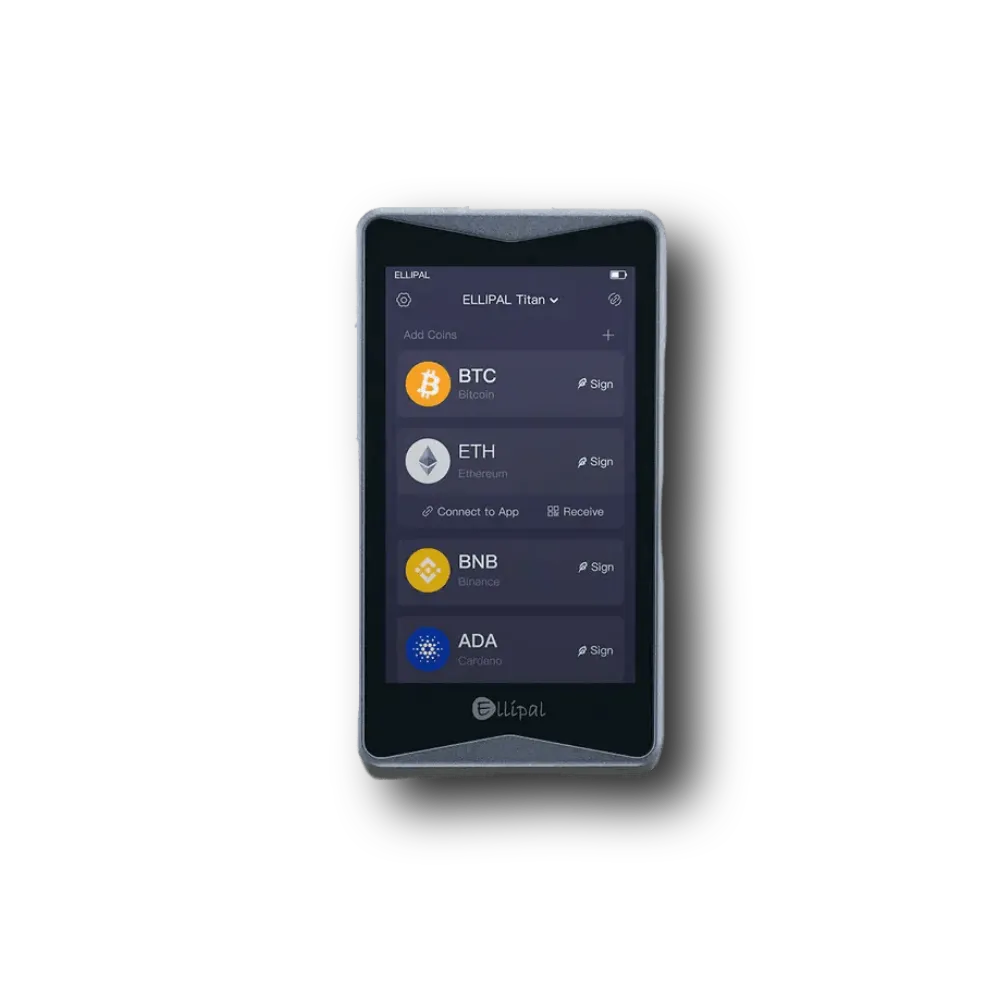
#2. ELLIPAL Titan 2.0: Best cold wallet for Solana (SOL)
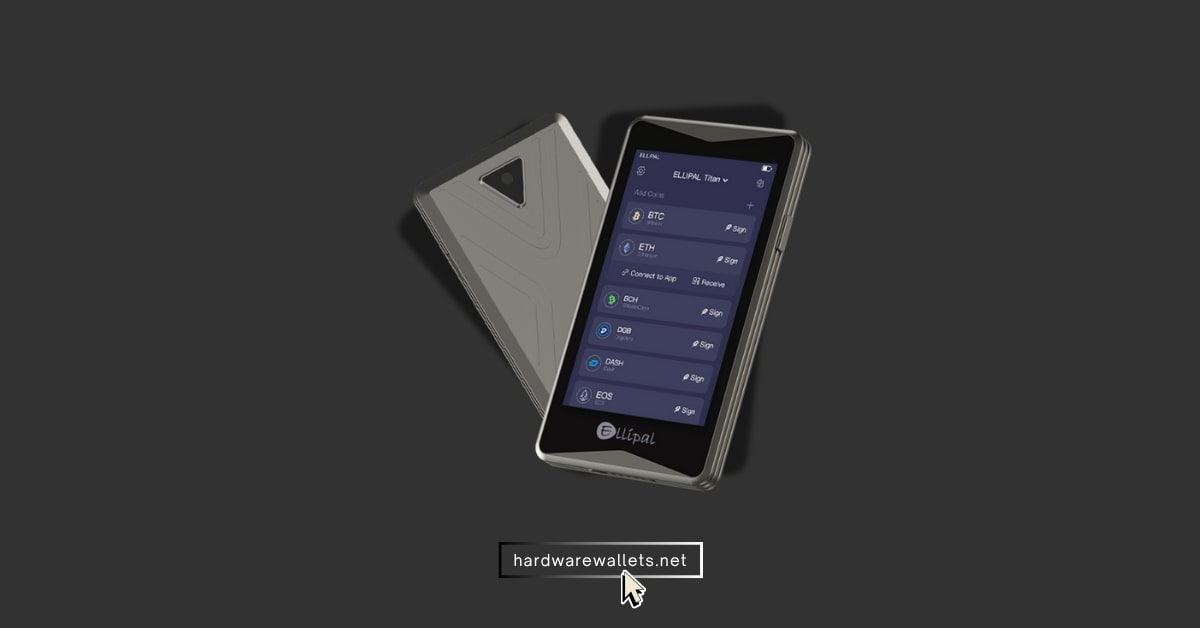
The ELLIPAL Titan 2.0 is a really unique Solana cold storage wallet because it uses an “air-gapped” design. To be exact, that basically means it never connects to the internet or uses USB, Bluetooth, or Wi-Fi to connect to anything.
Now, for Solana users, the Titan 2.0 generally supports SOL and Solana tokens through the ELLIPAL mobile app. You need to do everything by scanning QR codes back and forth between the device and the app itself. It’s a pretty encrypted process.
Key features of Titan 2.0 you should know
| Type of Wallet | Hardware (Air-Gapped Cold Storage) |
| SOL Storage | Yes, excellent, fully air-gapped security for native SOL |
| Solana NFTs | Yes, can store and manage Solana NFTs via the mobile app |
| Solana Staking | Yes |
| Solana Memecoins Support | Yes, supports all SPL tokens |
| Security Measures | Air-gapped communication (QR codes), Tamper-proof casing, Self-destruct mechanism, PIN protection, 12/24-word recovery phrase |
| Price | Around $149 for the Titan 2.0 model |
#3. Trezor Safe 7: Most secure wallet for the Solana blockchain
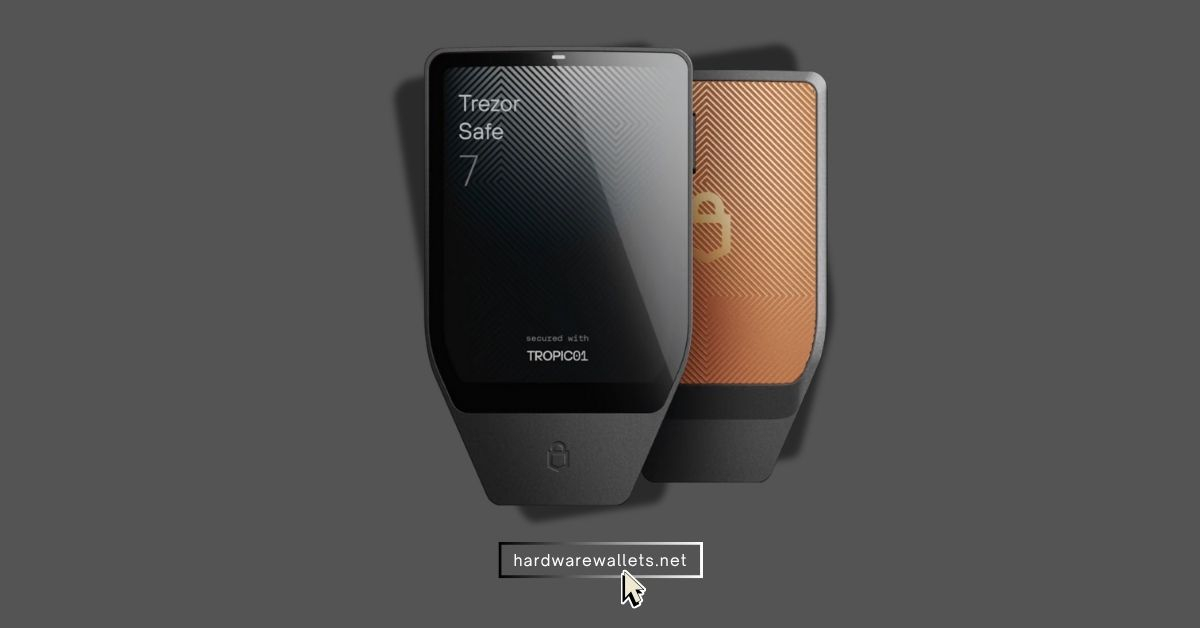
The Trezor Safe 7 is the newest hardware wallet from Trezor and the best Solana wallet for privacy-focused users. It supports the Tor browser, along with CoinJoin and CoinControl support for transaction mixing. Also, Trezor devices have always been open-source and highly trusted, and the Safe 7 takes it up a notch with dual secure elements and even quantum-resistant tech.
Now, for Solana storage, Trezor supports SOL and all the SPL tokens. While the official Trezor Suite software might not have native SOL staking yet, you can just connect your Trezor to a third-party wallet like NuFi or Solflare to manage your Solana tokens, staking, and NFTs. (Read: best open-source crypto wallets)
The Safe 5 + Solana key things to know
| Type of Wallet | Hardware (Solana cold wallet) |
| SOL Storage | Yes |
| Solana NFTs | Yes, stores them, but you mainly view and manage them through connected third-party wallets |
| Solana Staking | No native staking in Trezor Suite, but you can stake by connecting to approved platforms like NuFi |
| Solana Memecoins Support | Yes, supports all SPL tokens |
| Security Measures | Open-source firmware, Secure Element (on newer models), PIN protection, quantum-resistant, passphrase |
| Price | $249 |
#4. Tangem Wallet: Most budget-friendly SOL wallet
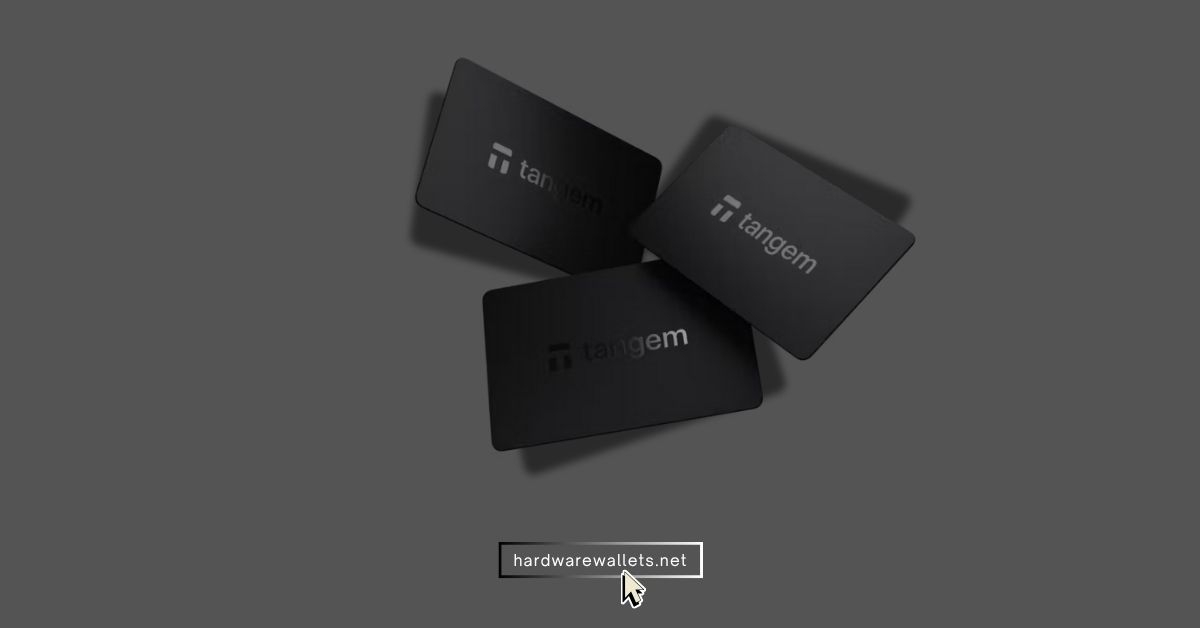
Tangem is another one of the best Solana wallets for NFTs and storing SOL tokens, and even budget-friendly for beginners. Actually, it comes in packs (usually a 2-card or 3-card set) and uses contactless NFC to interact with your phone. Yes, there’s no screen, no buttons.
You can easily use the Tangem mobile app to do transactions, and you just tap one of your cards to your phone to sign the transaction using NFC technology. It’s quite similar to using credit cards.
Tangem key features to consider
| Type of Wallet | Hardware (Card offline Solana Storage) |
| SOL Storage | Yes |
| Solana NFTs | Yes, you can store and view NFTs through the Tangem mobile app |
| Solana Staking | Yes, available directly through the integrated Tangem app interface |
| Solana Memecoins Support | Yes, supports all SPL tokens |
| Security Measures | CC EAL6+ certified chip, three-card backup system, biometrics in the app, no seed phrase (can generate one if you want). |
| Price | $54.99 (2-card set up) |
#5. SecuX: Best hardware wallet for Solana NFTs
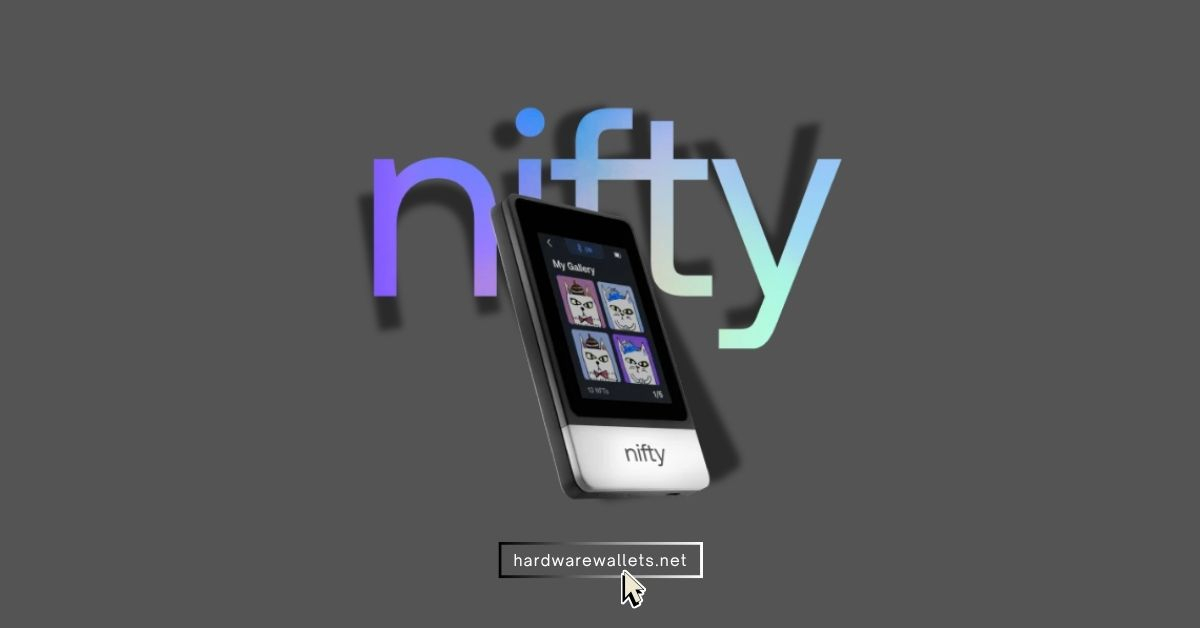
SecuX offers several hardware wallets, but they are mainly known for a great viewing experience for NFTs. Their products, like the SecuX Nifty, often come with a big, clear touchscreen.
So, this is actually a really great feature for Solana NFT collectors because you can visually confirm the details of the NFT you are approving a transaction for right on the device.
SecuX main points
| Type of Wallet | Hardware wallet for Solana ecosystem |
| SOL Storage | Yes |
| Solana NFTs | Yes, excellent native support and visual verification features for Solana NFTs |
| Solana Staking | Yes, staking for SOL is supported directly through the SecuX mobile app. |
| Solana Memecoins Support | Yes, supports all SPL tokens. |
| Security Measures | CC EAL5+ certified chip, large touchscreen for verification, PIN protection, 24-word recovery phrase, robust anti-tamper casing. |
| Price | Varies by model; top-tier models are generally around $139 – $199. |
Here are the Top-Rated Solana Software Wallets (or Hot Wallets for SOL)
Software Solana wallets are programs or apps that you install on your computer, tablet, or phone, and they are sometimes called “hot wallets” because they are constantly connected to the internet. Also, they are less secure than Solana cold wallets.
#6. Solflare Wallet: Best online wallet for Solana ecosystem coins
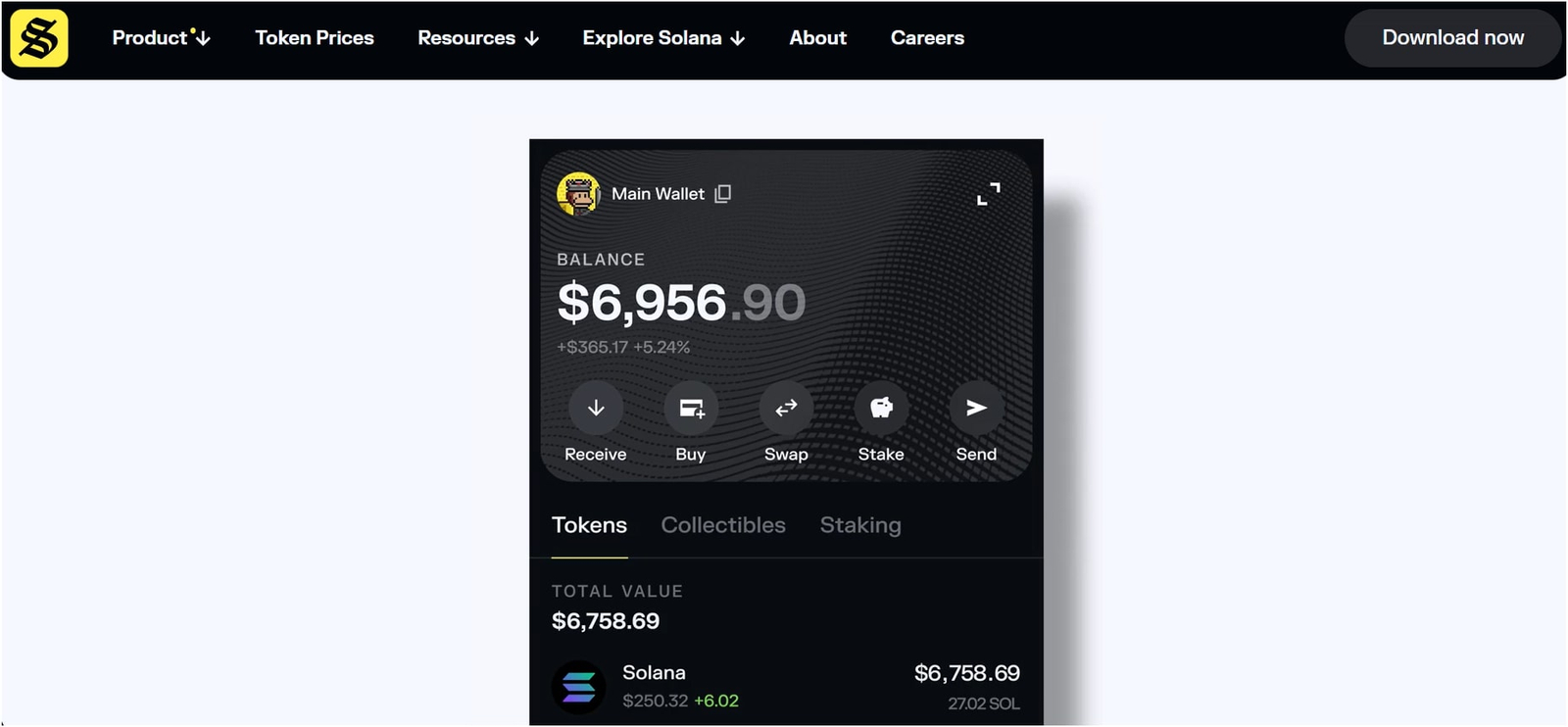
Solflare Wallet is basically the original and dedicated Solana wallet, and it’s built from the ground up for the Solana ecosystem coins. It was one of the first wallets to really support everything on Solana natively, and it’s trusted by millions of users.
I’ve used Solflare quite a bit, and I love how comprehensive it is. Well, it started as a Solana-only web wallet and browser extension, but now Solflare has expanded to mobile apps and even supports multiple blockchains.
Today, you can store SOL and any SPL token, you can stake your SOL with a validator of your choice directly in the wallet, and you can easily view and send your Solana NFTs with a nice interface. You can also integrate Solflare with Ledger hardware wallets for offline key storage.
Key insights
- Type of Wallet: Software (Available as Browser Extension and Mobile App)
- Solana NFTs: Yes (You can view artwork, send and receive NFTs easily)
- Solana Staking: Yes; native staking interface. Choose validators, stake/unstake SOL, and track rewards directly in the wallet.
- Solana Memecoins: Yes (you can even swap tokens within the wallet using Solana DEX integration)
- Price: Free
#7. Phantom: Best Solana wallet for memecoins
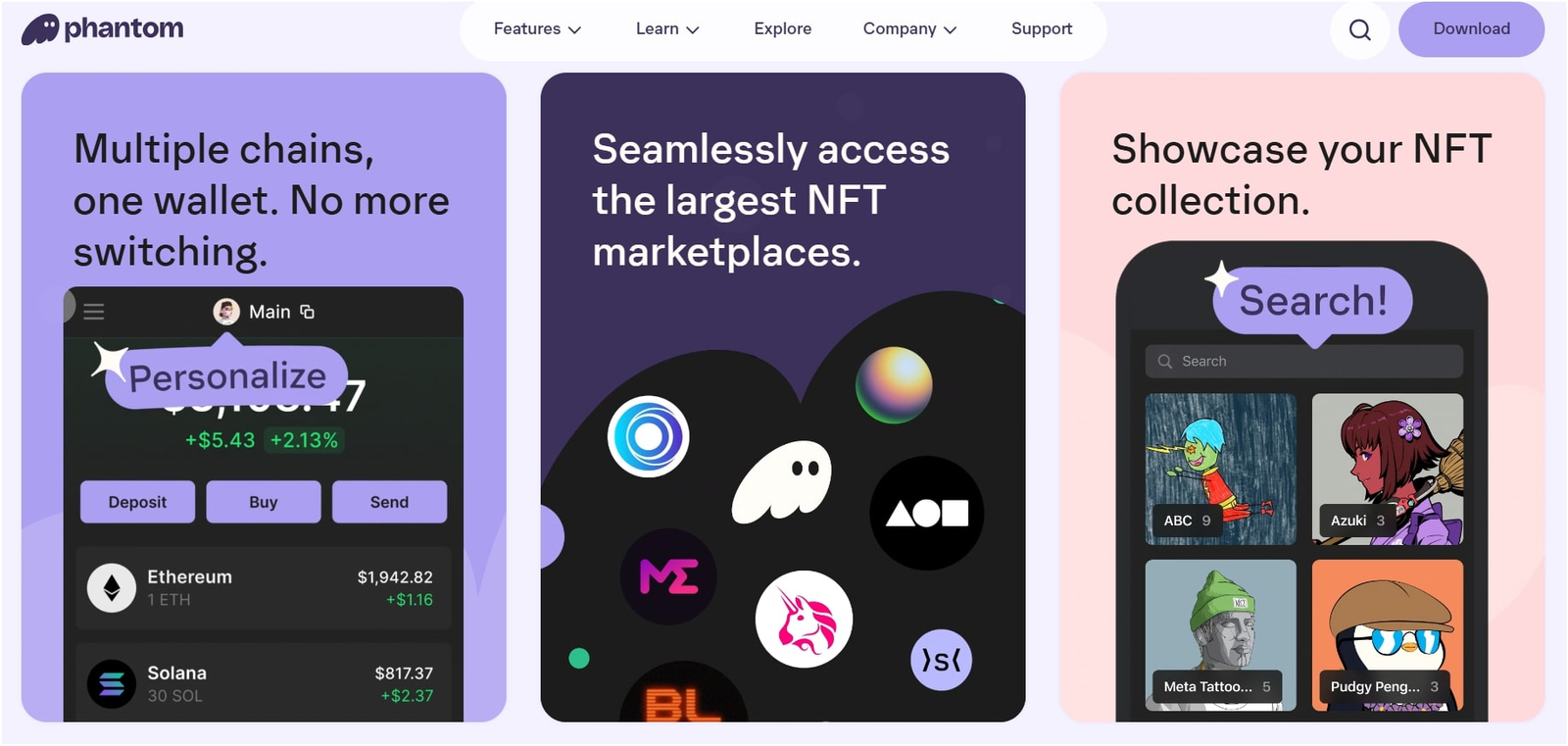
Phantom is one of the best Solana wallets for DeFi users or memecoin traders. I remember when I first tried Phantom; it felt like the “MetaMask of Solana,” but actually more polished in some ways. Well, it’s super easy to set up and use.
It started as a Solana-only wallet, but now it’s a multi-chain crypto wallet, and it now supports Ethereum, Base, Bitcoin, and Polygon too. Also, you can add it as a browser extension (Chrome, Brave, Firefox, etc.) or install the mobile app on iOS/Android.
Key insights
- Type of Wallet: Solana hot wallet
- SOL Storage: Yes
- Solana NFTs: Yes (shows NFT images, allows sending and burning NFTs, compatible with Solana NFT marketplaces for trading)
- Solana Staking: Yes
- Solana Memecoins: Yes (supports all SPL memecoins/tokens)
- Price Free: Phantom is free to use/download (no extra fees, just network fees for transactions).
#8. MetaMask: Best cross-chain wallet for Solana blockchain
MetaMask is basically the most recognizable name among the most secure crypto wallets. And it actually supports Solana now. So, you can eventually create a native Solana account right inside the MetaMask wallet.
However, you should know that even though it supports Solana, MetaMask is still mainly an EVM (Ethereum Virtual Machine) wallet, so it might not have the same super deep integration for staking, complex DeFi, or the fancier NFT features that dedicated Solana wallets like Solflare or Phantom offer.
Key insights
- Type of Wallet: Software
- SOL Storage: Yes (Stores SOL and SPL tokens. You can view balances and send/receive)
- Solana NFTs: Yes
- Solana Staking: Not in-wallet
- Solana Memecoins: Yes
- Price Free: MetaMask is free. Adding the Solana Snap is free as well. (Standard network fees for transactions apply.)
Are you looking to stake Solana? Check my list of the best crypto hardware wallet for staking…
How to Choose Your Top-Rated Wallet for Storing Solana?
To choose your best Solana wallets, you need to think this way:
What is your main goal, first?
- If you are storing a large amount of SOL for the long term, like a retirement fund or a huge chunk of your wealth, then no way should you use a hot wallet. You do need a hardware wallet, such as Ledger, ELLIPAL, or Trezor.
- If you actively trade, stake small amounts, and flip NFTs daily, you will need a great software wallet such as Phantom or Solflare. They are super fast and easy to use with dApps.
Second, what about the features?
- If you want SOL staking, then the Ledger wallet would be an awesome choice because it has really nice, dedicated staking tools built right in.
- If you love collecting NFTs or long-term, then again, Ledger or ELLIPAL are great at managing all of those Solana NFTs since they have really good viewing features.
- If you deal with other chains, too, then Phantom or MetaMask will save you the hassle of juggling too many different apps.
Third, how much money are we talking about?
Generally, the rule of thumb is to never store more than you’re willing to lose in a hot wallet. Look, you should keep the vast majority of your SOL in a cold wallet. Then transfer only a small working amount for all of your daily DeFi and NFT activities onto your hot wallet. It’s really that simple, and it’s going to be the most effective way to be secure.
What are Solana Wallets?
A Solana wallet is basically a digital tool that allows you to manage and interact with the Solana blockchain. To be exact, it’s not actually holding your SOL or your NFTs, but instead, it holds your private keys.
Generally, these wallets allow you to send and receive SOL, interact with all the decentralized applications (dApps), manage your SPL tokens (which is what all the memecoins and other tokens are called on Solana), and, of course, store your Solana NFTs.
Which one among these is the best wallet for Solana NFTs?
Ledger Nano Gen5 is the best crypto wallet for Solana NFTs. You can easily connect it to the top NFT marketplaces, buy digital art, and even display your NFTs on the homescreen as wallpaper.
Solflare is another great software wallet for NFTs. It, too, shows an NFT gallery and has full compatibility with marketplaces. But again, for maximum security, I say you must go for cold devices.
You can also read my guide on the best hardware wallet for NFTs…
Are Ledger and Trezor the best Solana NFT wallets?
Well, yes. Basically, Ledger and Trezor are the most secure wallets for storing the actual private keys that control your Solana NFTs, and that’s a really important thing. You can connect your Ledger to a Solana wallet like Phantom or Solflare and then manage your collectibles.
Tip: Ledger and Trezor = fantastic security for Solana NFTs (use them to hold NFTs safely), but Phantom or Solflare = better daily NFT wallet (use them to view, send, trade NFTs easily).
What are the top Solana wallet apps for Android users?
Phantom and Solflare are the best Solana wallet apps for mobile users. First, Phantom is a fantastic choice because it’s got that super slick, easy-to-use interface and all those great NFT features, and it works flawlessly on Android.
Solflare is also great, especially if you plan to do a lot of staking and need those deeper, Solana-specific tools right on your phone.
Which is the best cross-chain wallet for Solana?
Trust Wallet and MetaMask are the best cross-chain wallets for Solana you can pick. Trust Wallet is good because it supports over 100 blockchains and has a really strong mobile app.
Also, MetaMask is the one if you are heavily focused on the Ethereum blockchain, but also want to manage your SOL and SPL tokens without leaving your familiar environment.
Is there any Solana DeFi wallet to copy trades?
Generally, the major, top-tier wallets like Phantom and Solflare are the main wallets you will use to connect to Solana’s vast DeFi ecosystem, including all the decentralized exchanges (DEXs) and lending platforms.
However, these primary wallets themselves do not have a built-in “copy trading” feature to automatically copy another person’s trades.
So, if you are looking for that kind of functionality, which is obviously a bit of an advanced trading strategy, you would need to look into a some third-party DeFi platform or trading bot that specifically offers copy-trading features on the Solana blockchain.
Summary: The best Solana wallets are Ledger, ELLIPAL, Trezor, Tangem, SecuX, Phantom, Solfare, and MetaMask due to high security, support for SOL staking and NFTs, and being trusted by the community.