
Quick verdict: The top safest cryptocurrency wallets are the Ledger, Trezor, ELLIPAL, and Tangem Wallet because their core security relies on air-gapped technology and military-grade EAL5+ or EAL6 certified chips that physically isolate your private keys from the internet.
I’ve personally tested over 50 cryptocurrency wallets, covering both the software and hardware kinds. The truth is, most successful hacks today happen because of user error, not because the wallet itself failed. Because of that, you don’t just need a secure wallet for crypto; you need a tool that actually forces you to follow those important security steps.
Below, I’ll walk you through my top 7 picks for the most secure crypto wallets. Each of these wallets has proven security features and a user-friendly design, so you can keep your Bitcoin, Ethereum, and other coins as safe as possible.
The Top 7 Most Secure Crypto Wallets for Beginners Are…
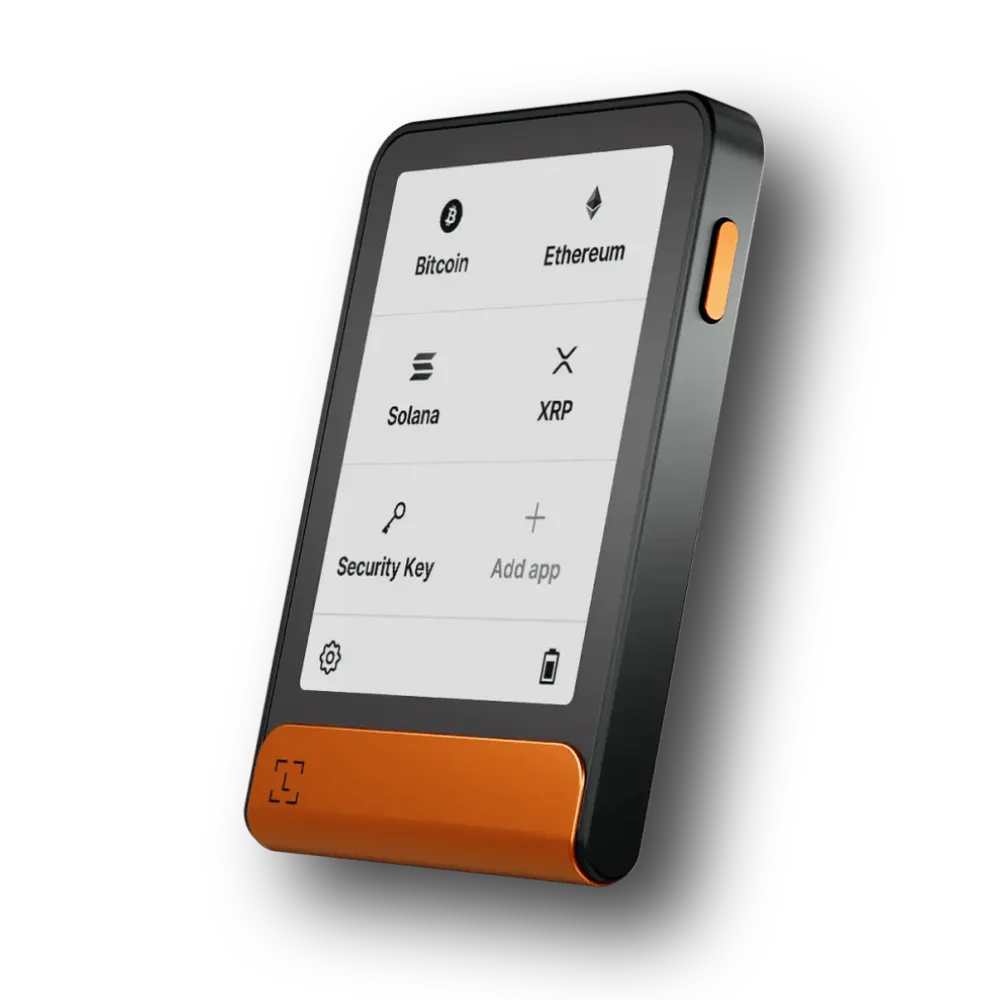
- Ledger Wallets: Most secure hardware wallet (it’s actually trusted by 10M+ users)
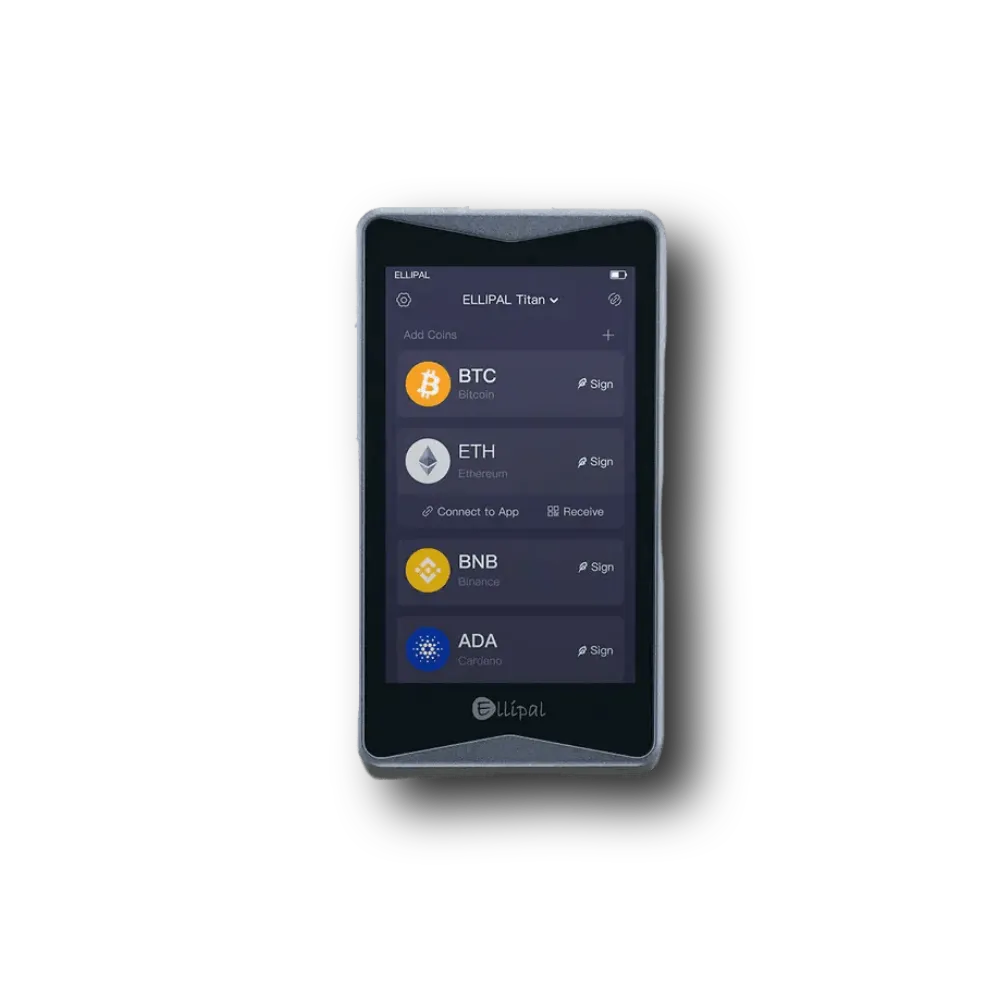
- ELLIPAL Wallets: Best one for air-gapped security (no WiFi, no Bluetooth, no NFC, no cellular)
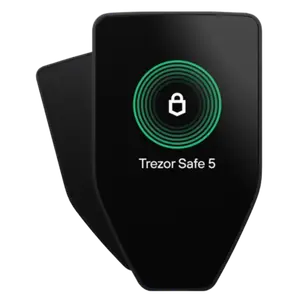
- Trezor Wallets: Quantum-resistant crypto wallet (also privacy-focused with Tor browser and transaction mixing)
- Tangem: NFC-based mobile cold wallet for beginners (easiest one to use, tap-and-go)
- Exodus: Most secure online wallet for desktop users
- Trust Wallet: Safest hot wallet for Android and iOS users
- Base App: Best crypto wallet app for DeFi users
These are the Safest Crypto Wallets I Like Actually (After Testing)
These are my go-to choice actually…
What is the Safest Cryptocurrency Wallet: Let’s Review One-by-One
1. Ledger Wallets
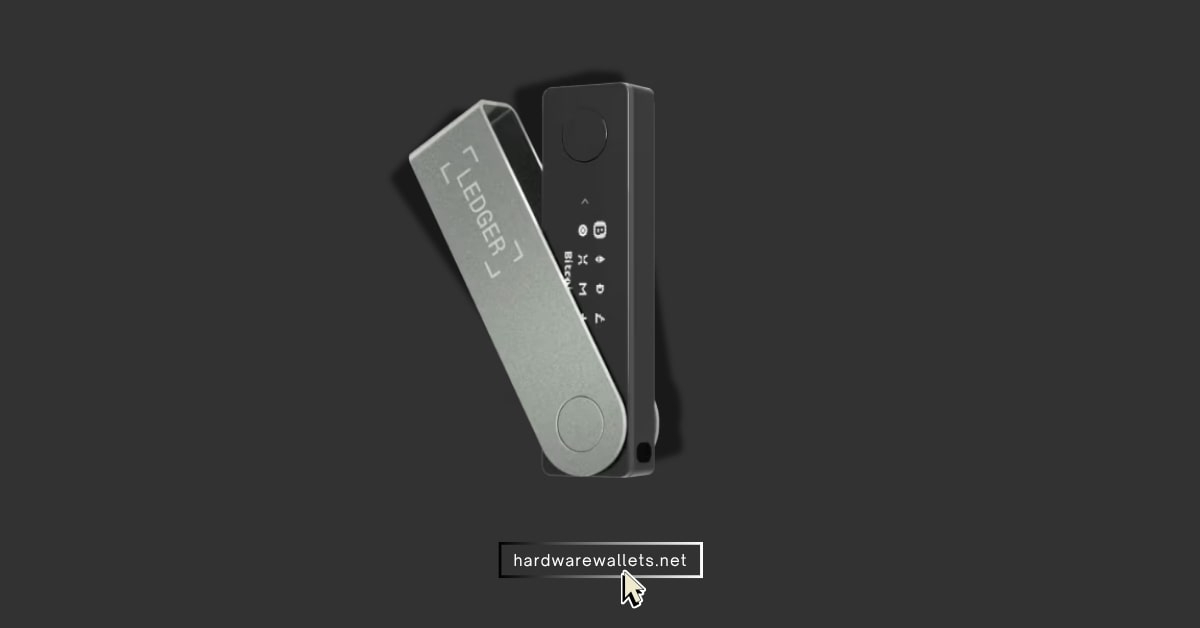
| Type of Wallet | Hardware Wallet (Cold Storage) |
| Supported Coins & Chains | Bitcoin, Ethereum, Solana, Polygon, 100+ chains, 15,000+ tokens |
| Price | $59 – $399 USD |
| Security Measures | CC EAL5+ Secure Element, PIN Code, 24-word Recovery Phrase, Optional Passphrase, LRK (recovery key) |
Key features
- Secure element chip (CC EAL5+): Every Ledger device, including the newer Nano Gen5, uses a chip certified at this high level, and that means it is built to resist physical attacks that try to extract your private keys.
- The support for 15,000+ assets: The latest Ledger devices support over 15,000 different coins and tokens, and cover basically everything you might want to hold, from Bitcoin and Ethereum to smaller, newer projects. You can even store NFTs, stake crypto, and swap tokens.
- You get instant Bluetooth connectivity (Nano X and Gen5): Well, you can connect your Ledger Nano X and the newest Gen5 model to your mobile device wirelessly using secure Bluetooth.
- Certified by ANSSI: The French cybersecurity agency, ANSSI, has actually audited and verified the security of Ledger’s products. Hence, you get a secure hardware design and the safest operating system called BOLOS.
What I don’t like
- Firmware is not fully open source (you have to trust Ledger’s code)
- High-end models like Ledger Stax are expensive for beginners
- The past optional “Ledger Recover” feature caused some community trust concerns
- Ledger Live software app can be a bit slow or clunky at times
- The crypto storage space is also quite low compared to the price point (1.5 MB only)
2. ELLIPAL Wallets
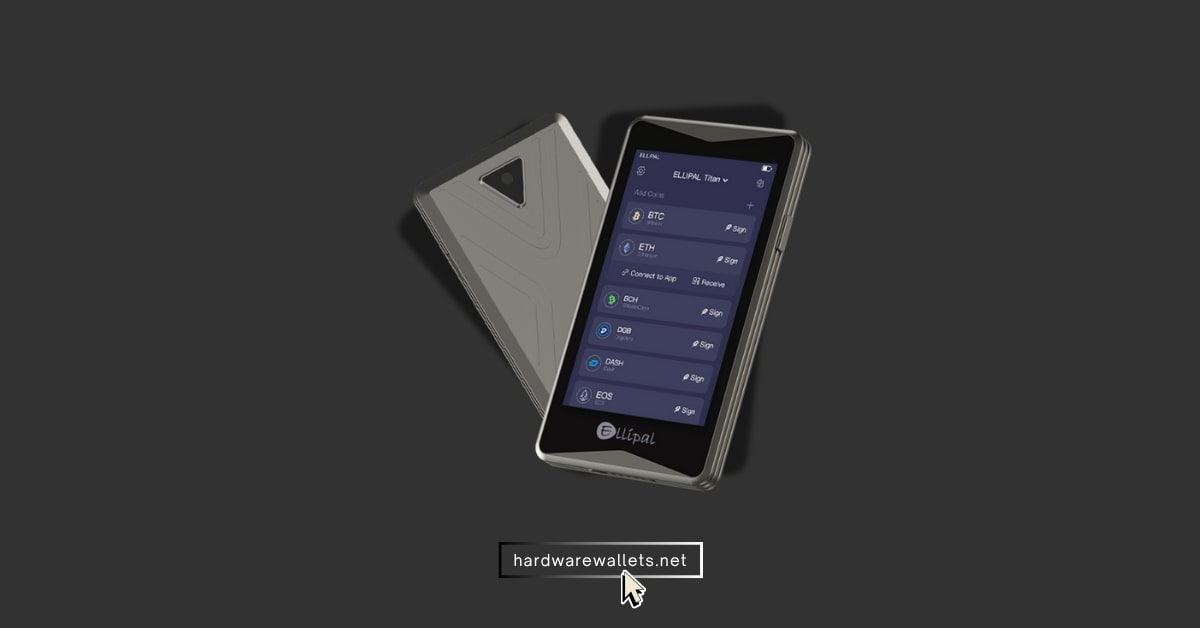
| Type of Crypto Wallet | Cold Storage Wallet (100% Air-gapped) |
| Supported Coins & Chains | 47+ chains, 10,000+ tokens, Bitcoin, Ethereum, Solana, BNB, XRP |
| Price | $69 – $169 USD |
| Security Measures | Fully Metal-sealed case, Air-gapped (no USB/Bluetooth/WiFi), Self-destruct mechanism, EAL5+ security chip, Anti-tamper |
Key things to know
- True Air-Gapped Security: The device is totally isolated from any kind of wireless or physical connection to the internet. So, there is no WiFi, no Bluetooth, no cellular, no NFC.
- Secure Element & Anti-Tamper Chip: Well, to make it the most secure crypto wallet, the Titan also uses a Secure Element chip (rated CC EAL5+). And, this one, combined with its anti-tamper self-destruct mechanism (which wipes the device if a breach is detected), actually ensures hackers can’t get your seed phrase physically.
- Multi-Chain Support via Mobile App: The ELLIPAL companion app allows you to manage 10,000+ coins and tokens across 40+ blockchains. Also, you could easily use it to access DeFi apps, NFTs, staking, and swaps by scanning QR codes.
- Secondary Wallet Option: You can set up a “duress” or secondary wallet with a different password. So, this is going to act as a hidden wallet.
A few drawbacks I found
- A bit pricey compared to other hardware wallets (Titan 2.0 is around $169)
- Bulky size (like a small smartphone). Hence, not that pocket-friendly for everyday carry
- You’re not gonna get fully open source firmware; same as Ledger actually
- Must use the ELLIPAL app and camera every time. So, it can feel slow for frequent transactions
3. Trezor Wallets
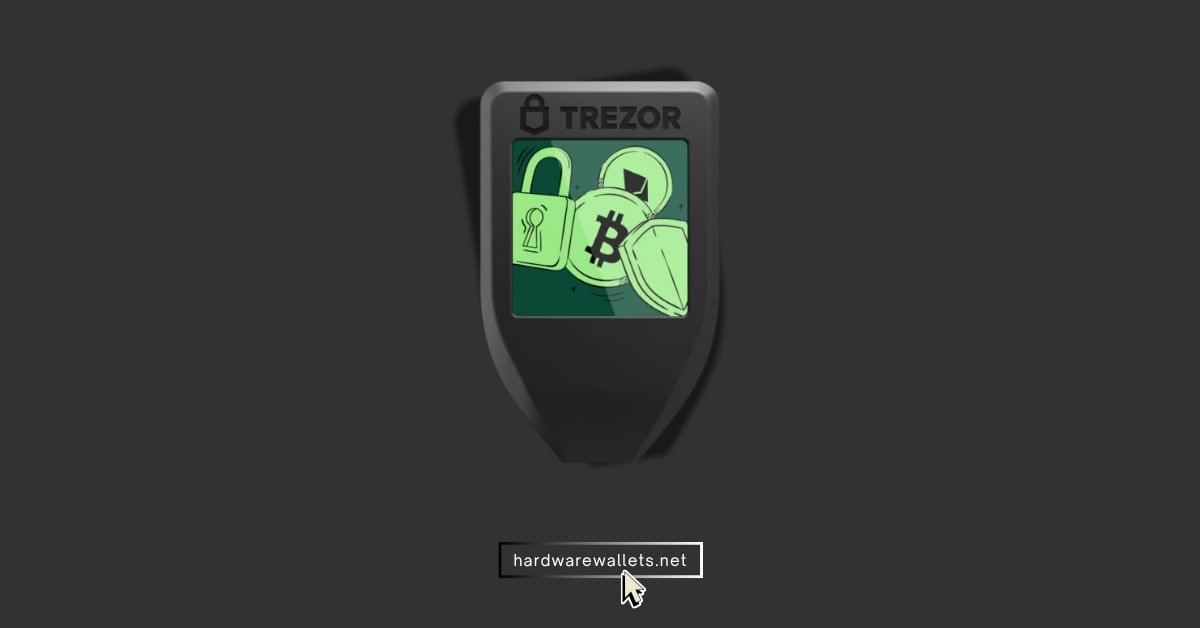
| Type of Wallet | Hardware Crypto Wallet (Cold Storage) |
| Supported Coins & Chains | Bitcoin, Ethereum, Cardano, 50+ chains, 8,000+ tokens |
| Price | $49 – $249 USD |
| Security Measures | Shamir Backup (Advanced Seed), PIN Code, Touchscreen input, Passphrase, CC EAL6+, Quantum-resistant |
Key features
- Open-Source Firmware: Trezor’s software is fully open source. So, that means the code running on the device is public and has been audited by the community.
- Software Wallet Compatibility: Well, because of its openness, I’ve been able to use my Trezor with various wallet interfaces (like Electrum, MetaMask for Ethereum via Trezor, etc.).
- Strong Security Chip (New Models): The latest Trezor Safe 3 and Safe 5 models actually get a Secure Element chip rated EAL6+. Remember, the older ones don’t have this chip and work on secure microcontrollers. Now, we can say Trezor also ranks among the most secure crypto wallets.
Some negative points
- No wireless connectivity at all (no Bluetooth); you can’t use it on an iPhone
- The premium Safe 7 is expensive compared to similar devices
- Screen size is a little small, I can say it’s just okay (compared to ELLIPAL)
4. Tangem
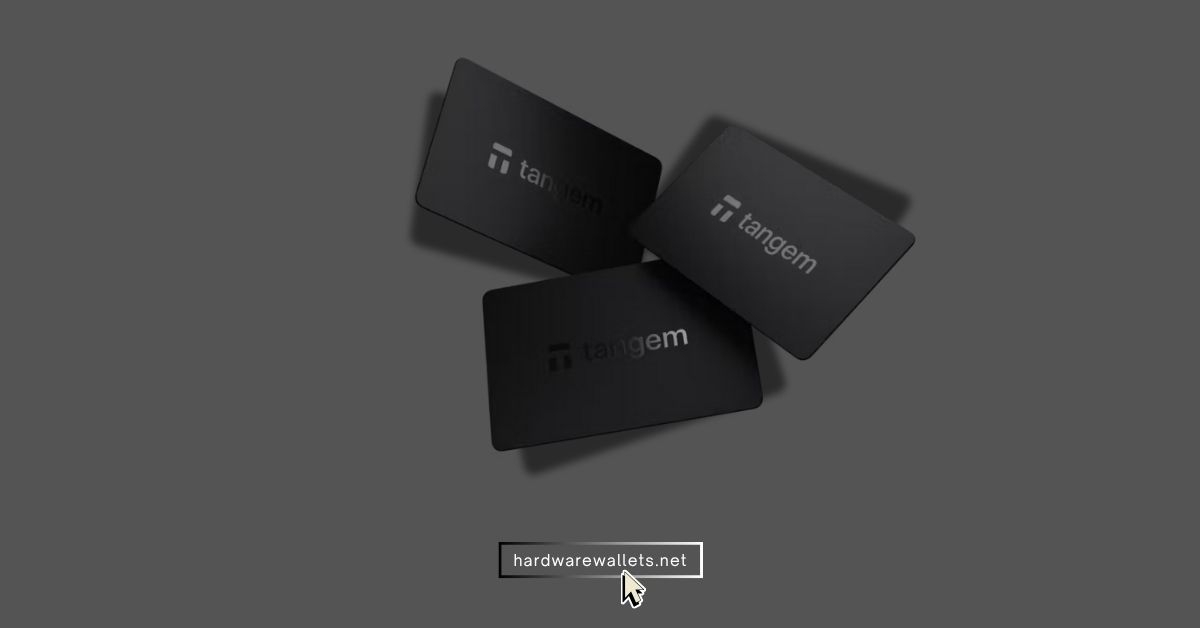
| Type of Wallet | Credit card-like crypto wallet (NFC-based) |
| Supported Coins & Chains | 16,000+ coins, 100+ networks, Bitcoin, Ethereum, Solana, Polygon |
| Price | $54.99 USD (2-Card set) |
| Security Measures | CC EAL6+ Secure Element, No seed phrase to lose, NFC connection only, Biometric authentication on the Tangem app |
Key points to consider
- No Seed Phrase Needed: Tangem actually eliminates the traditional recovery phrase. So, instead, you can back up your wallet by simply using extra Tangem cards. For example, you can set up a 2-card or 3-card pack. Now, if you lose one card, another card can still access your funds.
- EAL6+ Secure Element: Each Tangem card has an EAL6+ certified secure chip inside. So, you’re gonna get the same security as other most safest crypto wallets.
- Air-Gapped via NFC: The card has no ports or battery; it’s generally powered by the NFC signal when you tap it to your phone. Because there’s no USB, no Bluetooth, and no Wi-Fi, it’s considered partially air-gapped.
- 25+ Years Durability and Portability: Actually, the cards are as easy to carry as a credit card and are water-resistant and temperature-resistant. I even got one wet (during testing obviously), and it had no issues.
What I really don’t like
- It is going to require a smartphone with NFC; no desktop or cable option at all
- The firmware isn’t open source (though Tangem says it’s independently audited)
- You must set up backup cards initially; if you skip it and lose the card, there’s no recovering your funds later
- No on-device interface (no screen), you have to trust the app’s display when verifying transactions.
5. Exodus
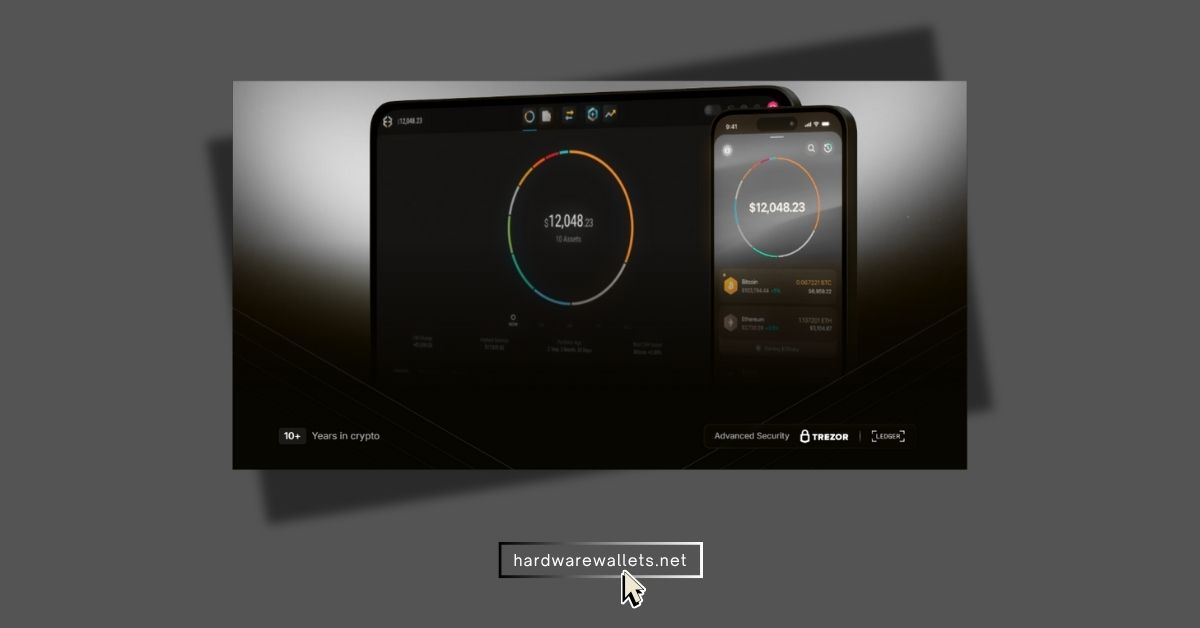
| Type of Wallet | Software Wallet (Desktop/Mobile) |
| Supported Coins & Chains | 1,000+ cryptocurrencies, Bitcoin, Ethereum, Solana, Litecoin, Built-in DEX/Swap |
| Price | Free |
| Security Measures | 12-word Secret Recovery Phrase, Password protection, Biometric unlock (Mobile), Email restore option, Trezor integration |
What I like
- User-Friendly Interface: Exodus has one of the most intuitive and visually appealing interfaces I’ve seen. I can say that on both the computer and phone apps, your portfolio is laid out with charts and easy navigation.
- Multi-Platform: Exodus is available on Desktop (Windows, Mac, Linux) and Mobile (iOS, Android), and you can sync your wallet across devices.
- Built-In Exchange: Well, one top feature is its built-in exchange (powered by third-party providers like ChangeNOW, etc.). You can easily swap crypto directly inside the wallet.
- Trezor Integration: Exodus can integrate with Trezor hardware wallets. It’s the best combo for DeFi access and then securely storing keys on a cold storage device.
What I don’t like
- It’s secure but actually a hot wallet. So, not that secure compared to cold wallets like Ledger or ELLIPAL
- No additional passphrase or 2FA for transactions (beyond the app password)
- The built-in exchange rates can have high spreads or fees compared to using a dedicated exchange
6. Trust Wallet
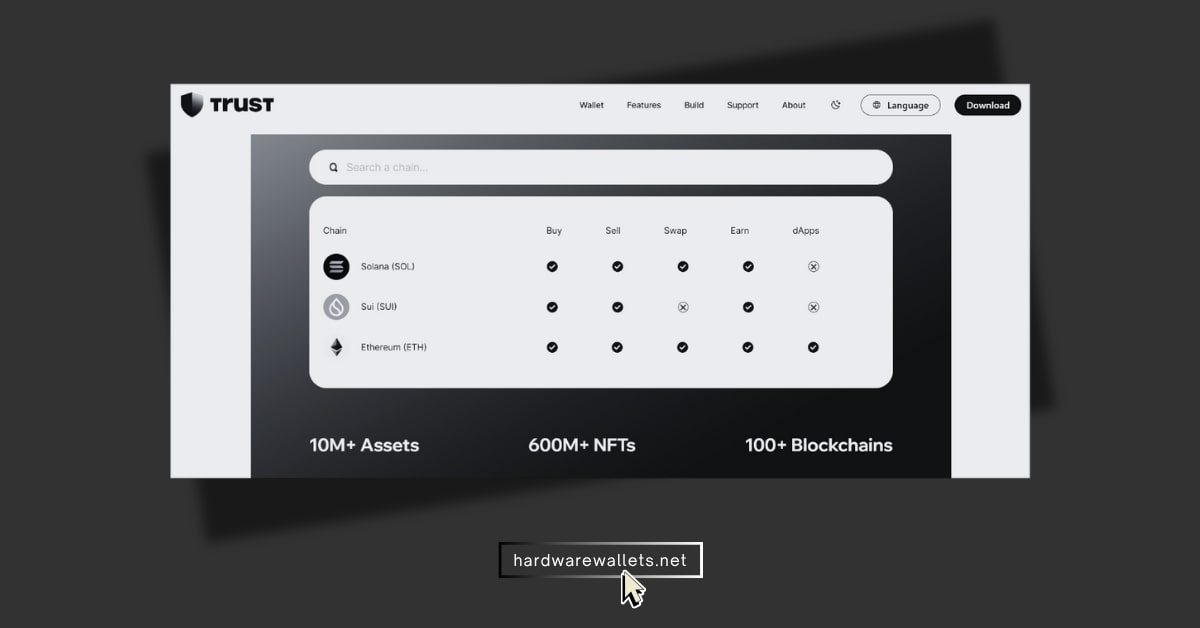
| Type of Wallet | Crypto Software Wallet (Mobile) |
| Supported Coins & Chains | 10+ million assets, 70+ blockchain networks, Ethereum, BNB Smart Chain, Solana, Arbitrum |
| Price | Free |
| Security Measures | 12-word Secret Recovery Phrase, Biometric security, PIN lock, WalletConnect protection |
Key features to check
- Mobile Convenience with Strong Security: Trust Wallet is an app for iOS and Android. It has all the security features you need. So, it’s another one of the most secure crypto wallets, specifically for mobile users.
- Built-In dApp Browser: Well, the thing I like is the decentralized app (dApp) browser within Trust Wallet (on Android; on iOS, it’s a slightly different process due to App Store rules). Hence, you can easily connect to DeFi apps, NFT marketplaces, and games directly from the wallet.
- Staking and Earning: Trust Wallet allows you to stake certain cryptocurrencies (like BNB, Tezos, Tron, etc.) right from the app and earn interest.
- Open-Source Core: Its core code has an open-source foundation (Wallet Core library). That’s another point for its safety.
Negative points to consider
- You know, still a hot wallet on your phone. So, if your phone gets malware or is stolen and unlocked, your funds could be at risk
- Not all of the app’s interface code is open source (some parts went closed-source after the Binance acquisition)
- No desktop application available, though there is a Chrome extension; the experience is mainly mobile-focused
7. Base App (Formerly Coinbase Wallet)
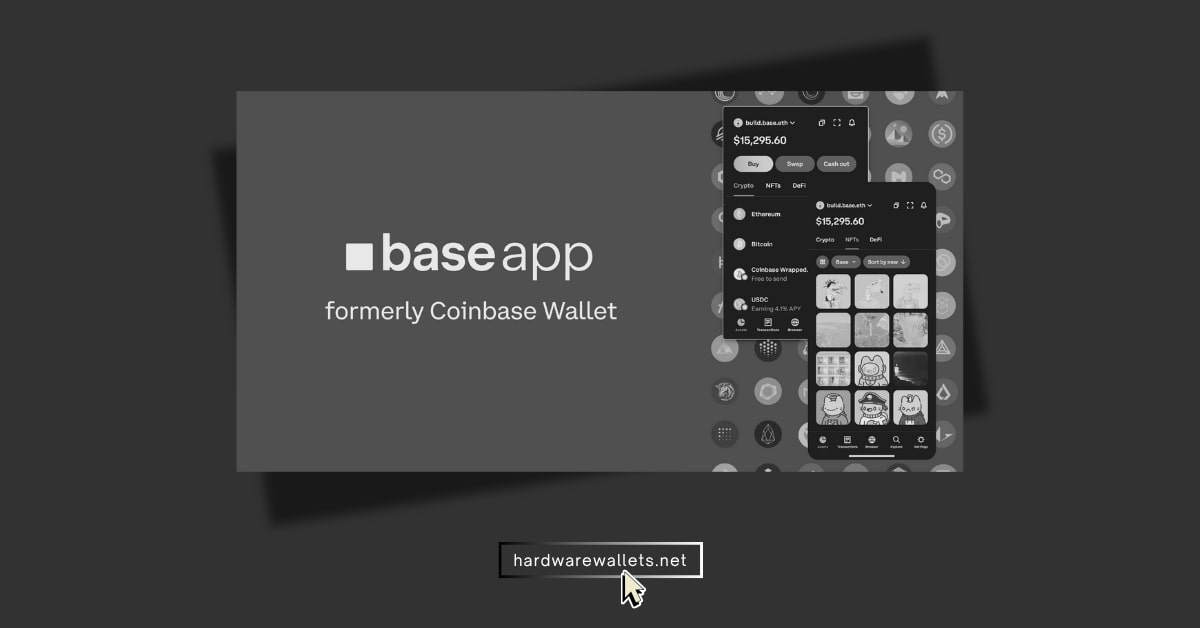
| Type of Wallet | Online Wallet (Mobile/Browser Extension) |
| Supported Coins & Chains | Multi-chain support, Ethereum, Polygon, Solana, Avalanche, BNB Smart Chain |
| Price | Free |
| Security Measures | Cloud backup option, 12-word Recovery Phrase, Biometric security, PIN lock |
Key things about it
- Self-Custodial by Coinbase: Base Wallet gives you full control of your crypto (unlike keeping coins on the Coinbase exchange).
- Multi-Chain & Base Network Support: As the name suggests, Base Wallet is built to work seamlessly with Coinbase’s Base Layer-2 network. But it’s not limited to that; it actually supports Ethereum, Polygon, BNB Chain, and many others.
- User-Friendly and Familiar: The design is really clean and straightforward, somewhat similar to the main Coinbase app. It’s great for beginners.
- Secure MPC and Recovery Options: Base Wallet introduced optional MPC (Multi-Party Computation) key splitting for those who want it. To be exact, you can generally use your cloud backup for instant access or use passkeys.
What I don’t like
- Again, as a hot wallet, it relies on the security of your phone or browser environment
- The “smart wallet” features (like MPC) can be confusing for non-technical users, and if you opt for cloud backup, you must really secure your cloud accounts
- Being tied to Coinbase’s ecosystem might bother those who prefer totally independent open-source solutions
Let’s Compare the Most Trusted Crypto Wallets Side-by-Side
Now, to give you a quick overview, here’s a side-by-side comparison of these most secure cryptocurrency wallets…
| Wallet | Type | Security Measures | Supported Assets | Approx. Price |
|---|---|---|---|---|
| Ledger | Hardware (USB/Bluetooth) | Secure Element (CC EAL5+ chip), Ledger Live app | 15,00+ coins & tokens | $59 – $399 (varies by model) |
| ELLIPAL | Hardware (Air-gapped) | Complete offline operation (QR code signing) | 10,000+ coins & tokens | ~$169 (Titan model) |
| Trezor | Hardware (USB) | Open-source firmware, passphrase option | 8.000+ coins & tokens | $69 (One) – $219 (Model T) |
| Tangem | Hardware (NFC card) | EAL6+ secure chip, no seed phrase needed | 1,000+ coins & tokens | ~$40 per card (packs of 2) |
| Exodus | Software (Desktop/Mobile) | Encrypted local keys, password protection | 500+ assets | Free (software) |
| Trust | Software (Mobile) | Open-source code, biometric lock option | 10M+ tokens (100+ blockchains) | Free (app) |
| Base Wallet | Software (Mobile) | Coinbase-backed security, user-controlled keys | Thousands of assets (multi-chain) | Free (app) |
How to Choose the Most Secure Wallets for Cryptocurrency?
To choose the most secure crypto wallets, you need to consider factors such as type of wallet (hot vs cold), reputation & reviews, security features, coin compatibility, and seed phrase backup options.
Hardware vs. Software (Cold vs. Hot)
Actually, if you’ve got a good-sized chunk of money or you’re in for the long term, you absolutely need to go hardware (cold storage). For the smaller amounts of “fun money” or if you’re constantly exchanging coins, an easy-to-use software program (hot wallet) is enough.
Reputation Is Important
You don’t want to store your tokens in some wallet that just emerged last week. You definitely should go with the well-known, established companies, such as Ledger, Trezor, or Trust Wallet.
Security Features
Okay, if it’s a hardware wallet, look for the Secure Element Chip (the EAL rating is important). For software, look to see if the code is open-source.
You also want to find the layers you have control over: can you enter a good PIN? does it have a biometric lock (fingerprint/Face ID)? and for the true pros out there, does it have a Passphrase (the 25th word)?
Coin Compatibility
You know, what’s the point of being the most secure crypto wallet if it can’t hold your favorite tokens. So, first, check the wallet’s website before you purchase and ensure that they have support for all of the blockchains and tokens that you presently have or are going to purchase.
You can also check out my guide on the best multi-chain hardware wallets…
Backup Strategy
Lastly, you need to consider your Backup Strategy. Each and every wallet is based on a recovery phrase (your 12 or 24 words). You must write that down and keep it safe.
However, some wallets provide other options as well: maybe you can split the key into different parts (Shamir Backup) or maybe they use multiple cards (Tangem).
What’s the safest way to keep my crypto from getting hacked?
The safest way is to separate your storage into two main categories: Cold Storage for your long-term savings and Hot Storage for your daily spending.
Look, you should keep 95% of your total crypto value on a dedicated, air-gapped hardware wallet like the ELLIPAL Titan or Ledger Flex. And that device should be locked in a physical safe and only taken out once or twice a year to add more funds.
The other 5% can go into a secure hot wallet like Trust Wallet for day-to-day transactions and can be used for interacting with dApps. Hence, this strategy, called diversification, basically ensures that even if your phone or computer gets malware, the attacker only has access to a small portion of your money.
I use a crypto app on my phone, is that risky?
Well, yes, it is kind of risky. You know, using a mobile wallet app is okay for small amounts or daily spending, but it’s a bit riskier than using a dedicated offline hardware wallet.
Honestly, the biggest risk is malware. A bad app can spy on your phone and steal your keys, or a phishing attack where you click a link that tricks you into entering your seed phrase.
So, I would say, to be safer with a phone wallet, use a strong password for the app (and enable fingerprint/Face ID lock), keep your phone’s software updated, and also never input your recovery phrase anywhere except in your wallet app when you’re restoring the wallet.
If I forget my wallet password, am I screwed?
Not necessarily. Actually, if you forget the PIN or password to your wallet, you can usually recover access as long as you have your recovery seed phrase. You’d typically reset the wallet or set it up on another device by entering the 12 or 24-word phrase you wrote down, and then create a new password.
Do I need separate wallets for Bitcoin and Ethereum?
No, you usually don’t. Well, most of the best secure crypto wallets today are multi-currency, meaning one wallet device or app can manage multiple types of coins. All of the wallets I mentioned (hardware and software alike) let you hold Bitcoin and Ethereum (and often tons of other altcoins) at the same time.
How do I know if my chosen wallet is actually legit or a scam?
To check out if your chosen most secure crypto wallet is legit or a scam, you can run these checks…
- Check the Golden Rule: Is it Non-Custodial? You know, a genuine self-custody wallet will never, ever ask you for your private key, password, or recovery phrase (seed phrase) after the initial setup. So, if a wallet app, website, or support person asks you to send your 12 or 24 words for “verification,” “activation,” or “security updates,” yes, it is 100% a scam.
- Where Did You Get It? (Official Source Only) To get a hardware wallet (such as Ledger or Trezor), you should only purchase directly from the official website of the manufacturer. For the record, purchasing from third-party dealers such as eBay or even Amazon has a massive risk of receiving a tampered-with unit preloaded with a scammer’s seed phrase. Also, for the most secure software wallets, you should only download from the official Apple App Store or Google Play Store.
- What’s Its Reputation and History? You should know that trust is gained over time. Most of the popular and established wallets, such as Exodus, Trust Wallet, Ledger, and Trezor, have existed for years and have millions of users. Hence, if a wallet is brand new, barely has an online community following it, or you only see advertisements for it on social media, do not risk significant amounts of money on it.
- Verify Official Security Certifications (Hardware Only): Well, if you’re purchasing a physical device, check for the Secure Element Chip and its EAL Rating (Evaluation Assurance Level). The gold standard of such chips is usually EAL5+ (held by Ledger, ELLIPAL, Trezor), which demonstrates the hardware’s resistance to physical attacks.