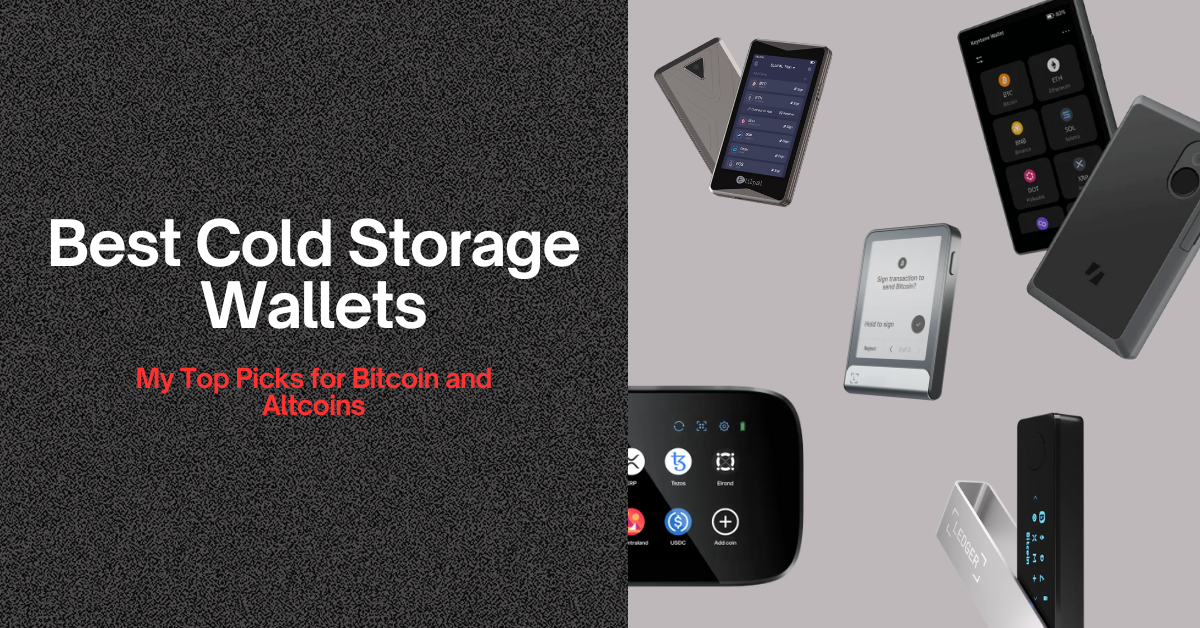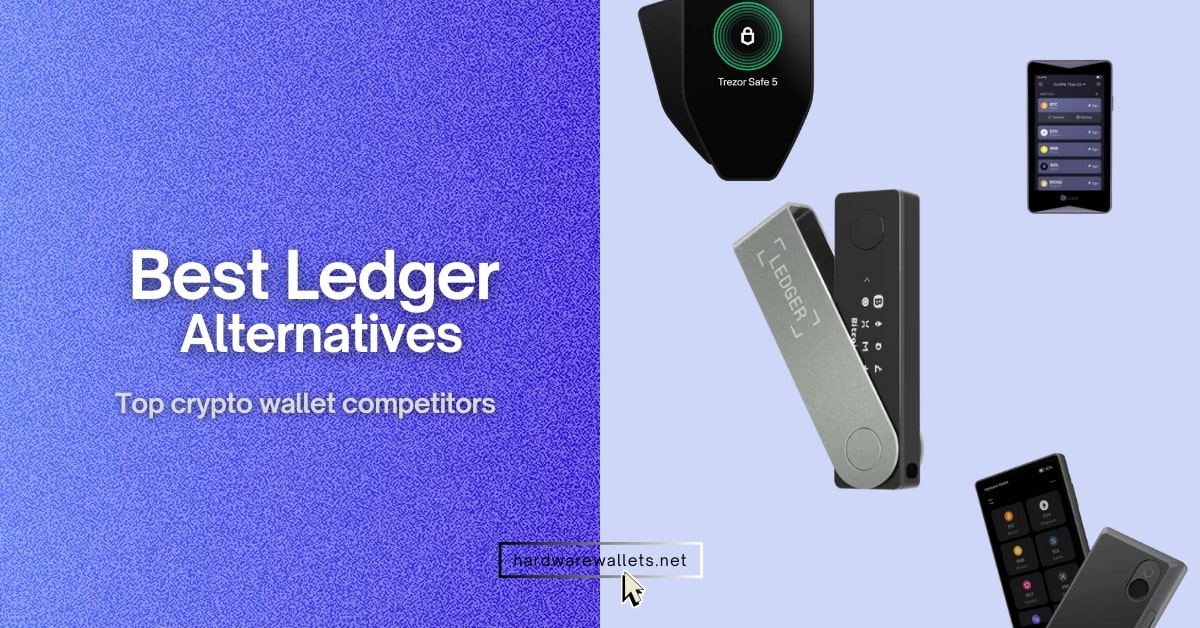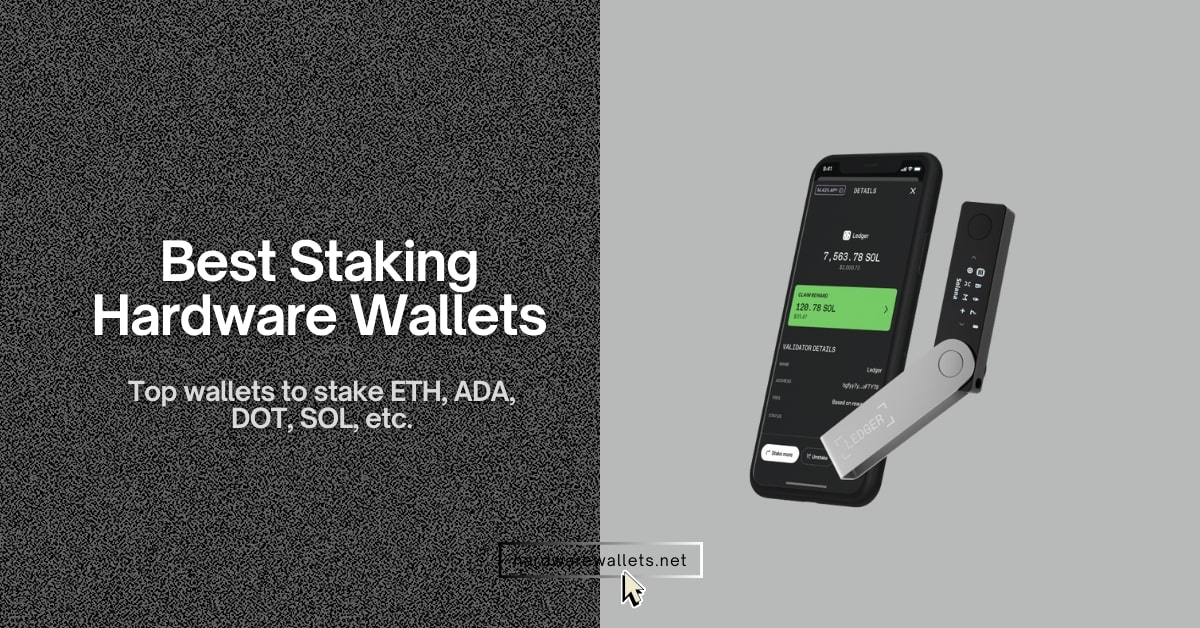

The top-rated best Sui wallets are Ledger Flex, ELLIPAL Titan 2.0, Trezor Safe 5, Tangem Wallet, Keystone 3 Pro, Trust Wallet, Slush Wallet, and Suiet.
Sui blockchain is a decentralized Layer-1 platform designed to offer high-speed transaction processing with low latency for global users. The SUI crypto is the native utility token used for paying gas fees and participating in network governance through decentralized staking.
In this guide, we will review the best Sui wallets based on security, ease of use, SUI compatibility, and connectivity options. You will also learn which wallet fits long-term storage, daily use, and active Sui ecosystem participation so you can choose the right option.
Comparing Safest Sui Wallets Right Now
Here’s a quick comparison between the top 8 best Sui wallets right now…
| Wallet | Display | Security | SUI Support | Connectivity | Wallet Type | Platform |
|---|---|---|---|---|---|---|
| Ledger Flex | Color touchscreen | Secure Element, offline keys | Via SUI wallets | USB-C, Bluetooth | Hardware (cold) | Mobile, Desktop |
| ELLIPAL Titan 2.0 | 4″ touchscreen | Fully air-gapped | Via supported integrations | QR codes only | Hardware (cold) | Mobile app |
| Trezor Safe 5 | Color touchscreen | Open-source, secure chip | Via compatible wallets | USB-C | Hardware (cold) | Desktop, Mobile |
| Tangem Wallet | No display | EAL6+ secure chip | Native in app | NFC (tap) | Hardware (cold) | Mobile app |
| Keystone 3 Pro | 4″ touchscreen | Air-gapped, secure element | Via SUI wallets | QR codes, USB (updates) | Hardware (cold) | External wallets |
| Slush Wallet | App / extension UI | Encrypted local keys | Native SUI wallet | Internet | Hot wallet | Mobile, Browser |
| Suiet | Browser UI | Local key storage | Native SUI wallet | Browser extension | Hot wallet | Browser |
| Trust Wallet | Mobile app UI | Encrypted device storage | Native SUI support | Internet | Hot wallet | iOS, Android |
Best Wallets for Sui Blockchain (SUI Hardware Cold Storage)
First, these are most secure SUI hardware wallets:

Ledger Flex Cold Storage • Clear Signing
You can securely store and manage your SUI on this Ledger’s next-gen “Flex” hardware wallet. It will keep your private keys offline while you buy, send, receive, swap, and stake SUI directly through Ledger Live or compatible Sui Wallet integrations.
2.84″ Secure E-Ink touchscreen with 16-shade grayscale. Human-readable “what you see is what you sign” approvals for every Sui transaction.
CC EAL6+ Secure Element, PIN protection, and offline key storage. Your SUI stays on the device, never exposed to apps or exchanges.
Full SUI support via Ledger Live™ and compatible 3rd party wallets. Send/receive SUI, view history, and access DeFi dApps securely.
Bluetooth 5.2, USB-C & NFC capabilities. Manage your crypto on iOS, Android, or Desktop with ease.
- Generate and store your SUI private keys offline on the Secure Element.
- Connect to Sui wallets to send, receive, and swap without keys leaving the device.
- Review full transaction details on the high-fidelity E-Ink screen before approving.
- Stake SUI through supported validators and track rewards directly from the app.
- Personalize the lock screen with your favorite SUI NFTs or images.
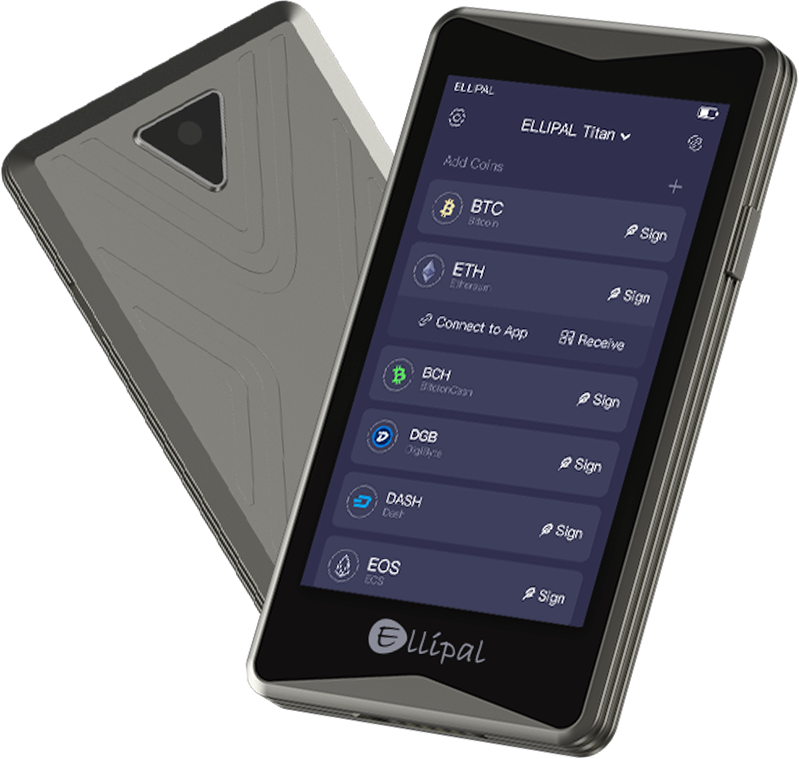
ELLIPAL Titan 2.0 Air-Gapped • QR Signing
The ELLIPAL Titan 2.0 is the best cold wallet for SUI and store private keys isolated from WiFi, Bluetooth, USB, and cellular connections. You can easily manage, send, stake, and store SUI securely using offline QR-code transactions with the ELLIPAL App and supported third-party Sui crypto Wallets.
Large 4-inch color touchscreen for easy navigation and full Sui transaction previews before signing offline.
True air-gapped design, anti-tamper metal casing, secure element chip, and QR-code verification ensure your SUI keys never connect to the internet or cables.
Supports SUI and the Sui network via the ELLIPAL App. Send/receive SUI, manage tokens, and connect to Sui-compatible dApps using secure QR workflows.
100% cable-less and wireless-free. All transactions use QR codes: no USB, no Bluetooth, no WiFi, eliminating remote attack vectors.
- Offline generation and storage of your SUI private keys in a secure, air-gapped environment.
- QR-code signing ensures transactions are never exposed to exploited cables or wireless connections.
- Full on-device review of Sui transaction details for maximum transparency and safety.
- Stake SUI using supported validators through the ELLIPAL App.
- Strong metal body protects against physical tampering and unauthorized access attempts.
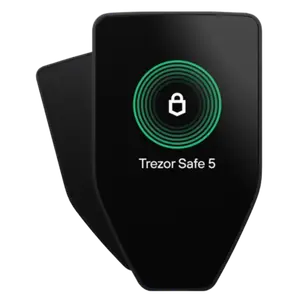
Trezor Safe 5 Cold Storage • Clear Signing
The Trezor Safe 5 makes storing and managing your SUI extremely simple and secure. Your private keys are generated and kept offline, and you can connect to Sui-supported apps or wallets to send, receive, stake, or explore DeFi.
Vivid touchscreen that clearly shows Sui transaction details so you can double-check exactly what you’re signing before confirming anything.
Built with an improved secure element, strong PIN protection, offline key storage, and transparent on-device confirmations. Your SUI never touches the internet.
Supports SUI through official Trezor integrations and third-party Sui wallets. Easily manage balances, transfers, and interact with Sui-based apps.
USB-C connection for desktop and mobile, with smooth compatibility across major operating systems and Sui wallet platforms.
- Your SUI private keys are created and stored locally on the Trezor secure chip.
- Connect to Sui wallets to transfer or manage tokens while keeping keys offline.
- Every Sui transaction shows up on the device so you know exactly what you’re approving.
- Stake SUI with supported services and monitor rewards without exposing your keys.
- You can personalize the device interface and theme for a more comfortable experience.
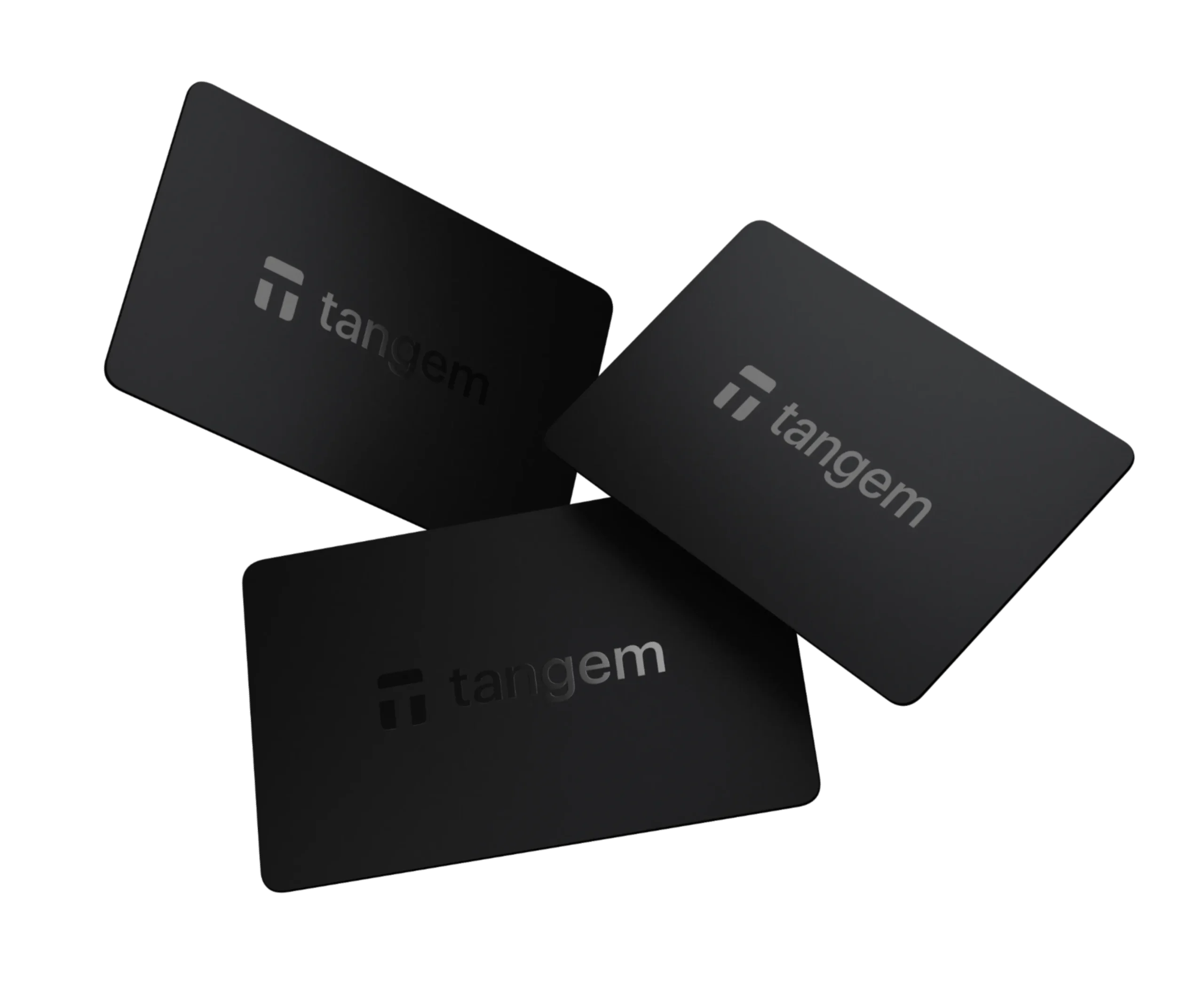
Tangem Wallet NFC-Based Cold Storage • Tap-and-Go
Tangem Wallet is another non-custodial and best SUI hardware wallet that stores your cryptocurrency private keys offline on a secure, NFC-enabled chip. It works via an NFC card or ring you tap on your smartphone to access your crypto using the Tangem mobile app.
Tangem uses your smartphone’s screen via the Tangem app, so there’s no built-in display on the card or ring.
True cold storage by storing private keys inside an EAL6+ certified secure element that cannot be extracted.
Tangem supports SUI by securely managing the private keys linked to your Sui wallet address. You can safely receive, hold, and send SUI directly through the Tangem mobile app.
Tangem connects to your phone using NFC, so there are no cables, Bluetooth, or USB connections involved. You simply tap the card or ring on your smartphone to authorize actions.
- A certified secure chip (EAL6+ grade).
- Just tap the Tangem card/ring on your phone’s NFC area and enter your access code to send/receive crypto.
- Slim credit-card style or wearable ring design makes it easy to carry.
- Wallet sets typically come with 2–3 identical devices so you can recover access if one is lost.
- Manage, send, receive, and swap assets through the Tangem app.
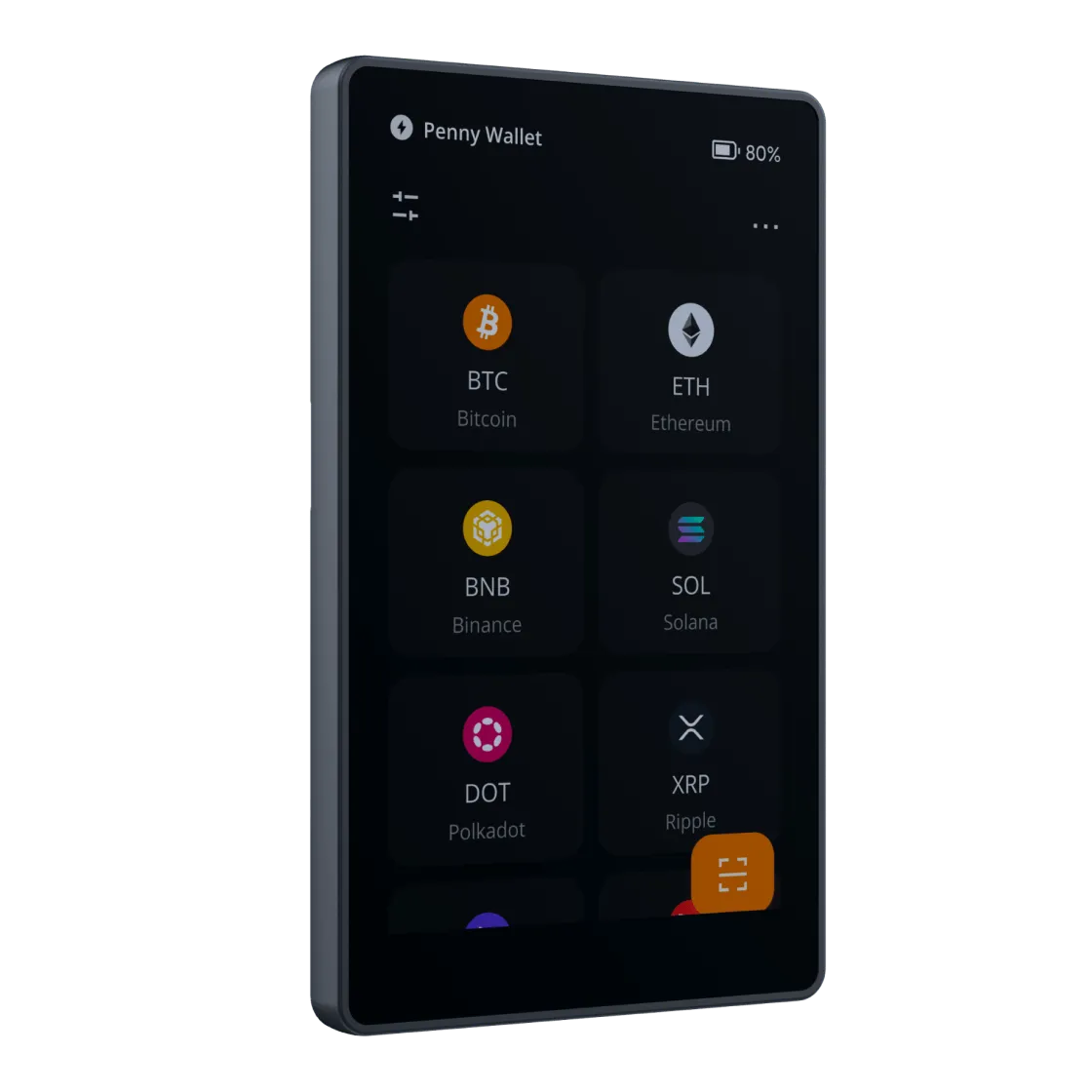
Keystone 3 Pro QR-code Based Cold Storage • No Bluettoth, No WiFi, No Cellular, No Cables
The Keystone 3 Pro is an air-gapped cold wallet for SUI crypto. Well, beyond SUI, Keystone 3 Pro works with many public chains (Cosmos, Solana, Aptos, Cardano, etc.) through dedicated wallet integrations.
It has a large 4-inch color touchscreen that’s clear and responsive. You can easily view your SUI crypto transaction. No blind signing.
Keystone 3 Pro uses multiple secure element chips, open-source firmware, and an air-gapped design (QR code signing only) to keep private keys completely offline.
It can secure your SUI private keys offline while letting you manage, send, and receive SUI through that interface (e.g., wallets like Fewcha/OKX Wallet).
It doesn’t connect via USB/Bluetooth by default; instead it uses air-gapped QR code communication (and optionally USB-C for updates) to sign transactions securely.
- It doesn’t “hold” SUI itself; instead, it secures the keys that unlock your SUI address on the Sui blockchain.
- Both hardware and software are open-source to review and uadit by community.
- To access your SUI tokens, you typically connect the Keystone device to a compatible software wallet (such as Fewcha or another SUI-enabled wallet).
- Fingerprint security for login, sign transactions, and store private keys.
Top Software Wallets for SUI Crypto (Browser Extensions)
You see, software wallets are great because they are free and you can set them up in just a minute. Plus, these are perfect for daily trading or using decentralized apps on the Sui network. Here are my top online wallets for SUI crypto…
Slush Wallet: Official Sui Wallet
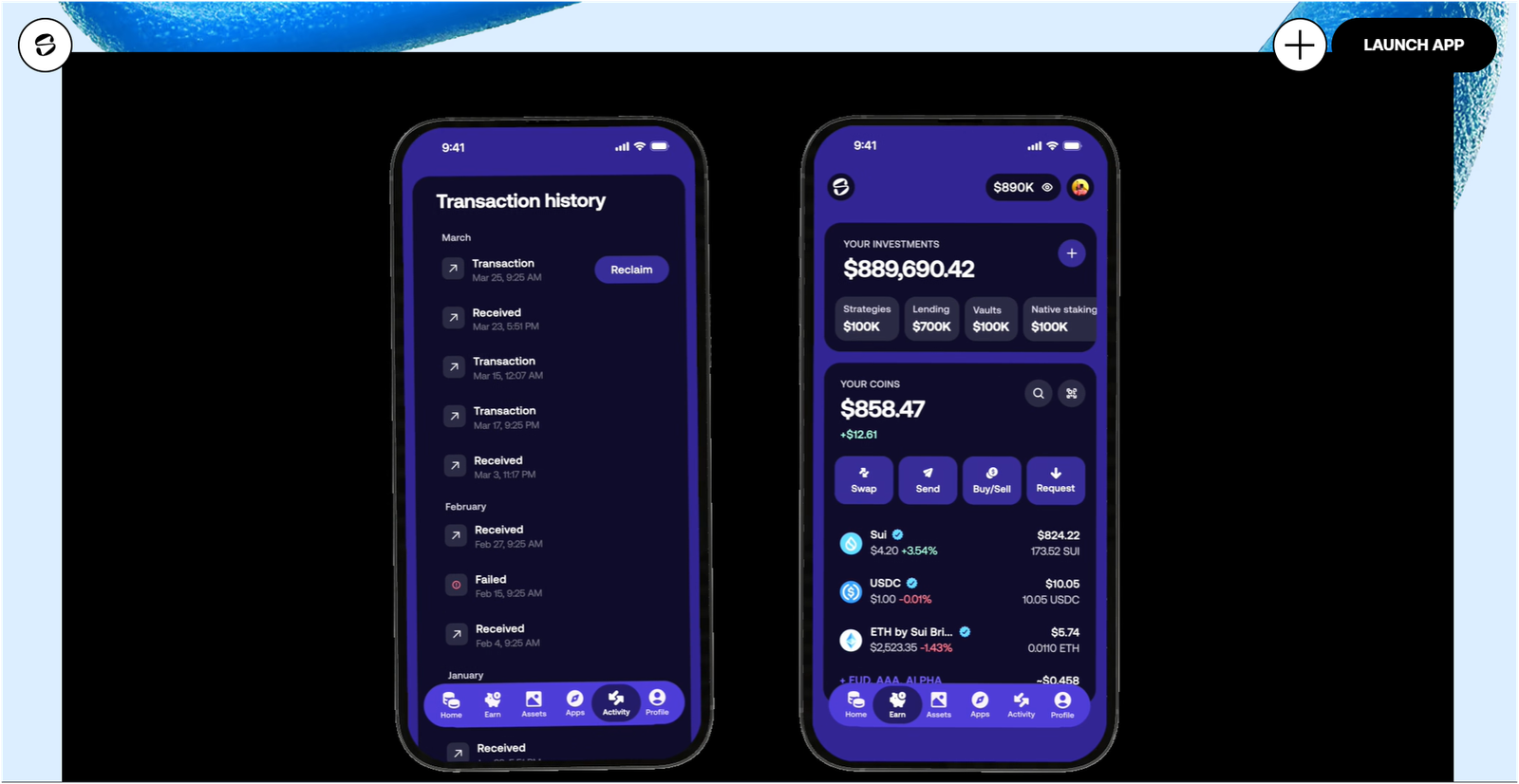
Slush is the rebranded version of the original Sui Wallet, and it remains the official choice from the Mysten Labs team. The platform has over 150,000 active users, and it is designed to be the easiest way to enter the ecosystem.
You can even sign in using your Google or Apple account, thanks to something called zkLogin, which means you do not have to remember a long seed phrase if you do not want to. It lets you send tokens through a simple Slush Link or a QR code. The mobile app and the browser extension sync perfectly, so you can manage your money anywhere you go.
Suiet: Best Browser Extension
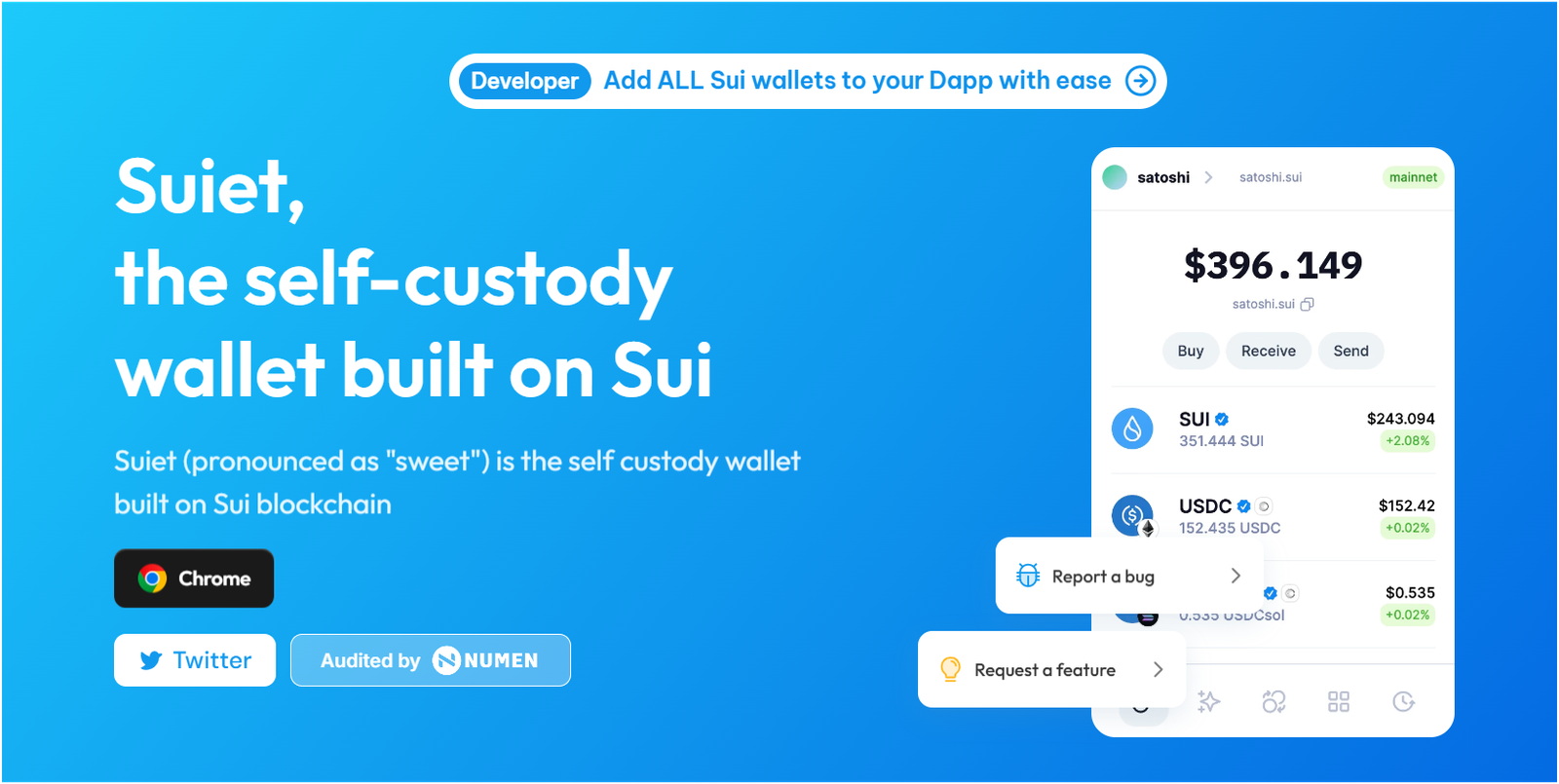
Suiet is another best Sui wallet. It is a very simple and open-source browser extension that many developers and regular users love. It does not track any of your personal data, so it is really good for your privacy and peace of mind.
The interface is very clean and does not have any annoying ads or extra junk that confuses you when you are trying to swap tokens. Here, one of the best parts is the Wallet Kit, which helps you connect to almost every app on the Sui network without any lag. You can also use biometric features like your TouchID or FaceID to unlock the wallet on your laptop.
Trust Wallet: Best Mobile Experience
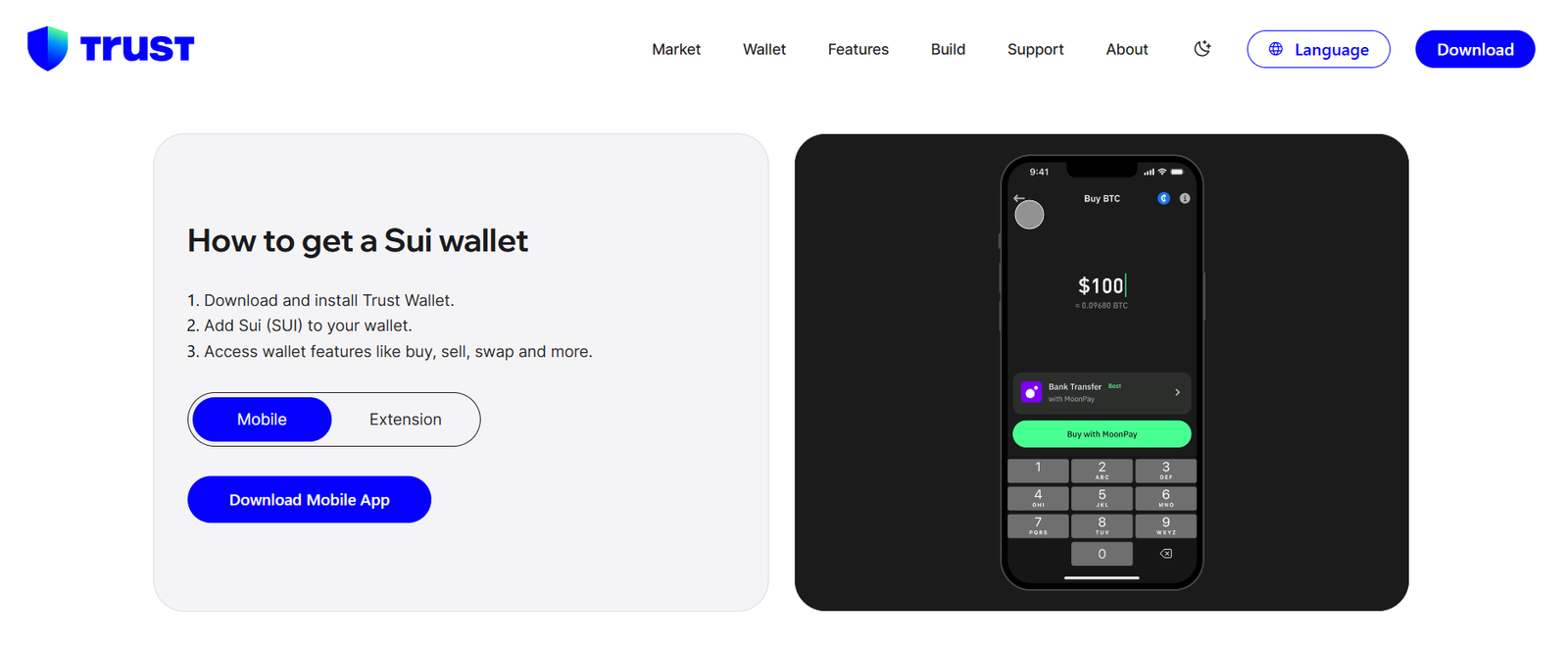
Trust Wallet is a great choice if you own many different types of crypto and want to keep them all in one app. It supports the Sui network fully and allows you to stake your SUI tokens to earn rewards directly inside the interface.
The platform is used by over 100 million people worldwide, so you know it is a well-tested tool that won’t just disappear. You get a simple one-click experience for swapping tokens, and it has a built-in browser to visit Sui marketplaces. It is mainly a mobile app, but the browser extension works just as well for Sui users who spend a lot of time on their desktops.
Read my other guides as well:
- Best cold storage wallets
- Best hardware wallets for cryptocurrency
- Most secure hardware wallet for Bitcoin
- Most secure crypto wallets
- Best Binance Smart Chain Wallets
What is a Sui Wallet?
A Sui wallet is a digital tool that allows you to interact with the Sui blockchain to manage your tokens and NFTs. You do not actually store the coins inside the wallet; instead, the wallet holds the private keys that prove you own the tokens on the network.
Well, without these keys, you cannot move your money or prove that it belongs to you. You see, some of the best Sui wallets are apps on your phone, while others are physical devices you hold in your hand for extra safety.
What is SUI Crypto?
SUI is the native token used to pay for transactions and secure the Sui network through staking. The platform is built to handle huge amounts of traffic, sometimes processing over 297,000 transactions every single second in peak times.
Hence, this makes it much faster than older blockchains like Bitcoin or Ethereum, which can get very slow when many people use them. You need a small bit of SUI to pay for gas fees every time you send a payment or buy an NFT. You can say, it is basically the digital fuel for the whole ecosystem that keeps everything running smoothly.
Understanding Sui Network
The Sui network is a modern Layer-1 blockchain that was created to make Web3 feel as fast as a normal website. It uses a special programming language called Move, which was designed to prevent common bugs that cause people to lose money in smart contract hacks.
The network is built for things like high-speed gaming and social media, where you need thousands of people doing things at the same time. Today, it has become a major hub for decentralized finance, with billions of dollars flowing through its apps every month.
It also has a feature called sponsored transactions, where some apps pay the fees for you so you can use them for free without even owning any SUI tokens yet.
How to Choose the Best Sui Wallet?
Generally, choosing the best Sui wallet depends on how much money you have and how often you need to use it. You should start by asking yourself if you prefer safety over speed before you download anything.
- Security Needs: If you have a large amount of money, you really should buy a hardware wallet like Ledger or ELLIPAL.
- Ease of Use: Beginners should probably start with the Slush extension because the social login feature is very simple to understand.
- Device Compatibility: Make sure the Sui wallet works on your specific phone model or the browser you use daily, like Chrome or Brave.
- Staking Features: Check if the Sui wallet lets you stake your SUI tokens easily to earn a passive income without much effort.
- Privacy: If you care about staying anonymous, look for open-source options like Suiet that don’t track your IP address.
FAQs
What is the best Sui wallet extension?
Slush is the best Sui wallet extension for the majority of users because it is the official wallet developed by Mysten Labs. You get access to the most advanced features like zkLogin, which lets you create a blockchain account using your existing Google or Twitch credentials without writing down a seed phrase.
The extension currently supports over 150,000 active users and connects seamlessly to every major dApp in the ecosystem. Well, it also includes a testnet faucet built-in. You see, this is really helpful if you are a developer or just want to try out new apps for free.
Which is the official Sui crypto wallet?
The official wallet for the network is Slush. It was originally launched as the Sui Wallet before its major rebranding. This wallet is maintained by the creators of the blockchain. It always supports the latest Move language updates and network upgrades immediately. You can find it on the Chrome Web Store or App Store.
Is there any mobile wallet for SUI storage?
You can find several high-quality mobile wallets for SUI storage, including the mobile version of Slush and the widely popular Trust Wallet. These apps are available on both iOS and Android.
Which is the best cold wallet for SUI?
Ledger Flex, ELLIPAL Titan 2.0, and Trezor Safe 5 are the best cold storage wallets for SUI crypto and blockchains. These store your private keys 100% offline in a secure element chip, rated EAL6+ security.