
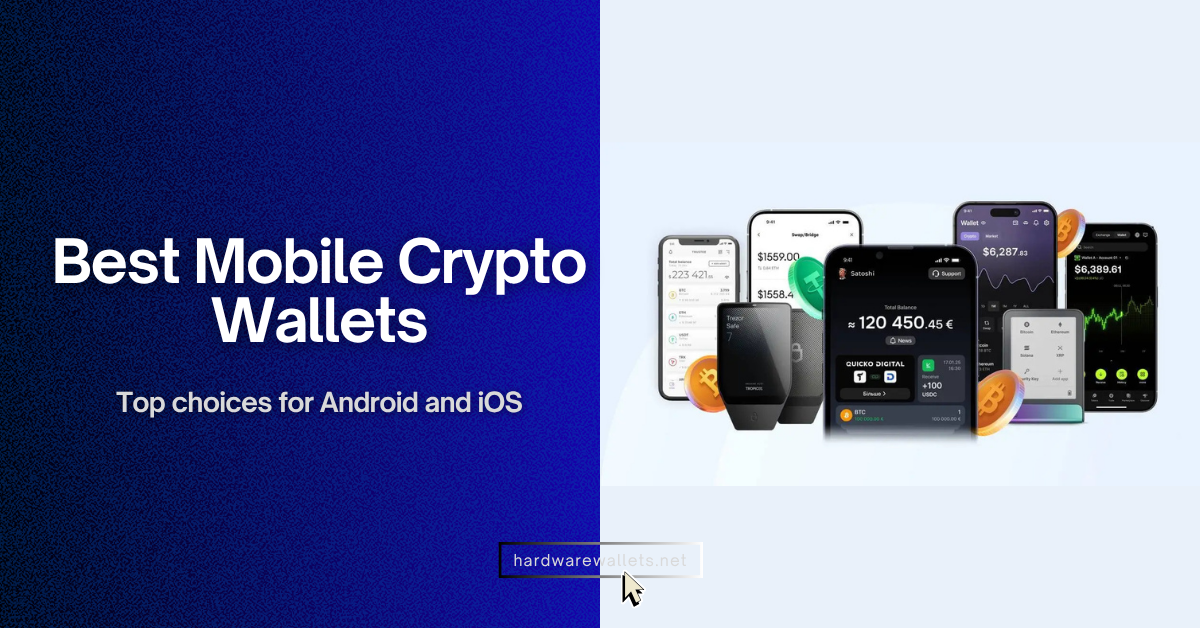
The mobile crypto wallets are apps or devices that let you store, send, receive, and manage your crypto directly from your smartphone while keeping control of your private keys.
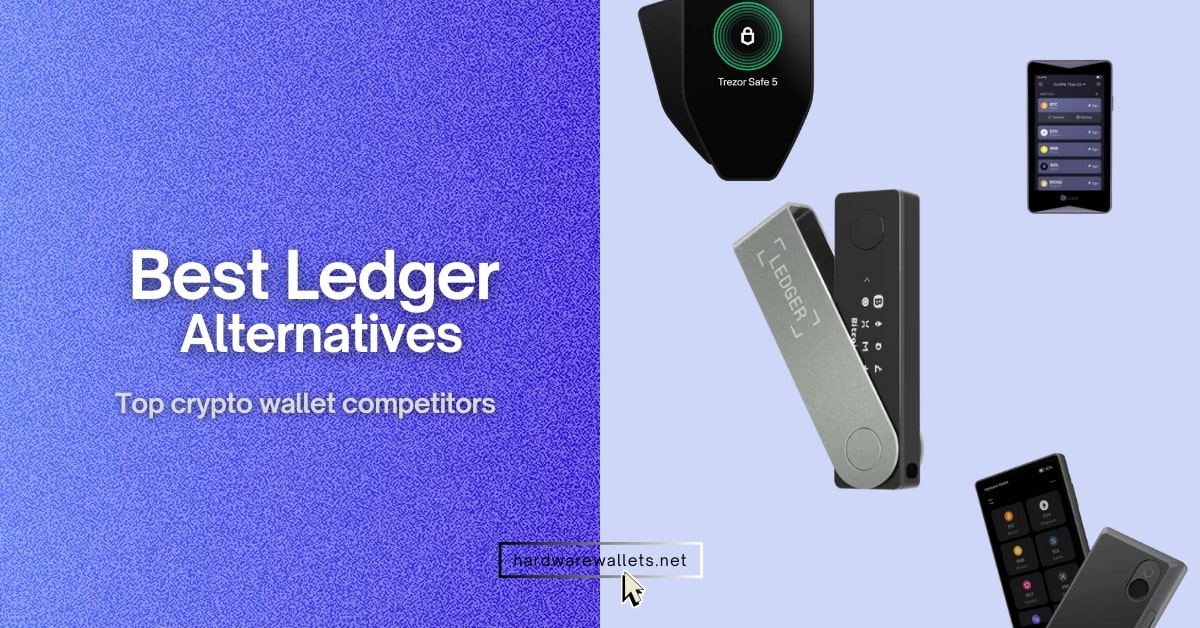
The best mobile cryptocurrency wallets for Android and iOS are Ledger Flex, ELLIPAL Titan 2.0, Trust Wallet, Tangem, and SafePal due to their strong security, wide asset support, and smooth mobile experience.
In this guide, I will cover the top 5 best mobile crypto wallets, compare their features, explain their pros and cons, and help you choose the right mobile wallet based on your needs, security level, and daily usage.
My Safest Picks: Top 5 Best Mobile Crypto Wallets for 2026
I have tested over 30+ mobile cryptocurrency wallets based on supported coins, security, features, ease of use, and user reviews. Here are my top 5 best mobile crypto wallets:
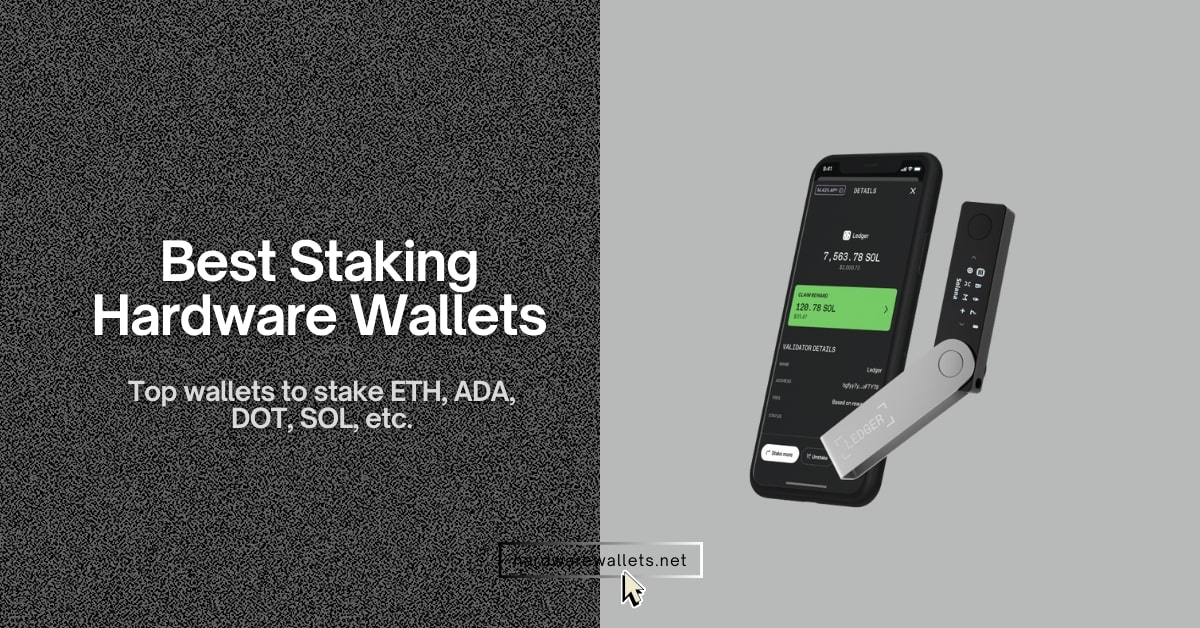
- Ledger Flex: Best mobile hardware wallet because it uses a secure E Ink touchscreen and Bluetooth for easy transaction signing.
- ELLIPAL Titan: Top mobile cold wallet for Android because the air-gapped metal body prevents all remote hacking attempts.
- Trust Wallet: Best cryptocurrency wallet for Android because the free app supports over 10 million different digital assets.
- Tangem: Best crypto wallet for phone users because the durable NFC card fits inside your physical wallet for portability.
- SafePal: Best mobile crypto wallet app for dApps because the integrated ecosystem offers the highest staking rewards and DeFi tools.
Recommended: Best Mobile Wallets for Cryptocurrency
Here are my recommended 2 best mobile cryptocurrency wallets for Android and iOS:
Best Crypto Wallets for Android and iPhone
1. Ledger Flex: Best mobile hardware wallet
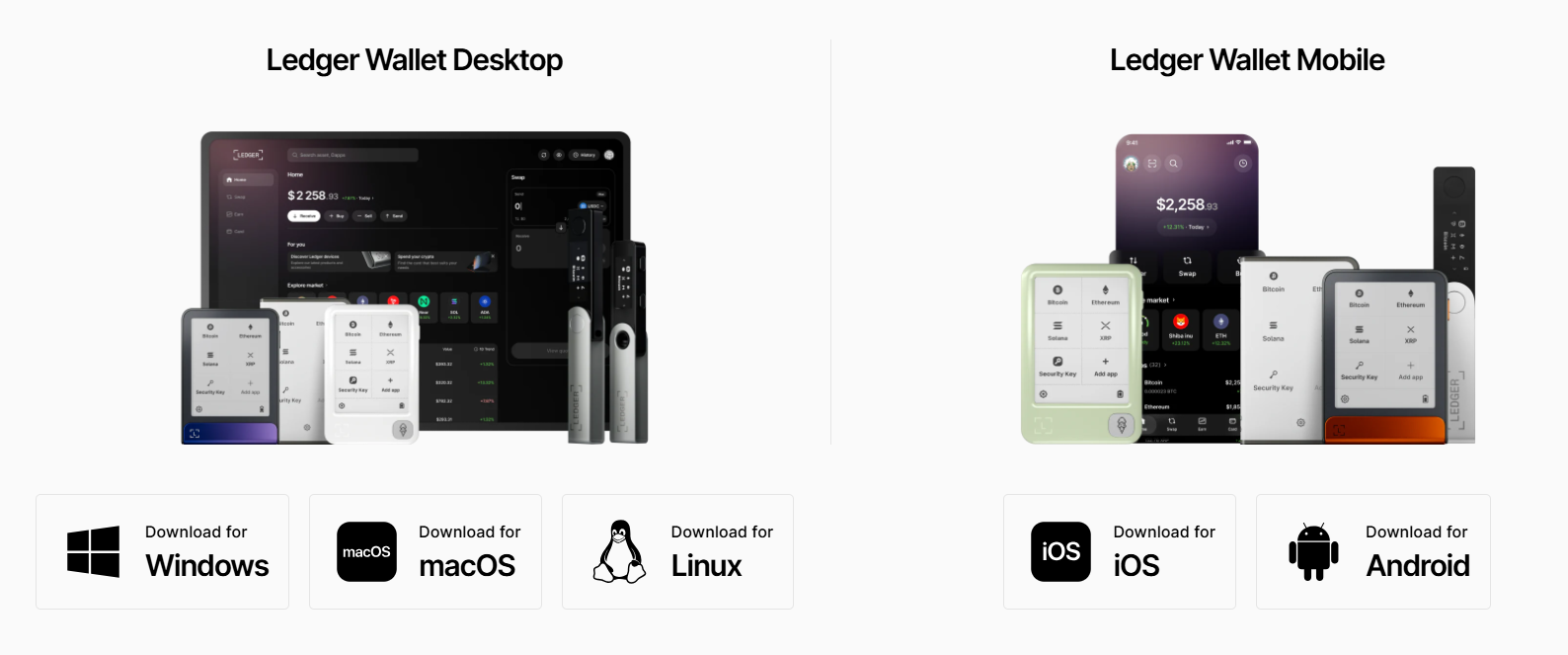
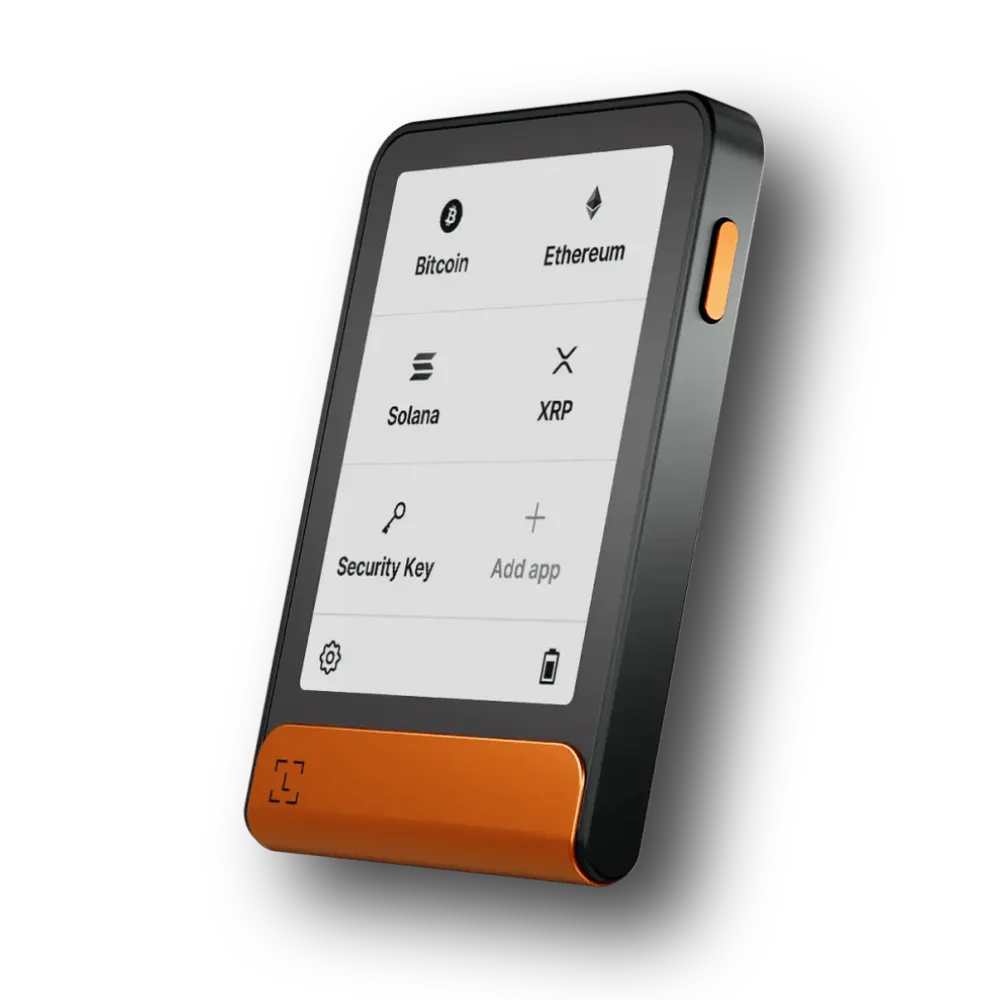
Ledger Flex is a premium hardware mobile wallet, and it’s built from the ground up for smartphone users. It has a 2.8‑inch E‑Ink display with a 480×600 resolution and Gorilla Glass for clarity. You can easily connect your phone via Bluetooth 5.2 LE, USB‑C, or NFC. This makes it best for both iOS and Android.
Ledger’s Secure Element (CC EAL6+ certified) keeps private keys off your phone, and the recovery model lets you use the usual 24‑word phrase. Plus, there is an included Ledger Recovery Key card, or Ledger Recover service for additional backup.
Key features
- The 2.84-inch E Ink touchscreen provides a high-resolution grayscale display for clear transaction signing.
- The wallet supports over 15,000 different digital assets through the Ledger Live mobile app on iOS and Android.
- You get a Secure Element chip with a CC EAL6+ rating. You see, this is the same level of security used in modern passports.
- The Bluetooth 5.2 connection allows you to sign transactions on your smartphone without any messy wires or adapters.
- The built-in battery can last for up to 2 weeks on a single charge based on 15 minutes of daily usage.
What I don’t like (Cons)
- The price is exactly $249, so it might be a bit too expensive for beginners with small portfolios.
- The back of the device is made of plastic, and it gets scratched quite easily if you keep it near your keys.
- The screen does not have a backlight, so you cannot see the display in a dark room.
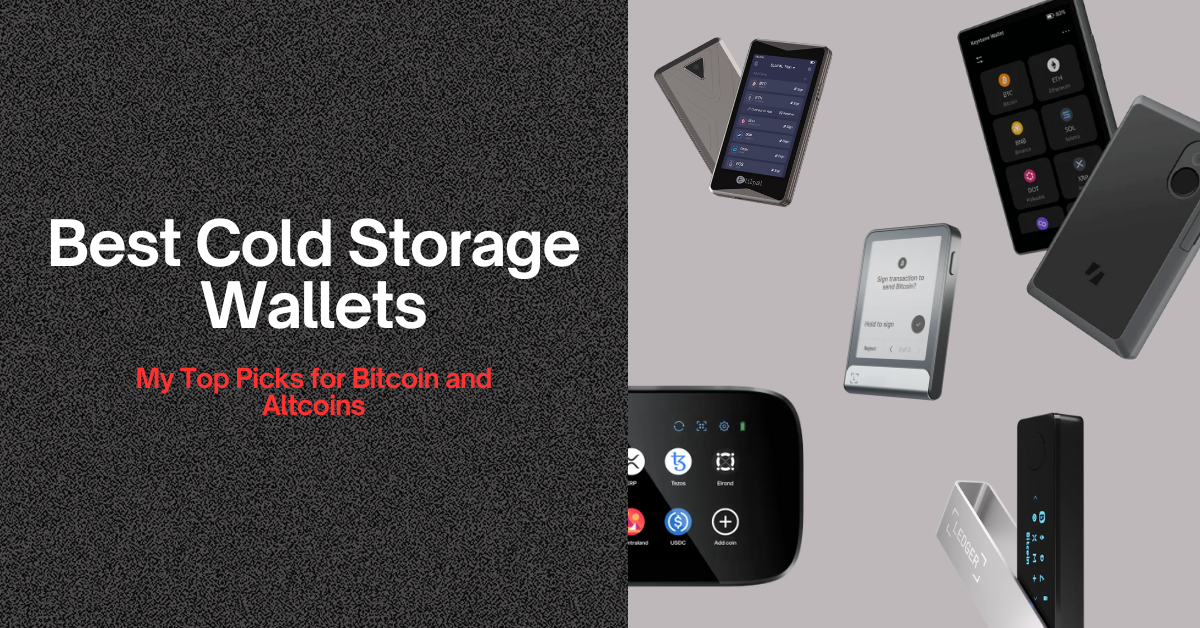
Read more: Best cold storage crypto wallets
2. ELLIPAL Titan 2.0: Best cold wallet for Android
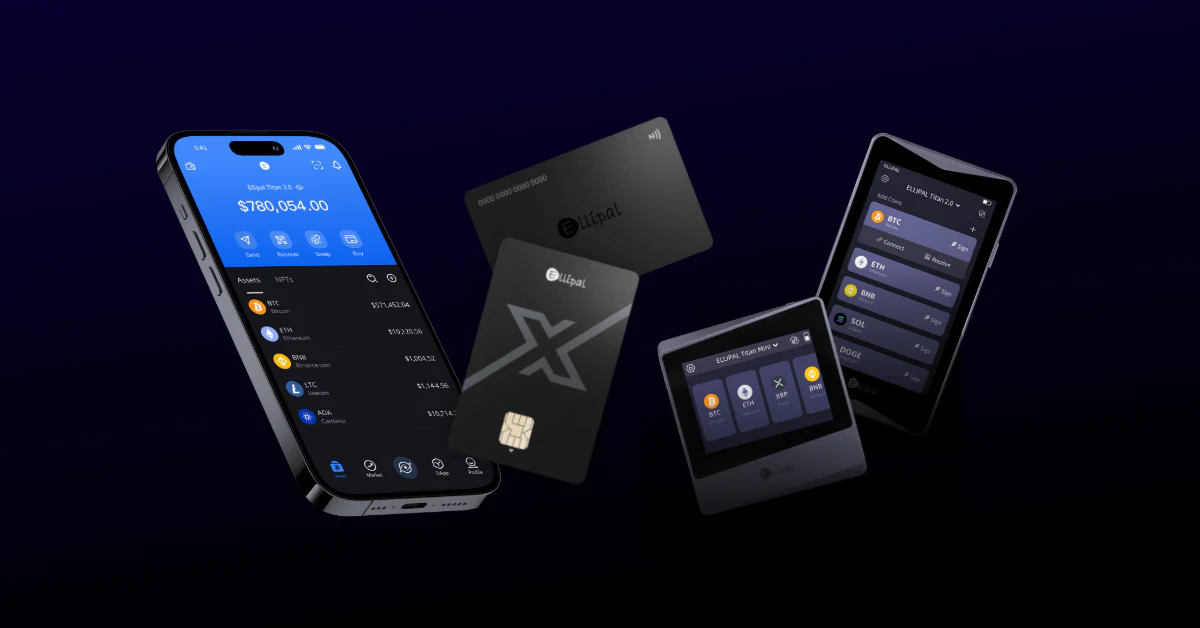
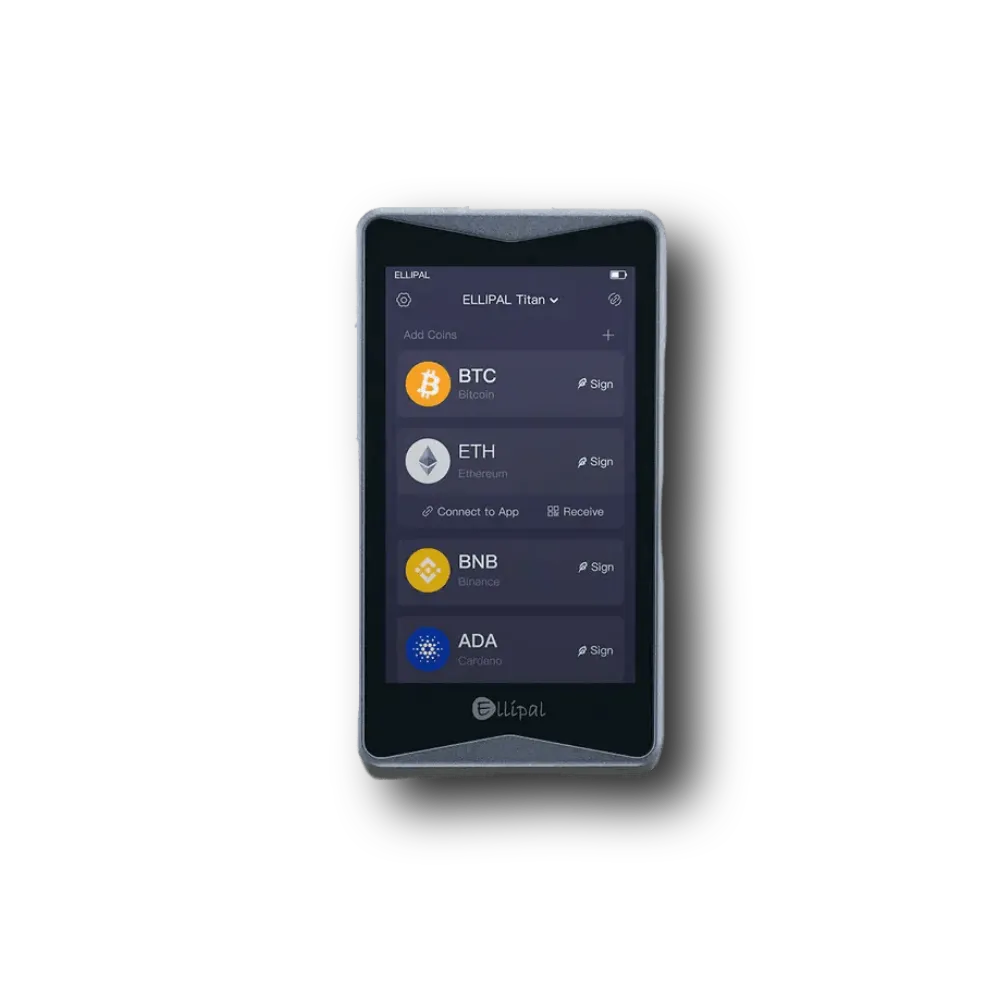
The ELLIPAL Titan 2.0 uses a 100% air-gapped security model. This device has no Bluetooth, no WiFi, and no cellular connection, so hackers have no way to reach your funds remotely. You can even use the built-in camera to scan QR codes on your phone screen when you want to sign a transaction. Basically, your phone prepares a transaction; you confirm details on the large hardware display and then hold your phone up to the camera to sign.
Well, it is quite heavy because it is made from a solid piece of aluminum alloy, but that makes it feel really durable. The 4-inch color IPS screen is exactly like a small smartphone, and it makes navigating the menus very simple for everyone.
Key features
- The 100% air-gapped design ensures your keys stay offline and protects you from remote digital attacks.
- The 4-inch HD touchscreen has a resolution of 1280 x 720, and it is the largest screen in the hardware wallet market.
- The metal body is fully sealed, and it includes an anti-tamper self-destruct mechanism that wipes data if opened.
- The platform supports over 10,000 coins and tokens across more than 40 different blockchain networks.
- The 1400 mAh battery provides enough power for several days of active use, and it charges quickly via a security adapter.
What I dislike (Cons)
- The firmware update process is a bit annoying because you must use a physical MicroSD card and a computer.
- The device weighs 140 grams, which makes it feel heavy if you carry it in your pocket all day.
- The magnetic charging adapter is a bit weak, and it can fall off if you move the device too much.
3. Trust Wallet: Best cryptocurrency wallet for Android
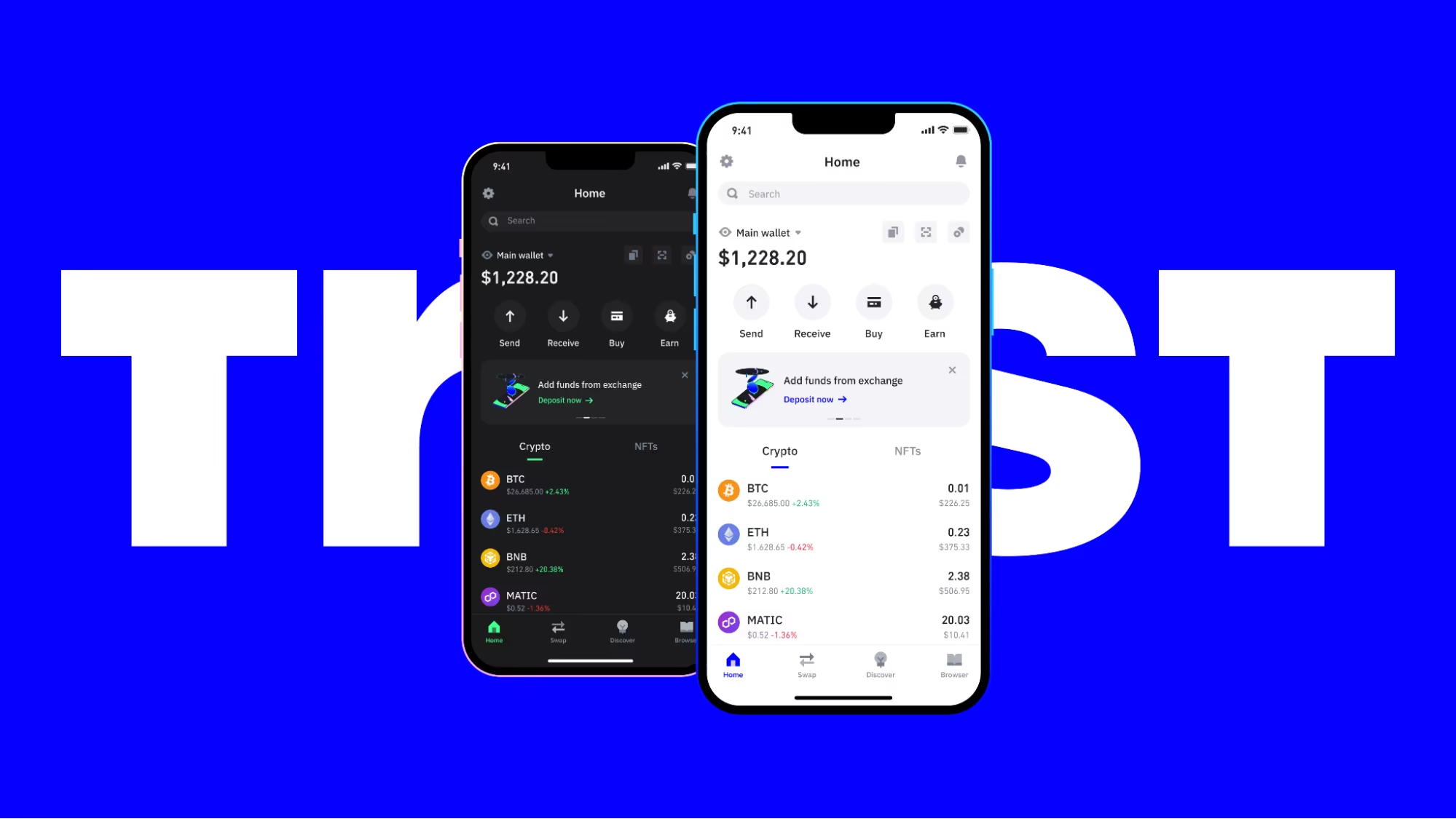
Trust Wallet has surpassed 200 million downloads and remains the leading non-custodial software wallet for mobile users. It is totally free to download and supports 200+ blockchains. Well, owned by Binance but run as a separate entity, it’s the best mobile crypto wallet available for iOS, Android, and as a browser extension.
You can store your NFTs, swap tokens, and even pay for gas fees using your own stablecoins through the new FlexGas feature. Well, since it is a “hot” wallet, it stays on your phone and is connected to the internet. Anyway, the app now has a built-in Security Scanner that flagged over $160 million in harmful transactions last year alone.
Key features
- The app supports 200+ different blockchains and more than 10 million individual crypto assets globally.
- The built-in DApp browser on Android allows you to use decentralized finance platforms directly inside the app interface.
- You can pay transaction fees using USDT or TWT tokens, so you do not always need native coins like ETH.
- The platform has achieved ISO 27001 certification. Basically, it is a high international standard for information security management.
- The interface is very simple and clean, and it works perfectly for someone who is just starting out.
What I don’t like (drawbacks)
- The customer support is mostly automated, and it can be really hard to talk to a real human.
- The app sometimes shows the wrong price for very small tokens that have low trading volume.
- The third-party providers for buying crypto often charge high fees that can reach 5% per transaction.
- As a software wallet connected to the internet, it’s actually more vulnerable to malware and phishing than hardware solutions.
4. Tangem: Best crypto wallet for phone and iOS users
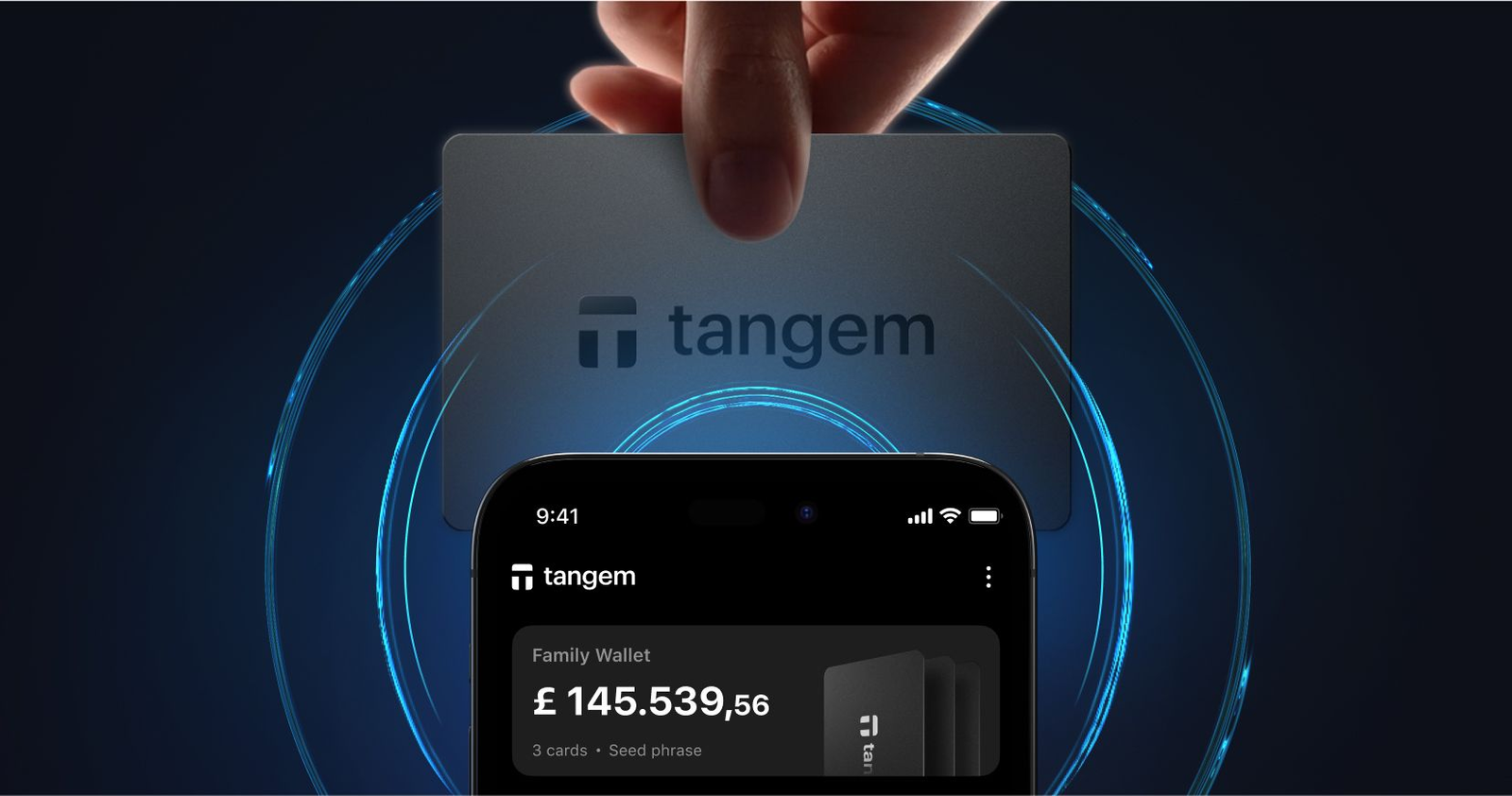
Tangem is another best mobile crypto wallet for Android and iOS, but store your private keys inside offline Tangem cards or a Tangem ring. Now, to sign a transaction, you just tap the card against the back of your iPhone using NFC technology.
Tangem 2.0 can run in seedless mode using 2 or 3 cards as backups; you just need to tap any card to your phone to sign transactions. The Tangem mobile app on iOS and Android handles balances, swaps, staking, and dApp connections, while the card simply signs.
Key features
- The card form factor is incredibly portable, and it comes with a 25-year lifespan guarantee from the manufacturer.
- The EAL6+ certified chip from Samsung provides bank-grade security against physical hacking and side-channel attacks.
- The setup process takes less than three minutes, and it is the fastest onboarding experience in the industry.
- The platform is fully open-source, so the community can audit the code to ensure there are no hidden risks.
- The device is IP68 rated, which means it is fully waterproof and dustproof for maximum physical durability.
Negatives
- The lack of a screen on the card means you have to trust what your smartphone screen is showing.
- The cards only work with phones that have NFC support, which excludes some very old budget models.
- The “seedless” model is a bit scary because if you lose all your physical cards, you lose your crypto.
- There is no native desktop app or browser extension, and since it works only with NFC, you can’t use it.
Read more: Best crypto hardware wallets
5. SafePal: Best mobile wallet for dApps and staking
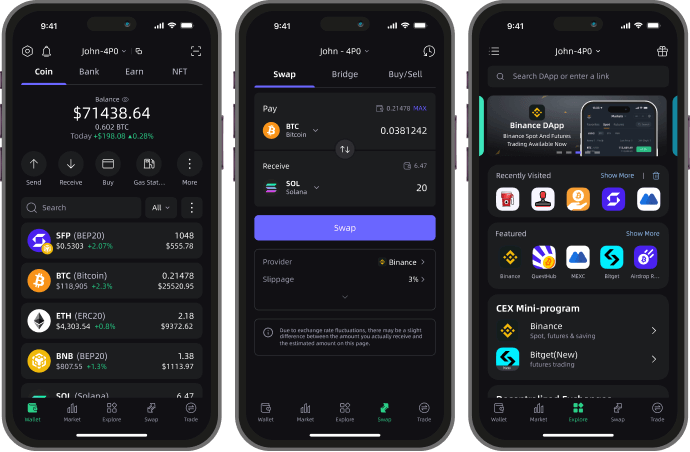
SafePal offers the best ecosystem that includes a free crypto mobile app for Android and iOS, and the affordable hardware wallets (S1, S1 Pro, and X1). Now, the free mobile wallet and browser extension support more than 10,000 pre‑loaded coins on 200+ blockchains, with millions more via custom tokens.
You can easily start with just the app and eventually buy the hardware for around $49 if you feel like you need more safety. The app is really focused on the “DeFi” world, and it has a lot of tools for earning rewards and joining airdrops. Honestly, the cross-chain swap feature is one of the best because it often has lower fees than other apps like MetaMask. Plus, they even have a SafePal Banking gateway where you can get a virtual card to spend your crypto in the real world.
Key features
- The mobile app supports over 200,000 tokens and 200 different blockchains in one single unified interface.
- The SafePal Earn feature allows you to stake your coins in various liquidity pools to get high interest rates.
- The platform integrates both decentralized and centralized exchanges, so you can trade assets however you prefer.
- The S1 Pro hardware wallet uses a 100% air-gapped signing mechanism with a CC EAL6+ secure chip.
- The mobile app includes a Giftbox section where you can learn about new projects and earn free token rewards.
What I really don’t like
- The app can feel a bit cluttered because there are so many buttons and advertisements for new features.
- The hardware wallet is made of plastic, and it feels a bit cheap compared to the metal ELLIPAL.
- The screen on the device is only 1.3 inches. So, it’s quite small compared to competitors like ELLIPAL Titan
Comparing Top Mobile Wallets for Cryptocurrency
Here’s a quick comparison between the best mobile crypto wallets for Android and iPhone users:
| Wallet | Type & Connectivity | Screen | Asset Coverage | Price (approx.) | Standout Strength |
|---|---|---|---|---|---|
| Ledger Flex | Hardware; Bluetooth, NFC, USB‑C | 2.8‑inch E‑Ink | 500+ native, 1,000+ via apps | ~$249 | Comfortable signing, mobile & desktop friendly |
| ELLIPAL Titan 2.0 | Air‑gapped hardware; QR only | 4‑inch IPS color | 40+ chains, thousands of tokens | ~$169 | True offline security, big screen |
| Trust Wallet | Software; internet connected | Phone screen | 10 million+ assets | Free | Massive DeFi & NFT ecosystem |
| Tangem | NFC hardware cards; no screen | Uses phone screen | 20+ accounts, multi‑chain | ~$70 for 3 cards | Seedless tap‑to‑sign portability |
| SafePal | Software & hardware; QR or Bluetooth | 1.3–1.8 inch on hardware | 10,000+ coins, 200+ chains | $50–$90 (hardware) | dApps & staking built in |
What Is A Crypto Mobile Wallet?
A mobile crypto wallet is essentially a storage system in your pocket that lets you store, send, receive, and manage digital assets directly from your smartphone. Basically, it gives you quick access to your funds for trading, DeFi, and NFT interactions, but also keeps your private keys on your device rather than on an exchange.
Now, mobile wallets can actually be custodial (where a third party controls your keys) or non‑custodial (where you control them), but almost all crypto enthusiasts generally prefer non‑custodial options for greater privacy and security.
Risks of Using Mobile Wallets
- Malware and keyloggers are the most common ways hackers steal passwords from your smartphone. Well, attackers can infect your phone with malicious software that records every single screen tap or keystroke you make. Then, it captures your passcode or seed phrase without you even knowing about it.
- SIM-swap attacks are a growing threat where criminals hijack your phone number to bypass your account security. You see, here, the hacker then receives your two-factor authentication (2FA) texts and gets into your exchange accounts.
- Physical loss or theft of your mobile device can lead to permanent loss of your digital wealth. You might use biometrics and strong PINs, but a professional thief could still find a way into your hardware given enough time. I guess you would lose access to everything forever without a physical backup of your secret recovery phrase.
- Older smartphones often contain unpatched security flaws that expose your wallet to known exploits. The manufacturer stops providing security updates after a few years, and that leaves your device open to attacks. You need to use a recent and supported device to keep your funds safe from modern malware.
- Hot-wallet exposure refers to the danger of keeping your private keys on a device that is always connected to the web. You know, the internet connection inherently increases the surface area that an attacker can target on your phone. Look, you should only keep a small amount of “spending” money on your mobile app for daily use. You should transfer most of your holdings into cold storage, like a Ledger or a Tangem card, for long-term safety.
How to Choose the Best Mobile Cryptocurrency Wallet for Android and iOS?
To choose the best mobile cryptocurrency wallets, you should look into these factors:
- Decide between hot and cold storage: Actually, if you transact often, a software wallet like Trust Wallet or SafePal’s app is convenient, but again, if you mainly hold crypto and want maximum security, you should opt for a hardware wallet like Ledger Flex, Titan 2.0, or Tangem.
- Check asset support: You need to make sure that your best mobile crypto wallet supports the blockchains and tokens you care about. Ledger and SafePal both cover thousands of assets; Trust Wallet covers millions, while Tangem focuses on core networks like Bitcoin and Ethereum.
- Assess security features: You should look for mobile wallets with strong secure elements (CC EAL5+ or higher), open‑source code, or regular audits.
- Consider connectivity: A Bluetooth or USB‑C hardware mobile wallet may suit you if you want quick approvals, and for maximum isolation, you can even choose a QR‑only device like Titan 2.0 or SafePal S1.
- Evaluate extra features: Okay, you need to ask yourself if you need integrated staking, swaps, dApps, or NFT galleries. If yes, Trust Wallet and SafePal are best here, while hardware‑first wallets rely on companion apps.
- Look at price and durability: You see, crypto hardware wallets generally range from around $50 to $249, and here, budget models may lack touchscreens or E‑Ink displays. More expensive models improve usability but don’t always boost security.
- Check support and reputation: You should read recent user reviews to see how responsive the support team is and whether the mobile wallet has suffered past vulnerabilities. A mobile wallet with a transparent track record and prompt updates is safer than one with hidden issues.
Are Mobile Crypto Wallets Safe?
Yes, mobile crypto wallets can be safe, but you need to follow good security practices. You see, these best mobile crypto wallets encrypt your private keys on your device; they don’t send them to servers. Yet because your phone is connected to the internet, malware, phishing, and social‑engineering attacks remain real threats.
Best Practices for Mobile Crypto Wallet Security
- You should always set a complex numeric PIN and use biometric authentication to block unauthorized people from opening your device.
- Your secret recovery phrase needs to be written on a physical metal plate or a piece of paper that stays totally disconnected from the internet. You know, storing your phrase in digital locations like Google Drive or iCloud is a bad idea because those accounts get hacked all the time.
- Authenticator apps or physical security keys are much safer than SMS codes because they cannot be intercepted by SIM swappers. So, I generally recommend using apps like Google Authenticator or YubiKeys for your 2FA needs.
- The latest operating system updates contain critical security patches that stop hackers from using known vulnerabilities in your phone’s code. You need to download these updates as soon as they become available on your Android or iOS device.
- You should keep only a small amount of “spending” money in your mobile crypto wallet app for daily needs while storing the rest offline. Basically, a mobile wallet is a “hot” wallet, and it stays connected to the web, which makes it a target for attackers.
FAQs
What is the best mobile crypto wallet for beginners?
Trust Wallet is the best crypto mobile wallet for beginners because it is free to download and offers an intuitive interface. It has a massive community of over 200 million users, and it supports more than 10 million assets, which means you will likely find every coin you need in one place.
Which crypto mobile wallet offers the strongest security features?
The ELLIPAL Titan 2.0 offers the strongest security because it uses a 100% air-gapped design and has an anti-tamper metal body. Since it has no Bluetooth or WiFi, it completely eliminates the risk of remote hacking attacks that target wireless connections.
What is the difference between custodial and non-custodial mobile wallets?
A custodial wallet means a third‑party service (usually an exchange) holds and manages your private keys on your behalf. Now, in contrast, a non‑custodial wallet stores your private keys on your own device or hardware. Ledger Flex, Titan 2.0, Tangem, Trust Wallet, and SafePal are all non‑custodial mobile wallets.
Which mobile crypto wallet is best for DeFi and NFTs?
SafePal is an excellent mobile crypto wallet for DeFi and NFTs because it has a dedicated section for dApps and staking rewards. It supports over 200 different blockchains, so you can manage your digital art and liquidity pools across many networks in one app.
How do I actually back up and recover a mobile crypto wallet?
You can back up your best mobile crypto wallet by writing down your 12 or 24-word recovery phrase on a physical piece of paper or a metal backup tool. Now, if you lose your phone, you just download the wallet app on a new device and enter those words to restore all your balances instantly.