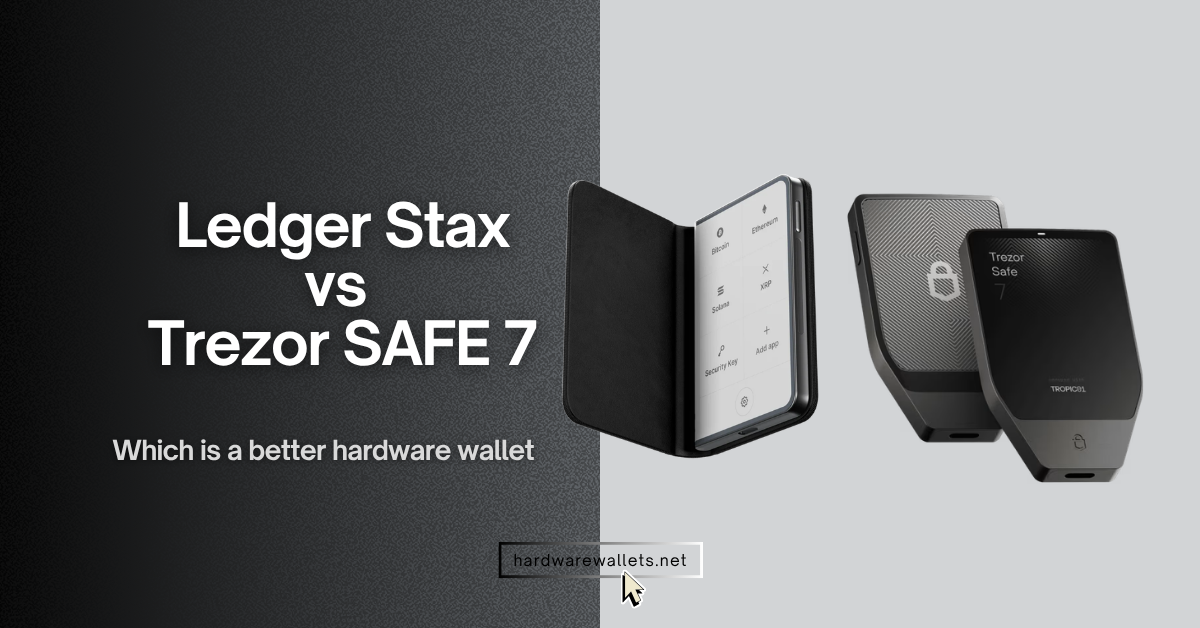
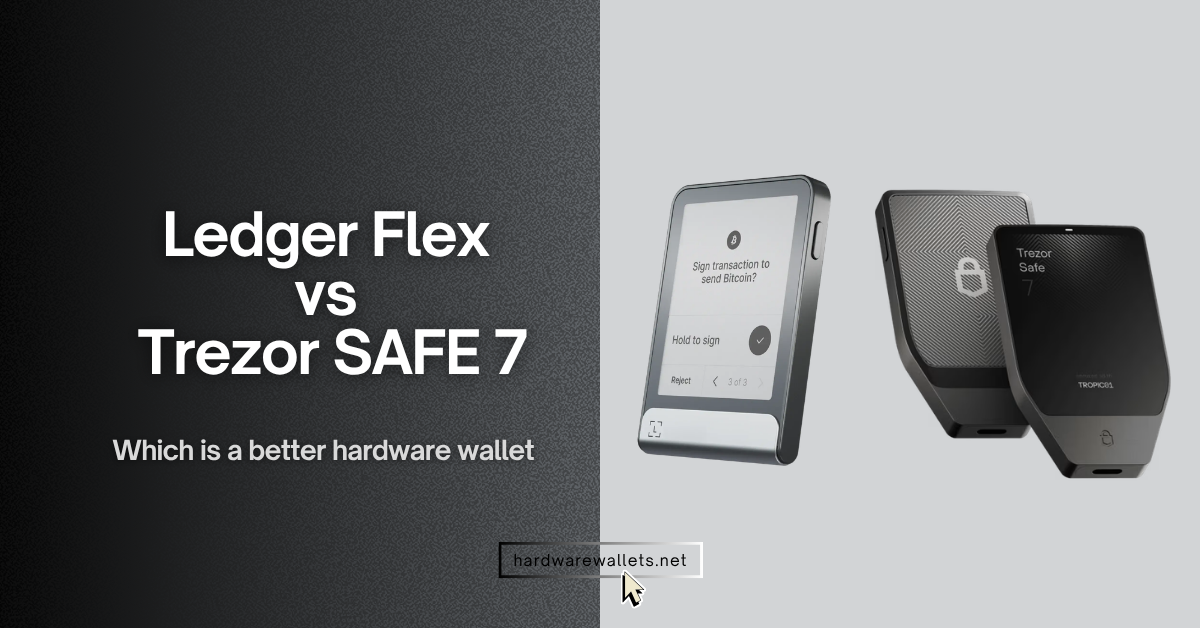
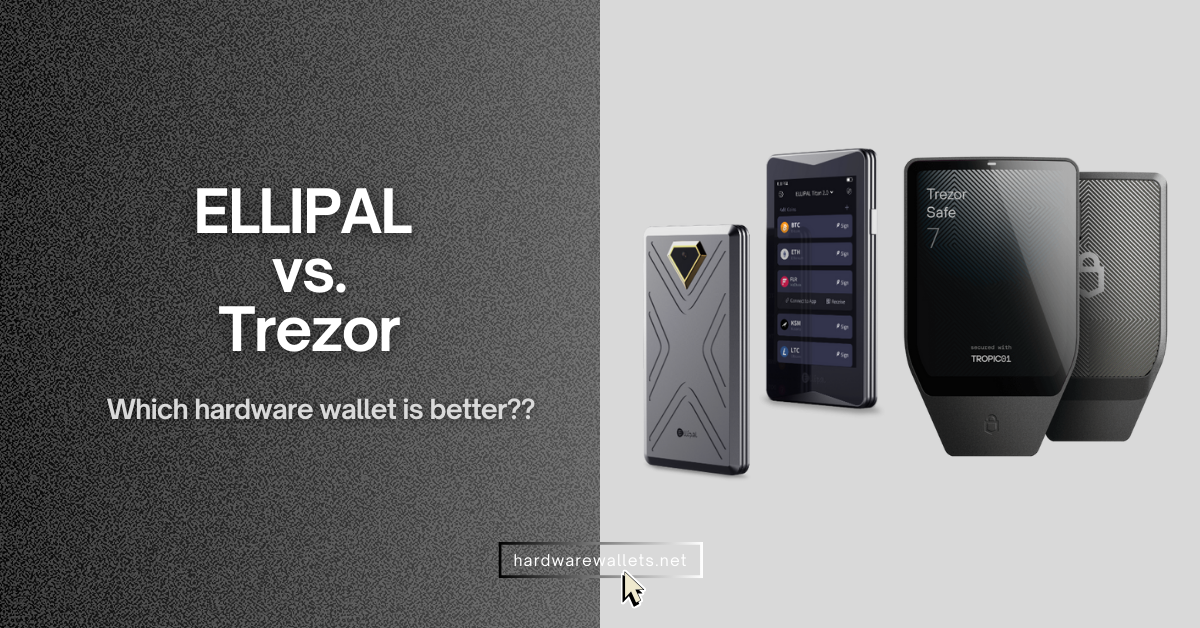
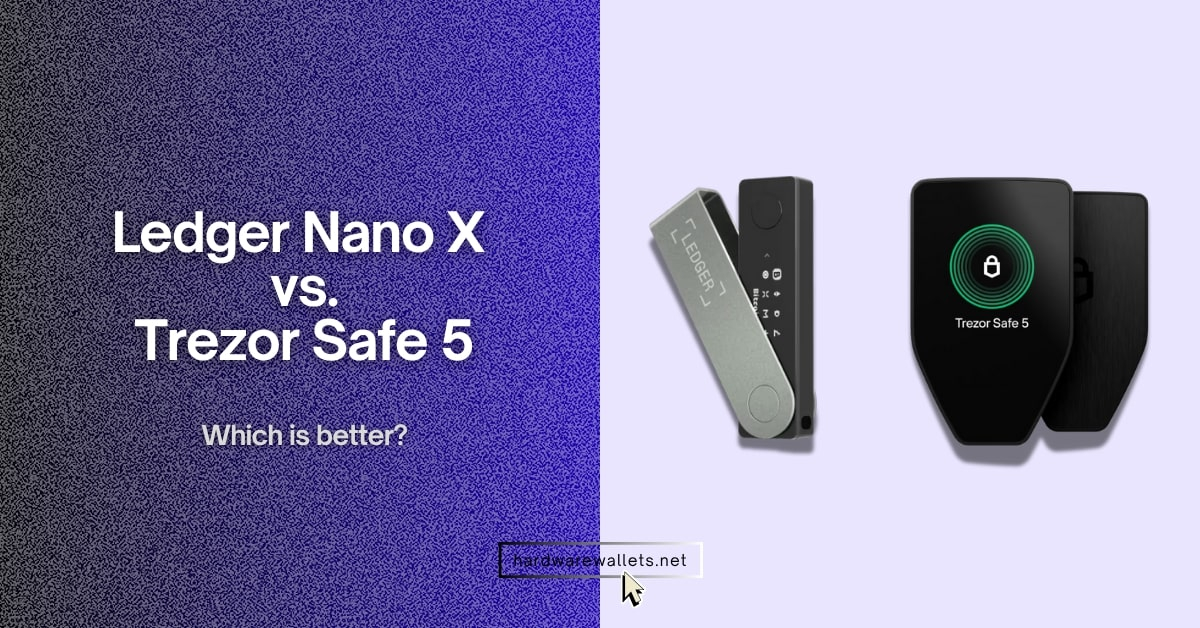
You know, both Trezor Safe 7 and Ledger Stax hardware wallets target premium cold storage users who care about security, touchscreen design, Web3 access, and long-term crypto protection.
I have reviewed both these cryptocurrency wallets, comparing the security architectures, testing the user experience, and evaluating how both devices feel for real crypto storage, transaction signing, backup setup, mobile use, and daily wallet management.
Best for premium experience (touchscreen E-Ink display)
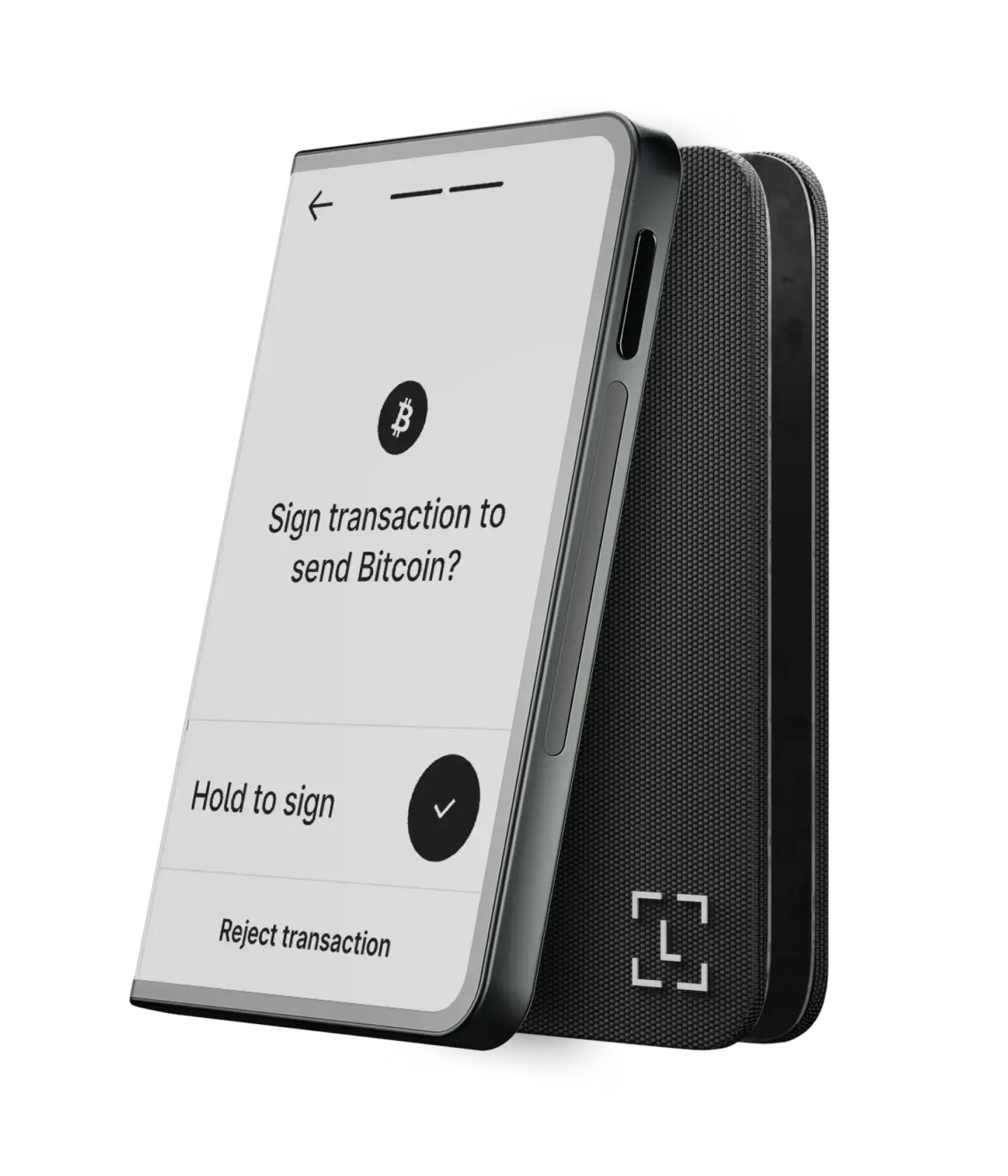
Ledger Stax
Ledger Stax is a premium curved E Ink touchscreen signer with Ledger OS, CC EAL6+ Secure Element, NFC, Bluetooth, and Qi wireless charging.
★★★★★
$399
Read More
Best for security, privacy, and anonymity
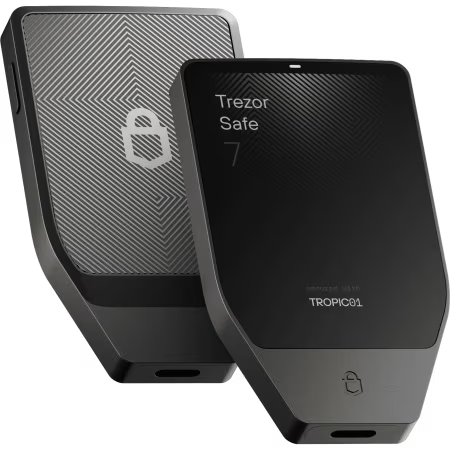
Trezor Safe 7
Trezor Safe 7 is a premium open-source hardware wallet with TROPIC01, dual Secure Elements, color touchscreen, Qi2 charging, and IP67 protection.
★★★★★
$249
Read More
Quick Overview
Product typePremium touchscreen crypto signer.
Product typePremium open-source touchscreen hardware wallet.
Main strengthCurved E Ink screen, Ledger Wallet app, NFC, and wireless Qi charging.
Main strengthTROPIC01, open-source security, IP67 rating, and quantum-ready architecture.
Best forUsers who want Ledger’s most premium touchscreen device.
Best forUsers who want open-source security and stronger durability.
Official categoryLedger calls it a secure touchscreen signer.
Official categoryTrezor calls it a hardware wallet with TROPIC01 Secure Element.
Security Architecture
Main security chipST33K1M5 Secure Element.
Main security chipTROPIC01 transparent Secure Element.
Extra Secure Element–
Extra Secure ElementAdditional NDA-free EAL6+ Secure Element.
Chip certificationCC EAL6+ certified Secure Element.
Chip certificationCertified EAL6+ Secure Element as an extra physical layer.
Operating systemLedger OS (BOLOS).
Operating systemOpen-source Trezor firmware model.
Firmware transparencyLedger OS is proprietary.
Firmware transparencyOpen code that users can review, audit, and verify.
PIN protectionWrong PIN 3 times resets the device.
PIN protectionPIN protection up to 50 digits.
Screen and Transaction Review
Screen size3.7-inch display.
Screen size2.5-inch display.
Screen typeCurved E Ink touchscreen.
Screen typeHigh-resolution color touchscreen.
Resolution400 × 670 pixels.
Resolution520 × 380 pixels.
Color output16 grayscale.
Color outputFull-color display.
Brightness–
Brightness700 nits.
Screen coatingAnti-glare coating.
Screen coatingGorilla Glass 3 protection.
Clear signingClear Signing shown on a secure E Ink screen.
Clear signingTransaction details shown on the color touchscreen.
Build, Size, and Weight
Dimensions85 × 54 × 6 mm.
Dimensions75.4 × 44.5 × 8.3 mm.
Weight44.2 g.
Weight45 g.
Thickness6 mm.
Thickness8.3 mm.
Body materialAluminum and plastic with embedded magnets.
Body materialAnodized aluminum unibody.
Back materialPlastic body section with embedded magnets.
Back materialNCVM-coated reinforced glass backplate.
Magnetic designEmbedded magnets for stackability.
Magnetic design–
Durability and Protection
Water resistance–
Water resistanceIP67 water resistance.
Dust resistance–
Dust resistanceIP67 dustproof rating.
Screen protectionLightweight durable plastic with anti-glare coating.
Screen protectionGorilla Glass 3 scratch-resistant display.
Included protectionLedger Stax Magnet Shell included.
Included protection–
Travel note–
Travel noteX-ray safe and approved for air travel.
Connectivity
BluetoothBluetooth BLE 5.2.
BluetoothBluetooth 5.0+ devices.
NFCNFC for Ledger Recovery Key and Security Key.
NFC–
Wireless chargingWireless Qi charging.
Wireless chargingQi2-compatible wireless charging.
Desktop connectionUSB-C for desktop and Android use.
Desktop connectionUSB-C and Bluetooth pairing supported.
Mobile connectionBluetooth for iOS and Android smartphones.
Mobile connectionBluetooth pairs with mobile, desktop, and tablet.
Battery and Charging
Battery typeRechargeable battery, exact chemistry not listed.
Battery typeLiFePO₄ battery.
Battery capacity–
Battery capacity3.2V, 330mAh.
Battery runtimeUp to 10 hours during normal use.
Battery runtimeTrezor lists 4× charging cycles, not a fixed hour count.
Standby timeCan last for days on standby after a full charge.
Standby timeDesigned to retain power for years when stored away.
Charging cableUSB-C to USB-C cable included.
Charging cableUSB-C to USB-C cable included.
Supported Assets and Web3
Coins and tokens15,000+ coins, tokens, and NFTs through third-party wallets.
Coins and tokens8,000+ coins and tokens.
Native app support500+ crypto supported through the Ledger Wallet app.
Native app supportBitcoin, Ethereum, Solana, Arbitrum, USDC, and more.
NFT supportNFTs supported through Ledger Wallet app and third-party wallets.
NFT supportNFT marketplaces supported through compatible wallet apps.
dApp accessLedger Wallet app supports DeFi and Web3 access.
dApp access70,000+ supported dApps via WalletConnect ecosystem.
Third-party wallets50+ compatible third-party wallets.
Third-party wallets30+ supported third-party wallet apps.
Apps and System Support
Main appLedger Wallet app.
Main appTrezor Suite.
Windows supportWindows 10 and Windows 11.
Windows supportTrezor Suite desktop support.
macOS supportmacOS Monterey and Ventura.
macOS supportTrezor Suite desktop support.
Linux supportUbuntu LTS 20.04 and 22.04, excluding ARM processors.
Linux supportTrezor Suite desktop support.
iPhone supportiOS 14+.
iPhone supportTrezor Suite mobile support.
Android supportAndroid 10+.
Android supportTrezor Suite mobile support.
Chromebook support–
Chromebook support–
Backup and Recovery
Recovery phraseSecret Recovery Phrase backup.
Recovery phrase12-, 20-, and 24-word wallet backup options.
Recovery sheets3 recovery sheets included.
Recovery sheets2 × 20-word wallet backup cards included.
Extra backup toolLedger Recovery Key included.
Extra backup toolAdvanced Multi-share Backup supported.
Backup key typeLedger Recovery Key is Secure Element and PIN-protected.
Backup key typeMulti-share Backup splits recovery into multiple shares.
Paid cloud recoveryLedger Recover is available as an optional service.
Paid cloud recoveryNo Ledger Recover-style service listed.
Privacy and Advanced Security
Coin control–
Coin controlEnhanced privacy with coin control listed by Trezor.
Tor support–
Tor supportIdentity protection with Tor.
Quantum-ready claim–
Quantum-ready claimPost-quantum cryptography for firmware updates, boot process, and device authentication.
Secure screen controlSecure Screen is controlled directly by the Secure Element.
Secure screen controlSecure confirmation happens on the hardware wallet touchscreen.
Authentication and Extra Features
Security keyLedger Security Key app supports 2FA logins.
Security keyFIDO2 support for secure authentication.
Passwordless loginSupports secure account login with Ledger Security Key app.
Passwordless loginFIDO2 can support secure login flows.
Custom lock screenSupports NFT or photo lock screen customization.
Custom lock screen–
Device namingYou can name the device.
Device namingStandard wallet setup naming through Trezor Suite.
Haptic feedback–
Haptic feedbackVibrant haptic feedback
Box Contents
Device1 Ledger Stax.
Device1 Trezor Safe 7 hardware wallet.
Cable1 USB-C to USB-C cable.
Cable1 USB-C to USB-C cable.
Recovery cards3 recovery sheets.
Recovery cards2 × 20-word wallet backup cards.
Protective accessoryLedger Stax Magnet Shell in Midnight Black.
Protective accessory–
Extra backup item1 Ledger Recovery Key.
Extra backup item–
GuideLedger Stax guide included.
GuideStart-up guide and product safety guide included.
Practical Buying Difference
Choose it forBigger curved E Ink screen, Ledger app, NFC, and premium design.
Choose it forOpen-source firmware, TROPIC01, IP67 durability, and quantum-ready design.
Main limitationClosed-source Ledger OS and no official IP rating.
Main limitationSmaller screen and no NFC support listed.
Better display sizeLedger Stax has the larger 3.7-inch screen.
Better display sizeTrezor Safe 7 has the smaller 2.5-inch screen.
Better durabilityNo official IP67 rating.
Better durabilityIP67 rating gives Trezor Safe 7 the clear durability edge.
Better privacy stackGood self-custody setup, but Tor is not supported.
Better privacy stackCoin control and Tor browser routing.
Ledger Stax looks more premium because it has a larger 3.7-inch curved E Ink touchscreen, NFC, Bluetooth, wireless charging, and a clean Ledger Wallet app experience. You will like Ledger Stax more if you want a stylish crypto hardware wallet that feels modern, easy to use, and better for daily portfolio management.
The only major downside is that Trezor Safe 7 has a smaller 2.5-inch screen and no NFC. Still, it costs less at $249 compared to Ledger Stax at $399. So, Ledger Stax is better for premium design, but Trezor Safe 7 is the better overall hardware wallet for most security and privacy-focused crypto users.