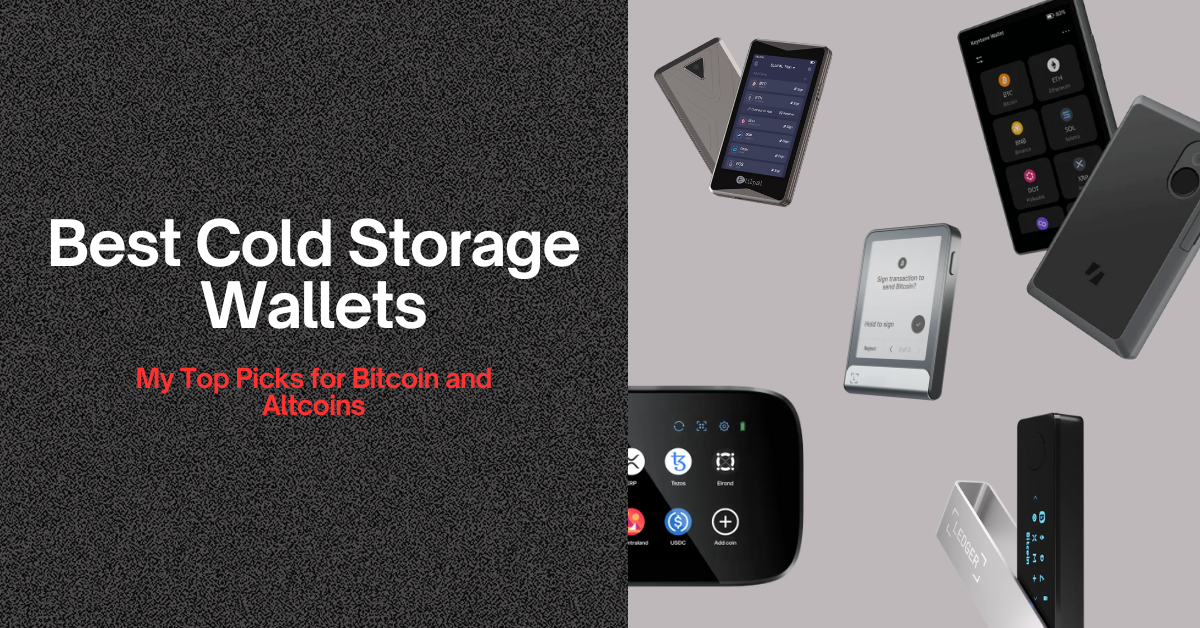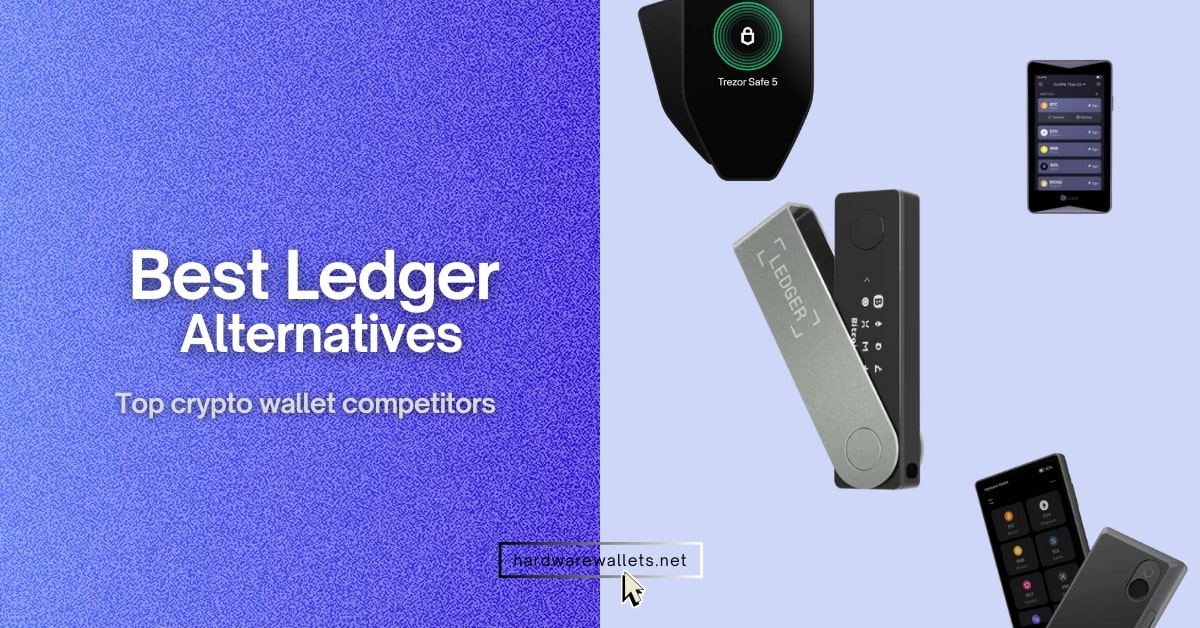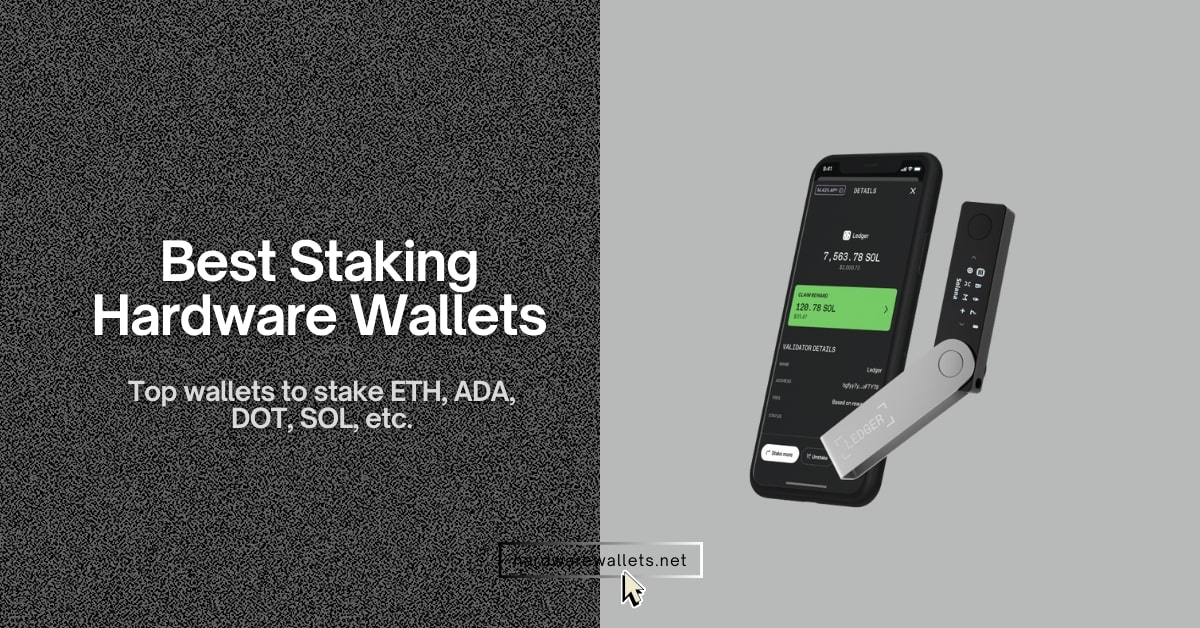

My recommended most secure DeFi wallets for beginners are Ledger Flex, ELLIPAL Titan 2.0, MetaMask, Trust Wallet, Phantom, Trezor Safe 5, Tangem Wallet, SafePal, Exodus, and Base App, based on security, supported chains, device compatibility, decentralized finance features, and ease of use.
In this guide, I am going to compare the best DeFi wallets for beginners, their workings, main risks, and how to use a DeFi wallet safely. You will also find my clear recommendations for mobile, desktop, hardware, Ethereum, Solana, and multi-chain DeFi use.
Top 10 DeFi Wallets in 2026 (Ranked)
I have reviewed over 50+ best crypto wallets for DeFi based on their user experience, DeFi connectivity, security, fees, and supported blockchains. Here is my list of the top 10 best DeFi wallets for beginners…
- Ledger Flex: Best premium hardware wallet for DeFi
- ELLIPAL Titan 2.0: Best air-gapped DeFi wallet for cold storage
- MetaMask: Best wallet for Ethereum DeFi
- Trust Wallet: Best mobile multi-chain DeFi wallet
- Phantom: Best DeFi wallet for Solana
- Trezor Safe 5: Best open-source hardware DeFi wallet
- Tangem Wallet: Easiest DeFi cold wallet
- SafePal: Best budget hardware wallet for decentralized finance
- Exodus: Best desktop DeFi wallet for beginners
- Base App: Best DeFi wallet for the Base ecosystem
Comparing Best DeFi Wallets for Beginners
Here is a quick comparison of the best DeFi crypto wallets right now…
| DeFi Wallet | Type of DeFi Wallet | Supported Chains | DeFi Swaps | Supported Platforms | Price |
|---|---|---|---|---|---|
| Ledger Flex | Hardware wallet | Bitcoin, Ethereum/EVM, Solana, XRP, Cardano, Cosmos, Polkadot and thousands of assets | Yes | Hardware device; Windows, macOS, Linux, iOS and Android | $249 |
| ELLIPAL Titan 2.0 | Cold wallet | 40+ blockchains and 10,000+ tokens | Yes | Hardware device; iOS and Android app | $169 |
| MetaMask | Software wallet | Ethereum and custom EVM chains; native Bitcoin, Solana and Tron support | Yes | iOS, Android and browser extension | Free |
| Trust Wallet | Multi-chain software wallet | 100+ blockchains and 10M+ assets | Yes | iOS, Android, Chrome and Brave extension | Free |
| Phantom | Solana software wallet | Solana, Ethereum, Base, Polygon, Sui, Monad, Bitcoin and HyperEVM | Yes | iOS, Android, Chrome, Brave and Firefox | Free |
| Trezor Safe 5 | Hardware wallet | Bitcoin, Ethereum/EVM, Solana, Base, Arbitrum, Cardano and thousands of assets | Yes | Hardware device; desktop, web and Android; limited iOS functionality | $169 |
| Tangem Wallet | Cold wallet | 90+ blockchains and 14,100+ assets | Yes | Tangem cards with iOS or Android NFC app | $54.90 for two cards |
| SafePal S1 | Hot + cold wallet | 200+ blockchains and unlimited tokens | Yes | Hardware device; iOS, Android, Chrome, Edge and Firefox | $49.99 |
| Exodus | Desktop wallet | 50+ crypto networks and 1M+ assets | Yes | Windows, macOS, Linux, iOS, Android and browser extension | Free |
| Base App | Online wallet | Base, Ethereum, Solana, Bitcoin, Arbitrum, Optimism, Polygon, BNB Chain and Avalanche | Yes | Web, iOS, Android and browser extension | Free |
Most Secure DeFi Wallets Reviewed: Crypto Wallets for Decentralized Finance
1. Ledger Flex: Best hardware DeFi wallet
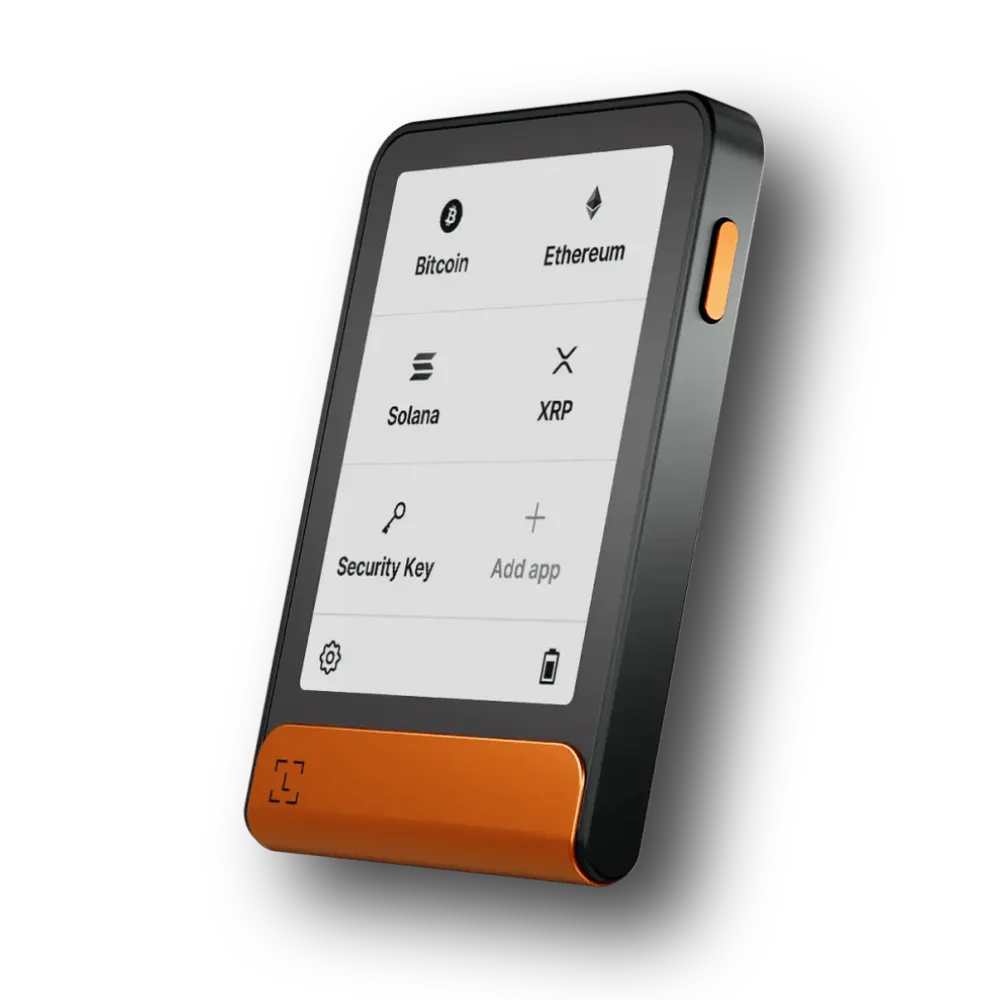
Ledger Flex is easily one of the best DeFi wallets if you want hardware-level security without losing access to swaps, staking, lending, yield projects, and cross-chain trades. It combines the physical Ledger Flex hardware device with the official Ledger Wallet app.
Well, the main reason to use Ledger Flex for your DeFi activities is how it separates your interface from the device that actually signs the trades. You see, a normal Defi hot wallet usually keeps its private keys right inside your phone, internet browser, or computer. Because of this, computer viruses, fake browser extensions, or phishing websites can easily attack both your wallet screen and your secret keys at the same time.
Ledger Flex keeps your private keys safely locked inside an EAL6+ certified Secure Element chip. The custom Ledger operating system and this secure chip also control the device’s physical screen. Basically, this means even if a computer gets hacked, it cannot secretly change the transaction details shown on your Ledger Flex screen.
Now, the release of Ledger Wallet 4.0 makes the Ledger Flex even better for DeFi because you can do a ton of crypto activities without relying on third-party browser extensions. Ledger integrated more than 15 independent service providers right into the app. Hence, this lets you compare different swap rates, stake your coins, find yield opportunities, and make cross-chain trades all from one place.
Also, for standard DeFi swaps, the app integrates top platforms like Uniswap, 1inch, Jupiter, Velora, and the OKX DEX. If you want to move assets across different blockchains, it includes LI.FI for EVM networks, THORChain for native token swaps, and NEAR Intents for smooth trades across major ecosystems like Bitcoin, Ethereum, Solana, and NEAR. (Read more: best crypto hardware wallets for altcoins)
Key Features of Flex
| Wallet type | Non-custodial DeFi hardware wallet |
| Security chip | CC EAL6+ Secure Element |
| Display | 2.84-inch E Ink touchscreen |
| DeFi access | Swaps, staking, lending, bridges and dApps |
| Wallet compatibility | Ledger Wallet, MetaMask, Rabby, Phantom and WalletConnect |
| Connectivity | USB-C, Bluetooth and NFC |
| Supported assets | 15,000+ assets across 100+ blockchains |
| Battery life | Up to 10 hours or around 150 transactions |
| Official price | $249 |
| Best for | Secure multichain DeFi transactions |
2. ELLIPAL Titan 2.0: Most Secure DeFi Wallet (Cold Storage)
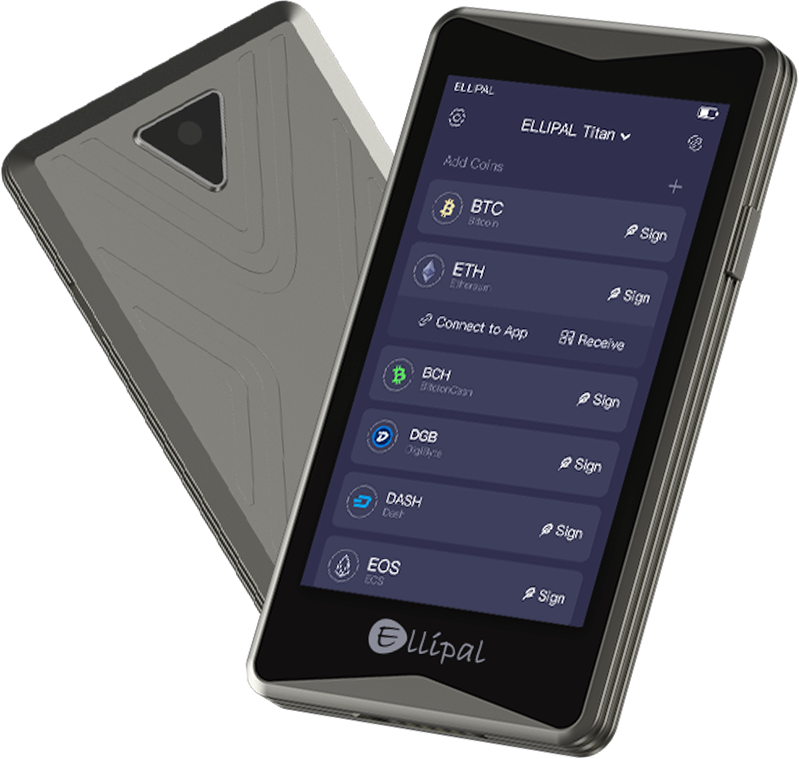
ELLIPAL Titan 2.0 is one of the best DeFi wallets for beginners and cold storage users. Well, its biggest advantage is the fully air-gapped design. The wallet does not use Wi-Fi, Bluetooth, NFC, or a USB data connection. But instead, it signs every transaction offline through QR codes.
Basically, you will be using the ELLIPAL mobile app to view your portfolio, open a dApp, or prepare a transaction. The Titan 2.0 then scans the unsigned transaction from your phone, signs it inside the offline device, and finally returns the signed data through another QR code.
The Titan 2.0 even supports more than 200 decentralized applications through MetaMask and WalletConnect. You can use the Discover section of the ELLIPAL app, enter the dApp address, and establish a connection through a supported integration. It also provides a Clear Signing interface on Titan 2.0. The device can display transaction information in readable plain english language.
Key Features of Titan 2.0
| Wallet type | Air-gapped cold wallet for DeFi |
| Security chip | CC EAL5+ Secure Element |
| Transaction signing | Offline QR-code signing |
| Connectivity | No Wi-Fi, Bluetooth, NFC or USB data |
| Display | 4-inch colour touchscreen |
| DeFi access | Swaps, staking, lending, NFTs and dApps |
| dApp support | 200+ dApps |
| Wallet connection | MetaMask and WalletConnect |
| Asset support | 10,000+ tokens and 40+ blockchains |
| Stablecoin support | 50+ stablecoins |
| Official price | $169 |
| Best for | Secure, mobile-based multichain DeFi |
3. MetaMask: Best DeFi wallet for beginners (Ethereum DeFi Wallet)
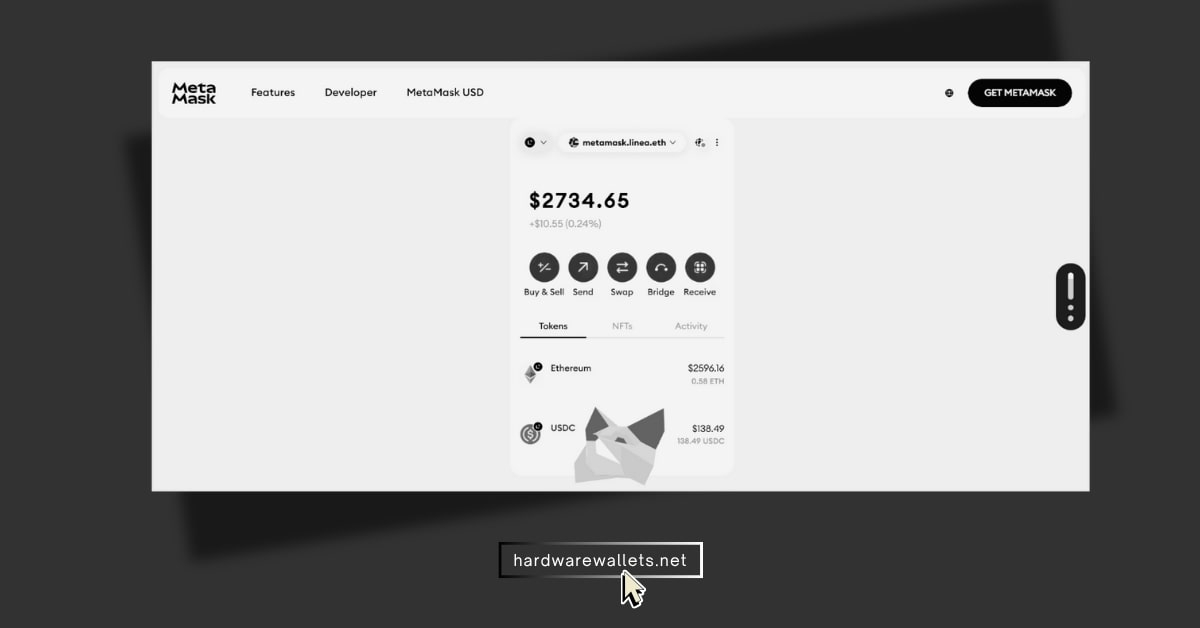
MetaMask is one of the most popular DeFi wallets out there. It lets you connect straight to decentralized exchanges, lending sites, staking, crypto bridges, and NFT markets. You can do all this from one simple app or browser extension, and it doesn’t cost anything to use. Plus, it is a self-custodial wallet, so you are the only one who truly controls your crypto.
Now, if you like using Ethereum and EVM networks for DeFi, MetaMask is super helpful. It works perfectly on many different chains like Ethereum, Arbitrum, Base, Optimism, Polygon, BNB Chain, Avalanche, and Linea. Lately, MetaMask even started supporting networks that are not EVM, so now you can use it for Solana too.
Almost every big DeFi website has a button that says “Connect MetaMask.” And once you click it, you can swap tokens, join liquidity pools, do yield farming, lend or borrow crypto, and vote on updates. You can do all of this without sending your money to a centralized exchange. MetaMask also has a web dashboard where you can check your balance, swap tokens, bridge coins, buy crypto, and start staking very easily.
Read more: Best hardware wallets for MetaMask
Key Features
| Wallet type | Self-custodial DeFi wallet (hot wallet) |
| Platforms | Browser extension and mobile app |
| Main networks | Ethereum, EVM chains and Solana |
| DeFi access | DEXs, lending, staking, liquidity pools and dApps |
| Built-in tools | Token swaps, cross-chain bridges and ETH staking |
| dApp connection | Direct browser and mobile connection |
| Asset support | millions of tokens across multiple networks |
| Hardware-wallet support | Ledger, Trezor, Keystone, MetaMask, and others |
| Wallet price | Free |
| Main limitation | Higher phishing and malware risk than hardware DeFi wallets |
| Best for | Active multichain DeFi and easy dApp access |
4. Trust Wallet: Top Multichain DeFi wallet for cross-chain DeFi apps
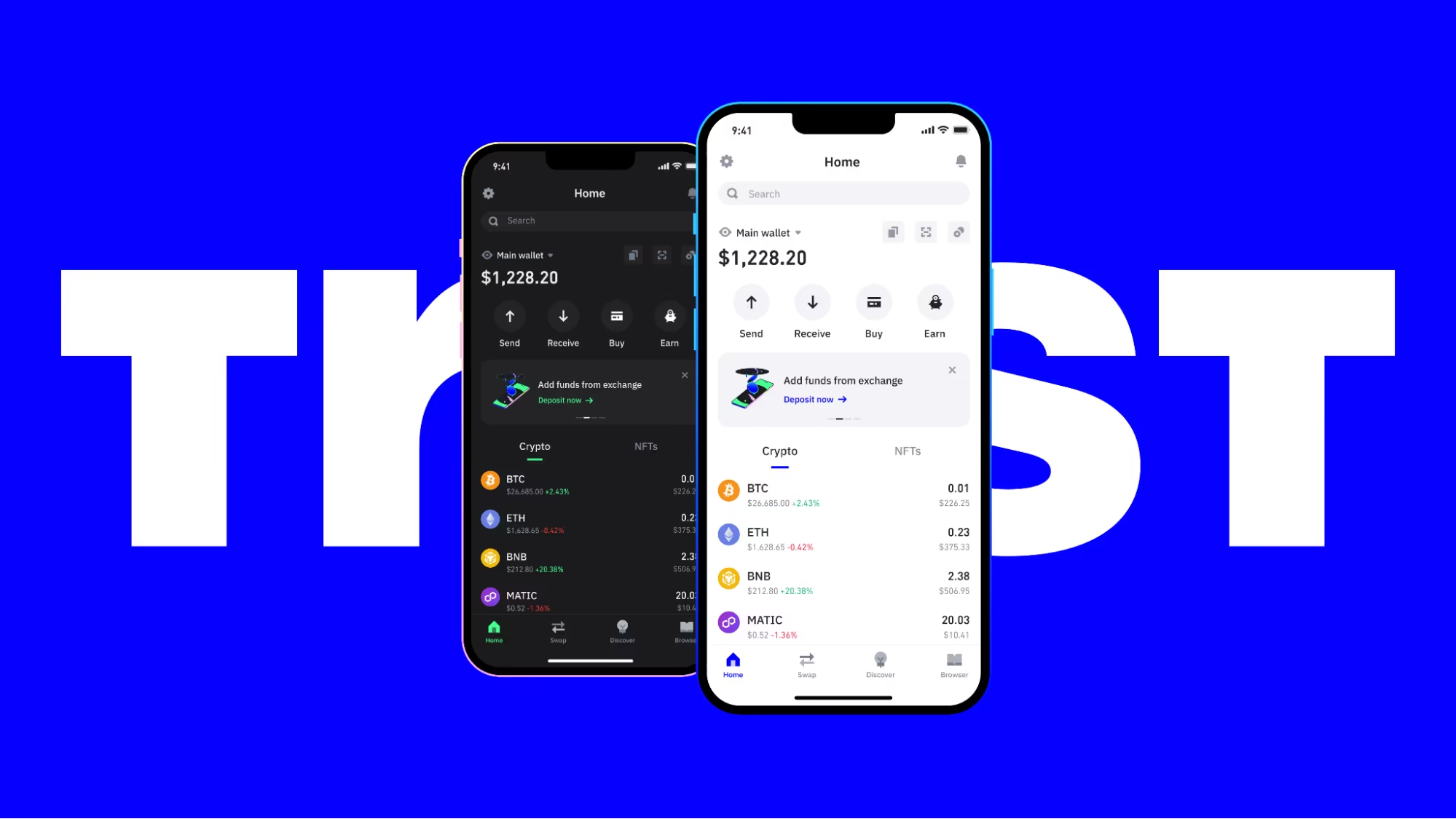
Trust Wallet is another top DeFi wallet if you want to use many different blockchains from just one mobile app or browser extension. It is completely free and self-custodial. The wallet supports over 10 million crypto assets across more than 100 blockchains.
You can use it for Ethereum, BNB Smart Chain, Solana, Polygon, Arbitrum, Optimism, Base, Avalanche, and Cosmos networks. The wallet lets you connect straight to decentralized exchanges, lending sites, liquidity pools, NFT markets, and staking options.
Plus, it also has a built-in “Discover” section that helps you find and open these apps right inside your mobile phone. You can also connect to external websites easily using WalletConnect. Also, if you prefer using a computer, the Trust Wallet browser extension gives you quick desktop access to thousands of Web3 applications.
Key Features
| Wallet type | Non-custodial DeFi wallet |
| Supported platforms | Android, iOS and browser extension |
| Supported networks | 100+ blockchains |
| Supported assets | 10 million+ crypto assets and NFTs |
| Major DeFi networks | Ethereum, BNB Chain, Solana, Polygon, Arbitrum, Optimism, Base and Avalanche |
| DeFi access | DEXs, lending protocols, liquidity pools, staking platforms and NFT marketplaces |
| dApp connectivity | Built-in dApp discovery, browser extension and WalletConnect |
| Security features | Security Scanner, biometric lock, transaction warnings and token approval management |
| Wallet cost | Free to download and use |
| Best for | Beginners and mobile users who need simple multi-chain DeFi access |
5. Phantom: Best Solana DeFi wallet
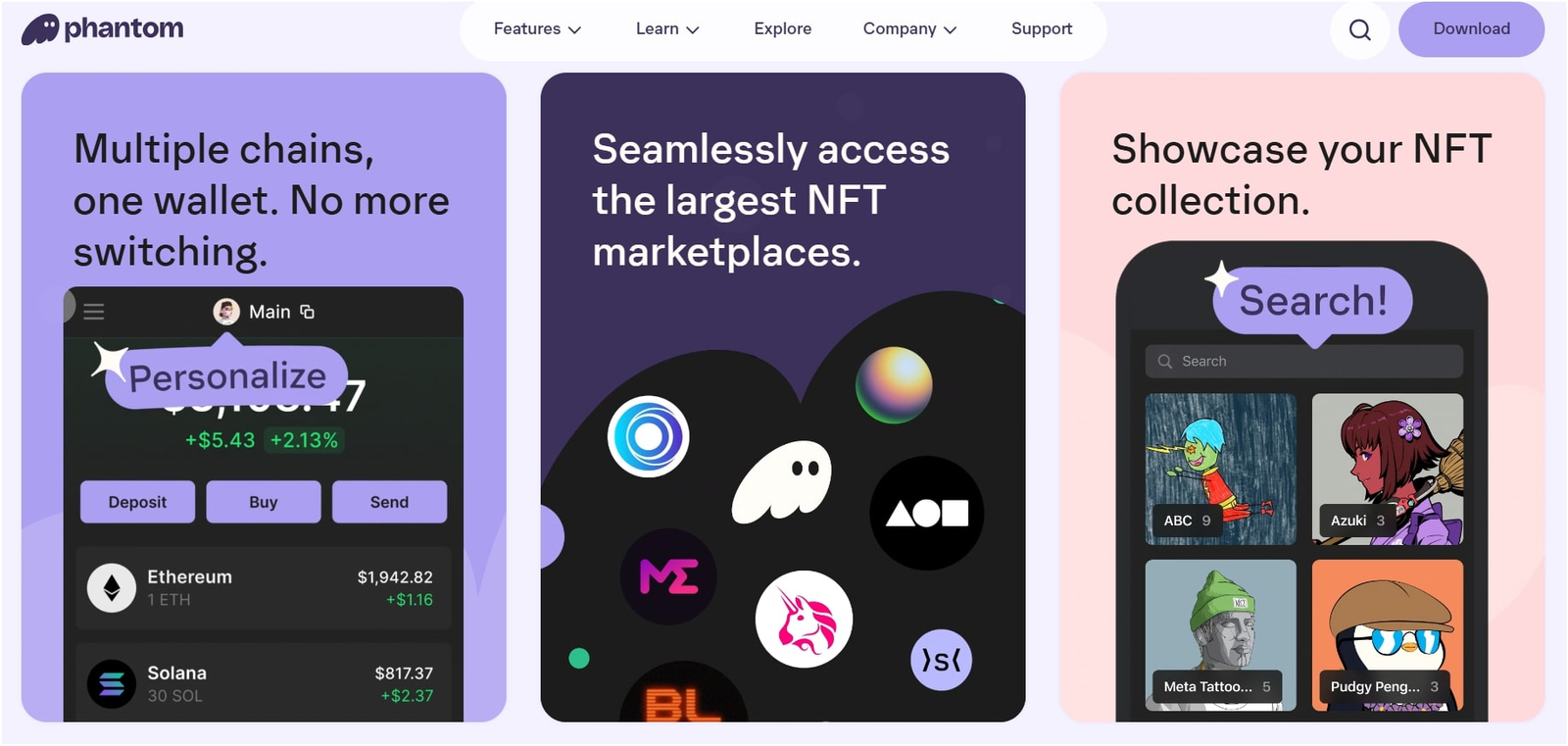
Phantom is another best wallet for Solana DeFi access. It started out as a Solana-only wallet, but now it supports Solana, Ethereum, Base, Polygon, Sui, Monad, HyperEVM, and Bitcoin. You can use it as a browser extension or download the mobile app for Android and iOS.
The app also has a built-in swap tool. It searches decentralized exchanges to find you a good price automatically. You can do easy swaps on the same network, like changing SOL to USDC, right inside the wallet. It also has a cross-chain bridge powered by LI.FI. Basically, this tool compares routes from providers like Mayan, Relay, and deBridge so you can move your crypto between different blockchains easily.
But again, Phantom is not perfect for everyone in DeFi. Some swaps on the same network come with a 0.85% Phantom fee. When you bridge your crypto, you also have to pay network fees, bridge fees, and deal with price impacts. Plus, the wallet still does not support some major DeFi networks like BNB Smart Chain, Arbitrum, Optimism, Avalanche, and Linea.
| Wallet type | Self-custodial DeFi wallet |
| Best for | Solana DeFi, swaps, staking, NFTs, and multichain asset management |
| Supported networks | Solana, Ethereum, Base, Polygon, Sui, Monad, HyperEVM, and Bitcoin |
| DeFi access | Connects to DEXs, lending platforms, staking protocols, NFT marketplaces, and other dApps |
| Built-in swaps | Supports same-chain and cross-chain token swaps inside the wallet |
| Hardware wallet support | Supports Ledger hardware wallets |
| Platforms | Browser extension, Android app, and iOS app |
| Main limitation | No native support for networks such as BNB Smart Chain, Arbitrum, Optimism, and Avalanche |
| Wallet cost | Free to download; network, swap, bridge, and third-party fees may apply |
How to Pick the Easiest Crypto DeFi Wallet for Beginners?
The best DeFi wallet for beginners should make it simple for them to connect with DeFi apps, understand transactions, manage different networks, and protect your private keys. You should not choose a wallet for DeFi only because it supports hundreds of coins. Generally, the wallet must support the blockchain and DeFi platforms you actually want to use.
Here are the most important factors you should check before choosing from the best DeFi wallets for beginners…
1. Check Which Blockchains the Wallet Supports
You should first decide which DeFi ecosystem you want to use. You know, Ethereum, Solana, BNB Chain, Base, Arbitrum, Polygon, Avalanche, and Sui use different networks. A DeFi wallet that works well on Ethereum may not give you the same experience on Solana.
You should choose:
- Trust Wallet for simple multi-chain access.
- MetaMask for Ethereum, Layer 2 networks, and wider DeFi app compatibility.
- Phantom for Solana DeFi, tokens, NFTs, and memecoins.
- Ledger and ELLIPAL Titan for cold storage and secure DeFi access
- Rabby Wallet for desktop-based Ethereum and EVM DeFi.
More Guides: Best multi-chain hardware wallets
2. Choose a DeFi Wallet With Clear Transaction Details
A top DeFi wallet for beginners must show you exactly what is leaving your account before you hit the approve button. You need to see the number of tokens, the estimated network fee, what permissions the contract wants, where the money is going, and how your balance will change after it finishes.
You know, the real danger happens when you sign a transaction, give a token approval, or approve a message without knowing what it means.
MetaMask has security alerts that warn you about scams, fake phishing pages, people pretending to be official brands, and dangerous transfers. Well, these safety tools cannot stop every single bad trade, but they give beginners a big advantage in spotting a scam request before it is too late. (Read: best Ethereum wallets)
3. Check Mobile and Desktop Availability
You should choose the best DeFi wallet that matches the device you like to use for crypto. Mobile phone wallets are great for quick token swaps, staking your coins, and tracking how much money you have. Also, computer browser extensions are usually much better if you are using lending tools, decentralized exchanges, bridges, and liquidity pools.
| Best DeFi Wallet | Works On | Best Used For |
| MetaMask | Phones (iOS/Android) & Browsers (Chrome, Brave, etc.) | Ethereum DeFi and Layer 2 apps |
| Phantom | Phones & Browsers (Chrome, Brave, Firefox) | Solana ecosystem and fast trading |
| Trust Wallet | Phones & Browsers | Multi-chain tracking and simple swaps |
| Ledger Wallet | Phone & Desktop Apps (Windows/macOS) | Serious security with cold storage |
4. Look for Built-In Security Tools
The top DeFi wallets now offer more than a password and recovery phrase. Basically, you should look for scam warnings, transaction simulation, spam-token filtering, auto-lock, biometric access, hardware wallet support, and adjustable token spending limits.
Hardware wallet support is also important nowadays when your portfolio becomes valuable. Actually, connecting MetaMask or Phantom to a Ledger or another supported DeFi hardware wallet like ELLIPAL Titan 2.0 keeps transaction approval tied to a physical device. Hence, this makes it harder for an attacker to move your assets by only stealing your browser password.
5. Compare Swap Fees and Network Costs
While downloading a DeFi wallet is completely free, using it to move money costs cash. You will have to pay blockchain network gas fees, swap fees, bridge fees, price impact, and slippage.
So, for example, Phantom can charge a 0.85% fee when you swap certain token pairs directly inside the app. You also have to pay the network fee to the blockchain itself. On Solana, basic transactions are very cheap and cost less than 0.000005 SOL, but complex moves or busy times can make priority fees go up.
6. Check the Recovery Method
Most self-custody DeFi wallets give you a recovery phrase or private key, and anyone who gets this information can control your wallet. Also, at the same time, the DeFi wallet company cannot reset or recover it for you.
You should write the recovery phrase on paper or another durable offline backup and store it in a private location. The rule is: do not save it in screenshots, email drafts, messaging apps, cloud notes, or an online password document.
Read: Best Arbitrum wallets
What is a DeFi Wallet?
A DeFi wallet is a self-custody crypto wallet that holds your digital assets and connects directly to decentralized finance web apps. You can actually use this tool to log into decentralized exchanges, lending sites, staking pools, bridges, and NFT markets.
A DeFi wallet does not actually store your crypto coins inside the app on your phone or computer. Basically, your assets live on the public blockchain network. The wallet simply holds your private keys.
You can use a DeFi wallet to:
- Swap one crypto coin for another on a decentralized trading site.
- Lend out stablecoins like USDC or coins like ETH to earn interest.
- Borrow crypto assets by putting up collateral.
- Stake your tokens to get network rewards.
- Pool your funds to earn a share of trading fees.
- Move coins across different blockchains using a bridge.
Risks of Using DeFi Wallets
You see, the scariest part of using a DeFi wallet is that having total control means you have total responsibility. There is no customer support line to call, no bank manager to reverse a bad wire, and no way to get back stolen funds.
Well, crypto theft is still a massive issue. Data from Chainalysis showed that hackers stole around $3.4 billion in crypto during 2025-2026. Their mid-year reports also pointed out that personal wallet hacks made up 23.35% of all stolen funds at that point in the year. While these metrics look at the whole crypto space and not just DeFi wallets, they show why you have to take security seriously.
Recovery Phrase Theft
If a thief gets their hands on your backup phrase, they can open your DeFi wallet on their own device and steal everything. They do not need your physical phone, your app password, or your fingerprint to do this.
Generally, scammers use fake support pages, fake airdrop sites, fake wallet updates, and even some scary security warnings to trick you into typing your phrase online. And, you know, once someone sees your phrase, changing your app password does nothing. You have to make a brand-new wallet and move your money fast.
Malicious Token Approvals
When you use a DeFi app, it will ask for permission to spend a certain token from your wallet. Mainly, many apps ask for a massive approval limit that basically gives them unlimited access to that specific token forever.
Basically, good platforms do this so you do not have to pay gas fees to approve the token every single time you trade. But if that contract is a scam or gets hacked later, the thieves can use that open permission to suck your account completely dry. Your recovery phrase stays safe, but your tokens still disappear.
Smart-Contract Exploits
The best DeFi wallet cannot save you from bad code on a Decentralized Finance website. Smart contracts do exactly what their code says, and you cannot undo a transaction once it goes through.
Even if a site has been audited or has a long history, things can still go wrong. Code errors, bad price feeds, or hacked admin keys can ruin a protocol overnight. So, never put your whole portfolio into one single DeFi site just because it promises massive returns.
Fake DeFi Websites and Wallet Extensions
Scammers are great at making websites that look exactly like real DeFi platforms. They pay for top search results on Google, set up fake Twitter accounts, and upload clone apps to app stores.
A fake site will pop up a transaction box that looks normal, but signing it actually hands your tokens over to an attacker. So, you should always open platforms using official documentation links or bookmarks you know are safe. Also, never download a DeFi wallet app from a link sent to you on Telegram, Discord, WhatsApp, or an email.
Wrong Address or Network
You can lose your crypto instantly if you send it to the wrong address or use a network that the receiving platform does not support. So, for example, stablecoins like USDC live on Ethereum, Solana, Base, Arbitrum, and Polygon.
The name of the coin looks identical, but the road it travels on is totally different. Hence, you should always make sure the network matches perfectly on both sides before hitting send.
Bridge Risk
Bridges help you send crypto assets from one blockchain to another, but they introduce a lot of smart-contract risks. Actually, cross-chain bridges have been responsible for some of the biggest hacks in crypto history.
So, stick to highly trusted bridges, do not send everything at once, and check your tokens once they arrive on the other side.
Scam Tokens and Memecoins
You see, nowadays, anyone can create a crypto token in five minutes, name it whatever they want, and drop it straight into your crypto DeFi wallet address. Now, some of these fake tokens cannot be sold at all, and others have website links in their names that lead to wallet-draining scams.
Also, on networks like Solana, creators can even use “freeze authority” to lock up tokens in your account so you cannot move them.
How to Use a DeFi Wallet Safely?
- Step 1: Choose and create a trusted DeFi wallet: You should download one of the best DeFi wallets for beginners, such as MetaMask, Trust Wallet, Phantom, or Rabby, only from the official website or verified app store. After installation, select the option to create a new wallet and set a strong password.
- Step 2: Back up your recovery phrase securely: The wallet will provide a 12-word or 24-word recovery phrase that controls access to your funds. You should write it on paper and store it offline. Never save it in screenshots, cloud storage, emails, or messaging apps.
- Step 3: Add funds through the correct blockchain network: You should copy your wallet address and transfer a small test amount first. Make sure the sending network matches the wallet network, such as Ethereum, Solana, BNB Chain, Base, or Arbitrum.
- Step 4: Connect your wallet to a trusted DeFi app: Open the official DeFi platform, click “Connect Wallet,” and select your wallet provider. The top DeFi wallets clearly show connection requests, but you should still avoid unknown links and fake websites.
- Step 5: Review and confirm every transaction carefully: Before approving a swap, staking deposit, loan, or token approval, check the amount, network fee, contract address, and spending limit. Even the best DeFi wallets for beginners cannot protect you if you approve a malicious transaction.
Conclusion: Best Wallet for Decentralized Finance (DeFi)
The best DeFi wallet for beginners is one that connects to the networks you want to use, explains transactions in plain English, runs smoothly on your device, and offers great safety tools.
Trust Wallet is awesome for simple multi-chain use, MetaMask is the gold standard for Ethereum and Layer 2 apps, Ledger is fantastic for desktop power users on EVM chains, and Phantom gives the smootSMT Solana experience.
FAQs
What is the best DeFi wallet for beginners?
Trust Wallet is one of the absolute best DeFi wallets for beginners because the mobile app is incredibly simple and automatically handles more than 100 blockchains. You can use it for Ethereum, Solana, BNB Chain, Base, Bitcoin, and more without having to set things up manually. It also has a built-in Security Scanner to watch out for known bad links.
Which is the best crypto DeFi wallet for desktop?
Rabby Wallet is an excellent DeFi wallet for desktop users who focus on Ethereum and EVM-compatible networks. It is built specifically for DeFi trades and shows you exactly how your balance will change before you sign a transaction.
However, Rabby does not support non-EVM chains like Solana or Bitcoin. So, if you want wide app support and native access to both EVM and non-EVM chains on a computer, MetaMask is the better choice.
What is the top DeFi wallet for Solana memecoins?
Phantom is the top choice for Solana memecoins. It has fast in-wallet swaps, great transaction previews, spam detection, and connects flawlessly to Solana applications.
Can I use one wallet for all DeFi apps?
No, you cannot use just one wallet for everything because different apps live on different blockchains and use different connection standards. While best multi-chain DeFi wallets help a lot, they rarely do everything perfectly.
You see, most active crypto users end up using two or three separate wallets to keep things organized, run different networks smoothly, and keep their long-term savings away from daily trading apps.
More Guides: