
USDT on the TRC20 network is a version of Tether issued on the TRON blockchain that lets you send and receive stablecoins with generally low network costs and fast confirmation times.
The best USDT TRC20 wallets are ELLIPAL Titan 2.0, Ledger Nano Gen5, Trust Wallet, Tangem, SafePal, ELLIPAL X Card, and TronLink due to their strong security, easy TRON network support, private key control, and simple USDT transfer process.
Here, I will review the top 7 best TRC20 wallets for USDT and compare their security, supported assets, device or app features, pricing, ease of use, and backup methods. You will also learn how a USDT TRC20 wallet works, how to check a TRON address, how I selected these wallets, and how to set up your wallet safely.
Top 7 Best TRC20 Wallets Ranked
I have reviewed over 50+ crypto wallets to store USDT and TRC20 network tokens. Here are my top 7 best USDT TRC20 wallets:
- ELLIPAL Titan 2.0: Best for air-gapped security
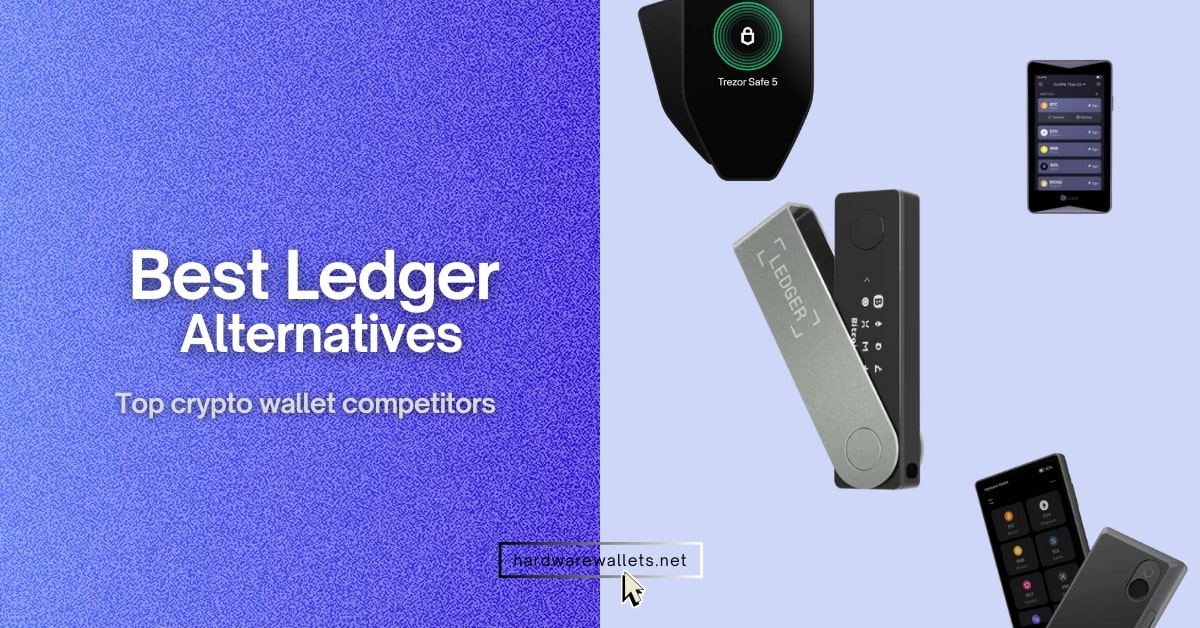
- Ledger Nano Gen5: Best for USDT cold storage
- Trust Wallet: Best for TRC20 mobile users
- Tangem: Best for beginners (NFC-based tap-and-go)
- SafePal: Best for TRC20 DeFi users (software + hardware combo)
- ELLIPAL X Card: Best for budget users
- TronLink: Best official TRON wallet app
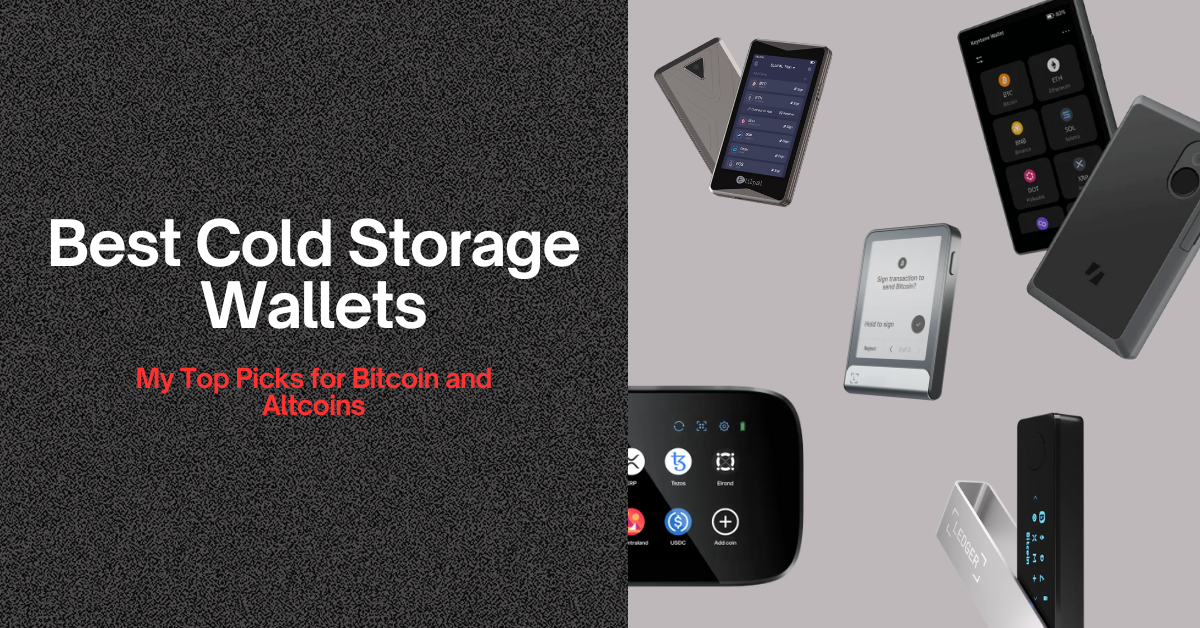
My Picks: Safest USDT Hardware Wallets
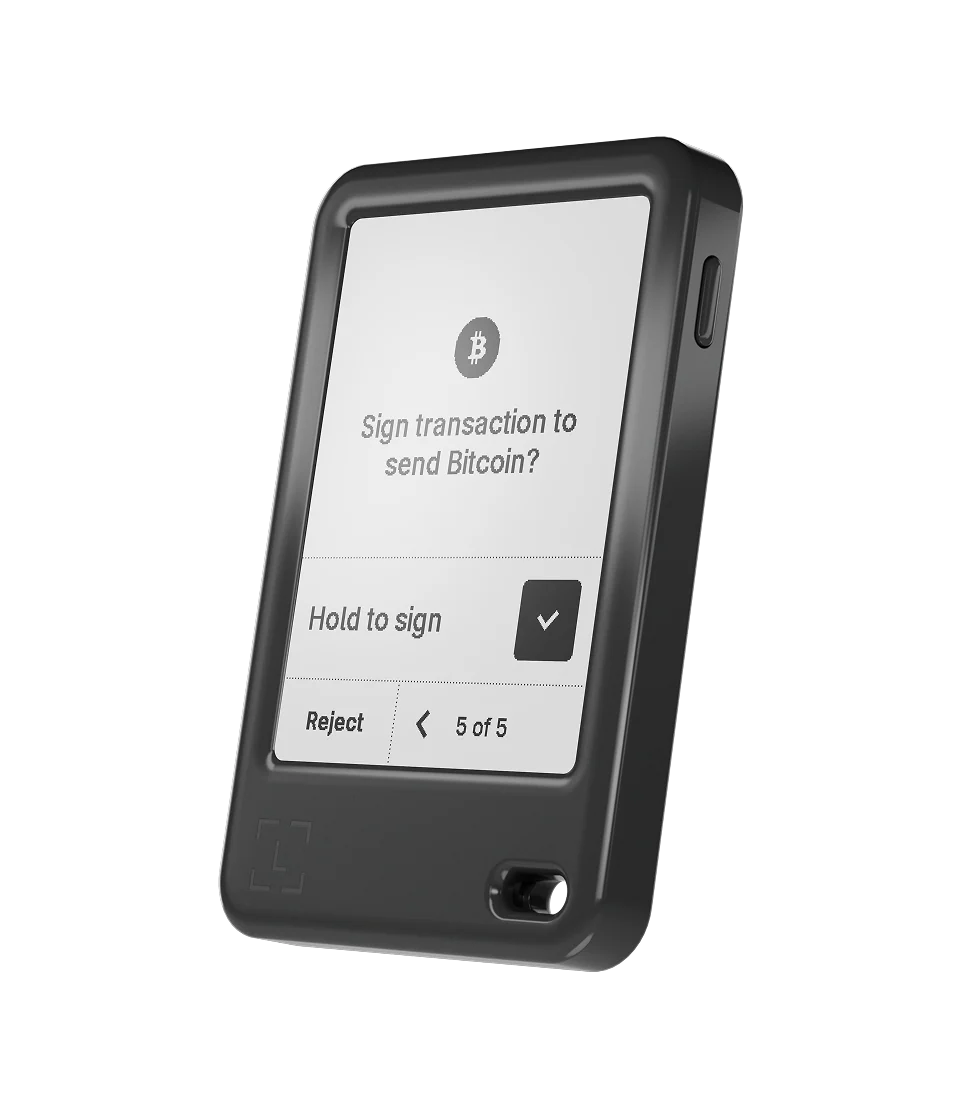
Ledger Gen5
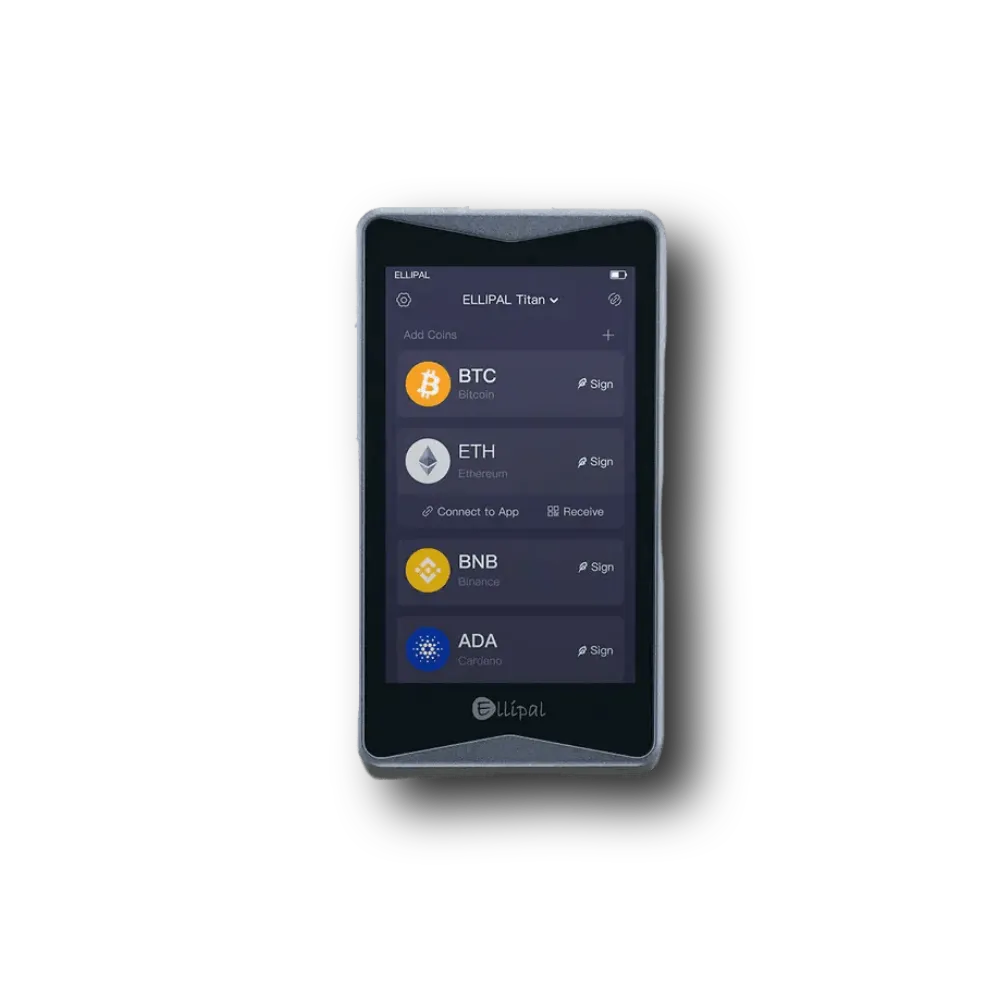
ELLIPAL Titan 2.0
Comparing the Best USDT TRC20 Wallets for Tether
Okay, here is a quick comparison between top TRC20 wallets right now…
| Wallet | Type | Approx. price* | Supported blockchains | Supported tokens | Highlight |
|---|---|---|---|---|---|
| ELLIPAL Titan 2.0 | Air‑gapped hardware | $169 | Android/iOS (mobile app) | BTC, ETH, TRC10/20 & thousands more | Large 4 inch touchscreen; sealed metal body; QR‑code signing |
| Ledger Nano Gen5 | Touchscreen hardware | $179 | Multi‑chain (EVM & TRON) | 5,500+ coins & NFTs | 2.8 inch e‑ink touch display; CC EAL6+ secure element |
| Trust Wallet | Mobile & browser extension | Free | 70+ blockchains | 8 million+ tokens | Built‑in DEX, staking and dApp browser; TRX staking for energy |
| Tangem Card | NFC hardware card | $40‑50 per card (3‑card bundle ~$108) | 90+ blockchains | 14,000+ tokens | IP69 water‑resistant; seedless; 3‑card backup; 25‑year warranty |
| SafePal S1 | QR‑based hardware | ~$50 | 50+ blockchains | 30,000+ tokens | 1.3 inch color screen; air‑gapped with camera; 400 mAh battery |
| ELLIPAL X Card | NFC hardware card | $69 (1 card) / $108 (3 cards) | 40+ blockchains | 10,000+ tokens | CC EAL6+ chip; no battery; works with 12–24 word seed |
| TronLink | Mobile/extension (TRON focus) | Free | TRON + EVM networks | 100,000+ tokens | Deep TRON integration; staking and energy management |
Best Tether (USDT) Wallets for 2026: Tested and Ranked
1. ELLIPAL Titan 2.0: Best TRC20 cold wallet to store USDT
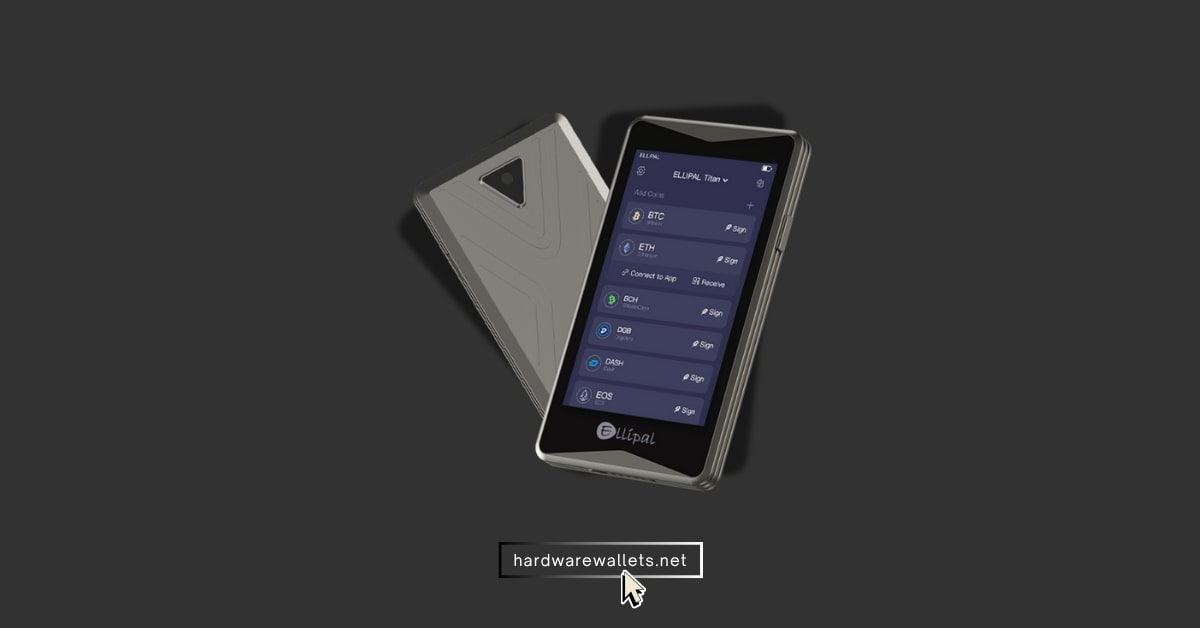
ELLIPAL Titan 2.0 is the best USDT TRC20 wallet for users who want to keep Tether offline in a true cold wallet. It does not use any USB cables, Bluetooth, or WiFi networks to connect with other devices. Instead, you just need to scan secure QR codes with its built-in 13-megapixel camera to send your USDT TRC20 tokens.
The wallet features a solid metal body and a large 4-inch IPS color screen so you can easily check your TRON address before sending. It is a bit expensive at $169, but the high security is totally worth it. You can manage your funds with the official ELLIPAL app on your phone, and the setup process takes only a few minutes. (Read more: best cold storage wallets)
2. Ledger Nano Gen5: Popular hardware wallet app supported USDT TRC20
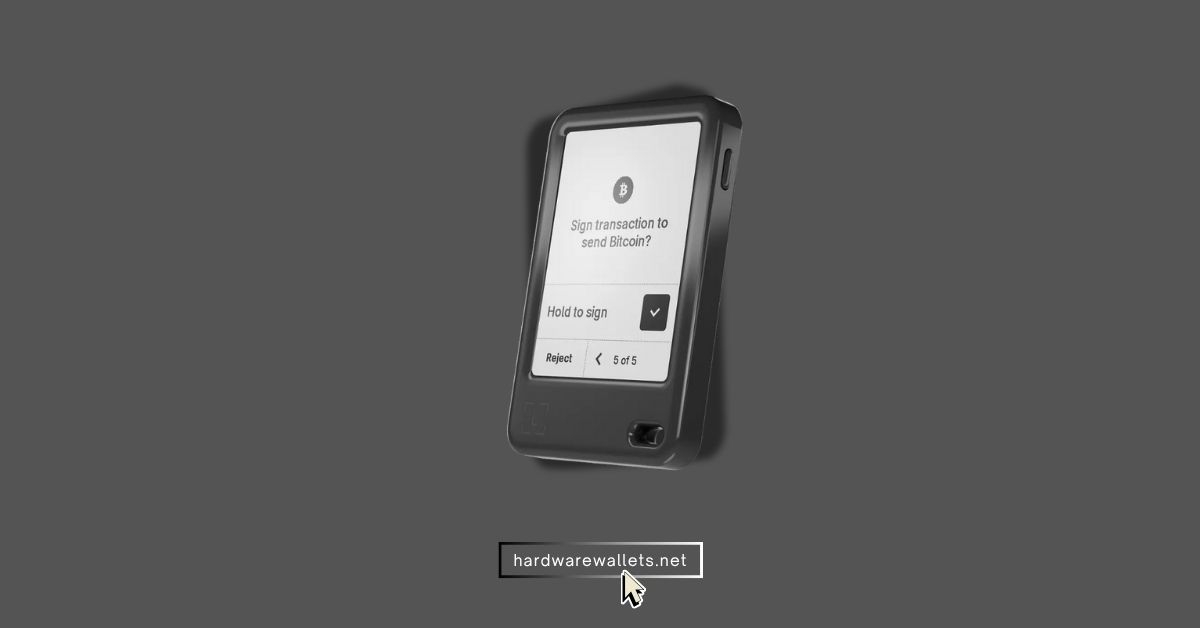
Ledger is a name that almost every crypto fan knows, and they really outdid themselves with this Gen5 model. The device is equipped with a 2.8-inch E Ink touchscreen that makes checking transaction details simple and easy on the eyes.
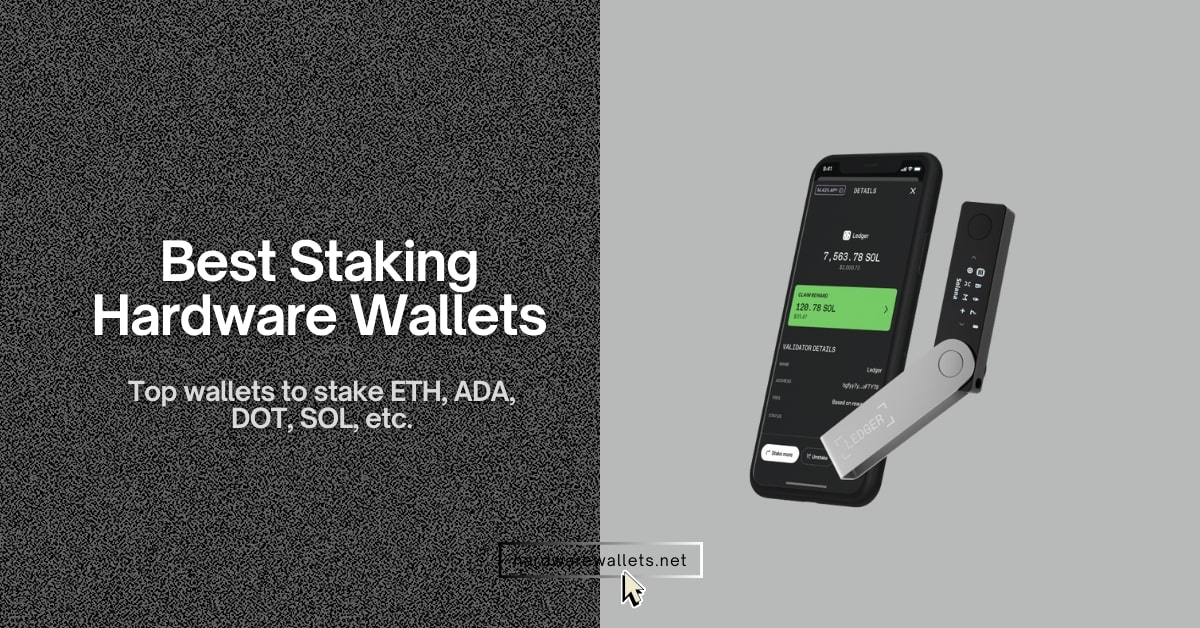
You can easily connect it to your phone or computer via Bluetooth 5.2 or a USB-C cable to make your trades. It also has built-in NFC support for quick tap actions when using the Ledger Recovery Key. Now, for USDT TRC20, Ledger works through the TRON app and supports TRC10 and TRC20 tokens. You can also connect Ledger with TronLink for deeper TRON use. Basically, Ledger is not only a storage device. It is a full wallet setup with portfolio tracking, buying, selling, swapping, staking, and transaction checks in one place.
3. Trust Wallet: Best TRC20 mobile wallet app
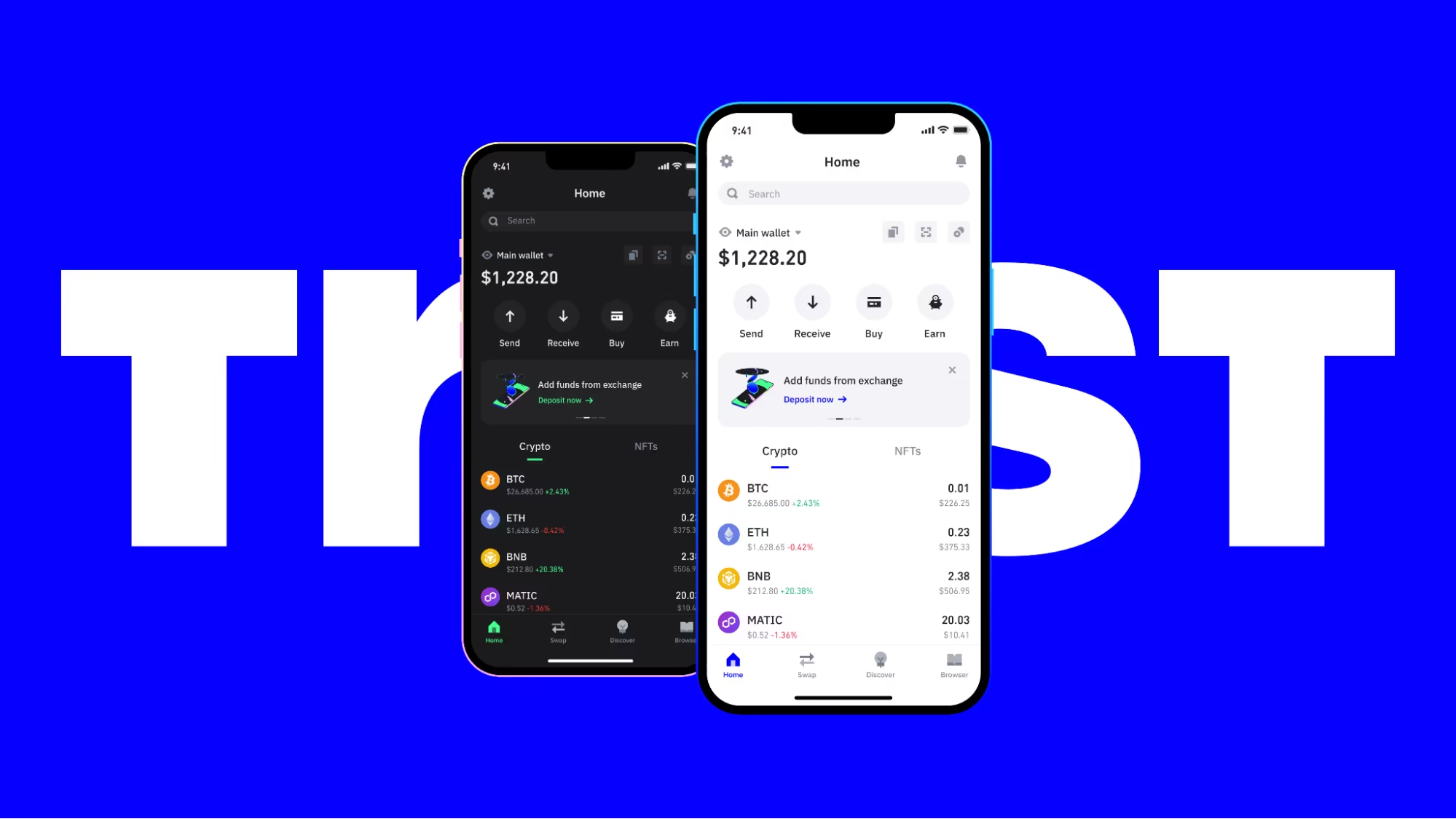
Trust Wallet is the best TRC20 mobile wallet app for users who want a free option. It works well for daily transfers because you can create a wallet, add TRON or USDT, copy your receiving address, and send funds without buying a hardware device. You still control your private keys, so it is not like keeping funds on an exchange.
Trust Wallet is also one of the most used self-custody wallets in crypto. It has mobile apps and a browser extension, and it supports many coins, tokens, swaps, and Web3 apps. The wallet also has a Security Scanner and encrypted cloud backup features. Obviously, a hot TRC20 wallet is not as safe as a cold wallet because it lives on your phone. But for smaller USDT TRC20 amounts, it is pretty convenient.
4. Tangem: Easy to use USDT TRC20 wallet (Tap-and-go)
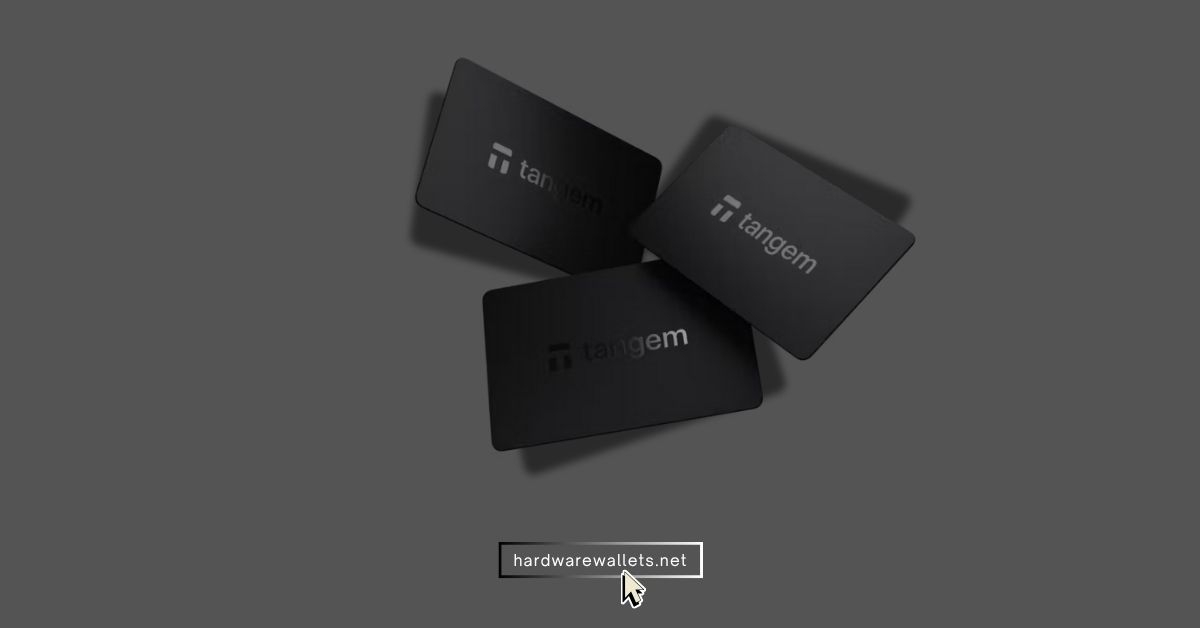
Tangem is an easy USDT TRC20 wallet for people who want a card-style cold wallet without buttons, cables, or a tiny screen. Actually, you need to tap the card on your NFC phone, approve the action in the Tangem app, and the private key stays inside the card chip.
Plus, Tangem also uses a certified EAL6+ secure element chip, and it supports many networks and tokens. Of course, it is not perfect for users who want a screen on the wallet itself, because the phone app shows the transaction details. But honestly, it is one of the easiest USDT TRC20 cold wallets.
5. SafePal: Software wallet to store TRC20 network tokens
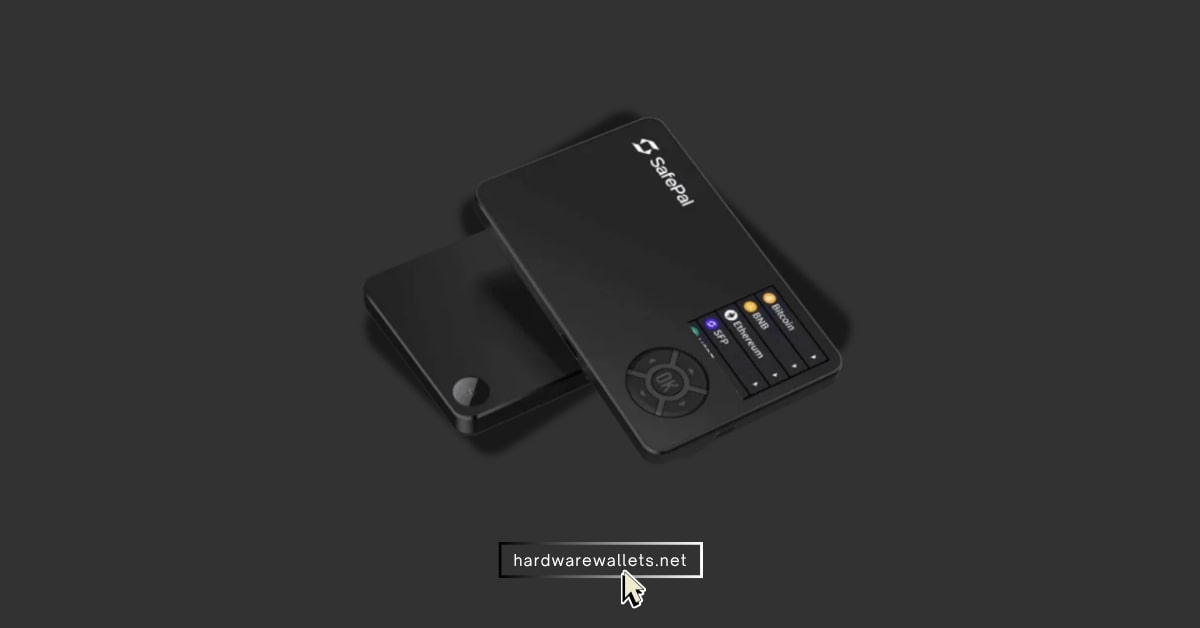
SafePal is a good software wallet to store TRC20 network tokens when you want one wallet suite with an app, browser extension, and optional hardware wallet. You can store USDT TRC20, swap assets, connect to DApps, and manage multiple chains from one place.
Well, while SafePal is famous for their physical S1 wallet, its free mobile software app is actually best for TRON users. It has over 10 million users globally and supports many different blockchains. You can easily import an existing wallet or create a brand-new one in under three minutes. The built-in swap and bridge features are amazing because you can swap Ethereum-based USDT into TRON-based USDT without using any external website.
6. ELLIPAL X Card: Cheapest NFC-based cold wallet for USDT TRC20
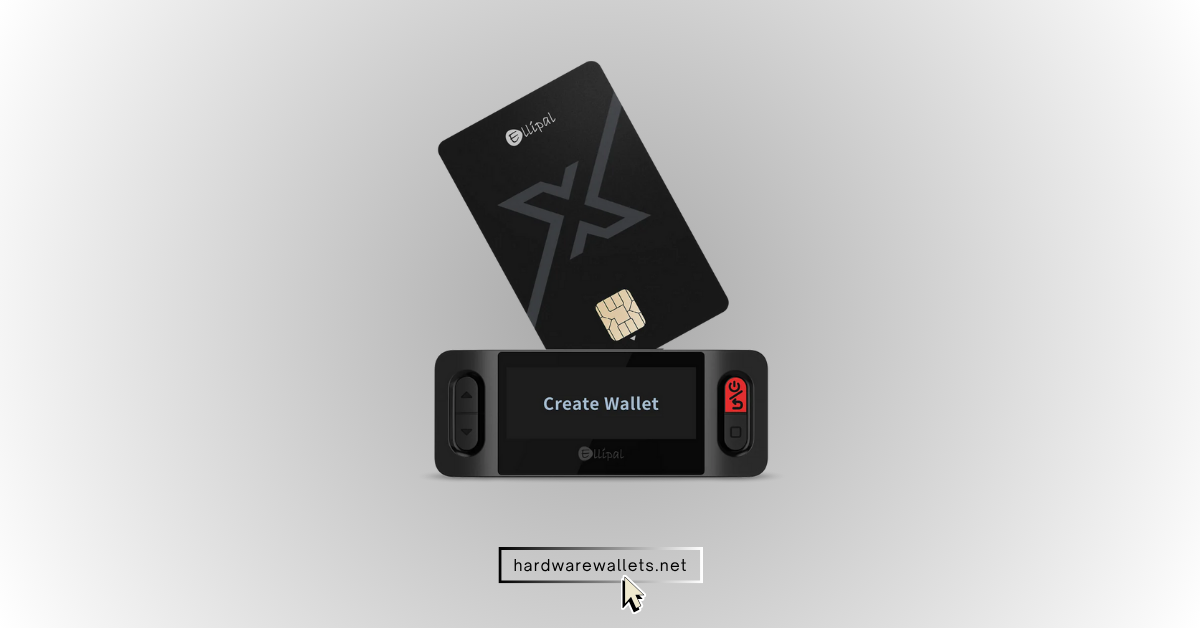
ELLIPAL X Card is the cheapest NFC-based cold wallet option from ELLIPAL for users who want USDT TRC20 cold storage in card form. Actually, it feels quite like a middle path between Tangem and ELLIPAL Titan 2.0. You get offline setup, NFC tap-to-sign use, and support for the same ELLIPAL app system, but you do not pay for a large touchscreen device.
The card is fully waterproof and has the exact size of a normal credit card, so it fits perfectly inside your pocket. You set it up 100% offline using the ELLIPAL X Card Starter tool, and after that, you use NFC to tap and sign transactions on your smartphone. It does not have any battery or charging ports, so yes, it requires zero daily maintenance.
7. TronLink: Official wallet app for TRON
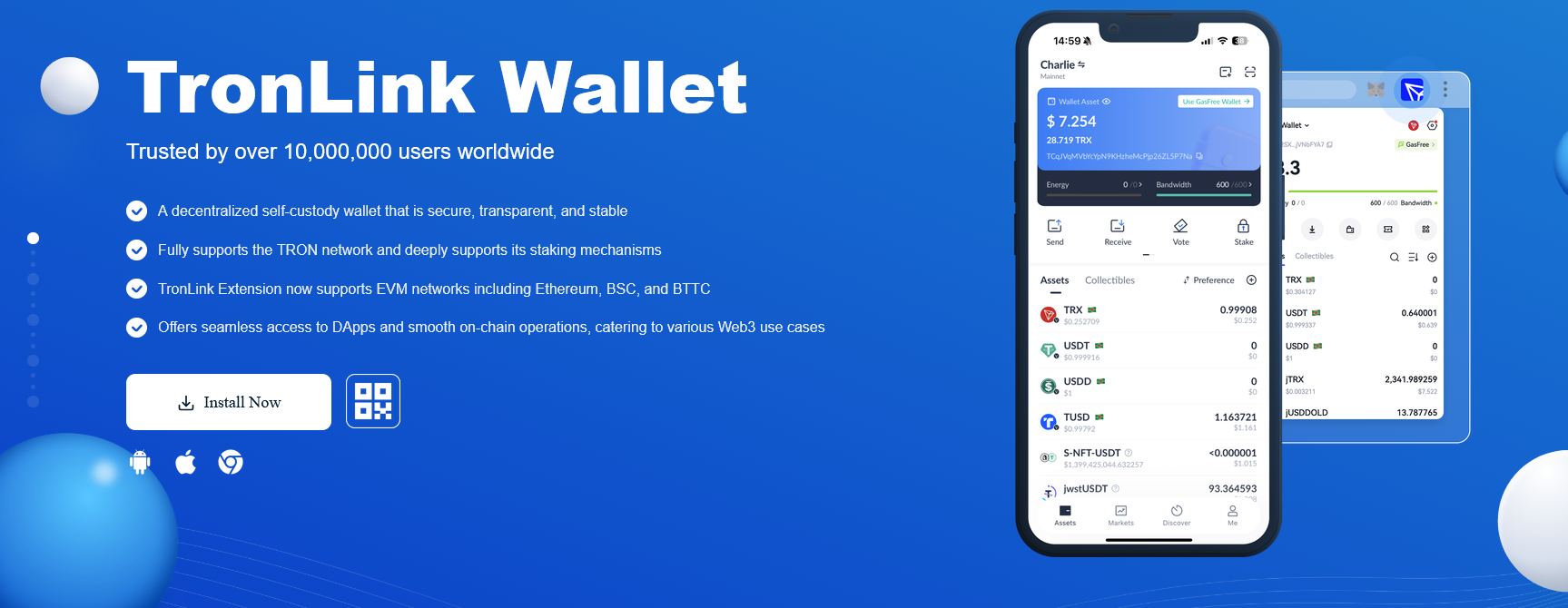
TronLink is the best Tron wallet for users who mainly use TRON, TRX, USDT, TRC20, staking, and TRON DApps. It is a decentralized self-custody wallet made for the TRON ecosystem, and it supports TRON features more deeply than most general crypto wallets. You can use it as a mobile wallet or browser extension, and it works well with TRON DApps.
It is backed directly by the TRON DAO and is completely free to download on your smartphone or use as a Google Chrome browser extension. Because it is designed specifically for this blockchain, it shows you your exact energy and bandwidth levels. These resources are super important because you can stake your TRX tokens to gain energy, which lets you transfer your USDT TRC20 with zero gas fees. You see, no other multi-coin wallet shows this detailed data so clearly.
What is the USDT TRC20 Wallet App?
A USDT TRC20 wallet app is a crypto wallet that lets you create a TRON network address to receive, store, and send Tether issued on TRON. The same TRON address can usually receive TRX and TRC20 tokens like USDT, so you do not need a different address format for USDT TRC20.
Here, the main thing is the network. You see, USDT exists on many networks, but USDT TRC20 only belongs to TRON. So, you must select TRON or TRC20 while withdrawing from an exchange.
The best USDT TRC20 wallet also gives you private key control, backup options, and a safe way to confirm the receiving address.
USDT TRC20 Wallet Address Example or Sample
A USDT TRC20 wallet address is a TRON address that usually starts with the letter “T” and looks different from an Ethereum address that starts with “0x.” Here is a sample TRON wallet address format:
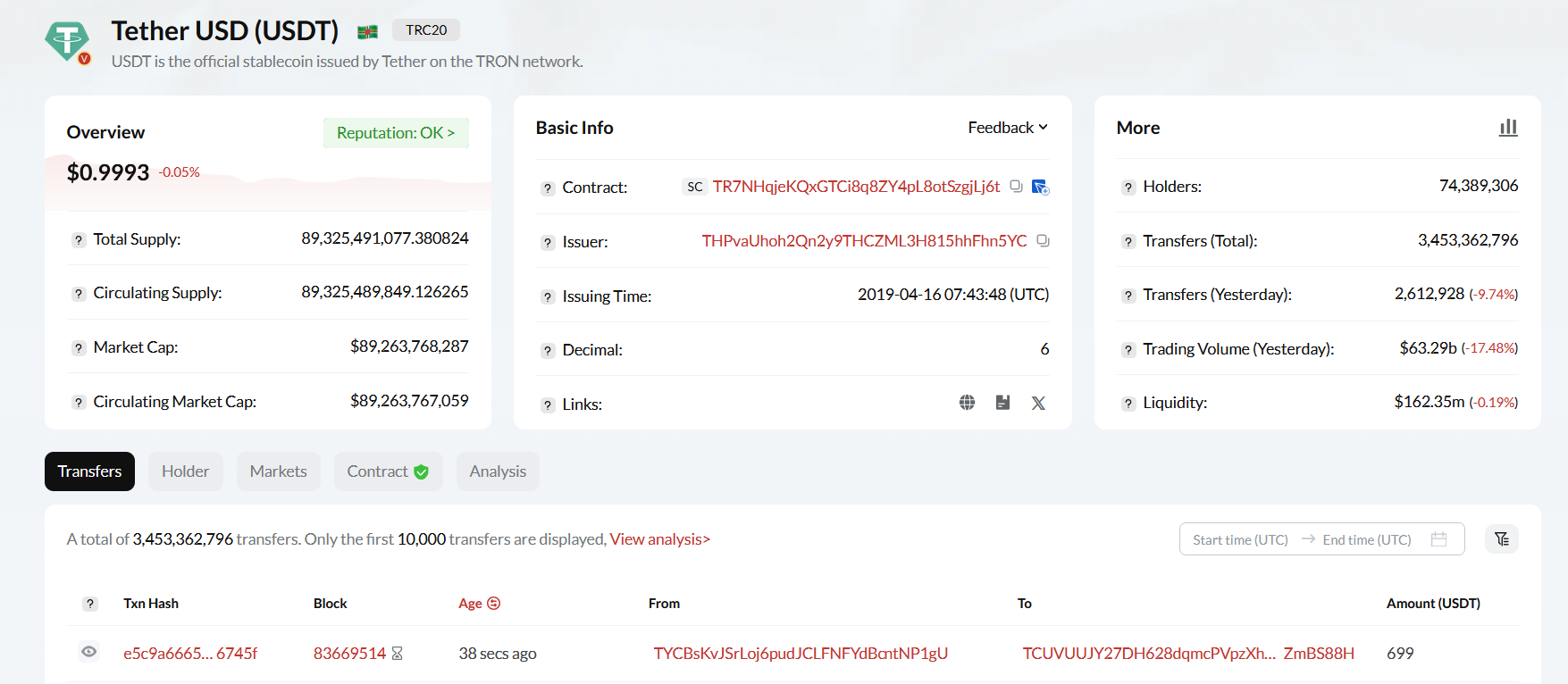
The official USDT TRC20 token contract on TRON is: TR7NHqjeKQxGTCi8q8ZY4pL8otSzgjLj6t
Also, the wallet address and the token contract address are not the same thing. Your wallet address is where you receive USDT, and the contract address is the official token address used to identify real USDT on TRON.
How to perform a USDT TRC20 wallet address check?
You can easily perform a USDT TRC20 wallet address check by looking up the address on the official TRON blockchain explorer website. The most popular website for this task is called TronScan.
Now, to do a check, you just copy the 34-character address and paste it into the search bar at the top of the TronScan website. The system will instantly show you the address balance, the transaction history, and any tokens held inside that account.
How Do We Choose the Best TRC20 Wallet?
Generally, I choose the best TRC20 wallet by checking its security, TRON compatibility, transaction fees, supported assets, ease of use, backup system, and additional Web3 features.
Security and Control Over Private Keys
Security is the first thing you need to check because, you see, a wallet is only useful when it can protect your cryptocurrency. I normally prefer a non-custodial TRC20 wallet, as it will give you full control over your private keys and recovery phrase.
You should also look for features such as PIN protection, fingerprint login, Face ID, password encryption, and transaction verification. Plus, if you use a hardware wallet, your private keys should remain offline even when you approve a USDT TRC20 transfer.
Full TRON and TRC20 Token Support
Well, a top TRC20 wallet should offer proper support for the TRON blockchain. You need to check whether you can easily store, send, and receive TRX, USDT TRC20, and other tokens built on the TRC20 standard. You should not have to add every token contract manually. Well, you see, automatic token detection makes the wallet easier to use, especially when you are new to the TRON network.
The wallet should also display the selected blockchain clearly before you confirm a transfer. USDT works on several networks, so you need to make sure you are sending it through TRON and not Ethereum or BNB Smart Chain.
Transaction Fees, Energy, and Bandwidth
Low fees are one of the main reasons people use USDT on the TRON network. So, you should find out whether the selected USDT wallet shows the estimated network fee before you approve the transaction. Plus, you also need to understand how the wallet handles TRON Energy and Bandwidth. These resources can reduce the amount of TRX you spend when sending TRC20 tokens.
Some wallets allow you to stake or freeze TRX to receive Energy and Bandwidth. Others offer Energy rental services. These options can save money if you regularly send USDT on TRC20 network.
Backup and Recovery Options
A strong recovery system helps you regain access if your phone, computer, or hardware wallet gets lost or damaged. Hence, I check whether the wallet gives you a standard 12-word, 18-word, or 24-word recovery phrase.
You should store the seed phrase offline and never save it in screenshots, emails, cloud storage, or messaging apps. And, for larger USDT holdings, you may also want features such as passphrase protection, hidden wallets, multi-share recovery, or metal seed backups.
Device and Multi-Chain Compatibility
The wallet should work on the devices you actually use. So, this time, check whether it supports Android, iPhone, Windows, macOS, browser extensions, or dedicated hardware wallets.
You can even prefer a mobile wallet for daily USDT on TRC20 transfers and a hardware wallet for long-term storage. Again, I also look at multi-chain support for Bitcoin, Ethereum, Solana, and BNB Smart Chain. However, supporting many blockchains only helps when the wallet keeps every network clearly separated.
How to Set Up Your TRC20 (TRON/USDT) Wallet?
You can set up a TRC20 wallet with a Ledger device by installing the TRON app, creating a TRON account, and activating it with a small amount of TRX.
Step 1: Install the TRON App
Open My Ledger and connect your device. Search for the TRON app and click Install. The TRON app lets your Ledger securely approve TRX and TRC20 token transactions.
Step 2: Add a TRON Account
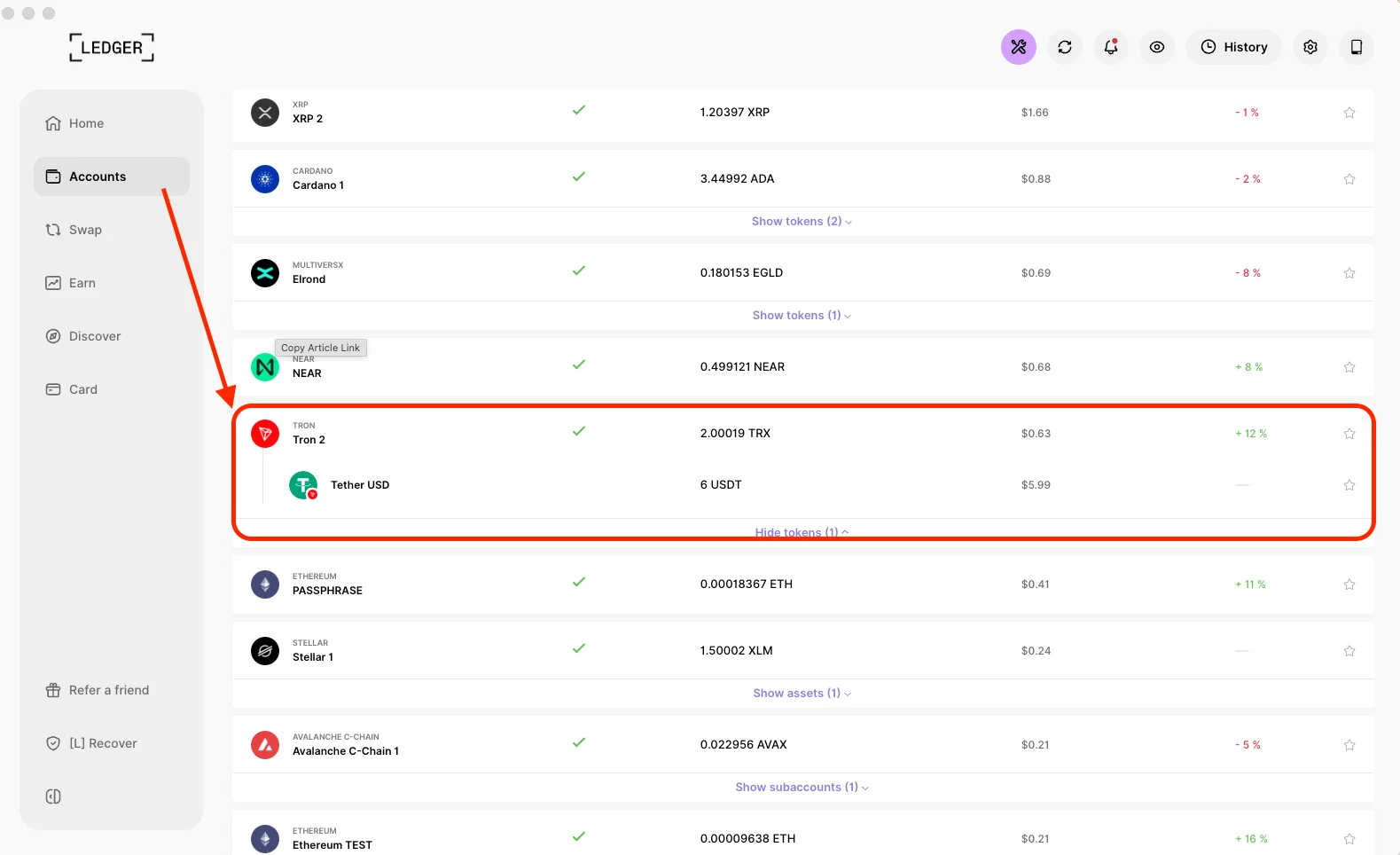
Go to Accounts, select Add Account, and choose TRON (TRX). Open the TRON app on your Ledger when asked and complete the setup. Your TRON wallet address will normally begin with the letter T.
Step 3: Activate Your TRON Wallet
A new TRON account must be activated before it can properly receive TRC20 tokens. So, you need to send at least 0.1 TRX to your new Ledger TRON address. Actually, I recommend keeping some extra TRX in the wallet because you may need it to cover transaction fees.
Step 4: Find and Verify Your USDT TRC20 Address
Now, you can click Receive, select your TRON account, and connect your Ledger. Compare the address shown in Ledger Wallet with the address displayed on your Ledger device. Confirm it only when both addresses are exactly the same. You will use this same TRON address to receive TRX and USDT.
Step 5: Transfer USDT Through the TRC20 Network
You should open the exchange or wallet from which you want to withdraw USDT. Paste your Ledger TRON address and select TRON (TRC20) as the withdrawal network.
Check the network and address again before confirming. I always recommend sending a small test amount first, especially when you are transferring USDT to the wallet for the first time.
Conclusion
In a nutshell, ELLIPAL Titan 2.0 is my top pick as the best USDT TRC20 wallet for serious cold storage in 2026. It gives you offline signing, a big touchscreen, and strong USDT TRC20 support through the ELLIPAL app.
Ledger Nano Gen5 is better when you want a premium hardware wallet with a strong app and touchscreen signing. And, Trust Wallet is the best free mobile wallet for daily USDT transfers.
Well, my simple rule is this: Use a mobile wallet for small daily USDT TRC20 amounts, and use a cold wallet for larger balances.