
If you are looking to buy a cold wallet, check out this specific guide first: best cold storage crypto wallets (safest options)
A cold wallet is a crypto wallet that does not connect to the internet or interact with any smart contract. It is a 100% offline cryptocurrency storage method.
In this guide, you’ll learn what is a cold wallet, how do cold wallets work, why people use one, the different types you can pick from, and how it’s different from a hot wallet. By the end, you’ll know if a cold wallet is something you actually need.
What is a Cold Wallet?
A cold wallet is a tool that stores your crypto’s secret private keys completely offline, away from the internet. It can be a dedicated small device, a piece of paper, or metal.
Basically, every crypto wallet has private keys that prove you have the right to spend the crypto linked to your wallet addresses. Now, a normal hot wallet keeps those keys on a phone, computer, or another device that connects to the internet. A cold wallet keeps them in an offline environment instead.
Now, you might be thinking, “Wait, doesn’t my crypto just store in the wallet?” Not really. Your coins always live on the blockchain. What a wallet actually holds is your private key, and that key is what lets you move your funds. So when your key stays offline, on a device or a piece of paper that never touches the internet, hackers simply can’t reach it.
What you actually own is a pair of keys:
- A Public Key (or Address): This is like your home address or bank account number. You can share this with anyone so they can send you money.
- A Private Key: This is like the password to your digital safe or your secret digital signature. Whoever has this private key owns the coins.
So, if you keep your private keys on your phone, laptop, or an exchange like Binance or Coinbase, they are connected to the internet. Well, that means a clever hacker, a virus, or a fake link could steal them. And that always happens.
Hence, what is a cold wallet? A cold wallet keeps these private keys completely offline. Since the keys never touch the internet, no online hacker can reach them. That is why it is called “cold” storage; it is completely disconnected from the digital world.
What Is a Cold Wallet For? The Benefits of Cold Storage Explained
A cold wallet is built to protect your crypto funds from online theft, exchange collapses, and phishing scams. It gives you 100% control over your own wealth. Of course, cold wallets aren’t perfect either, and we’ll talk about the risks later in this article.
Here are the main benefits you get from cold storage:
- Hackers can’t touch it online. Since your keys never connect to the internet, no online attack can steal them directly.
- You are in full control. Nobody else holds your keys. Not an exchange, not an app, just you.
- Great for long-term holding. If you plan to hold your crypto for months or years, a cold wallet keeps it safe and out of harm’s way.
- Protection from exchange hacks. Crypto exchanges get hacked sometimes, and when that happens, funds kept there can vanish. Coins in your own cold wallet don’t get touched.
- Peace of mind. You don’t have to worry about malware on your phone or computer stealing your keys, because your keys aren’t sitting there.
What Are the Different Types of Crypto Cold Wallets?
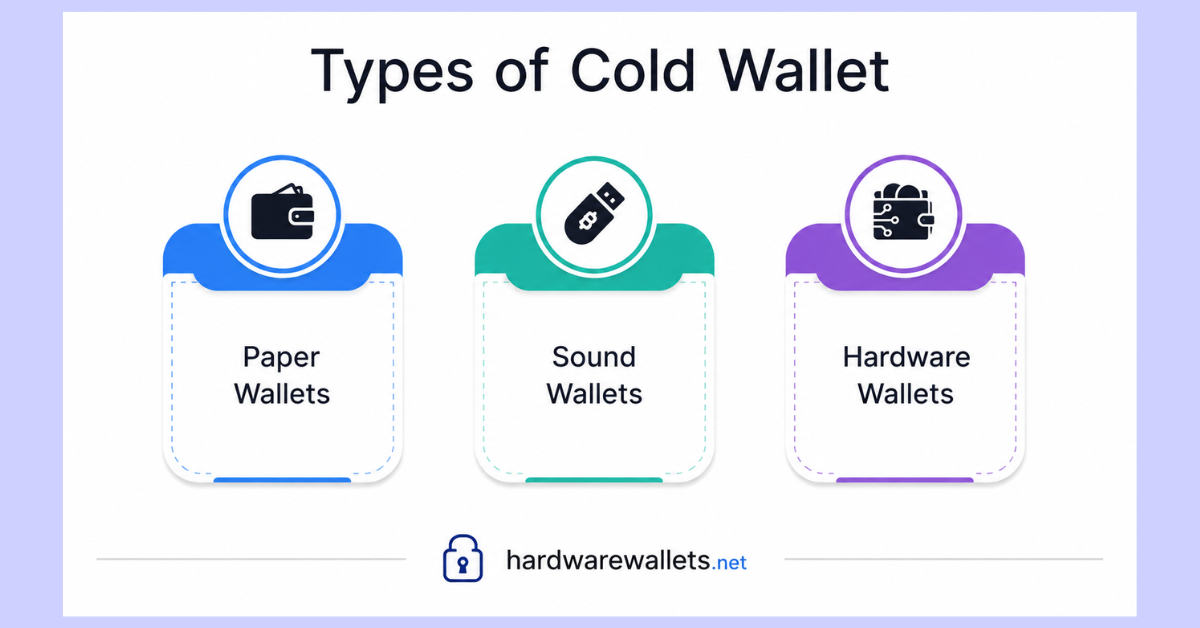
The three main types of cold storage are Hardware Wallets, Paper Wallets, and Sound Wallets. Hardware wallets are by far the safest and most practical choice today. You can check out my list of the best crypto hardware wallets…
1. Hardware Wallets
A hardware wallet is a small physical device, kind of like a USB stick, that stores your private keys inside a secure chip. This is the most popular type, and it’s probably what people mean most of the time when they say “cold wallet.”
You need to plug it in or connect it through Bluetooth only when you want to send crypto, and your keys never actually leave the device. They are stored in its secure element. Top crypto hardware wallet brands like Ledger, Trezor, and ELLIPAL make these. They usually come with a small screen so you can check and confirm every transaction before it goes through.
Check out these articles related to cold hardware wallets:
- Most secure hardware wallet for Bitcoin
- Best NFT hardware wallets
- Best cold wallet for XRP Ripple
- Best multi-chain hardware wallets
2. Paper Wallets
A paper wallet is literally a piece of paper. You need to generate your keys using a special offline tool, then print or write down your public address and private key on a piece of paper.
Since it’s just paper, there’s zero chance of a hacker reaching it online. But there’s a risk as well. Paper can get lost, torn, burned, or damaged by water pretty easily. That’s why most people don’t use this method much anymore, unless they also make multiple backup copies stored somewhere safe.
3. Sound Wallets
A sound wallet stores your private key as a sound file, kind of like turning your seed phrase into an audio recording. This one is less common, but it does exist.
Well, the idea is that you can save this file on a CD, an old tape, or even print it as a spectrogram. Yes, it sounds unusual, and honestly, it is a bit unusual, but it’s another way to keep your keys off the internet. Most beginners don’t go this route since it’s harder to set up and recover compared to a hardware wallet.
What is a Cold Wallet vs. a Hot Wallet?
| Feature | Cold Wallet | Hot Wallet |
|---|---|---|
| Internet connection | Offline (or only briefly connected) | Always online |
| Best for | Long-term storage, large amounts | Daily use, small amounts, trading |
| Hacking risk | Very low | Higher |
| Ease of use | A bit slower, more steps | Fast and simple |
| Cost | Usually needs a device or setup | Free, just an app |
| Backup method | Seed phrase, paper, or metal plate | Password and seed phrase |
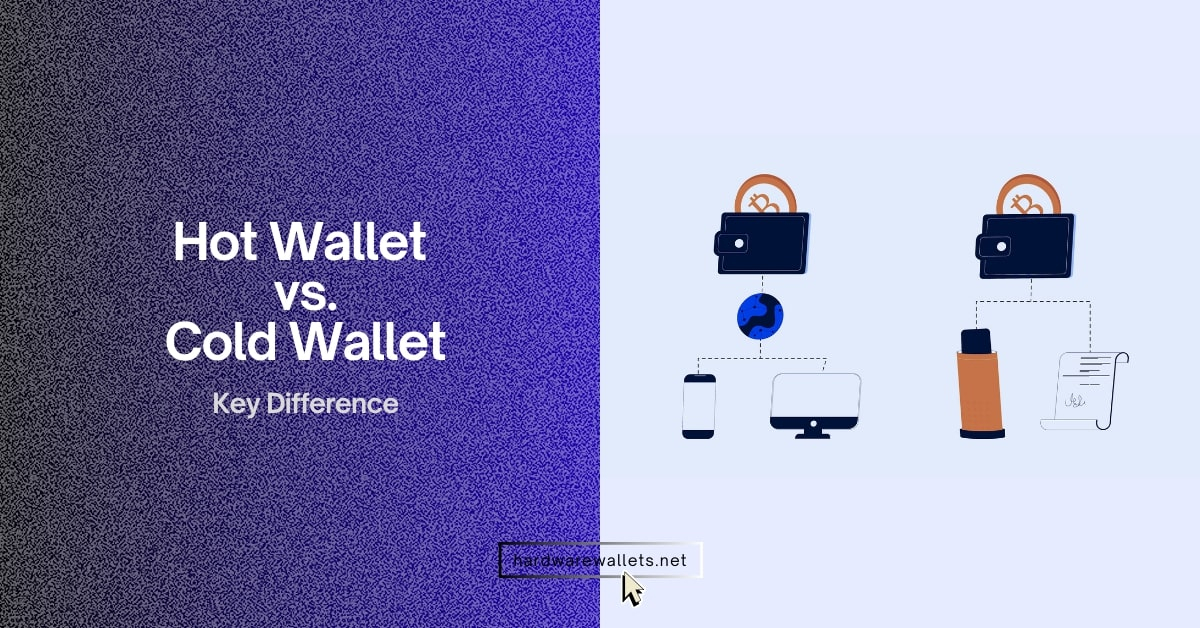
A hot wallet is connected to the internet all the time. The most popular crypto storage apps, including MetaMask, Trust Wallet, or the wallet built into your favorite crypto exchange, are all hot wallets. These are handy and fast, but since they’re always online, they’re also more open to hacks, phishing, and malware.
A cold wallet, on the other hand, stays offline. It’s slower to use and takes a few extra steps, but it’s much safer for holding bigger amounts of crypto. read more on cold wallets vs. hot wallets…
How Do Cold Wallets Work?
You see, every crypto wallet, hot or cold, has two important things: a public key (your address, which you can share with anyone) and a private key (your secret code, which you should never share). Now, whoever holds the private key can move the funds. That’s the whole technical view.
A lot of people ask: “If the device is offline, how can it send coins on the internet?”
Let’s say you want to send 0.1 Bitcoin to a friend. Here is the step-by-step path it takes:
- You prepare the transfer: You need to open an app on your computer or phone (like Ledger Wallet or Trezor Suite) and enter your friend’s Bitcoin address and the amount.
- The app asks the cold wallet to sign: The app creates an “unsigned” transaction and sends it to your cold wallet device via USB cable, Bluetooth, or camera QR code.
- You verify on the screen: The screen on your physical device lights up. It shows you the exact address and the exact amount of Bitcoin.
- The secret signature happens offline: You can now press the physical buttons on your device to confirm, and inside the secure chip, your private key adds a unique digital signature to the transaction.
- The device sends back only the signature: The signed transaction goes back to the app on your computer.
- Broadcast to the blockchain: The app sends this signed message to the blockchain network. The network verifies the signature, and the coins move.
How To Create a Cold Wallet?
You buy an authentic hardware cold wallet from the official maker, turn it on, set a PIN code, and carefully write down your 12-to-24-word recovery phrase on paper or metal.
Here’s a simple walkthrough:
- Pick your cold wallet type. Most beginners go with a hardware wallet since it’s the easiest and safest option.
- Buy from an official source. Always buy directly from the brand’s website or an approved seller. Never buy a used one from a stranger, since it could be tampered with.
- Set a PIN code. Okay, once you turn on the device, you’ll be asked to create a PIN. So, pick something only you know.
- Write down your seed phrase. The device will show you a list of words, usually 12 or 24 of them. Write them down on paper, in the exact order shown, and never type them into a computer or phone.
- Confirm your seed phrase. The device will ask you to confirm a few of the words, just to make sure you wrote everything down right.
- Install the wallet app. You should download the official companion app on your phone or computer to manage your coins.
- Add your crypto accounts. Set up accounts for whichever coins you want to store, like Bitcoin, Ethereum, or others.
- Store your seed phrase safely. Now, you must keep it somewhere offline, away from fire, water, and prying eyes. A safe or a locked drawer works well. Some people even engrave it on a metal plate for extra safety.
Read the full guide: How to set up and use a cold storage wallet?
Top Cold Wallets for Storing Cryptocurrencies
I have already covered this guide in detail about the best cold storage wallets; here are my 3 recommended best cold wallets….
| Image | Hard Wallet | Price |
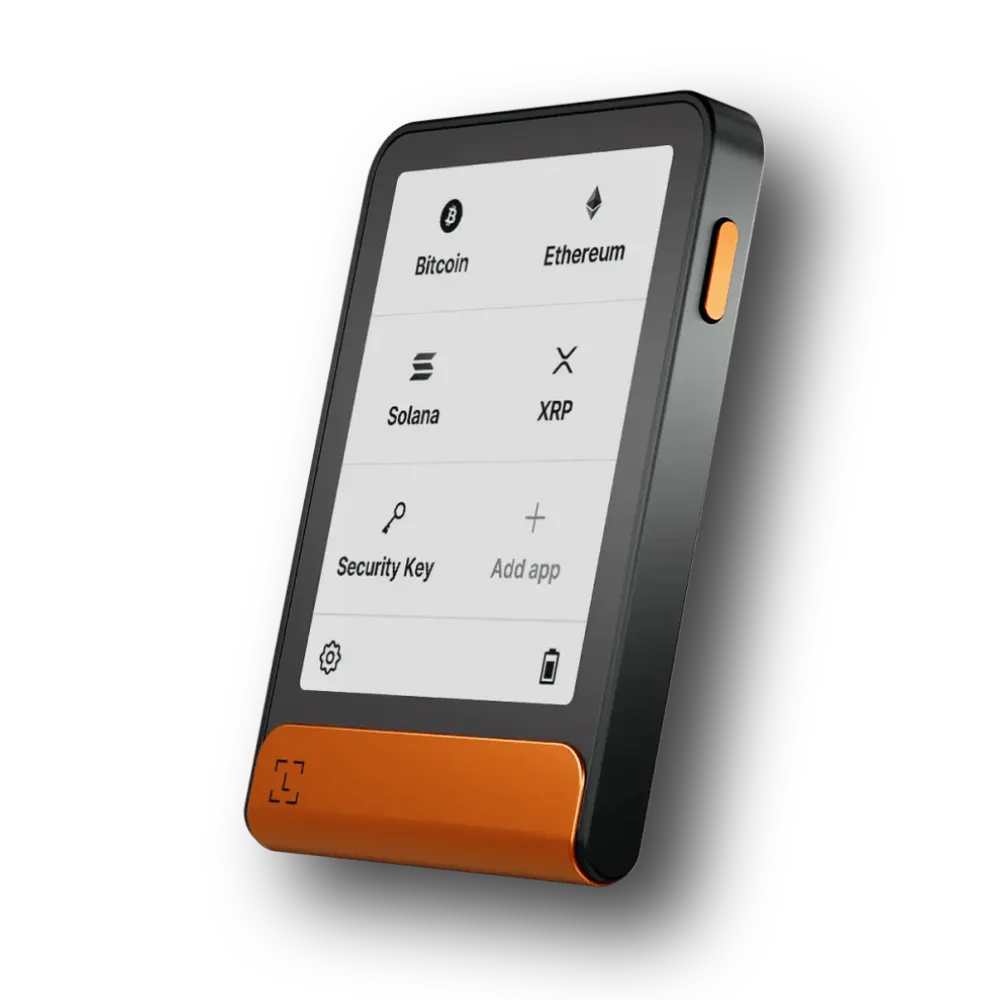 |
Ledger Flex |
$249.00
|
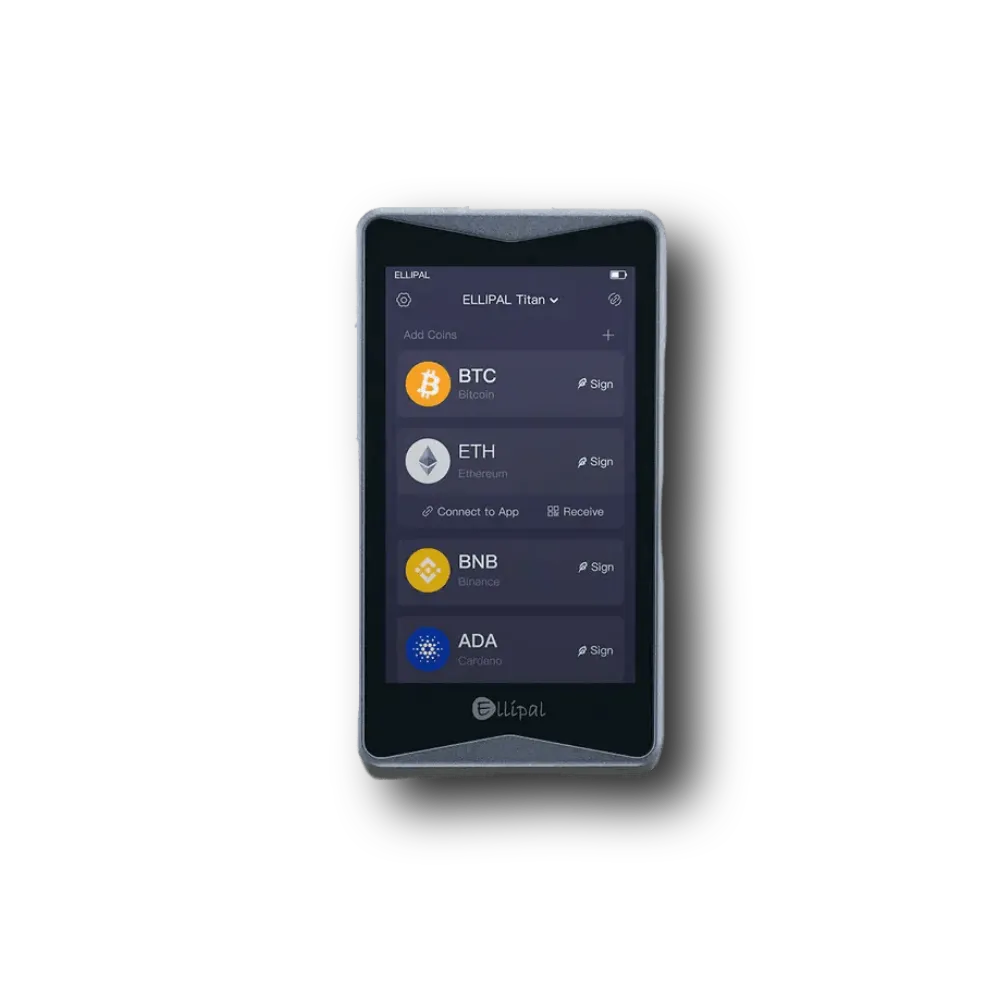 |
ELLIPAL Titan 2.0 |
$129.00
|
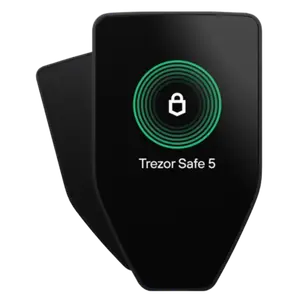 |
Trezor Safe 5 |
$169.00
|
Cold Wallet Security Risks
A cold wallet stops online hackers, but you can still lose your funds through physical loss, bad backup habits, phishing scams, and malicious smart contracts.
- Losing Your Seed Phrase: Well, if your device breaks or gets lost, you can recover everything using your 24 words. But if you lose your 24 words AND your device breaks, your crypto is permanently lost. Nobody, not even the wallet company, can restore it for you.
- Someone Stealing Your Seed Phrase: Generally, if a thief finds your paper backup sheet, they can import those words into any phone app and take all your coins in 30 seconds. Store your backup in a safe place.
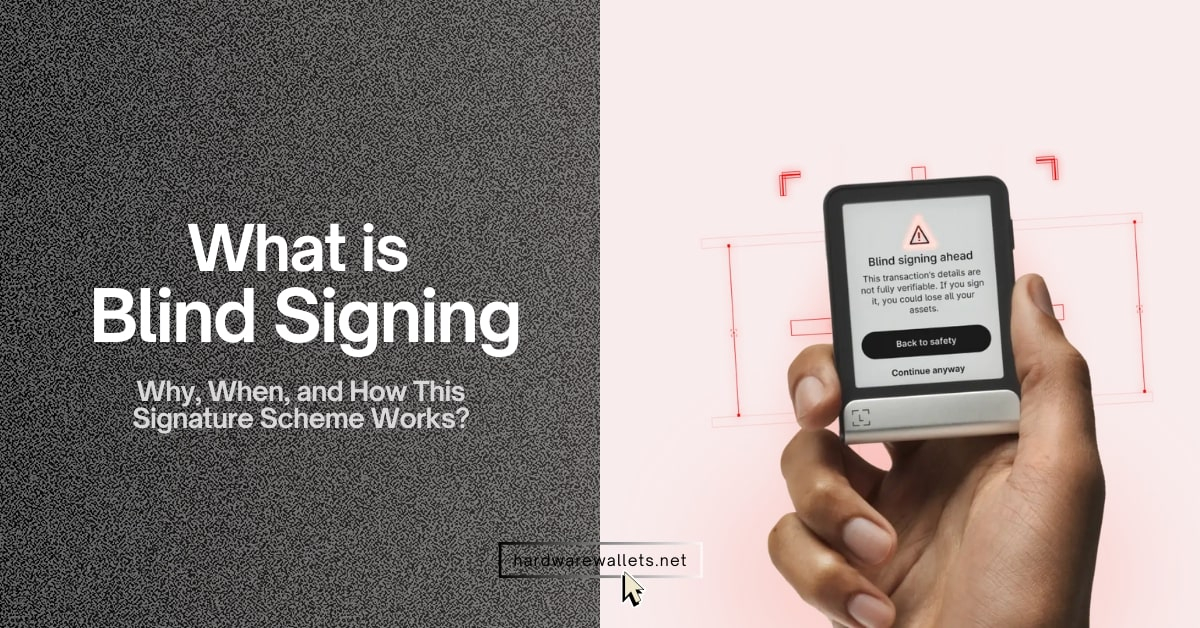
- Signing Bad Smart Contracts (Phishing): A cold wallet cannot stop you from making a bad decision. If you connect your cold wallet to a fake website and approve a malicious contract, you are willingly telling the blockchain to give away your tokens. Always double-check what you approve.
- Buying Used or Tampered Devices: Again, if you buy a second-hand wallet that already has a PIN or a pre-printed seed phrase card inside, it is a trap. The seller has saved those words and will drain your funds the moment you deposit. Always set up a fresh wallet yourself.
FAQs
What is a cold wallet in crypto?
A cold wallet is a cryptocurrency wallet that keeps your private keys offline instead of storing them on an internet-connected device. Actually, your Bitcoin, Ethereum, and other cryptocurrencies still stay on their blockchains. The cold wallet protects the private keys that allow you to control and spend those assets.
How does a cold wallet work?
A cold wallet works by signing crypto transactions inside an offline or isolated device without exposing your private key to the internet.
You need to create the transaction using wallet software, verify it on your hardware wallet, sign it using the protected private key, and then send the signed transaction to the blockchain.
What are the best crypto cold storage methods?
A hardware wallet is the best cold-storage method for most normal crypto holders because it keeps private keys offline without making transactions too complicated.
You can also use an air-gapped computer or a properly created offline backup system, but these methods require more technical knowledge.
Is a cold wallet really worth it?
Yes, a cold wallet is worth considering once you are holding enough crypto that losing it would seriously bother you. You probably do not need to buy a $200 hardware wallet just to protect $30 of Bitcoin.
The decision becomes easier as your holdings grow. So, for example, spending $50–$150 on a hardware wallet makes much more sense when you are protecting several thousand dollars in crypto that you plan to keep for years.
What are the pros and cons of a cold wallet for crypto?
The main pros of a cold wallet is that your private keys stay away from an internet-connected environment, which greatly reduces exposure to malware and other remote attacks.
The downside is convenience. You need the physical device to sign transactions. You also become responsible for your recovery backup, PIN, and wallet security. Now, lose your backup and device together, and there may be nobody who can help you.