
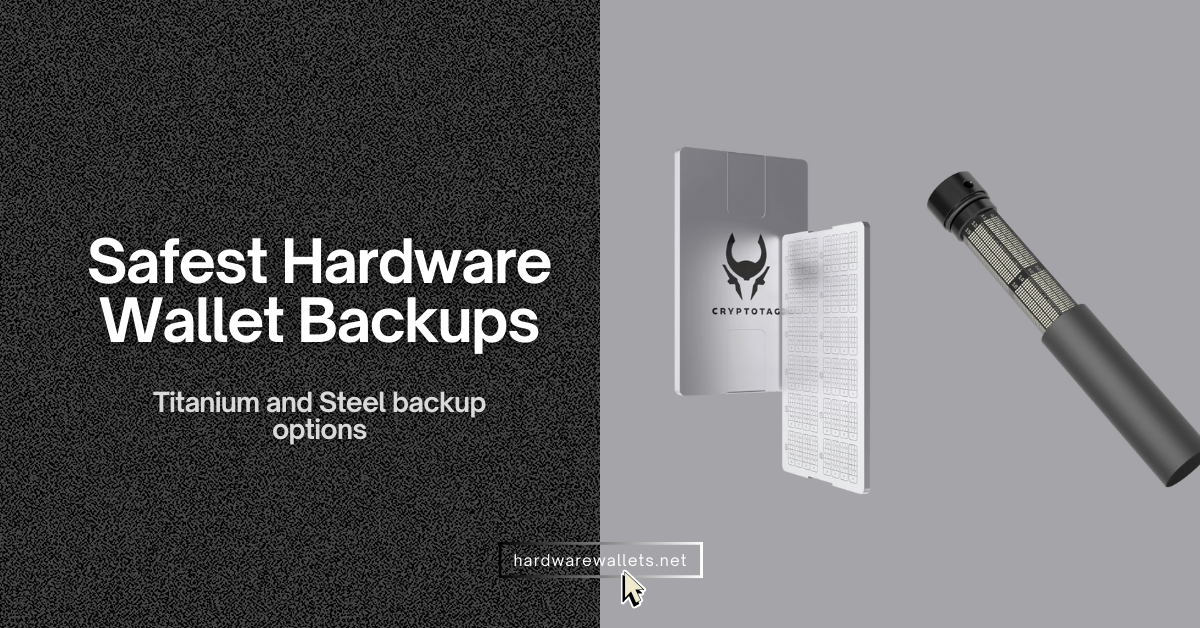
The most secure hardware wallet backups are ELLIPAL Seed Phrase Steel, Cryptotag (Zeus or Thor), Keystone Tablet Plus, Ledger Recovery key, and Trezor Keep Metal (20 and 24 words both). These best secure wallet backups are highly durable: waterproof, fire-resistant, and corrosion-proof.
Okay, here is my in-depth guide on the best hardware wallet backups to use…
Most Secure Hardware Wallet Backup Lists (Safest Solutions)
- ELLIPAL Seed Phrase Steel: Stainless steel backup solutions for any BIP-39 crypto wallet
- Cryptotag: Most secure seed phrase backup for Ledger or Trezor hardware wallets (Aerospace Titanium)
- Keystone Table Plus: Easy-to-use crypto hardware wallet backup
- Ledger Recovery Key: NFC-based hardware wallet backup option (only for Ledger cold wallets)
- Trezor Keep Metal: Secure wallet backup for 24 words and Shamir backup shares
Comparing Best Hardware Wallet Backup Options in 2026
| Backup Solution | Price (USD) | Material | Seed/Words Supported | Durability Claims | Supported Hardware Wallets |
|---|---|---|---|---|---|
| ELLIPAL Seed Phrase Steel | ~$49 | 316 stainless steel | 12 / 18 / 24 words | Water + fire resistance | All BIP39 wallets |
| Cryptotag | ~$129 | Titanium | 12 / 18 / 24 words | High heat resistance + corrosion resistance (manufacturer claim) | All BIP39 wallets |
| Keystone Table Plus | ~$59 | Stainless steel | 12 / 18 / 24 words | Fire + water + rust resistance (manufacturer claim) | All BIP39 wallets |
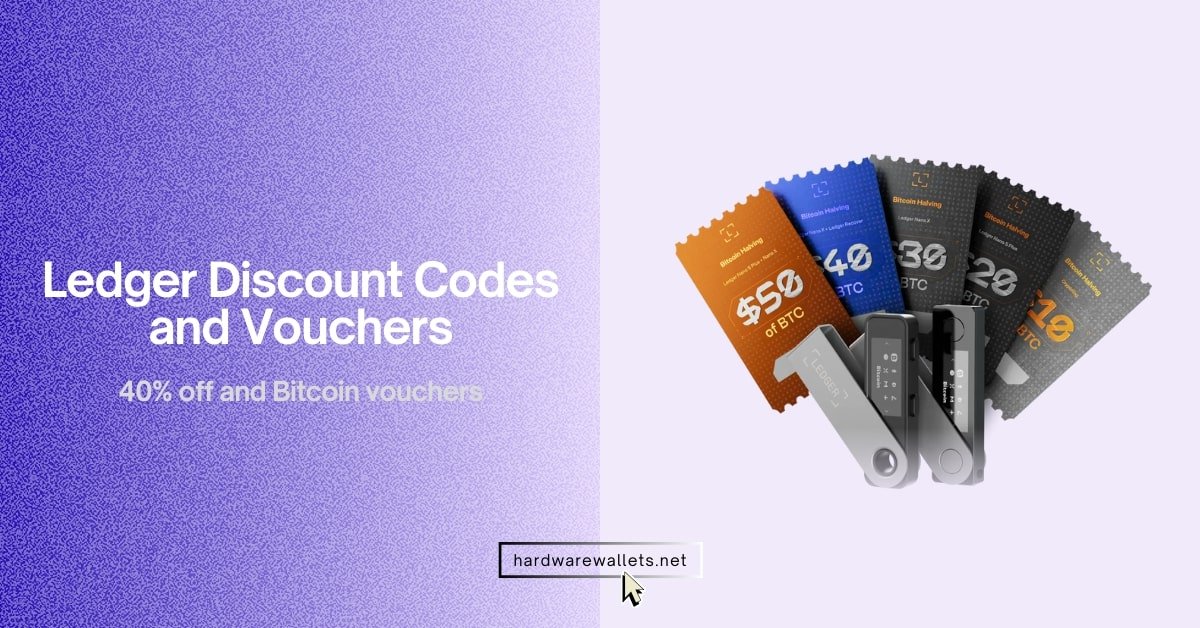
| Ledger Recovery Key | ~$39 (per card) | Secure Element hardware card | 12/24 words (digital backup) | PIN-protected + encrypted (manufacturer claim) | Only Ledger (with NFC, e.g., Flex / Stax) |
| Trezor Keep Metal | ~$99–$169 | AISI 304 stainless steel | 20 and 24 words | Waterproof + corrosion + extreme temperature resistance (manufacturer claim) | All BIP39 wallets + Shamir Backup |
Read more: Best cold storage wallets
Best Methods to Backup Seed Phrase Securely: Safest Cold Wallet Backups
1. ELLIPAL Seed Phrase Steel: Stainless steel backup solutions for any BIP-39 crypto wallet
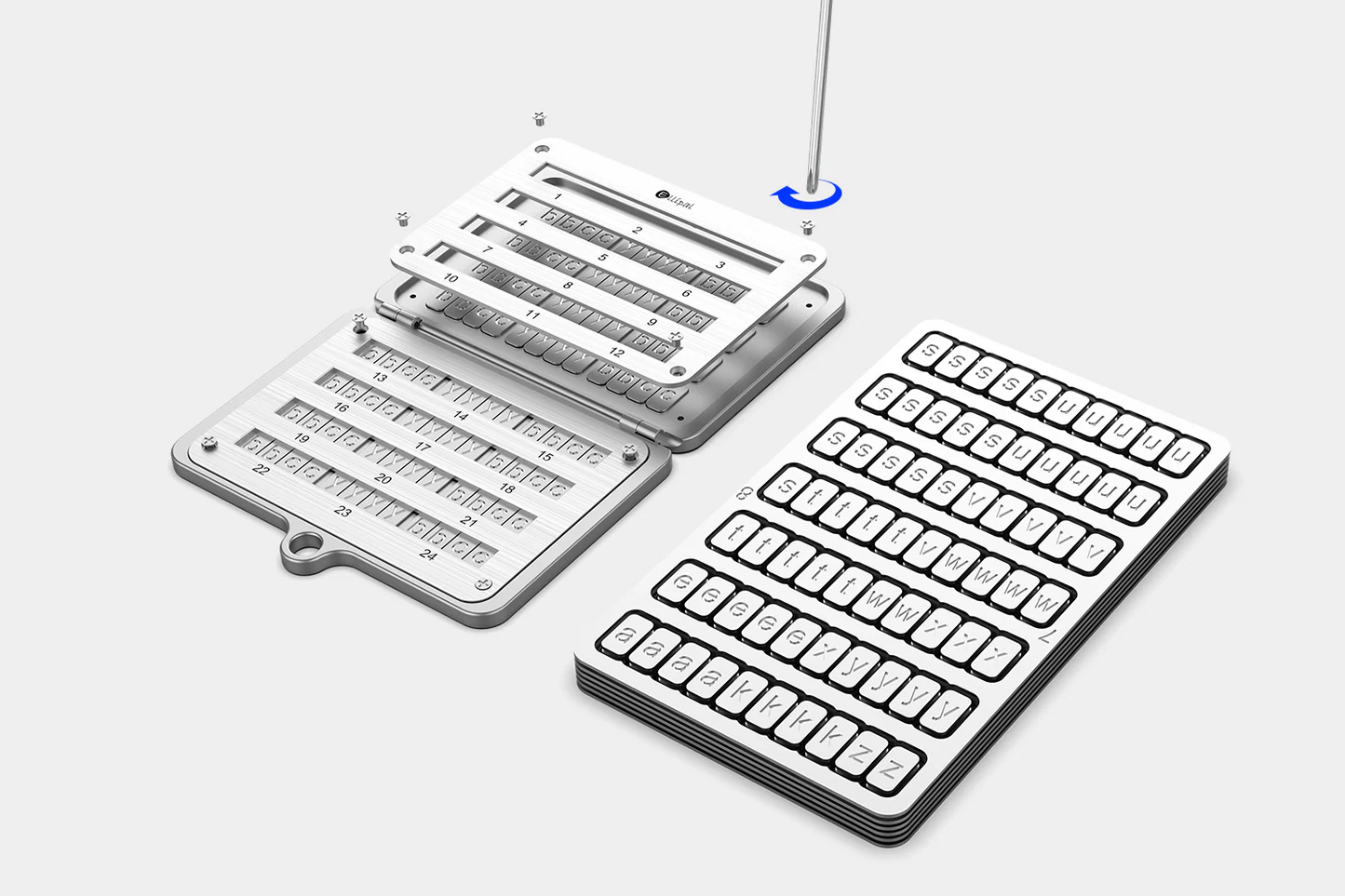
ELLIPAL Seed Phrase Steel is a physical backup tool that lets you store your wallet’s recovery phrase on metal instead of paper. So you’re not relying on something that can burn, get wet, or tear over time. It’s made from 316 stainless steel and is marketed as being resistant to fire and water. Well, strong durability against everyday damage.
Now, you can use it to store up to a 24-word seed phrase, which means you can back up: one phrase with 12 / 15 / 18 / 21 / 24 words, or two separate 12-word phrases on the same unit (because 24 slots can be split into 12 + 12).
Also, it’s designed around the BIP-39 English word list logic: you only need the first 4 letters of each seed word, because each word in that 2,048-word list is uniquely identifiable by its first four letters. It is meant to make entry faster while still keeping recovery accurate (as long as you record the correct order).
2. Cryptotag: Most secure seed phrase backup for Ledger or Trezor hardware wallets
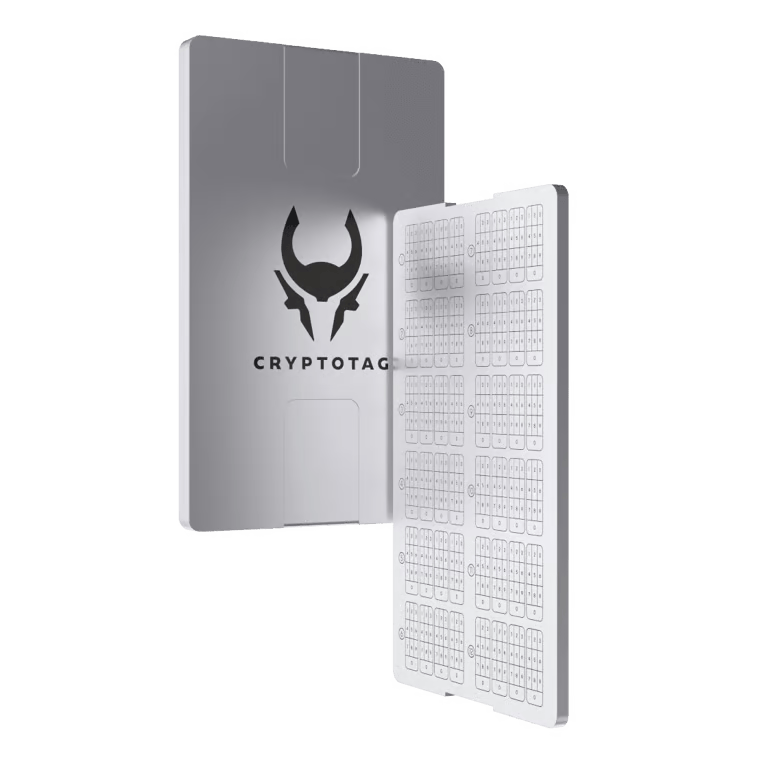
Cryptotag is one of the best hardware wallet backups with Titanium plates. It is a brand of metal seed phrase backup plates designed specifically for long-term use. It offers many different seed phrase backup solutions like: Cryptotag LOKI, Cryptotag ZEUS, Cryptotag ODIN, and Cryptotag THOR.
Cryptotag plates use aerospace-grade titanium as the base material. You see, titanium is selected because it offers excellent resistance to corrosion, rust, and extreme temperatures. The plates can withstand temperatures up to around 1667 °C (3032 °F). So, it makes them effectively fireproof in most real-world scenarios.
The standard Cryptotag plates are typically two titanium plates that interlock to form a solid backup unit. A single set is capable of storing up to 24 seed words, which covers the full range of most crypto wallets (12-, 18-, or 24-word BIP39 seed phrases).
3. Keystone Table Plus: Easy-to-use crypto hardware wallet backup
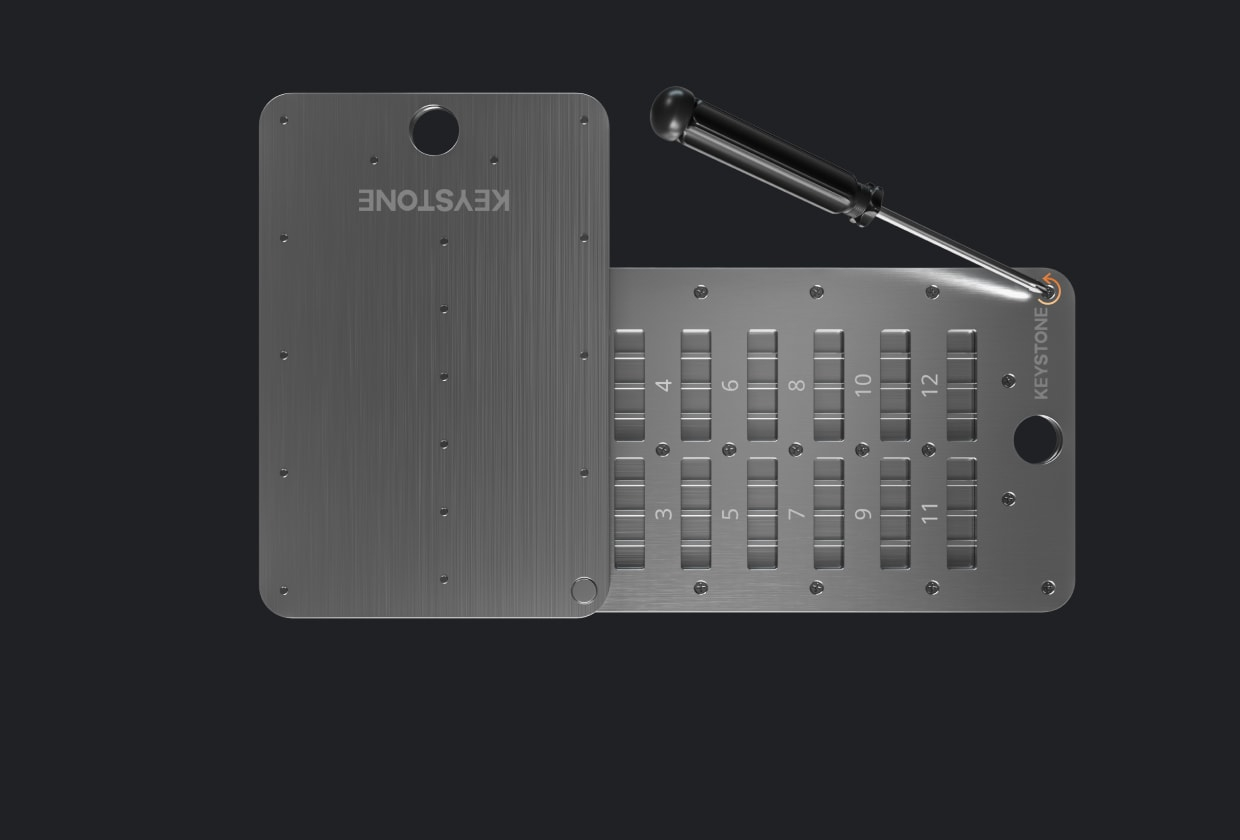
The Keystone Tablet Plus is a stainless steel seed-phrase storage solution that lets you record your blockchain wallet’s 12-, 18-, or 24-word recovery phrase. It is constructed from grade 304 stainless steel. It’s a corrosion-resistant metal that can withstand household accidents and harsh environmental conditions.
This backup system is compatible with any wallet that uses BIP-39 seed phrases, including popular hardware wallets like Ledger and Trezor, as well as software wallets.
The Keystone Tablet Plus uses interlocking letter tiles that sit in numbered slots. Basically, each letter tile represents part of a word in your seed phrase, and you line them up in the correct order across the slots to represent the entire phrase.
4. Ledger Recovery Key: NFC-based hardware wallet backup option
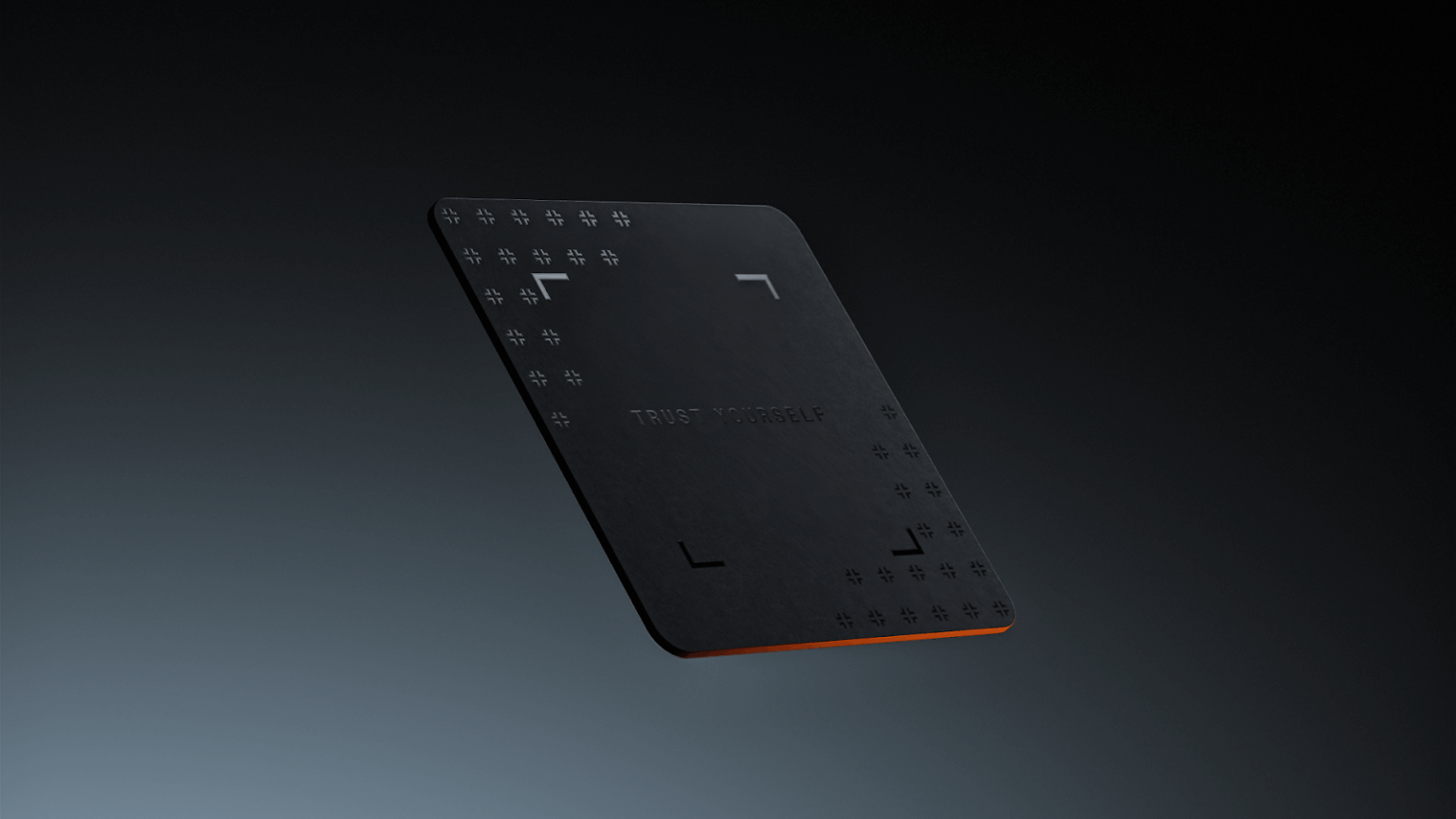
The Ledger Recovery Key is a quite different hardware wallet backup in the form of an NFC smart card with an embedded secure chip. So, instead of writing down your 24-word phrase, you can easily save it on this card, where it’s stored encrypted and protected by a PIN.
It works via NFC with compatible Ledger hardware wallets (like the Ledger Stax), and if you ever need to restore on a new Ledger device, you simply tap the card and enter your PIN; no manual word entry is needed. The card’s secure element will even self-wipe after too many wrong PIN attempts. It stays completely offline (no cloud involved).
5. Trezor Keep Metal: Secure wallet backup for 24 words and Shamir backup shares
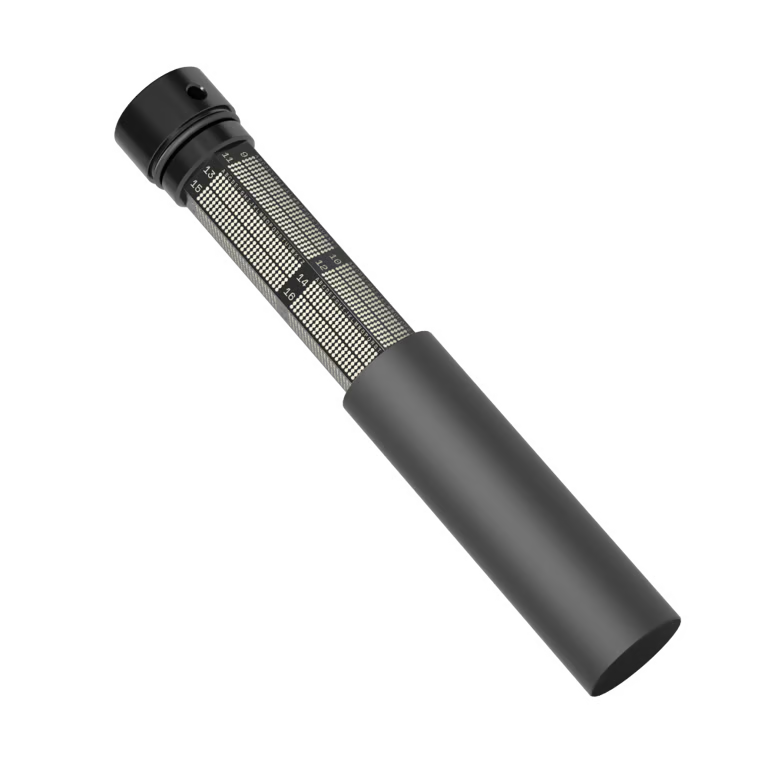
The Trezor Keep Metal features a unique cylindrical design. You get a tube made from 4mm thick 304 stainless steel that is virtually indestructible, and it uses a system of internal metal discs that you rotate and stack to store your 12 or 24-word seed phrase.
It comes in two formats: a 20-word version (designed for Shamir backup shares) and a 24-word version (for standard seeds). It’s built to handle extreme conditions: fire, water, corrosion. The Keep Metal is a bit pricey (around $99), but it offers top-tier durability and an extra layer of security.
Step-by-Step: How to Create a Secure Hardware Wallet Backup?
Step 1: Secure Your Physical Environment
You must choose a private room where no one can see your work before you start the backup process. The area should be completely free of smart devices like phones, tablets, or even smart TVs.
Honestly, these gadgets often have cameras or microphones that could record your sensitive 24-word seed phrase without you knowing it. You should also close the blinds to prevent anyone from outside seeing your hardware wallet screen.
Well, preparation is basically the most important part of staying safe from hackers. You generally need a clean table and a bright lamp to see the small letters clearly. Actually, you should even put your phone in a different room to stay totally focused.
Step 2: Transcribe the Seed to Paper
You know, a hardware wallet will now display your recovery words one by one on the small screen of the device during the initial setup. First, you should write each word down on the temporary paper card provided by the manufacturer carefully.
Most people make errors by mixing up similar words like “awake” and “aware.” You should double-check every single letter before you move to the next word. Basically, you are creating a temporary bridge between your digital wallet and your permanent metal backup. So, right now, you should focus only on accuracy and nothing else.
Step 3: Transfer the Words to Metal
You need to transfer the words from your paper card to the titanium or stainless steel plate now. Take your Cryptotag or Keystone Tablet and start placing the metal tiles or punching the dots one by one. The process takes a bit of time because you have to be extremely precise with your hand movements.
Also, you won’t be able to easily fix a mistake once you punch a hole in a titanium plate. You should follow the BIP39 numbered list to make sure the words stay in the correct order from 1 to 24. Most high-quality tools, like Zeus, use a grid system to help you stay organized.
Step 4: Verify the Backup on the Hardware Device
You must verify that the 12 or 24 words on your metal plate are exactly the same as the words stored on your hardware wallet. The wallet usually has a “Check Recovery Phrase” feature in the settings menu of the device.
You should type the words from your metal backup back into the hardware device to confirm they are correct. Well, this step proves that your backup actually works and can recover your funds in an emergency.
Actually, about 5% of users skip this step and regret it later. You should see a “Validation Successful” message before you finish.
Step 5: Destroy the Paper and Hide the Plate
Finally, you should destroy the temporary paper copy immediately after the metal backup is verified and confirmed. The best way is to burn the paper in a safe place, like a sink or a metal bowl, to remove all evidence.
You should never just throw the paper in the trash because someone could find it and steal your Bitcoin. Eventually, you must hide your metal plate in a secret location that only you know about. You should choose a spot that is dry and very hard to find for a stranger. A hidden floor safe or a diversion safe works really well for this purpose.
FAQs: Most Secure Wallet Backups
How to back up your crypto wallet?
The process of backing up your crypto wallet starts with the generation of a recovery seed phrase, which usually consists of 12 to 24 random words. You must write these words down on a physical medium like a metal plate or a high-quality paper card immediately after the device shows them.
Now, the hardware wallet will then ask you to verify the words to ensure you didn’t make any errors, and once you have the words secured on 316L stainless steel or titanium, you should store the plate in a fireproof safe or a hidden location.
You should never store this information digitally or take a picture of it because hackers can access your cloud storage. And, you know, this physical backup is the only way to recover your funds if your hardware device is lost or destroyed.
Are these hardware wallet backups safe from hackers?
Physical metal backups are completely safe from remote hackers because they are not connected to any network or electronic circuit. The only way a hacker can steal your money is if they physically walk into your home and find the metal plate.
What is the safest way to back up a hardware wallet?
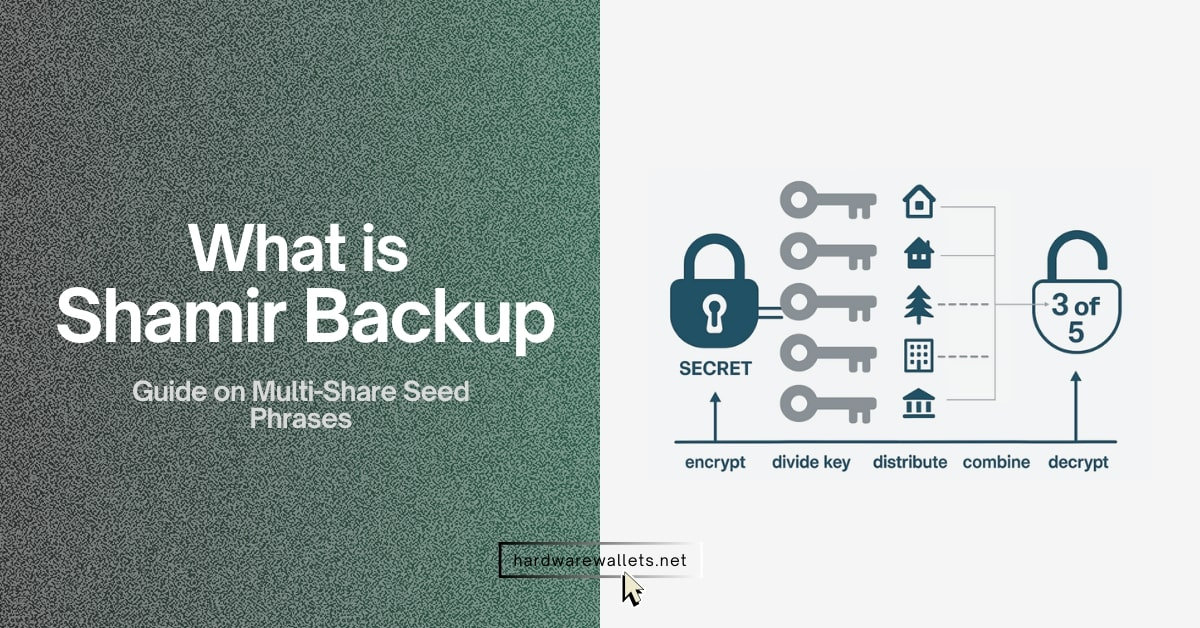
The safest method for hardware wallet backups involves using an aerospace-grade titanium plate combined with a Shamir Secret Sharing setup. You should split your recovery seed into multiple parts and store them in different geographic locations to avoid a single point of failure.
So, for example, you can create a 3-of-5 setup where any three plates can recover your wallet. You should store these plates in diversion safes or safe deposit boxes.
Is the metal seed backup really fireproof?
Yes, metal hardware wallet backups made from stainless steel or titanium are designed to survive the intense heat of a typical house fire, which usually peaks around 1,100 to 1,500 degrees Fahrenheit.
A high-quality plate like the Keystone Tablet or Ellipal Metal has a melting point of approximately 2,500 degrees Fahrenheit. The Cryptotag Zeus is even stronger because its titanium construction survives up to 3,000 degrees Fahrenheit.
How many seed phrase copies should I keep?
You should generally keep two physical copies of your recovery seed phrase in separate locations to ensure you always have a fallback option. The first copy should be in your primary residence, inside a hidden safe or a secret compartment. The second copy should be stored at a different address, like a family member’s house or a secure vault.
What happens if someone finds my seed phrase?
Well, anyone who finds your recovery seed phrase can instantly recreate your wallet on their own device and move all your crypto assets to their own address. The transaction is irreversible because of how blockchain technology works.
Are seedless wallets safer?
Seedless wallets are a newer technology that use biometrics or MPC (Multi-Party Computation) instead of traditional words. The platform allows you to recover your account using email, phone numbers, or social recovery through friends.
While this is very convenient for beginners, it is generally considered less secure than a physical cold wallet backup. These wallets often rely on centralized servers or third-party companies, which could go out of business or get hacked.
Should I use cloud storage for backups?
You must never use Google Drive, iCloud, or Dropbox to store your seed phrase because these platforms are primary targets for hackers.
Actually, even a screenshot or a saved text file can be detected by malicious software that scans your computer for “seed-like” patterns. Hackers use AI-powered tools to find these images in millions of accounts every day. Your backup must stay offline at all times to remain safe.
Final Verdict: What Is the Most Secure Hardware Wallet Backup in 2026?
The most secure way to back up your crypto wallet is to use a high-quality offline physical backup stored in a safe place. For most people, a solid metal seed phrase backup (steel or titanium) locked away securely offers maximum protection against both online threats and physical disasters.
Also, if you have very large holdings, you can even add extra layers of security. For example, splitting the seed using Shamir’s Secret Sharing and storing each part separately on metal plates.
Hence, the best hardware wallet backup is the one you implement properly and keep secret. Even the strongest steel plate won’t help if you never actually write your seed on it, and no fancy device will save you if you lose the PIN or password. So choose a reliable method, set it up carefully, and protect it well.