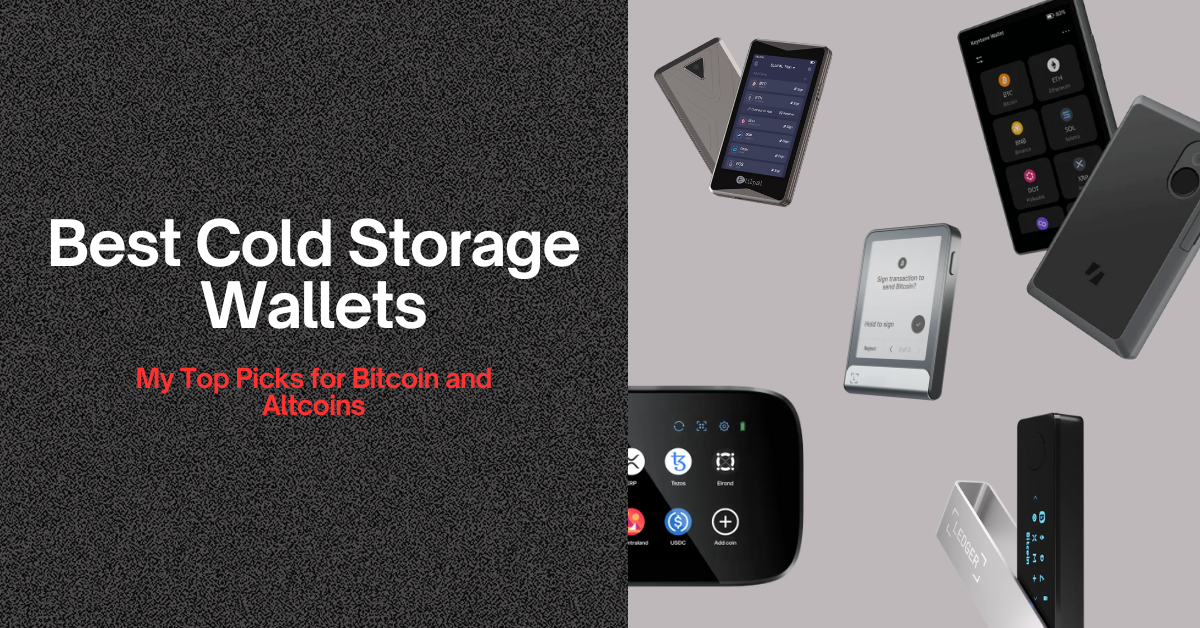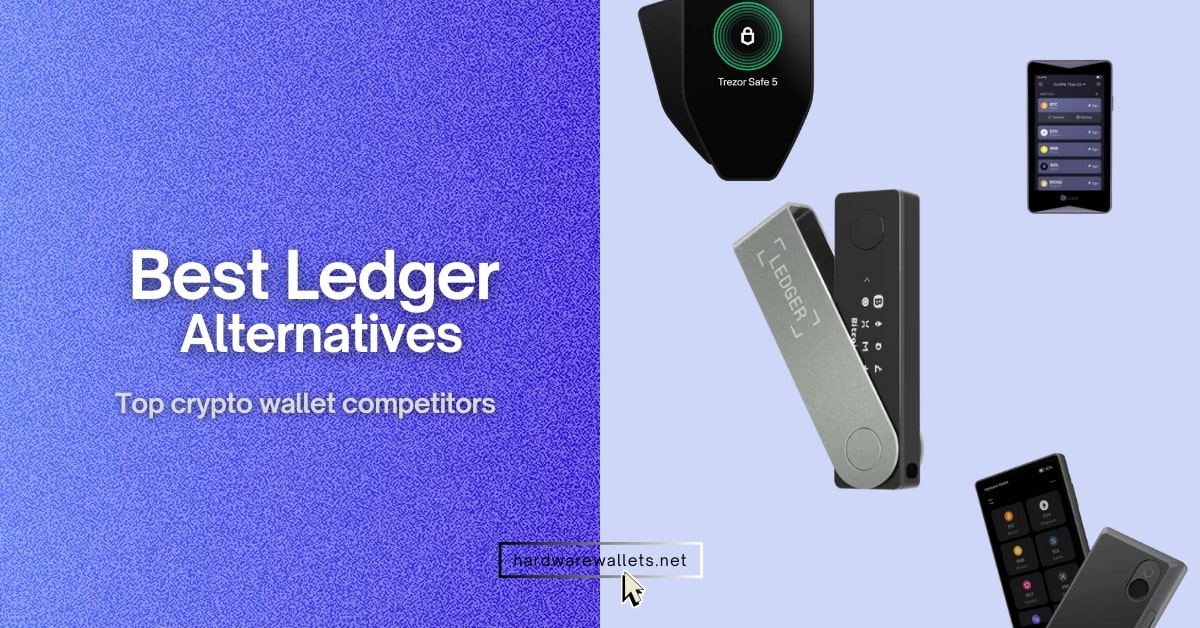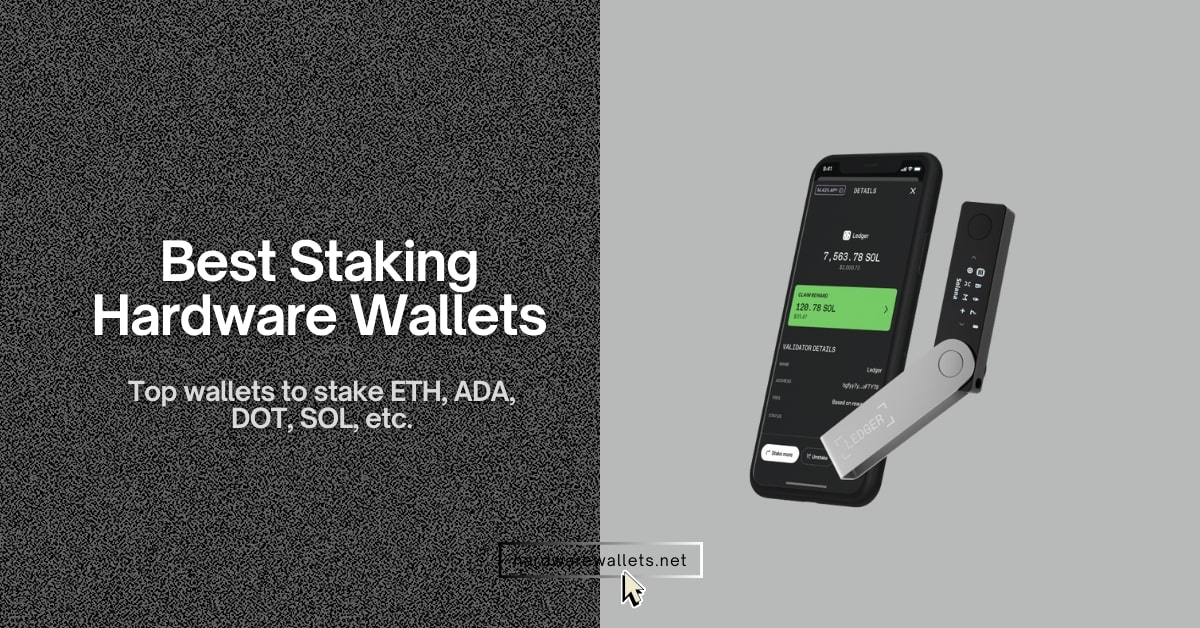

The best Ethereum wallet is the one that matches how you actually use ETH. You need strong self-custody, clean Ethereum and Layer 2 support, safe signing (not blind signing), and an easy way to handle swaps, NFTs, and backups without making a costly mistake.
Honestly, most people do better with one Ethereum cold wallet for offline storage and one hot wallet for daily use. That setup still makes the most sense today.
Okay, so here is my review of the top 10 best ETH wallets right now…
Top 10 Best Ethereum Wallets Ranked: Most Secure ETH Storage Options
The top Ethereum wallets are easy to rank once you focus on Ethereum support, security, usability, Layer 2 access, NFT handling, and recovery quality.
- ELLIPAL Titan 2.0: It’s a #1 pick for most users. It is a strong QR-only vault for long-term ETH storage because it stays air-gapped, uses a metal-sealed body, and supports Ethereum NFTs and MetaMask.
- Ledger Flex: The most popular Ethereum wallet. It combines offline key storage, a 2.84-inch secure touchscreen, Bluetooth 5.2, and native support for Ethereum and Polygon NFTs in the Ledger Live app.
- Trezor Safe 5: The best open-source hardware wallet for ETH. You will also get Tor Browser support, a CC EAL6+ secure element, a 20-word backup, and ETH staking through Trezor Suite.
- Tangem Wallet: The easiest cold wallet for Ethereum beginners because setup is fast, the card uses NFC, and the backup can stay seedless.
- Keystone 3 Pro: Best air-gapped crypto wallet for ETH users who want QR signing, a 4-inch screen, anti-blind-signing, and broad wallet compatibility.
- MetaMask is still the best hot wallet for active Ethereum DeFi use because it has huge dApp support, 100MM+ downloads, built-in swaps and bridging, and strong browser extension adoption.
- Trust Wallet is the best multi-chain hot wallet for ETH users who also hold other coins because it supports 100+ blockchains and 10M+ assets in one app.
- Zengo is the best seedless mobile wallet for ETH users who want easier recovery because it uses MPC, 3FA recovery, and a Web3 firewall instead of a normal seed phrase flow.
- MyEtherWallet is the most Ethereum-native pick in this list because it has served ETH users since 2015, supports ETH and all ERC-20 tokens, and gives you direct ETH staking options.
- Exodus is the Desktop Ethereum wallet here, but it ranks lower for ETH power users because its Ethereum NFT and mobile Web3 support now have more limits than before.
Comparing Best Wallets for Ethereum (ETH)
The best Ethereum wallets differ mainly in security type, staking access, supported blockchains, and price. Here is a quick comparison:
| Ethereum wallet | Type of wallet | ETH storage | ETH staking | Multi-chain support | Price |
|---|---|---|---|---|---|
| ELLIPAL Titan 2.0 | Air-gapped hardware wallet | Yes, offline cold storage | Available through supported third-party services and dApps | 40+ blockchains and 10,000+ tokens | $169 |
| Ledger Flex | Touchscreen hardware wallet | Yes, offline cold storage | Yes, through Ledger Wallet and integrated staking providers | 100+ chains and thousands of coins and tokens | Around $249 |
| Trezor Safe 5 | Open-source hardware wallet | Yes, offline cold storage | Yes, inside Trezor Suite through its staking partner | Thousands of coins and tokens | Around $169 |
| Tangem Wallet | NFC card hardware wallet | Yes, keys remain offline on the card | Yes, through integrated third-party providers | 90+ blockchains and 14,100+ tokens | $54.90 for 2 cards; $69.90 for 3 cards |
| Keystone 3 Pro | Air-gapped hardware wallet | Yes, offline cold storage | Available through MetaMask and supported Ethereum dApps | 5,500+ assets and 45+ software-wallet integrations | $149 |
| MetaMask | Browser and mobile software wallet | Yes, hot self-custody storage | Yes, including pooled and liquid ETH staking options | Ethereum, major EVM chains, Bitcoin, Solana, and more | Free |
| MyEtherWallet | Mobile, browser, and web wallet | Yes, built mainly for ETH and ERC-20 tokens | Yes, 32 ETH validator staking or liquid staking with no fixed minimum | Mainly Ethereum and L2s; broader support through Enkrypt | Free |
| Exodus | Desktop, mobile, and browser wallet | Yes, hot self-custody storage | Yes, through an integrated staking provider | 50+ crypto networks | Free |
| Trust Wallet | Mobile and browser-extension wallet | Yes, hot self-custody storage | Yes, directly through the wallet | 100+ blockchains and 10 million+ assets | Free |
| Zengo | Mobile MPC software wallet | Yes, seedless MPC-based storage | Yes, through its Earn Ethereum feature | Dozens of chains and 1,000+ assets | Free; optional Zengo Pro plan |
Best Ethereum Hardware Wallets: Cold Wallets for ETH
1. ELLIPAL Titan 2.0: Best cold wallet for Ethereum
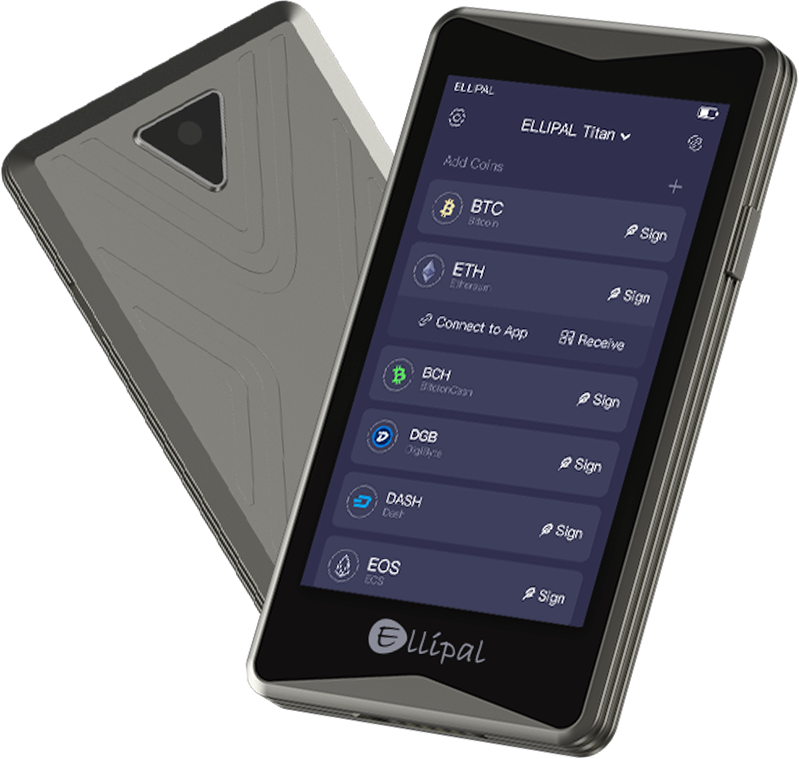
The ELLIPAL Titan 2.0 is hands down the best Ethereum wallet if you want to keep your ETH and ERC-20 tokens completely offline. Actually, it uses a 100% air-gapped design. It has zero Wi-Fi, Bluetooth, NFC, or USB data connections.
So, how do you actually use it? Well, you need to sign your Ethereum transactions by simply scanning QR codes between the hardware wallet and the ELLIPAL app on your phone. This clever setup completely gets rid of the usual connection points that online hackers love to target.
Your private keys are safely locked away in a CC EAL5+ secure element chip. Now, on the outside, it features a fully sealed metal body built to protect the internal hardware from physical tampering. ELLIPAL even designed the device to auto-delete your private data if it senses someone trying to force it open or break it. Also, to make things even safer, you can pile on extra layers of security like a password, gesture PIN, a secret passphrase, or a hidden backup account.
The wallet supports Ethereum plus more than 40 other blockchains and over 10,000 different coins and tokens. Even better, you can connect to more than 200 DApps using MetaMask and WalletConnect. So, this lets you play around with Ethereum DeFi platforms and NFTs. (Read: best cold wallets for crypto)
| Wallet type | Air-gapped Ethereum cold wallet |
| Ethereum support | ETH, ERC-20 tokens and Ethereum dApps |
| Security chip | CC EAL5+ secure element |
| Connectivity | QR codes only |
| Display | 4-inch color touchscreen |
| Supported assets | 40+ blockchains and 10,000+ tokens |
| dApp support | MetaMask, WalletConnect and 200+ dApps |
| Account capacity | Up to 10 accounts |
| Battery | 1,400 mAh |
| Weight | 140 grams |
| Price | $169 |
| Best suited for | Secure long-term ETH and token storage |
2. Ledger Flex: Best ETH hard wallet
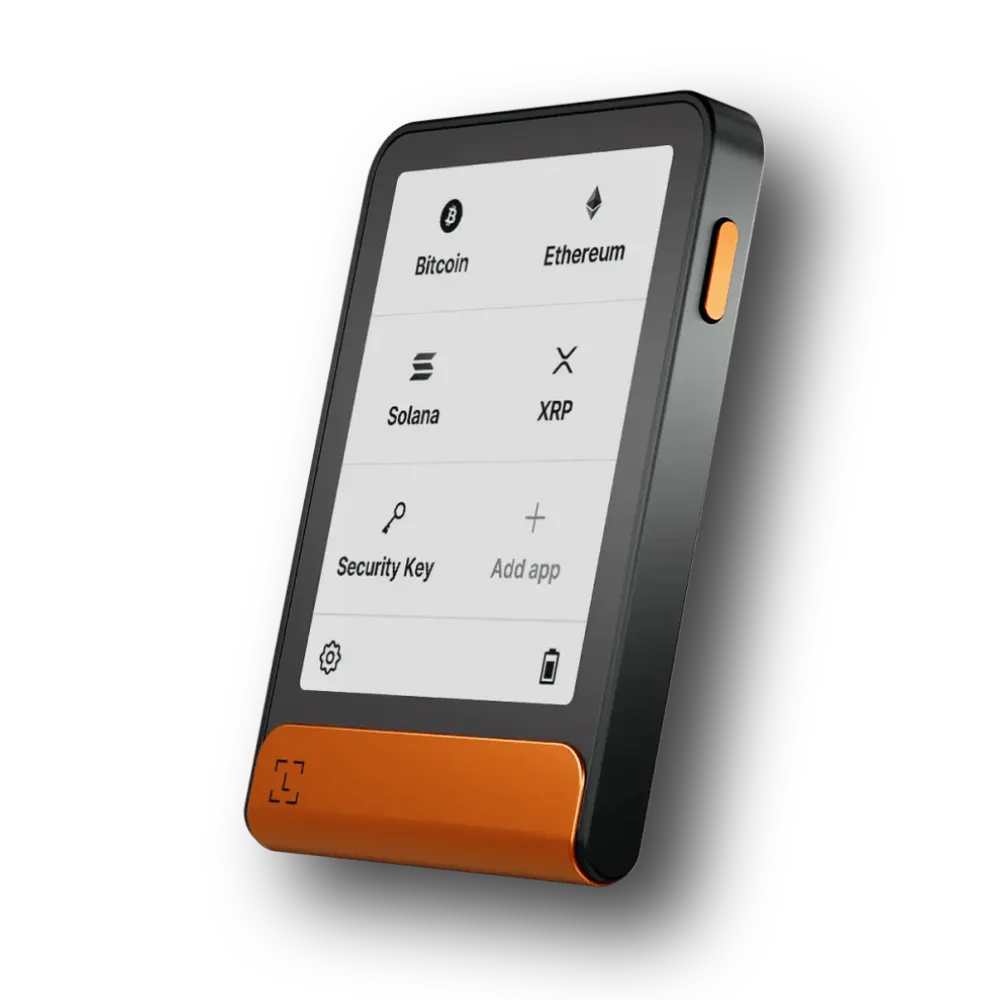
The Ledger Flex is easily another of the best ETH wallets out there if you want cold-storage security but still want quick access to ETH staking, tokens, NFTs, and DeFi apps. It offers the same CCEAL6+ SE chip and even has auto-wipe functions for wrong PIN attempts. You can also use it with MetaMask.
The Flex comes with a 2.84-inch E Ink touchscreen made with tough Gorilla Glass and an anti-glare coating. You can easily read the destination address, network, and amount right on the secure screen before signing anything. Also, you see, it is so much better than squinting at long crypto addresses on the tiny screens of the older Ledger Nano X model.
You can manage ETH and other Ethereum-based tokens directly through the Ledger Wallet app to buy, sell, swap, or send your coins. Plus, It is also the most secure crypto wallet for Ethereum staking. You can look through different staking companies inside the Ledger Wallet app and track your earnings from the Earn tab.
| Wallet type | Cold-storage Ethereum hardware wallet |
| Ethereum support | ETH, ERC-20 tokens, NFTs and Ethereum dApps |
| Security | Certified Secure Element with Ledger OS (CC EAL6+ and BOLOS) |
| Screen | 2.84-inch E Ink touchscreen |
| Resolution | 480 × 600 pixels |
| Connectivity | Bluetooth, USB-C and NFC |
| App | Ledger Wallet for mobile and desktop |
| Third-party wallets | MetaMask, Rabby and other 50+ compatible software wallets |
| Ethereum staking | Available through supported third-party providers |
| Recovery | 24-word recovery phrase and Ledger Recovery Key |
| Device storage | 1.5 MB for blockchain applications |
| Estimated app capacity | Around 10 to 17 apps, depending on app size |
| Price | $249 |
| Best suited for | ETH holders who use staking, tokens, NFTs and DeFi |
3. Trezor Safe 5: Safest Ethereum wallet
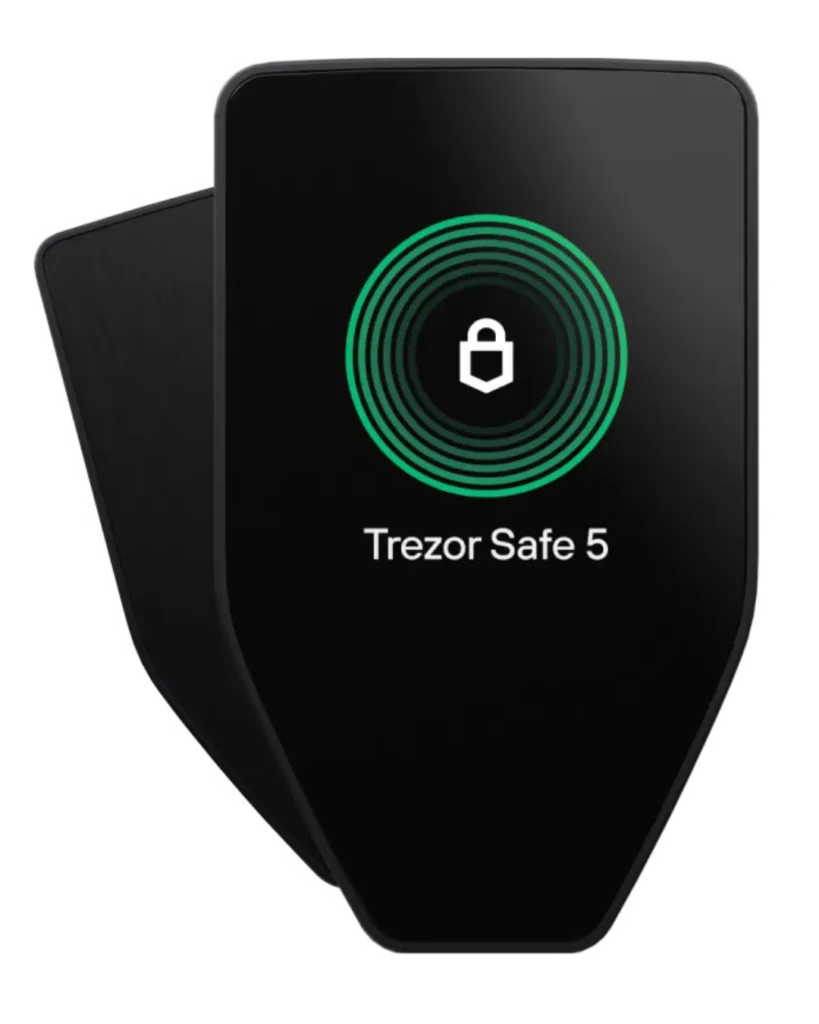
Trezor Safe 5 is the top wallet for Ethereum with open-source security and privacy features like Tor browser support. The wallet includes an NDA-free Secure Element chip with a CC EAL6+ certification. It also uses PIN protection, passphrase support, on-device data entry, and a tamper-evident casing.
You can easily manage your ETH and all ERC-20 tokens directly through the Trezor Suite app. It is super easy to check your balance, send or receive assets, and swap your favorite coins. You can even buy crypto right inside the app using their built-in third-party providers. Trezor Suite also has an option for Ethereum staking.
The Trezor Safe 5 works smoothly with popular Web3 wallets like MetaMask, Rabby, and MyEtherWallet. Basically, it lets you use any Ethereum dApp, decentralized exchange, lending network, or NFT marketplace. Now, about NFTs. You see, while your Trezor Safe 5 is fully capable of securing your Ethereum NFTs, the Trezor Suite app itself does not have a built-in viewer to manage them properly. (Read: best open-source crypto wallets)
| Wallet type | Open-source crypto wallet for Ethereum |
| Ethereum support | ETH and ERC-20 tokens |
| Ethereum NFTs | Supported through MetaMask or Rabby |
| DeFi and dApps | MetaMask, Rabby, MyEtherWallet and other apps |
| Security chip | CC EAL6+ Secure Element |
| Software design | Open-source |
| Display | 1.54-inch color touchscreen |
| Resolution | 240 × 240 pixels |
| Screen protection | Gorilla Glass 3 |
| Connectivity | USB-C |
| Wireless connection | No Bluetooth or NFC |
| Backup | 12, 20 or 24 words |
| Advanced recovery | Multi-share Backup |
| Ethereum staking | Available through Trezor Suite |
| Mobile support | Full Android support and limited iOS support |
| Supported assets | Thousands of coins and tokens |
| Dimensions | 65.9 × 40 × 8 mm |
| Weight | 23 grams |
| Price | $129 before taxes and shipping |
| Best suited for | ETH holders who prefer open-source security |
4. Tangem Wallet: Most user-friendly Ethereum wallet
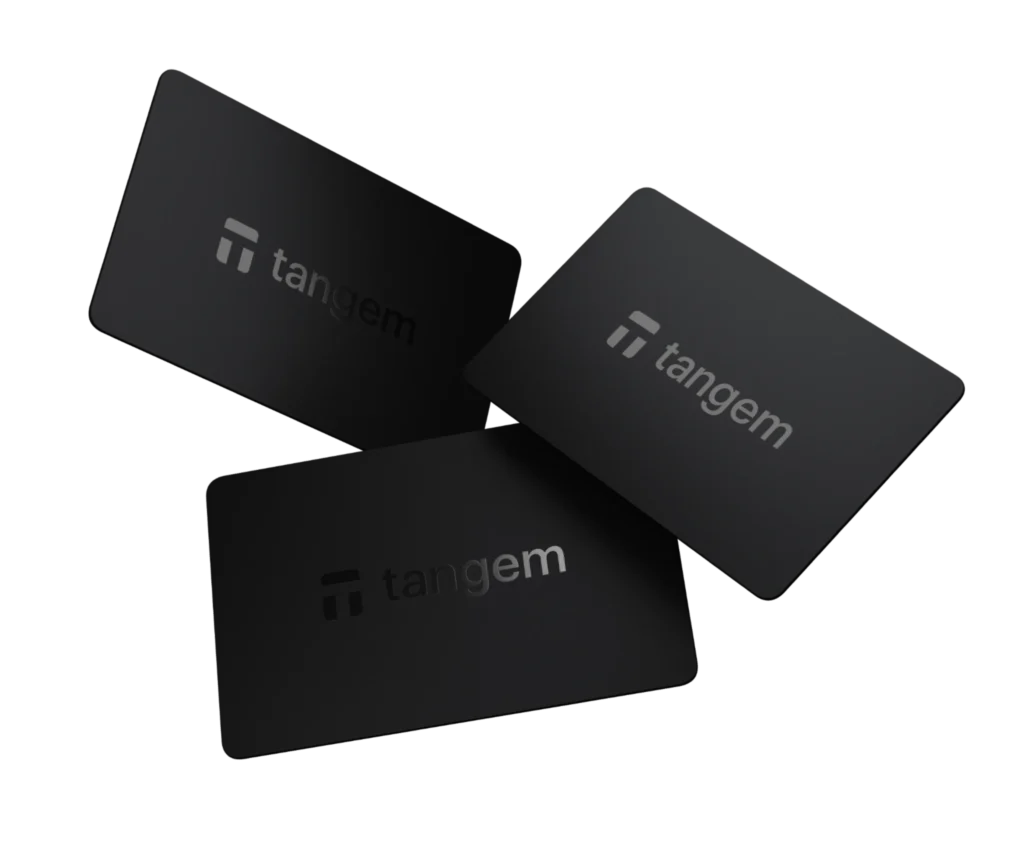
Tangem is one of the top Ethereum wallets for users who want hardware-level security without dealing with cables, buttons, charging, or a complex recovery process. It basically looks like a normal bank card and connects to your Android or iPhone through NFC. You need to open the Tangem app, enter your access code or use biometrics, and tap the card on your phone to approve a transaction.
Tangem supports ETH, ERC-20 tokens, ERC-721 NFTs, and popular Ethereum Layer 2 networks such as Arbitrum, Optimism, Base, Polygon, and zkSync Era. You can connect the wallet to Uniswap, Aave, OpenSea, and other Ethereum applications through WalletConnect. Plus, the app also provides transaction simulation and Blockaid-powered warnings to help detect risky contracts, hidden approvals, and suspicious dApps before you sign.
You can also stake ETH directly from the Tangem app through Yield.xyz. The minimum staking amount is currently 0.01 ETH. The wallet keeps your Ethereum private key inside an EAL6+ certified secure element chip, and the key is created inside the card and does not leave it during normal use.
| Wallet type | NFC-based hardware Ethereum wallet |
| Ethereum support | ETH and ERC-20 tokens |
| Layer 2 support | Arbitrum, Optimism, Base, Polygon, zkSync and others |
| Ethereum NFTs | View, receive and send through the app |
| DeFi and dApps | WalletConnect |
| Security chip | CC EAL6+ Secure Element |
| Transaction approval | NFC card tap |
| Display | No hardware screen |
| Connectivity | NFC only |
| Battery | Not required |
| Main application | Tangem app for Android and iOS |
| Desktop application | Not available |
| Backup method | Two or three linked cards |
| Seed phrase | Optional |
| Native ETH staking | Not currently supported |
| Supported assets | 16,000+ assets across 87+ networks |
| Two-card price | $54.90 |
| Three-card price | $69.90 |
| Best suited for | Beginners and mobile Ethereum users |
5. Keystone 3 Pro: Open-source ETH wallet

The Keystone 3 Pro is easily one of the best Ethereum wallets out there if you want air-gapped security while using MetaMask, Rabby, Ethereum DeFi platforms, Layer 2 networks, and NFTs. It is basically the same as the ELLIPAL wallet.
You can link the device to MetaMask, MetaMask Mobile, Rabby, OKX Wallet, Safe, BlockWallet, and other popular crypto apps. Well, this lets you use all their normal features while your Keystone device stays safely in charge of storing your keys and approving trades. Right now, Keystone supports more than 45 software wallets and over 5,500 different crypto assets.
Also, Keystone supports Ethereum Name Service (ENS) information. You can load the ENS database onto a microSD card, and the device will display the readable ENS name right next to its long Ethereum address. Now, for NFT collectors, the device secures your digital artwork perfectly when connected to MetaMask, Rabby, or the OKX Wallet. You can even import one of your favorite Ethereum NFT images and use it as the custom lock-screen wallpaper on your Keystone device. (Read: best hardware wallets for beginners)
| Wallet type | 100% air-gapped hardware Ethereum wallet |
| Ethereum support | ETH and ERC-20 tokens |
| Layer 2 support | Available through compatible EVM wallets |
| DeFi and dApps | MetaMask, Rabby, OKX Wallet, Safe and others |
| Official software wallet | Keystone Nexus |
| Security | Three Secure Element chips |
| Software design | Open-source hardware and software |
| Transaction method | QR codes or optional USB signing |
| Display | 4-inch color touchscreen |
| Resolution | 480 × 800 pixels |
| Authentication | Password, fingerprint, and passphrase |
| Recovery | BIP39 phrase and SLIP39 Shamir Backup |
| Multiple wallets | Up to three independent recovery phrases |
| NFT support | Available through compatible software wallets |
| Native ETH staking | No, available through third-party dApps |
| Supported wallets | More than 45 |
| Supported assets | More than 5,500 |
| Battery | Rechargeable 1,000 mAh battery |
| Weight | Approximately 103 grams |
| Price | $149 before possible taxes and import charges |
| Best suited for | MetaMask, Ethereum DeFi and air-gapped signing |
Best Ethereum Software Wallets: Hot Wallets for ETH Storage
6. MetaMask: Top Ethereum hot wallet
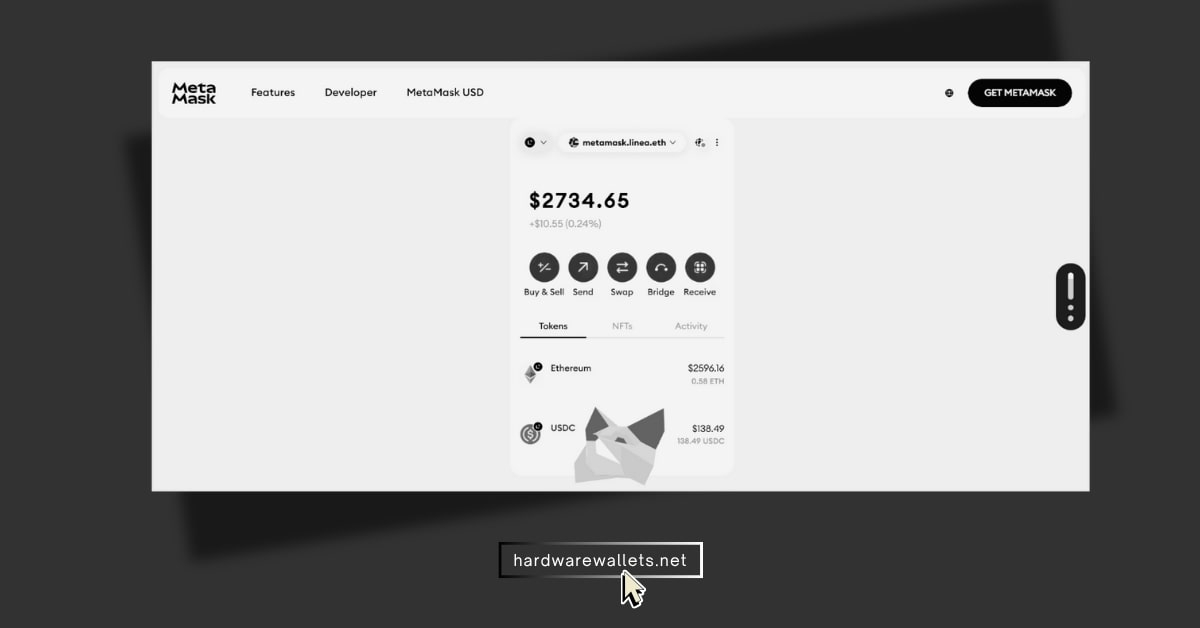
MetaMask is still the default Ethereum hot wallet for a reason. It has deep dApp support, strong browser extension reach, and a workflow that most ETH apps already expect.
You can use swaps and bridging right inside the wallet on extension and mobile. Well, this saves time if you bounce across Ethereum, Base, Arbitrum, Optimism, and other supported networks. Sure, the interface still has a bit of a learning curve, but the ecosystem advantage is real.
- Type: Crypto hot wallet for Ethereum.
- Control: Self-custodial. You hold your keys.
- Format: Browser extension and mobile app.
- EVM Support: Ethereum, Polygon, Arbitrum, Optimism, BNB Chain.
- Other Support: Bitcoin, Solana, TRON.
- 2FA: None. Needs a hardware wallet for extra safety.
- Features: Buy, send, swap, bridge, and stake.
- Swap Fee: 0.875% per trade.
- Users: Over 30 million active monthly.
- Main Use: Logging into DApps and NFTs.
7. MyEtherWallet: Oldest Ethereum wallet
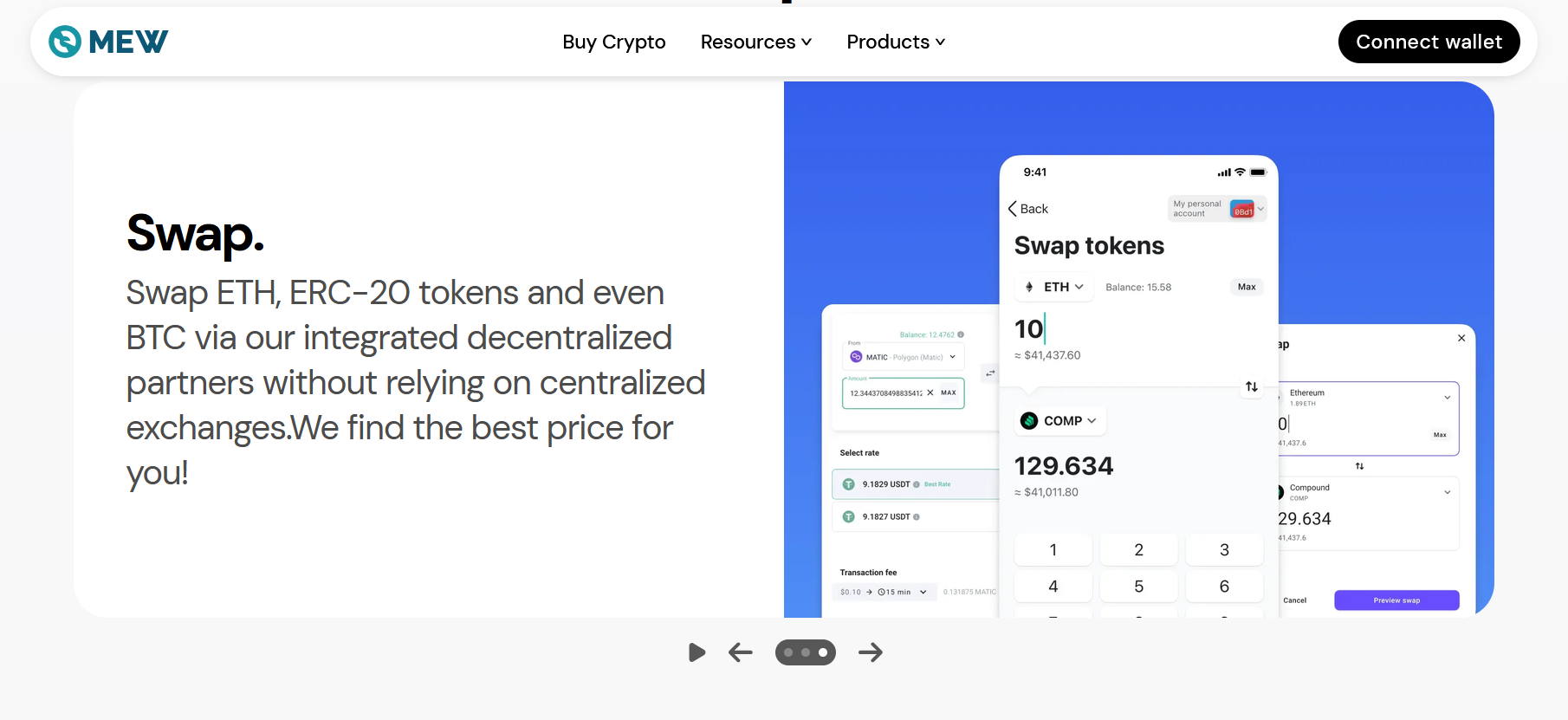
MyEtherWallet is one of the most Ethereum-native wallets you can still use today. You see, MEW has been around since 2015, and that long history matters on Ethereum.
You can store ETH and all ERC-20 tokens, use staking, connect hardware wallets, and access L2s and NFTs through its wider product set. I guess that is why MEW still feels battle-tested even if it gets less social hype now. Hence, for people who mainly care about ETH, not every chain under the sun, it stays very relevant.
- Trusted by millions since 2015.
- Supports ETH and all ERC-20 tokens.
- 32 ETH staking up to 4.0% APR.
- Liquid staking with no minimum, up to 3.6% APR.
- Works with Ledger and Trezor.
- Enkrypt browser wallet shows 145,000+ users
8. Exodus: Best ETH desktop wallet
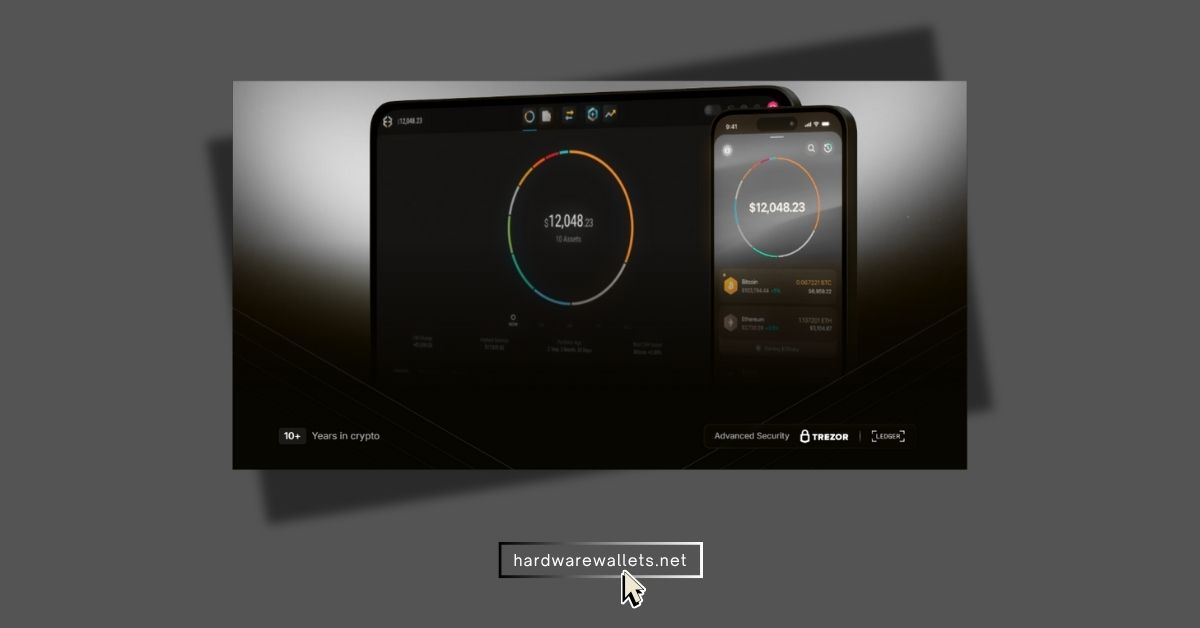
Exodus is the wallet you pick when you want a very clean app, and you hold more than just ETH. Its interface is simple, the wallet is self-custody, and it supports 50+ crypto networks with unlimited token support on the most popular web3 networks.
Well, that said, Ethereum advanced users should know the app has some limitations now around mobile NFT and web3 features for newer wallets. So, look, it is still good, just not the strongest pure ETH tool in this list. (Read: best Bitcoin wallets)
- Self-custody Ethereum wallet and supports other 50+ networks.
- Unlimited token support on major web3 networks.
- 12-word secret key backup.
- Send, receive, swap, buy, and sell in ETH wallet.
- Ethereum NFTs work in Desktop and Web3 Wallet
9. Trust Wallet: Best mobile wallet for Ethereum
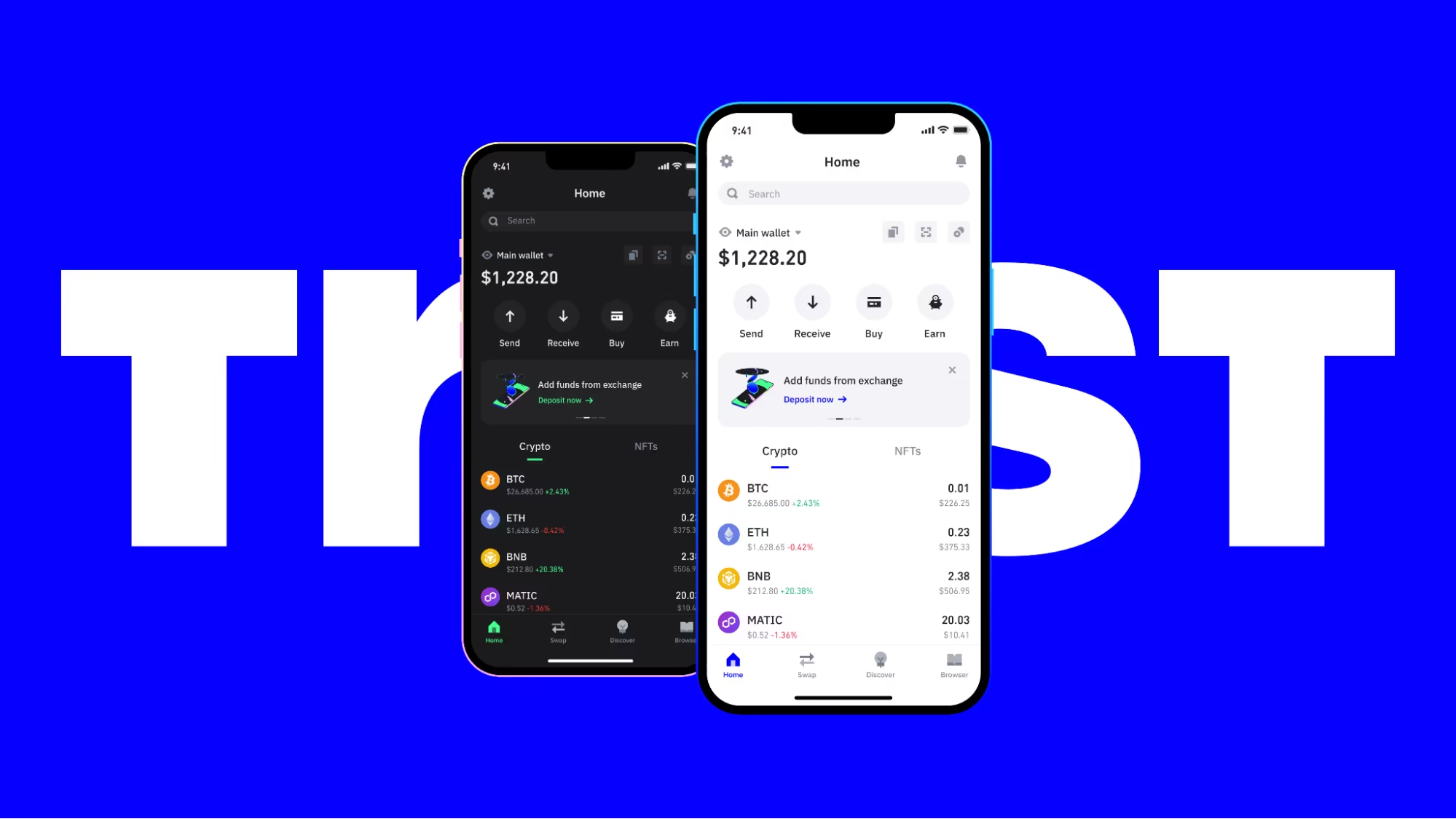
Trust Wallet is the best Ethereum wallet here for users who want ETH plus everything else. Basically, you get Ethereum support, thousands of dApps, 100+ blockchains, and 10M+ assets in one place.
Well, that broad support is the main reason it beats many hot wallets for mixed portfolios. You can also use biometrics and the built-in scanner, which adds a nice safety layer before you sign. Alright, it is less Ethereum-native than MetaMask or MEW, but it is more flexible overall. (Read: best mobile crypto wallets)
- 220 million+ downloads.
- Supports 100+ blockchains.
- Supports 10M+ digital assets.
- Built-in Security Scanner flagged $191 million+ risky activity so far
- Biometric unlock on iOS and Android.
- $0 wallet fees for ETH staking, buying, sending, and receiving.
10. Zengo: Seedless wallet for ETH storage
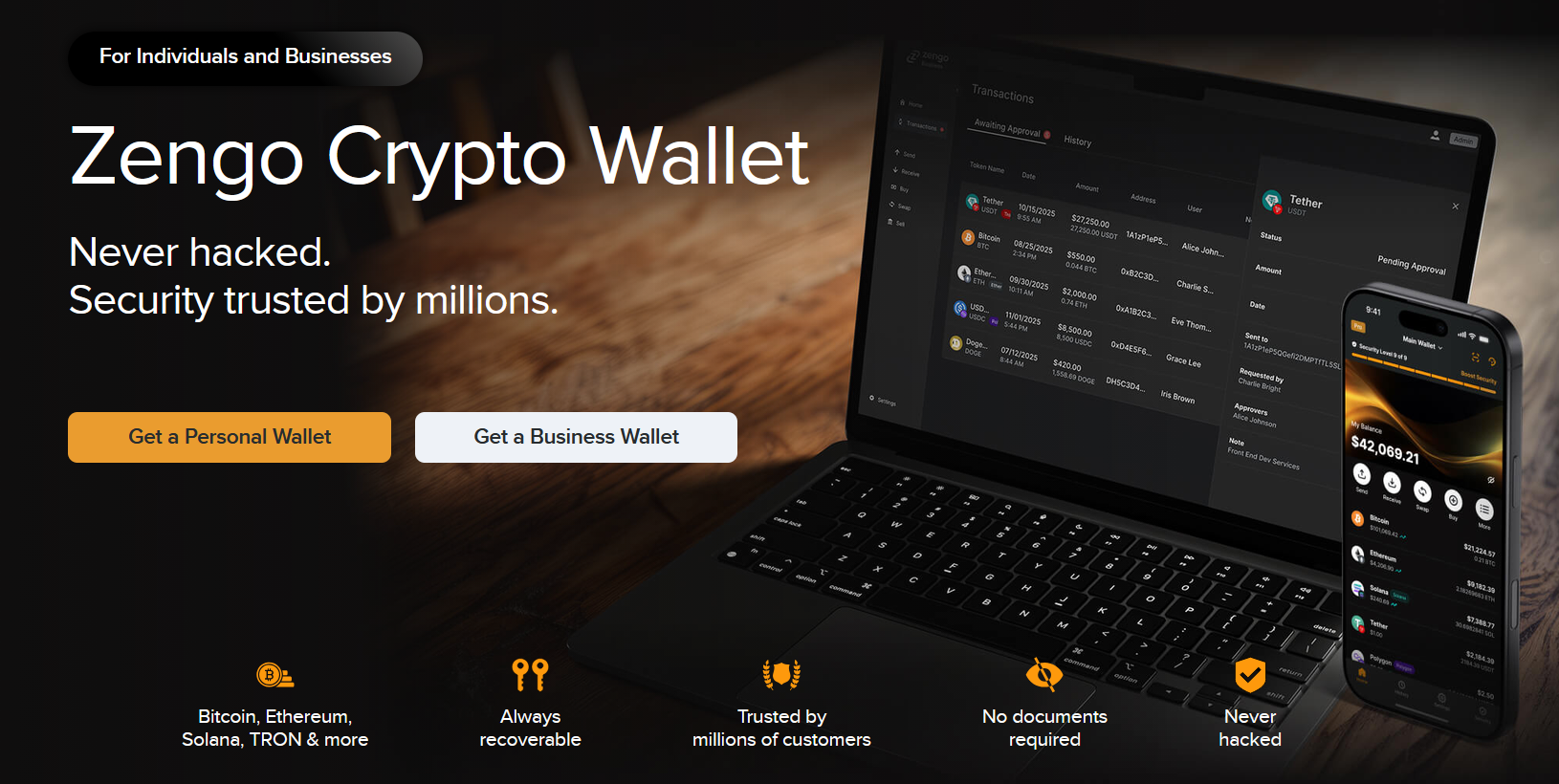
Zengo is the best ETH wallet here for people who want easier recovery and less seed phrase stress. It uses MPC, so you do not manage one traditional private key in the usual way. That design removes a major failure point for many users.
You also get recovery tools, a firewall for risky Web3 actions, and support for 1,000+ assets. I would say it is not as Ethereum-native as MEW or as dApp-standard as MetaMask, but it is much easier for many regular ETH users to live with daily.
- No seed phrase vulnerability with the MPC model.
- Trusted by millions, with “never hacked” stated by Zengo.
- 1,000+ supported assets and digital collectibles.
- 3FA recovery available.
- Web3 Firewall adds risk-level warnings.
- ETH and ERC-20 support across Ethereum, Polygon, Arbitrum, Optimism, Base, BNB, and Tron routes
What is an Ethereum Wallet?
An Ethereum wallet is basically a digital tool that lets you store, send, receive, and manage Ether (ETH) and other tokens built on the Ethereum network. Now, one important thing to know for you is that it does not physically hold your cryptocurrency. Instead, it securely stores the private keys that prove you own your funds and allow you to approve any transactions.
You can use an Ethereum wallet to check your live ETH balance, transfer tokens to friends, and jump into the world of Web3. Well, this includes connecting to decentralized apps, trading on decentralized exchanges, buying NFTs, playing around with DeFi platforms, and interacting with smart contracts. You can find these Ethereum wallets as mobile apps for your phone, browser extensions for your computer, desktop software, or physical hardware devices.
Now, every single wallet gives you two main things: a public address and a private key. The public address is completely safe to share with others whenever you want to receive ETH or tokens, but on the other side, you get a private key or a 12-to-24 word recovery phrase that you must keep 100% secret.
Ethereum Wallet Address Explained
An Ethereum wallet address is a unique public identifier that lets you receive ETH, ERC-20 tokens, NFTs, and other assets on the Ethereum network.
A standard Ethereum address contains 42 characters. It starts with “0x” and is followed by 40 letters and numbers, such as:
0x71C7656EC7ab88b098defB751B7401B5f6d8976F
The wallet address comes from your public key, but it does not reveal your private key or recovery phrase. You can safely share the address with others. But again, you should never share your private key, seed phrase, PIN, or wallet password because these details can give someone control over your funds.
You can use the same Ethereum address to receive ETH and many Ethereum-based tokens, including USDT, USDC, LINK, SHIB, and other ERC-20 assets. The address can also hold NFTs that follow standards such as ERC-721 and ERC-1155.
Also, an Ethereum wallet address is public on the blockchain; hence, anyone can use a blockchain explorer to view its balance, token holdings, and transaction history. Obviously, the address does not directly display your real name, but your activity may become linked to your identity when you use a regulated crypto exchange or publicly share your wallet address.
ETH Wallet Explorer and Tracker Tools
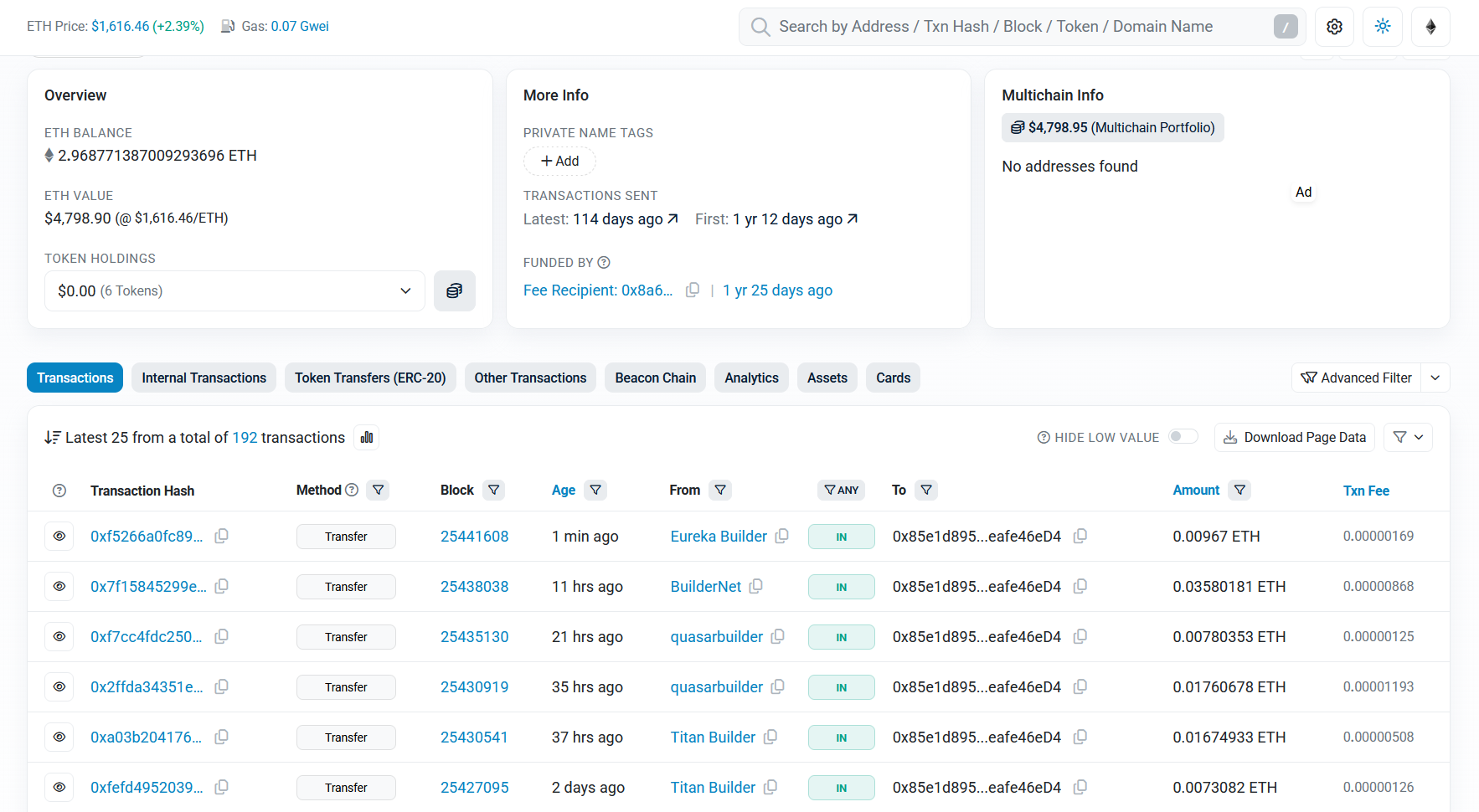
An ETH wallet explorer or tracker is an online tool that lets you inspect an Ethereum wallet address and understand its on-chain activity. You only need to enter the wallet’s public address. Here, you do not need to connect your ETH wallet or provide its private key, password, or recovery phrase.
Etherscan is the most widely used Ethereum explorer. Basically, you can paste any public ETH address into its search bar to view:
- Current ETH balance
- ERC-20 token holdings
- NFT holdings and transfers
- Incoming and outgoing transactions
- Internal transactions created by smart contracts
- Gas fees paid
- Transaction status and confirmations
- DeFi and smart contract interactions
- The address that originally funded the wallet
Ethereum Wallet Types
Ethereum wallets generally come in different forms based on who controls the private keys, how the wallet connects to the internet, and how you access your ETH and tokens.
Well, the main ETH wallet types include custodial wallets, non-custodial wallets, hot wallets, cold wallets, hardware wallets, software wallets, smart contract wallets, and MPC wallets.
1. Custodial Ethereum Wallets
A custodial Ethereum wallet is completely controlled by a crypto exchange or service company you use. The platform stores and looks after your private keys for you, so you usually log into your wallet using just an email address, password, and two-factor authentication.
To be exact, these top crypto exchanges like Binance, Coinbase, and Kraken give you a custodial ETH wallet the second you create an account. These wallets are super easy for beginners because the exchange handles all the hard stuff like password recovery, security setups, and processing your trades.
Now, the big risk here is that you do not have true control over your coins. The company has the power to freeze your withdrawals, limit your trades, or lock your account due to new regulations or internal security checks. Also, if the exchange gets hacked or goes bankrupt, you could lose all your money.
The best custodial Ethereum wallets are Binance, MEXC, Bitget, KuCoin, CoinEx, Coinbase, and Kraken.
2. Non-Custodial Ethereum Wallets
A non-custodial Ethereum wallet will actually put you in total control of your private keys and crypto. Here, the wallet company cannot see, freeze, or recover your funds because you are the only one responsible for your wallet’s security.
Now, when you set them up, most of them will give you a unique recovery phrase made of 12, 18, or 24 random words.
You must hide this backup phrase in a super safe spot, as anyone who finds it can easily copy your Ether wallet and steal every single coin you own. Also, if you lose your recovery phrase and your device breaks, you permanently lose access to your ETH. Generally, this option is best if you want true ownership and want to use dApps, NFTs, staking, and DeFi.
The best custodial ETH wallets are Trezor wallet, Ledger wallet, MetaMask, Trust Wallet, etc.
3. Hot Ethereum Wallets
A hot Ethereum wallet actually stays connected to the internet all the time through a mobile app, browser extension, or desktop software. Because it is always online, it gives you instant access to your ETH for fast, daily transactions. They are perfect for sending ETH, swapping tokens, collecting NFTs, and jumping into Web3 applications.
Now, the main downside is that being online makes them a target for hackers. Because of this, you should only keep small spending amounts in a hot ETH wallet and keep your main savings somewhere else.
The best hot ETH wallets are MetaMask, Trust Wallet, Rabby Wallet, MEW, etc.
4. Cold Ethereum Wallets
A cold Ethereum wallet keeps your private keys completely offline. Basically, this is the highest level of protection against online hackers, which is why people use them for long-term crypto storage.
Generally, Ethereum hardware devices and old-school paper wallets fall under this cold storage category. You can still send ETH from a cold wallet, but you have to manually approve the trade on the offline device itself. So yes, this extra step makes Ethereum cold wallets a bit slower for daily trading, but they are infinitely safer for holding large amounts of ETH crypto.
The best Ethereum cold wallets are ELLIPAL Titan, Ledger, Trezor, Tangem, and more.
How to Create an Ethereum Wallet?
Step 1: Choose the Right Ethereum Wallet
First, you need to pick a crypto wallet that supports Ethereum and ERC-20 tokens. You can choose from our list of recommended Ethereum wallets. I would say use ELLIPAL Titan or Ledger for cold storage, or Metamask for DeFi access.
Step 2: Buy and Download the Wallet From the Official Source
You must download your best Ethereum wallet app only from the official website, a verified app store page, or directly from the official hardware manufacturer. Get it through your head: you should never download a wallet app by clicking on search engine ads, random links, emails, or sketchy social media messages.
Step 3: Select “Create a New Wallet”
Now, open up your newly installed ETH wallet app and click on the option to create a fresh wallet. Also, do not click on “import” or “restore” unless you are trying to load an old wallet using a recovery phrase you already own.
The app will likely show you some terms of service, privacy rules, or safety warnings before letting you move forward. Read these screens carefully. Plus, remember, a non-custodial wallet company cannot recover your account or reset your password if you lose your backup details.
Step 4: Find Your Ethereum Wallet Address
You see, once the setup is done, your wallet will automatically generate an Ethereum public address for you. This address always starts with the characters “0x” and is 42 characters long.
You can freely share this public address with anyone who wants to send you ETH, ERC-20 tokens, or NFTs. Basically, each one will have its own public address, but they are all controlled by that same master recovery phrase you wrote down.
Step 5: Add ETH to the Wallet
To get funds into your Ethereum wallet, you can buy ETH directly inside the app through their built-in payment partners, or you can transfer some ETH over from a crypto exchange.
Also, when transferring, copy your public address exactly and make sure you select the correct blockchain network on the exchange side. Ethereum and many other EVM-compatible networks use very similar address formats, so do not just assume that an address works for every network automatically.
Read more: Best XRP hardware cold wallets
Ethereum Wallet Security Tips
- Keep Your Keys Private: Never share your recovery phrase, private key, PIN, or wallet password with absolutely anyone. Also, you should write your recovery phrase on a piece of paper or stamp it into a secure offline metal backup device. Do not save your recovery phrase in screenshots, emails, cloud storage, notes apps, or messaging chats. If it is online, hackers can find it.
- Stick to Official Downloads: Download your best Ethereum wallet apps and browser extensions only from the company’s official website or verified app store pages.
- Make Passwords Unique: You should use a strong, complex password for your app that you do not use for any other online account.
- Lock Down Your Device: Turn on biometric protection (like FaceID or fingerprint), quick automatic locking, and two-factor authentication wherever you can.
- Get a Hardware Wallet: You can use a physical hardware wallet if you are holding a large amount of ETH or valuable NFTs.
- Send a Test First: I would say, always send a tiny test transaction before transferring a large batch of ETH to make sure it goes to the right place.
- Ignore Random Links: Avoid clicking unknown links sent to you through emails, Google ads, social media, Telegram, or Discord.
- Don’t Blind Sign: You should never sign ETH wallet messages or smart contract requests if you do not completely understand what the code is asking for.
- Revoke Token Approvals: Regularly review and cancel unnecessary token spending limits you previously gave to decentralized apps.
- Keep Software Updated: Keep your Ethereum crypto wallet app, web browser, computer operating system, and antivirus software updated to the latest versions.
- Use a Burner Wallet: Set up a separate wallet with just a tiny balance for testing out brand new DeFi platforms, NFT mints, and Web3 apps.
- Beware of Random Airdrops: Ignore unknown tokens and random NFTs that just show up in your address, as they usually contain scam links or malicious contracts.
- Trust Your Hardware Screen: Always verify transaction data directly on your hardware wallet’s physical screen instead of trusting what your computer or phone screen shows.
- Practice a Dry-Run Recovery: You need to test your ETH wallet recovery process with a completely empty balance first to make sure you know how to use your 24 words before depositing real ETH.
FAQs: Most Secure Ethereum Wallets
Which is the best wallet for Ethereum?
The best wallet for Ethereum for most people is ELLIPAL Titan 2.0. You get 100% air-gapped offline storage, a large secure screen, mobile support, broad asset coverage, and native Ethereum NFT handling in Ledger Live. MetaMask is the better hot-wallet pick for heavy DeFi use.
Which wallet is best for Ethereum NFTs?
The best wallet for Ethereum NFTs is Ledger Flex if security matters most, and MetaMask if speed matters most. Ledger Live supports Ethereum and Polygon NFTs, while MetaMask stays deeply connected to NFT marketplaces and dApps through extension and mobile flows.
What is the safest ETH wallet?
The safest ETH wallet type is a hardware wallet, and Trezor Safe 5 is my top safety pick for most users. It keeps keys offline, adds on-device confirmation, uses a CC EAL6+ secure element, and supports stronger backup options than older wallets. But also, air-gapped picks like Keystone 3 Pro and ELLIPAL Titan 2.0 are also very strong for users who want QR-only signing.
How do I get my Ethereum wallet address?
You get your Ethereum wallet address by opening your wallet and tapping Receive. The app will show your public address, which starts with 0x. You can copy it and share it safely to receive ETH or tokens.
How do I withdraw ETH from my Ethereum wallet?
You need to open your chosen best Ethereum wallet, tap Send, paste the destination address, enter the amount, review the gas fee, and confirm the transaction. Now, once the transaction lands on-chain, the ETH shows up at the new address.
Read more guides: