
You see, choosing the best NFT wallets isn’t just about storing digital art. You need the most secure NFT storage wallet that protects your valuable collectibles, supports multiple blockchains, and gives you easy access to NFT marketplaces.
But again, not every wallet handles Ethereum, Solana, Polygon, and other NFT networks equally well. Some offer strong offline security, while others make buying, selling, and managing NFTs much easier. So, which one should you trust with your collection?
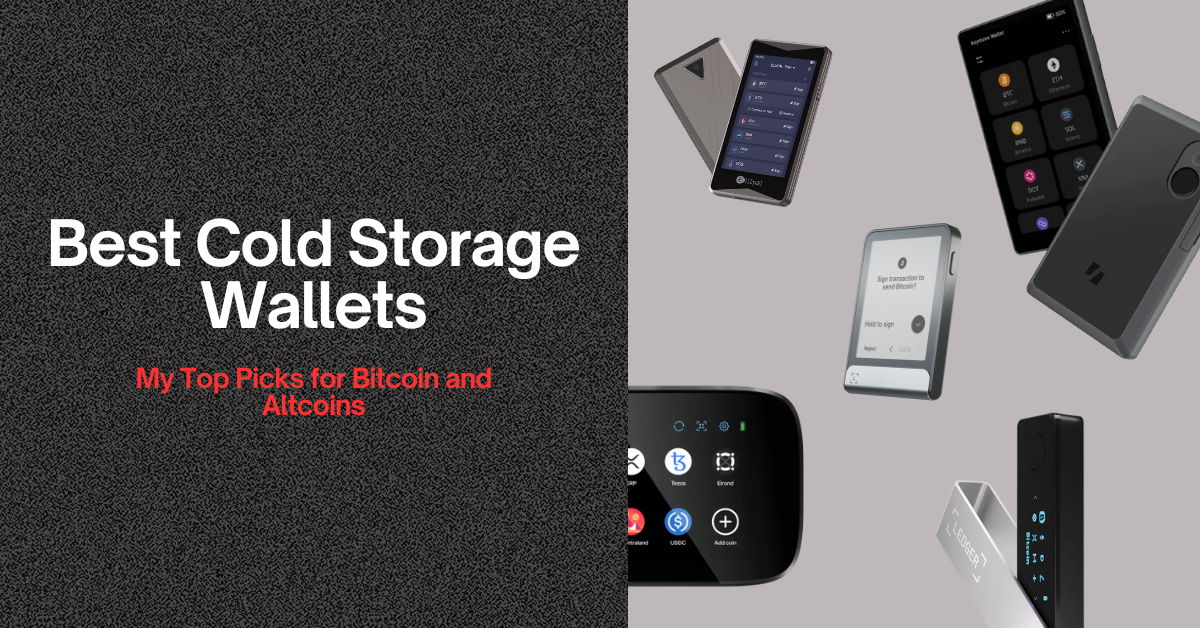
I’ve compared 10 of the best NFT wallets for collectors, including hardware and software options, to help you find the best multi-chain NFT wallet for your needs. I’ll also cover NFT bridging, wallet security, and the safest ways to store your collectibles.
Top 8 Best NFT Wallets for Collectibles and Collectors: Most Secure for Beginners
- Ledger Flex — Best Wallet for Multi-Chain NFTs and Cold Storage
- ELLIPAL Titan 2.0 — Best Air-Gapped NFT Wallet for Offline Transaction Signing
- Trezor Safe 7 — Most Secure NFT Storage with Cold Hardware Wallet Security
- Tangem Wallet — Easiest and Best NFT Wallet for OpenSea (credit-card style tap-and-go)
- MetaMask — Best NFT Wallet for Ethereum and EVM Chains
- Phantom — Best NFT Wallet for Solana Blockchain
- Trust Wallet — Best Mobile Wallet for NFTs
- SafePal S1 Pro — Affordable Hardware Wallet for NFT Cold Storage
Best Wallets for NFTs Compared: Security, Blockchain Support, and Cost
Here is a quick comparison between the best NFT wallets for beginners:
| NFT Wallet | Wallet Type | NFT Networks | NFT Gallery | Marketplace Access | Private Key Security | Main Drawback |
|---|---|---|---|---|---|---|
| Ledger Flex | Hardware | ETH, Polygon; more via third-party wallets | ETH, Polygon | External wallets | EAL6+ secure chip | Extra apps for some NFTs |
| ELLIPAL Titan 2.0 | Air-gapped hardware | ETH, Polygon | Yes | WalletConnect | Offline QR signing | Limited NFT gallery chains |
| Trezor Safe 7 | Hardware | ETH, Polygon, BNB and other supported EVM chains | Collection list only | MetaMask, Rabby | Dual secure elements | Third-party app for transfers |
| Tangem Wallet | NFC hardware card | ETH, SOL, Polygon, Base, BNB and more | Yes | OpenSea, Rarible | EAL6+ chip; NFC signing | No hardware display |
| MetaMask | Software | ETH, Polygon, Base, Arbitrum and other EVM chains | Yes | OpenSea, EVM dApps | Software keys; hardware option | Hot-wallet risk |
| Phantom | Software | SOL, ETH, Base, Polygon, BNB | Yes | Compatible NFT dApps | Software keys; Ledger option | No Arbitrum or Optimism |
| Trust Wallet | Software | ETH, SOL, BNB, Polygon and more | Yes | Compatible NFT dApps | Software-based keys | No native cold storage |
| SafePal S1 Pro | Air-gapped hardware | ETH, BNB, Polygon and other app-supported chains | SafePal app | Web3 dApps | EAL6+ chip; QR signing | Small 1.3-inch screen |
My Recommended 2 Top Multi-Chain NFT Wallets
These are my recommended best NFT wallets for secure cold storage (strictly recommended for high-value NFTs and long-term HODLers):
The Best NFT Wallets for Beginners Reviewed
1. Ledger Flex: Best Wallet for Multi-Chain NFTs and Cold Storage
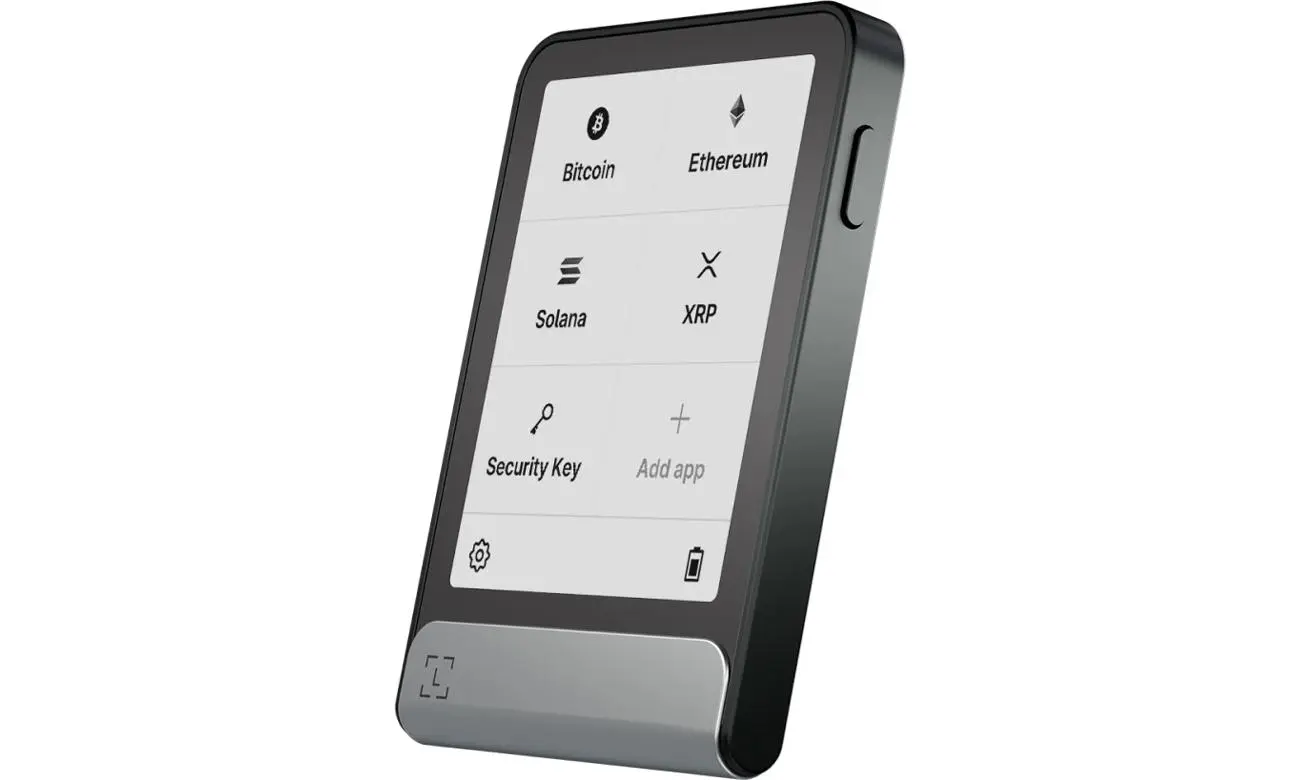
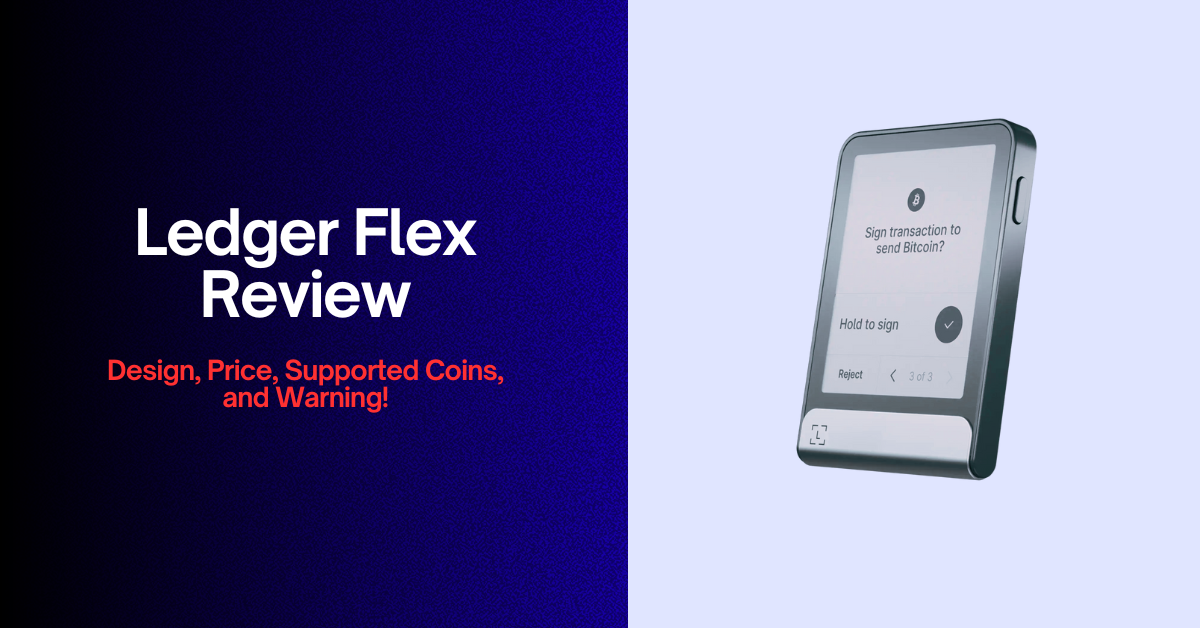
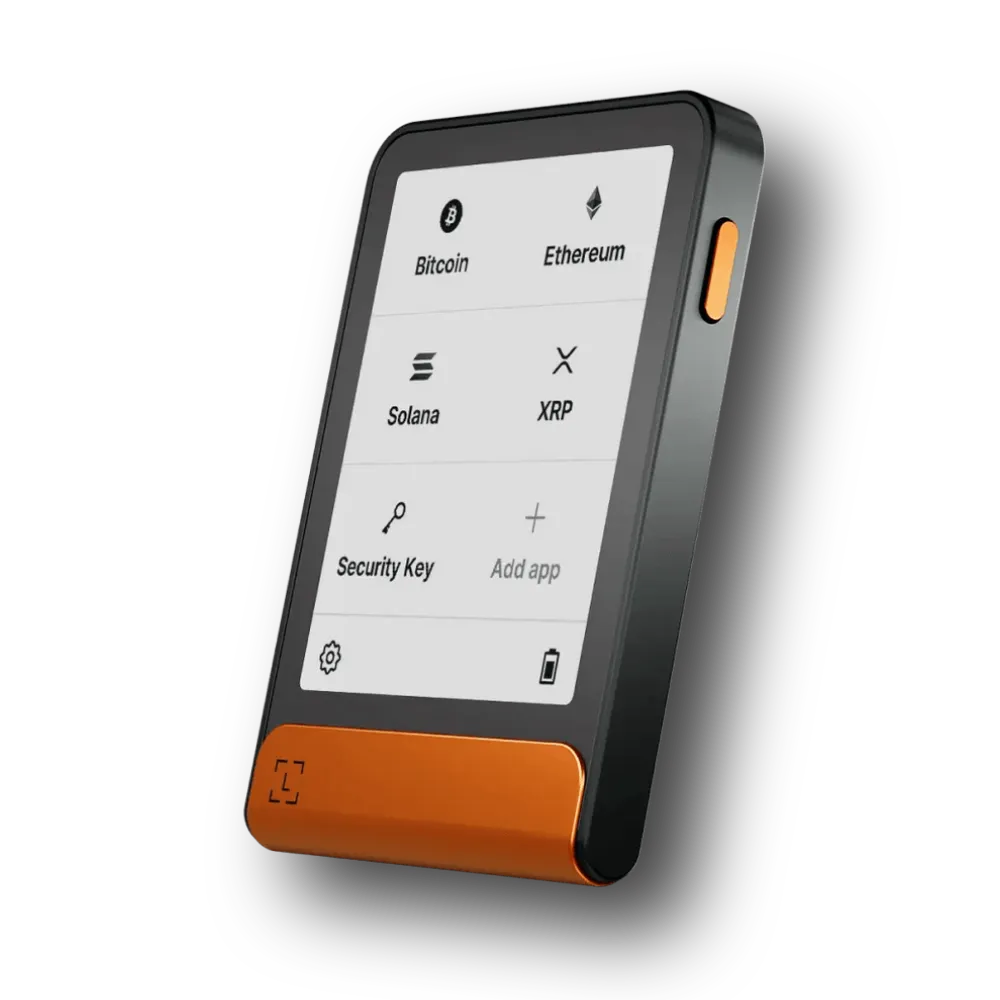
The Ledger Flex is one of the best NFT wallets for collectors who want strong security without giving up convenient access to their digital assets. It keeps your private keys inside a dedicated Secure Element chip (CC EAL5+ certified) and requires physical confirmation before signing transactions.
Its 2.84-inch E Ink touchscreen makes a practical difference. You can review supported transaction details directly on the device instead of trusting only the information displayed on your computer or phone. That extra check helps protect valuable NFTs from address changes and misleading transaction requests.
Plus, Ledger’s companion software supports viewing and managing Ethereum and Polygon NFTs. You can also connect compatible third-party wallets (like MetaMask or Phantom) for other supported NFT networks. For example, Phantom offers a way to manage supported Solana NFT accounts through Ledger hardware.
Now, the main drawback is actually that not every NFT network works directly inside Ledger’s own gallery. You may need additional crypto wallet software for some collections.
Key NFT Features & Specifications
| NFT wallet type | Hardware cold wallet |
| Native NFT gallery | Ethereum and Polygon NFTs |
| Additional multi-chain NFT networks | Through compatible third-party wallets |
| NFT standards | ERC-721 and ERC-1155 on supported EVM networks |
| Security | CC EAL6+ Secure Element; device PIN |
| Display | 2.84-inch E Ink touchscreen |
| Connectivity | USB-C and Bluetooth; NFC for supported Ledger features |
| Wallet integrations | Ledger Wallet app, Phantom, compatible Web3 wallets |
| NFT marketplace access | Through compatible wallet and dApp connections |
Who should buy it?
You can choose the Ledger Flex as your top NFT wallet if you own valuable NFTs across several supported blockchains and want hardware-backed security as well. It suits collectors who really care more about protecting their collections for the long term than completing transactions quickly and frequently. But again, active NFT traders who want a completely free wallet may prefer another option.
2. ELLIPAL Titan 2.0: Best Air-Gapped NFT Wallet for Offline Transaction Signing
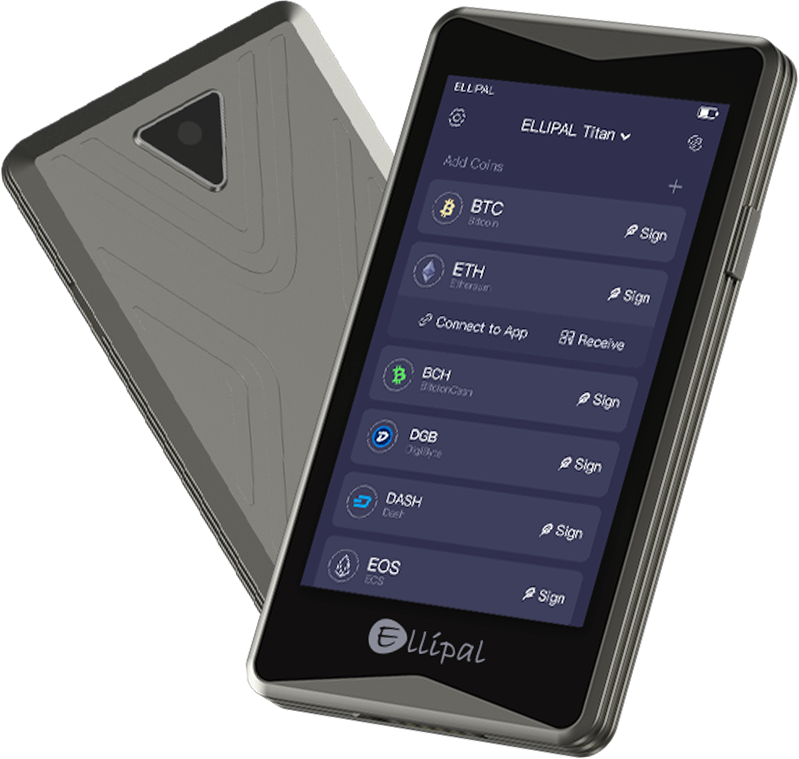
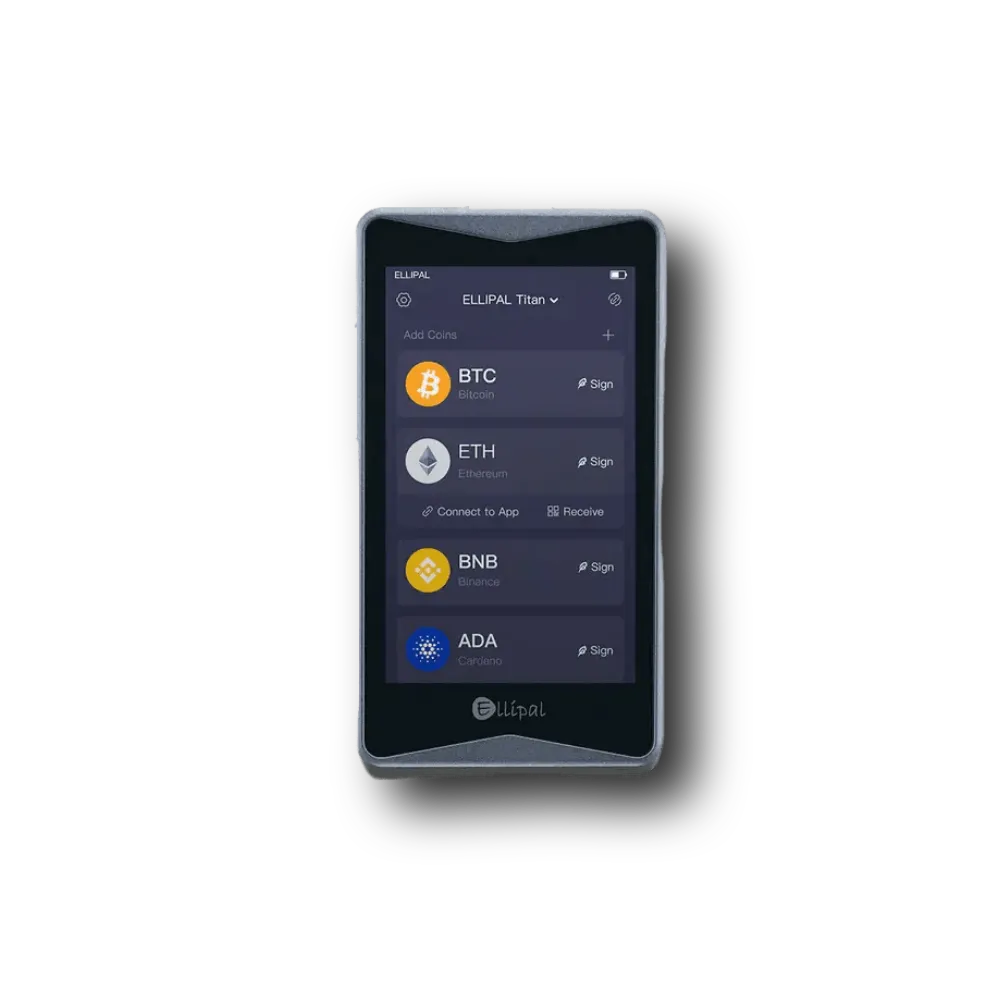
The ELLIPAL Titan 2.0 is another most secure NFT storage wallet because it uses QR codes instead of Bluetooth, Wi-Fi, or a regular data connection to sign transactions. So, that design makes it appealing to NFT collectors who want to keep their signing device separate from internet-connected equipment.
You can easily create a transaction in the ELLIPAL mobile app and then scan its QR code with the hardware wallet camera. After you review and sign the request, the device displays another QR code for the app to scan. Your private keys stay inside the offline device throughout the process.
A large 4-inch color touchscreen also helps, as you can examine transaction information more comfortably than on cold storage wallets with tiny displays. Plus, the metal-sealed body and secure chip add further physical protection. Now, for NFT storage, ELLIPAL documents native NFT support on Ethereum and Polygon. Its mobile application also connects to compatible decentralized applications through WalletConnect, although those connections do not guarantee support for every NFT on every blockchain.
I would choose this NFT wallet for collectors who move NFTs occasionally and prefer physical separation over speed. But yes, frequent NFT traders will obviously find repeated QR scanning less convenient.
Key NFT Features & Specifications
| NFT wallet type | Air-gapped NFT hardware wallet |
| Verified native NFT networks | Ethereum and Polygon |
| Additional dApp NFT networks | ETH, BNB Chain, Avalanche, Polygon, Solana and others through supported app connections |
| NFT standards | ERC-721 and ERC-1155 compatibility on supported EVM networks |
| Transaction signing | Offline QR-code scanning |
| Security | CC EAL5+ Secure Element; PIN |
| Display | 4-inch color touchscreen |
| App compatibility | ELLIPAL mobile app, Android and iOS |
| Marketplace access | Compatible Web3 applications through WalletConnect |
Who should buy it?
The Titan 2.0 suits collectors who want to protect valuable NFT artwork with a 100% air-gapped cold storage device. It works particularly well for long-term Ethereum and Polygon collections. You should skip it if you trade NFTs frequently and prefer fast, one-click wallet interactions. It takes time to use QR-code transaction signing and that’s why it is highly secure NFT wallet.
3. Trezor Safe 7: Most Secure NFT Storage with Cold Hardware Wallet Security
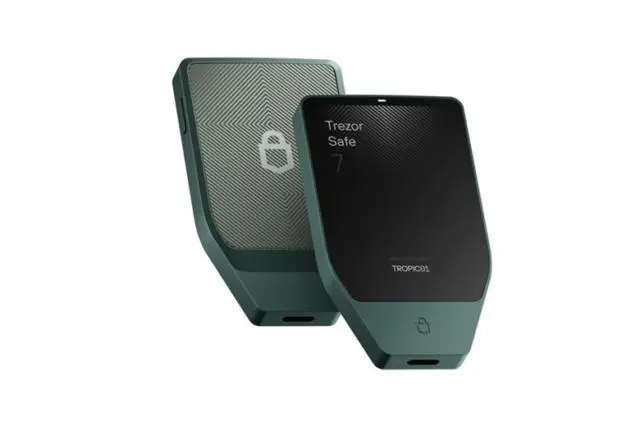
The Trezor Safe 7 deserves a place among the best NFT wallets for collectibles who prioritize private key security and long-term ownership. It combines two secure elements with a touchscreen and supports transactions through trusted third-party wallet interfaces.
Its 2.5-inch color display lets you check supported transaction details before approval. You can easily connect the device through USB-C or Bluetooth and use compatible software wallets to access NFT marketplaces. Trezor also offers a useful feature for collectors who want to review their holdings without connecting to a trading platform. Its Suite application can show collection names and token IDs for supported EVM NFTs. You must enable the experimental NFT feature, and the application does not provide a complete NFT image gallery.
Now, for sending or selling NFTs, you generally must use compatible third-party wallets such as MetaMask or Rabby. This approach gives you hardware-backed signing while letting specialized applications handle marketplace interactions. Mainly, I consider the Safe 7 best for collectors who plan to hold Ethereum-based NFTs for years. It also supports Solana assets, but you will need compatible software for Solana NFT interaction.
Key NFT Features & Specifications
| NFT wallet type | Hardware cold wallet for NFTs |
| Multi-chain NFT networks | Supported EVM chains, including Ethereum, Polygon, and BNB Chain |
| Solana support | Solana assets; NFT management requires compatible software |
| NFT standards | ERC-721 and ERC-1155 through compatible applications |
| Security | Two secure elements, PIN and wallet backup |
| Display | 2.5-inch color touchscreen |
| Connectivity | USB-C and Bluetooth |
| NFT viewing | Experimental Trezor Suite NFT list for EVM collections |
| Wallet integrations | MetaMask, Rabby and other compatible wallets |
Who should buy it?
You can choose the Trezor Safe 7 for long-term NFT collections where security matters more than convenience. It is also best for desktop NFT storage. It suits experienced collectors who want hardware signing and separate marketplace software. But beginners who expect a simple built-in NFT gallery may find the setup less convenient.
4. Tangem Wallet: Easiest and Best NFT Wallet for OpenSea (credit-card style tap-and-go)
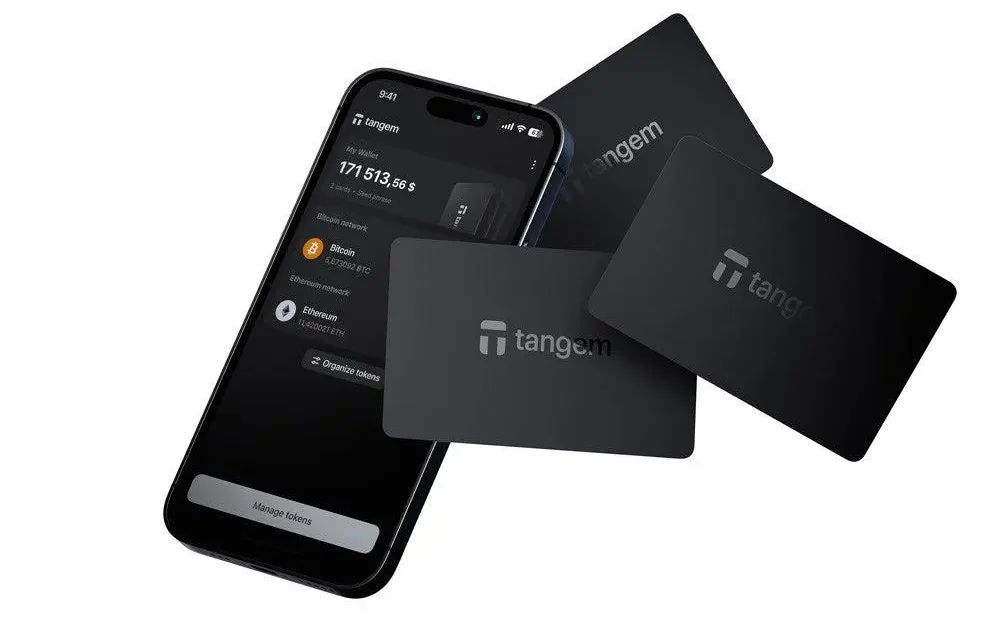
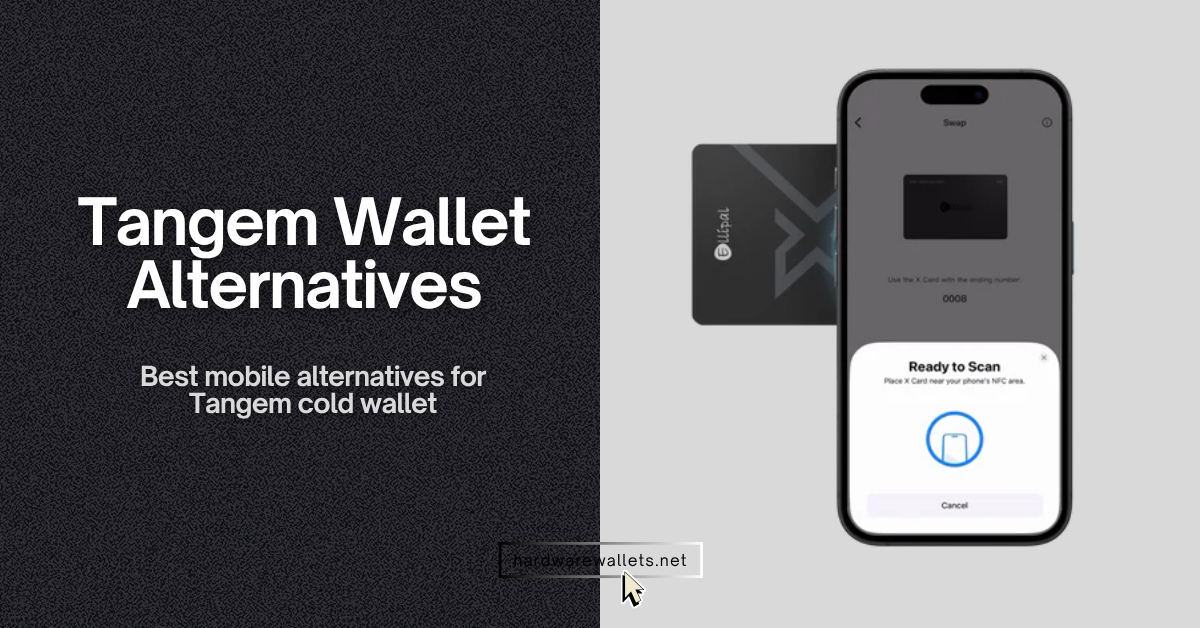
Tangem takes a different approach to NFT cold storage. Mainly, instead of carrying a touchscreen device, you can use a credit-card-sized NFC wallet that signs transactions through your smartphone. You simply hold the card against your phone after reviewing the request.
I like Tangem because it makes hardware security much easier for people who regularly use OpenSea. You can connect the Tangem app to OpenSea through WalletConnect, browse supported collections, and then approve transactions using your physical card. You don’t need a USB connection or a separate desktop application.
Tangem also supports NFT viewing and management across several networks, including Ethereum, Solana, Polygon, Base, Arbitrum, and BNB Smart Chain. So, that makes it a practical choice for collectors who want access to several NFT ecosystems. Plus, another useful feature is its backup card system. You can create a wallet with two or three linked cards, allowing you to keep a spare card somewhere secure.
But yes, the main concern involves recovery. A seedless Tangem wallet cannot recover its assets after you lose every linked card. You need to plan your backups carefully. Otherwise, choose a seed phrase backup option. Also, since the card doesn’t have a screen, you must rely on a mobile wallet for NFT signing details. Of course, this is convenient, but not as secure as ELLIPAL or Ledger.
Key NFT Features & Specifications
| NFT wallet type | NFC hardware card wallet |
| NFT networks | Ethereum, Solana, Polygon, Base, Arbitrum, BNB Chain, Avalanche, and other supported networks |
| NFT standards | ERC-721, ERC-1155, supported Solana NFTs |
| Security | EAL6+ Secure Element; physical NFC authorization |
| Connection | NFC through a compatible smartphone |
| NFT gallery | Built into Tangem mobile app |
| Marketplace integration | OpenSea and Rarible via WalletConnect |
| Backup | Two or three linked cards; optional seed-phrase setup |
| Availability | iOS and Android app |
Who should buy it?
Tangem is the most easiest NFT wallet for beginners who want hardware protection without learning a complicated device interface. It particularlybest for people buying Ethereum NFTs on OpenSea. But also, collectors who really want to verify transaction information on a separate secure offline hardware screen should choose another NFT wallet.
5. MetaMask: Best NFT Wallet for Ethereum and EVM Chains
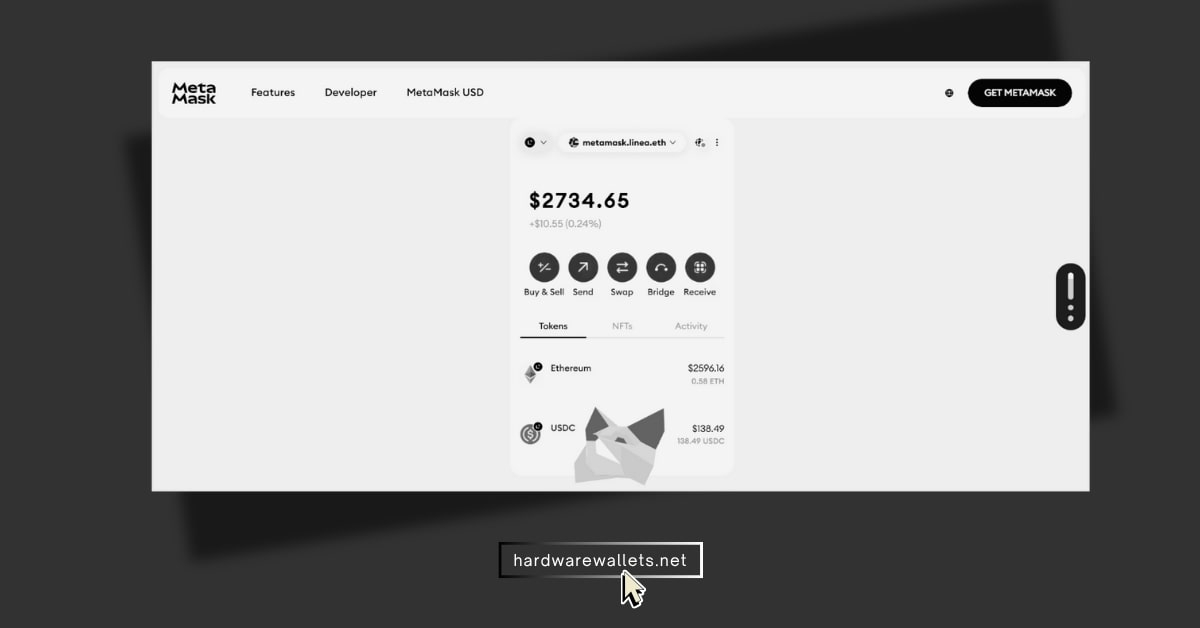
MetaMask is one of the best NFT wallets for people who collect artwork and digital assets on Ethereum and EVM-compatible blockchains. It offers direct access to NFT marketplaces through a browser extension or mobile application.
You can manage ERC-721 and ERC-1155 NFTs across supported networks, including Ethereum, Polygon, Base, Arbitrum, and Optimism. Its NFT section displays collectibles alongside useful information, such as their collection details and metadata. Well, I particularly appreciate the manual NFT import option here. You see, some collectibles don’t appear automatically, even though the blockchain confirms ownership. MetaMask lets you enter the contract address and token ID to add supported NFTs to your wallet display.
The biggest advantage is its hardware wallet compatibility. You can connect a Ledger or Trezor account to MetaMask and use the familiar interface while keeping that account’s signing keys on the hardware device.
Key NFT Features & Specifications
| NFT wallet type | NFT Software wallet; supports hardware wallet accounts as well |
| Multi-chain NFT networks | Ethereum, Polygon, Base, Arbitrum, Optimism, and other supported networks |
| NFT standards | ERC-721 and ERC-1155 |
| NFT gallery | Built-in NFT tab and MetaMask Portfolio |
| NFT detection | Automatic on selected networks; manual import |
| Security | Wallet authentication, recovery options, hardware signing support |
| Hardware integration | Ledger, Trezor and other compatible devices |
| Marketplace access | OpenSea and compatible EVM dApps |
| Platforms | Browser extension, iOS and Android |
Who should buy it?
MetaMask fits collectors who mainly use Ethereum and EVM NFT marketplaces. It also suits people who want to combine a familiar software interface with Ledger or Trezor security. But for other chains, like, for a simple Solana-first NFT collection, Phantom offers a more focused experience.
6. Phantom: Best NFT Wallet for Solana Blockchain
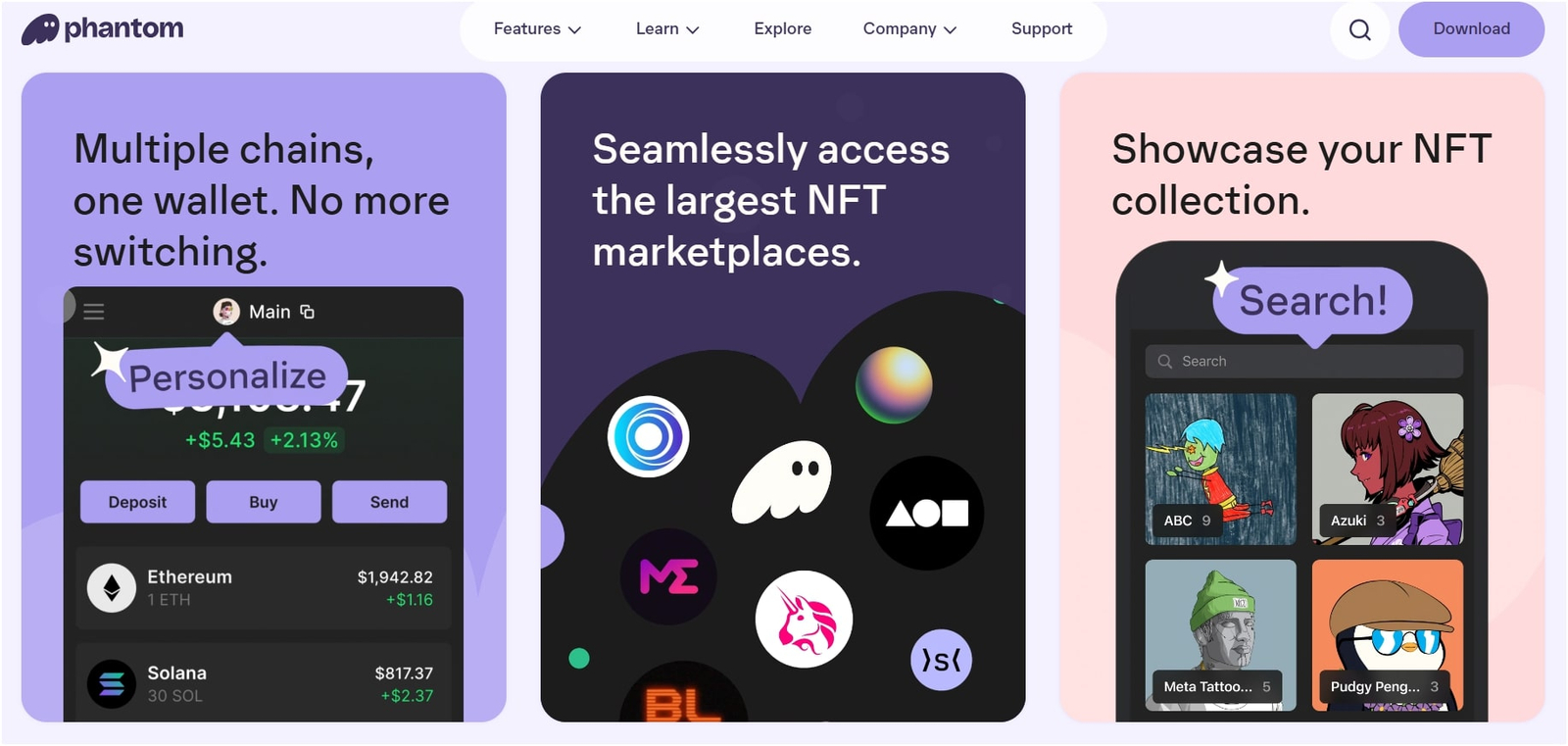
Phantom is the best Solana NFT wallet for beginners. Its interface places digital collectibles in a dedicated section, making it easy to browse your collection without searching through regular cryptocurrency balances. You can view NFT artwork, examine collection details, and manage supported collectibles directly inside the wallet.
Phantom also helps identify suspicious NFTs and hides some spam collections. Now, that feature matters because scammers frequently send fake NFT rewards containing malicious links. Plus, the wallet now supports multi-chain networks beyond Solana, including Ethereum, Base, Polygon, and BNB Chain. You can therefore manage eligible collectibles across different blockchains without constantly changing wallet applications.
Phantom also supports compatible Ledger hardware wallets. You can maintain a hardware-backed account for long-term holdings while using a separate software account for everyday transactions. But, one limitation deserves attention: Phantom has ended support for managing Bitcoin Ordinals and rare sats. So, you should use a dedicated Ordinals-compatible wallet for those assets.
Key NFT Features & Specifications
| NFT wallet type | Self-custody software wallet |
| Primary NFT blockchain | Solana |
| Other supported networks | Ethereum, Base, Polygon, BNB Chain and selected additional networks |
| NFT gallery | Dedicated Collectibles section |
| Spam protection | Suspicious NFT filtering and reporting |
| Hardware integration | Compatible Ledger devices |
| Security | Recovery options, device authentication and transaction reviews |
| Marketplace access | Compatible Solana and EVM NFT marketplaces |
| Platforms | Browser extension, iOS and Android |
Who should buy it?
You must choose Phantom if most of your collection lives on Solana and you want an easy NFT gallery. It also works well as a best multi-chain NFT wallet for beginners who collect across its supported networks.
7. Trust Wallet: Best Mobile Wallet for NFTs
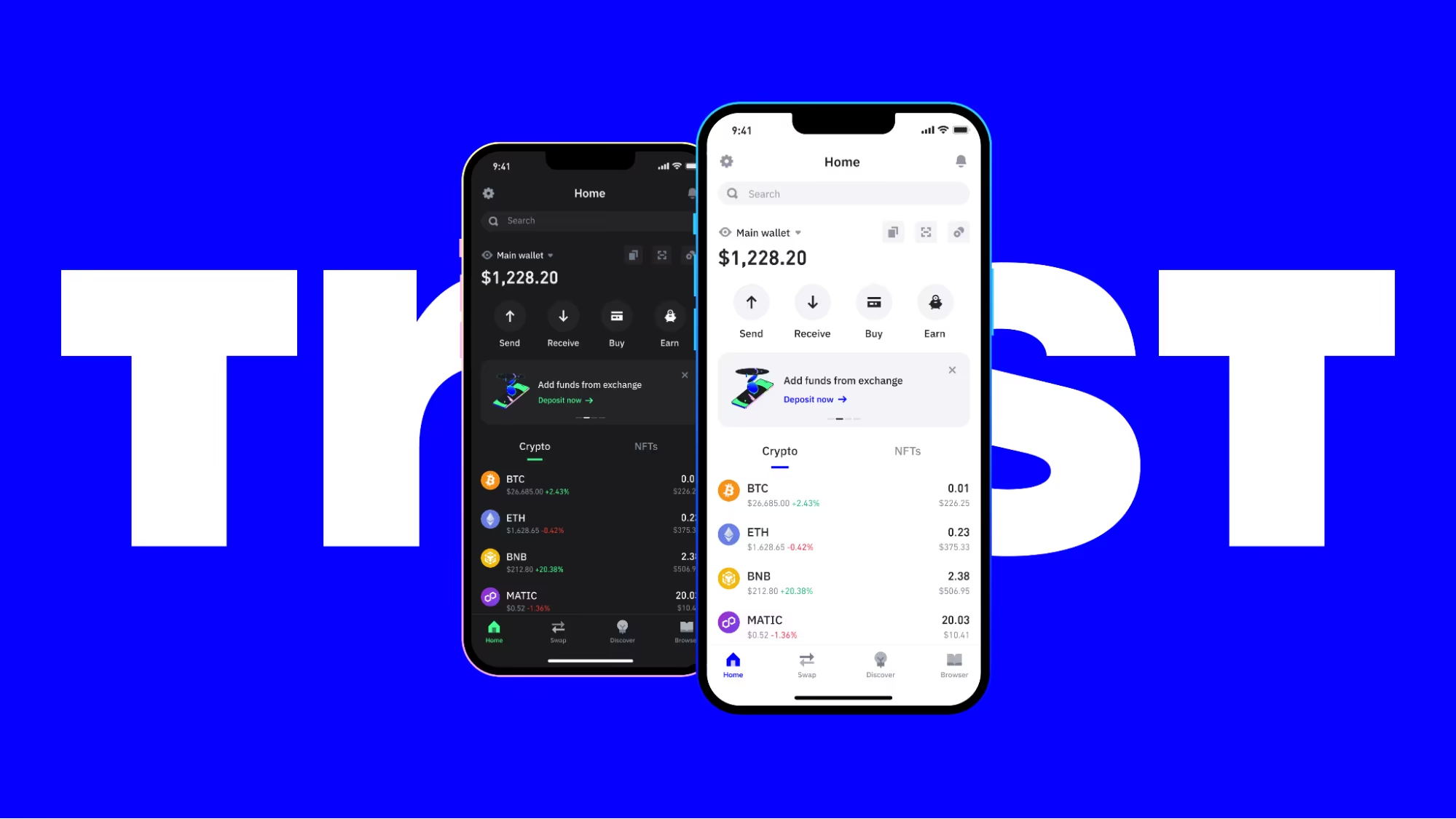
Trust Wallet is one of the best mobile wallets for NFTs. It combines 100+ blockchain support with a simple collection gallery. You can manage digital artwork and collectibles on your phone without installing separate wallets for every supported network.
The app supports NFTs across popular blockchains, including Ethereum, Solana, BNB Chain, and other compatible networks. Its NFT section lets you view supported collectibles, check collection details, and manage assets from one place. Trust Wallet also connects to popular NFT marketplaces, including OpenSea and Rarible. You can explore collections, connect your wallet, and complete supported NFT transactions through its Web3 features.
Security requires more attention, though. A regular Trust Wallet software account keeps its signing keys on your device rather than inside a dedicated hardware wallet. So, your recovery phrase, phone security, and transaction approvals therefore matter greatly. I would say: among the best multi-chain NFT wallets, Trust Wallet offers a useful balance of network coverage and mobile convenience.
Key NFT Features & Specifications
| NFT wallet type | Self-custody software wallet for NFTs |
| NFT networks | Ethereum, Solana, BNB Chain and other supported networks |
| NFT standards | ERC-721, ERC-1155 and supported chain-specific standards |
| NFT gallery | Integrated multi-chain collection display |
| Marketplace integration | OpenSea, Rarible and compatible dApps |
| Security | Recovery phrase, local wallet protection, security scanning features |
| NFT transfers | Send and receive supported collectibles |
| Platforms | iOS, Android and browser extension |
| Wallet cost | Free; blockchain transaction fees apply |
Who should buy it?
Trust Wallet suits mobile-first collectors who want convenient access to NFTs across multiple blockchains. It is especially useful for people who regularly receive or trade inexpensive collectibles. I would choose a hardware wallet instead for long-term storage of expensive NFT artwork.
8. SafePal S1 Pro: Affordable Hardware Wallet for NFT Cold Storage
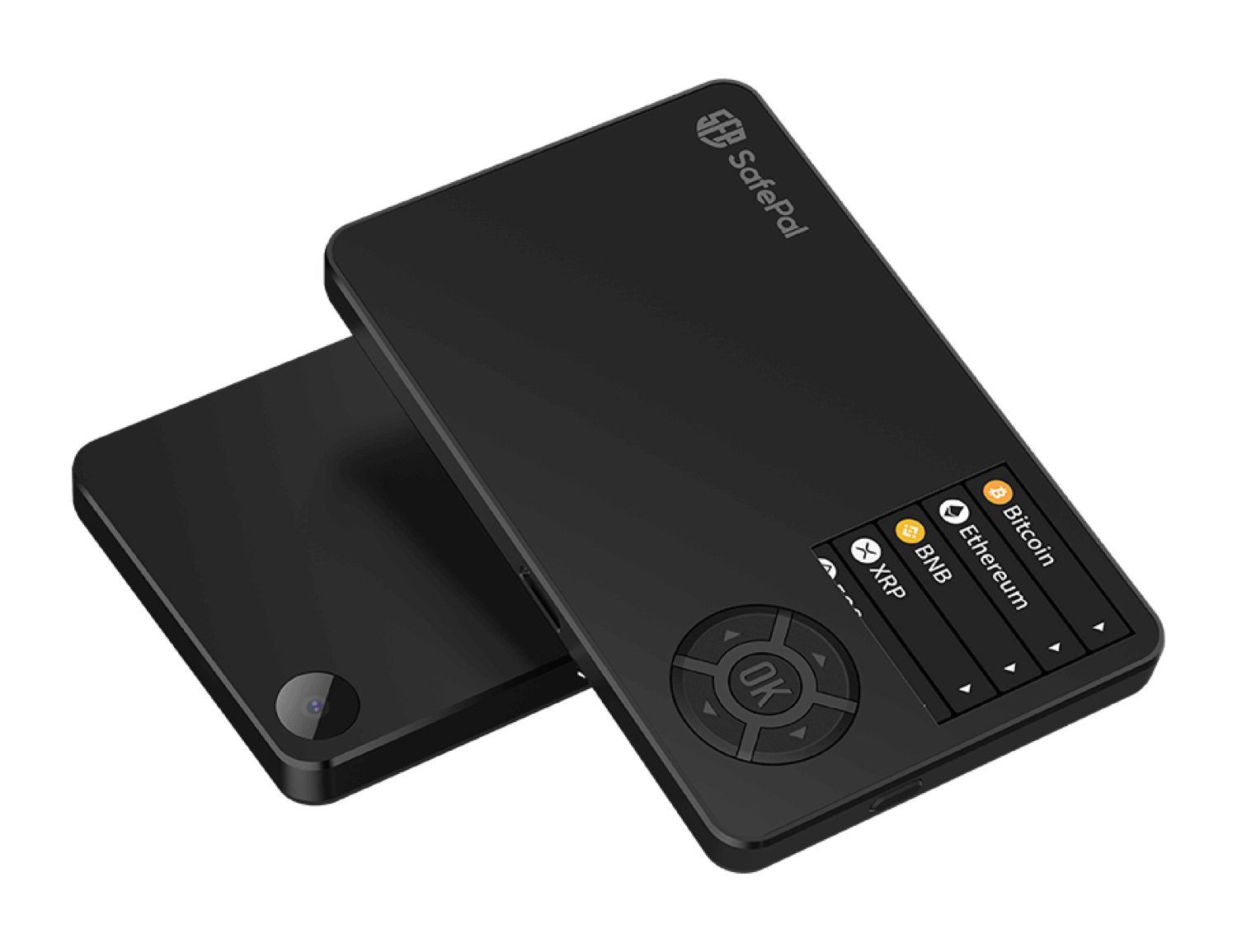
The SafePal S1 Pro is one of the most affordable NFT hardware wallets. It costs less than many premium touchscreen NFT wallets while offering offline QR-code transaction signing.
SafePal uses a dedicated Secure Element and keeps its signing keys isolated from Wi-Fi, Bluetooth, and NFC connections. You can prepare a transaction in the SafePal application, scan its QR code with the hardware device, and approve the request using the wallet’s physical controls.
The companion SafePal app supports NFT management and access to compatible marketplaces. Its broader ecosystem includes Ethereum, BNB Chain, Solana, Polygon, and numerous other blockchains. I particularly like the S1 Pro for collectors who have moved beyond a basic software wallet but cannot justify spending several hundred dollars on hardware.
But also, its 1.3-inch screen feels less comfortable than the displays on Ledger Flex or ELLIPAL Titan 2.0. Still, the security-focused design gives budget-conscious collectors a practical way to protect their NFT holdings.
Key NFT Features & Specifications
| NFT wallet type | Air-gapped hardware wallet for NFTs |
| NFT ecosystem | SafePal app supports multi-chain NFT management |
| Relevant blockchains | Ethereum, BNB Chain, Polygon, Solana and others |
| NFT standards | Supported EVM NFTs and compatible chain-specific collections |
| Security | EAL6+ Secure Element, PIN, passphrase and anti-tampering protection |
| Transaction signing | QR codes; offline private keys |
| Display | 1.3-inch color screen |
| Wallet integrations | SafePal mobile app and extension |
| Listed price | $89.99, excluding applicable taxes and duties |
Who should buy it?
The SafePal S1 Pro is the best NFT wallet for collectors who want better protection than a standard hot wallet without paying premium hardware prices. It works best for storing multi-chain NFT collections and making occasional transfers. But buyers who want a larger touchscreen or faster transaction signing should consider another device.
How to Choose a Secure NFT Wallet?
Supported Blockchains and NFT Standards: ERC-721, ERC-1155, Solana NFTs, and Bitcoin Ordinals
You see, blockchain support matters more than the total number of NFTs a wallet accepts. For example, a wallet might support hundreds of coins but only display NFTs from Ethereum and Polygon. You could receive other NFTs at a supported address without being able to view or transfer them inside that wallet. So, you must start by checking the blockchain and token standard of your existing collection.
| NFT Standard | Blockchain | Common Uses |
|---|---|---|
| ERC-721 | Ethereum and EVM chains | Unique artwork, PFP collections |
| ERC-1155 | Ethereum and EVM chains | Gaming items, digital collectibles, multiple editions |
| Metaplex NFTs | Solana | Artwork, collectibles, gaming NFTs |
| Compressed NFTs | Solana | Large collections with lower minting costs |
| Bitcoin Ordinals | Bitcoin | Inscriptions, digital artifacts |
| Native NFT standards | Cardano, Tezos, WAX, and others | Chain-specific collectibles |
Now, among the top multi-chain NFT wallets discussed above, Phantom offers useful support for Solana and selected EVM networks. MetaMask remains a practical choice for Ethereum-based NFT collections. Tangem also offers native NFT management across several EVM chains and Solana.
Hardware Wallet vs. Software Wallet: Which Fits Your NFT Collection?
- An NFT hardware wallet uses a separate physical device to store signing keys and approve transactions. The keys normally stay inside the device.
- An NFT software wallet runs on your phone or computer. Most standard software wallets for NFTs store encrypted private keys on that device.
Actually, both types can hold NFTs in the same way. Their biggest differences involve security, convenience, and cost.
| Feature | Hardware NFT Wallet | Software NFT Wallet |
|---|---|---|
| Private keys | Protected by physical device | Stored or managed through software |
| Internet exposure | Lower for properly configured hardware keys | Higher for standard hot-wallet accounts |
| NFT trading | Usually needs an additional signing step | Faster direct approvals |
| Setup | More steps | Usually simple |
| Cost | Hardware purchase | Usually free |
| Best for | Valuable, long-term NFT collections | Regular buying, selling, and minting |
Wallet Costs, NFT Transfer Fees, and Cross-Chain Charges
A free NFT wallet does not mean free NFT transactions. Most of these best online NFT wallets cost nothing to install, but hardware wallets require an upfront purchase. You may also pay several kinds of blockchain fees.
- Network gas fees: Blockchains charge fees for processing transactions. Ethereum uses ETH, Solana uses SOL, and Polygon PoS uses POL for native transaction fees.
- NFT transfer fees: Sending an NFT requires a blockchain transaction. The fee depends on network conditions and the work the transaction performs.
- Marketplace fees: Some NFT marketplaces charge fees for certain sales or other services. The amount depends on the marketplace and transaction.
- Contract approval fees: Approving an NFT operator on an EVM network usually requires an on-chain transaction and gas payment.
- Cross-chain bridge fees: An NFT bridge may charge a service fee plus network fees on the source and destination chains.
Best NFT Bridging Wallets and Platforms for Cross-Chain Transfers
A multi-chain wallet lets you manage supported assets from several networks. An NFT bridge performs a different job. It helps move eligible NFTs from one blockchain to another.
For example, you might own an Ethereum NFT and want to use it on Polygon. You cannot move it simply by changing your wallet’s selected network. You need a compatible bridge that supports the NFT collection, original blockchain, and destination blockchain.
Here are some NFT bridging solutions worth understanding:
| NFT Bridge | Main Purpose | Important Limitation |
|---|---|---|
| XP.NETWORK | NFT transfers across supported EVM and non-EVM chains | Individual routes need verification |
| WAX Cloud Wallet Bridge | Transfers NFTs from bridge-enabled collections | Collection owners must enable bridging |
| zkBridge NFT | Cross-chain NFT transfer interface | Mainnet Alpha warns against valuable NFT transfers |
| Polygon NFT bridging tools | Supported Ethereum–Polygon NFT transfers | Requires suitable token mapping and contract support |
Best NFT Wallet Security: Preventing NFT Theft With Advanced Wallet Approvals
NFT Approval Risks: SetApprovalForAll, Permit Signatures, and Blind Signing
You can lose NFTs without anyone ever seeing your recovery phrase, because it often starts with you approving something. You know, connecting your wallet to a website mostly just shares your public address. An approval is different because it gives a smart contract permission to move your assets.
Now, the big one is SetApprovalForAll, which lets one operator move every NFT you own in a collection until you revoke it. Signatures can be just as dangerous as transactions, even though they cost no gas. A fake page might ask you to ‘sign in,’ but the message is really a Seaport sale order that sells your NFT for almost nothing. It only works because you approved the marketplace contract earlier.
Permit signatures do a similar job for tokens and made up 38% of large phishing losses in 2025-2026. Blind signing, where your wallet shows unreadable data, makes these tricks much easier to pull off.
How to Check and Revoke Dangerous NFT Wallet Approvals
You can check your approvals in about ten minutes with a free tool such as Revoke.cash…
- Connect your wallet to Revoke.cash, or paste your address if you only want to look.
- Select a chain, because approvals are per chain and a clean Ethereum list says nothing about Base or Polygon.
- Open the NFT approvals and look for SetApprovalForAll entries given to contracts you don’t recognize.
- Revoke anything you don’t use or can’t identify, and expect a small gas fee for each revoke.
- Repeat every few months, and again after you try a new marketplace or mint site.
Quick heads-up: if someone has your recovery phrase, revoking won’t help, because they can grant approvals again. In that case, move your assets to a brand-new and best NFT wallet as fast as you can.
Safest Ways to Store NFT Art: Store Multiple NFTs Offline
Safest Ways to Store NFT Art With Hardware-Backed Private Keys
Your NFTs never leave the blockchain, and a hardware wallet only protects the private keys that control them, which is what people mean by cold storage. You should buy your best NFT wallet device from the maker or an official seller, never from a stranger or a used listing.
Now, let the NFT wallet create the recovery phrase, then write it on paper or a metal plate, and never photograph it or type it into a computer. When you send or approve something, compare the address and action on the device screen with what the website shows.
Separate Vault, Trading, and Minting Wallets to Reduce Theft Risk
The simplest habit with the biggest payoff is splitting your NFTs across three best NFT wallets.
- Vault: An NFT hardware wallet that holds your best pieces and rarely connects to any site.
- Trading wallet: A smaller NFT hot wallet for buying and listing on marketplaces you trust, holding only what you can afford to lose.
- Minting wallet: A throwaway NFT wallet for new drops and unknown apps, funded with just enough gas.
Final Verdict: Best NFT Wallets for Collectors, Which One Should You Choose?
The best NFT wallet depends on the blockchains you use, the value of your collection, and how often you trade. I would not choose one wallet for every collector. A beginner buying affordable Solana artwork has different needs from someone holding expensive Ethereum NFTs.
Here are my recommendations for different buyers.
| Buyer Type | My Recommended NFT Wallet | Main Reason |
|---|---|---|
| Long-term, high-value NFT collector | Ledger Flex | Hardware security and compatible wallet integrations |
| Security-focused hardware user | Trezor Safe 7 | Hardware signing and supported EVM NFT management |
| Air-gapped cold-storage buyer | ELLIPAL Titan 2.0 | Offline QR transaction signing |
| Beginner wanting easy hardware security | Tangem Wallet | Simple NFC signing and multi-chain NFT gallery |
| Ethereum NFT collector | MetaMask | EVM marketplace access and hardware support |
| Solana NFT collector | Phantom | Easy Solana NFT gallery and management |
| Mobile-first collector | Trust Wallet | Convenient multi-chain mobile access |
| Budget hardware buyer | SafePal S1 Pro | Lower-cost offline signing |
| Active multi-chain NFT trader | MetaMask | Broad marketplace and portfolio features |
FAQs About Best NFT Wallets and Secure Storage Options
Can I store Ethereum and Solana NFTs in the same wallet?
Yes. Some multi-chain wallets support both Ethereum and Solana NFT collections. Phantom and Tangem are two examples. Trust Wallet and OKX Wallet also offer NFT management across these ecosystems. You normally use different blockchain accounts or addresses for each network, even though one application may show your collections together.
What is the difference between a multi-chain wallet and a cross-chain wallet?
A multi-chain wallet manages assets across different blockchains. A cross-chain wallet may also offer tools for moving assets or making transactions between networks.
For example, a wallet might display your Ethereum, Solana, and Polygon NFTs together without allowing you to bridge those NFTs between chains. Dedicated NFT bridges handle supported cross-chain transfers.
Can a hacker steal NFTs from a hardware wallet?
Yes. Hardware wallets reduce private key exposure, but they cannot stop every kind of NFT theft. A scammer may trick you into approving a malicious NFT contract. That permission can allow transfers even though your private keys remain inside the hardware device. Someone who steals your recovery phrase can also restore the wallet and control its assets.
Can I manage hundreds of NFTs with one crypto wallet?
Yes. A wallet address can hold many NFTs on a supported blockchain. There is no universal limit of 100 or 500 NFTs for a normal Ethereum wallet address. However, the wallet application’s gallery may struggle with large collections or unsupported NFT types.
Can I use the same recovery phrase for NFTs on different blockchains?
Usually yes, because one recovery phrase can generate accounts on many chains. MetaMask now uses a single phrase for both its Ethereum and Solana accounts. The downside is that everything shares one point of failure, so give your vault its own separate phrase.
What happens to my NFTs if my wallet provider shuts down?
Your NFTs stay on the blockchain, because the best NFT wallet app only managed your keys. So, if you have your recovery phrase, you can restore it in another compatible NFT wallet. Magic Eden’s wallet shutdown this year showed the risk, because users who hadn’t exported their keys faced losing access. Back up your recovery phrase now, not after an announcement.
Do I lose ownership if my NFTs disappear from the wallet gallery?
No, because ownership is recorded on the blockchain and not in the gallery. A missing NFT usually means the wallet hid it as spam, hasn’t indexed it yet, or doesn’t support that chain. You can check a block explorer to confirm you’re still the owner. But if it was moved out without your action, check for stolen access and revoke approvals right away.
best nft wallets for collectibles, best nft wallets for collectors, most secure nft storage, best nft bridging wallets, best nft wallet for beginners, best mobile wallet for NFTs, best wallet for multi-chain NFTs. best multi-chain nft wallet, best multichain wallet for nfts, best cross-chain wallets for nfts, best multi-chain nft wallets, top multi-chain nft wallets, best multi-chain nft wallet for beginners, best nft wallet security, how to choose a secure nft wallet, preventing nft theft with advanced wallet approvals, safest ways to store nft art, safest ways to store multiple nfts offline