
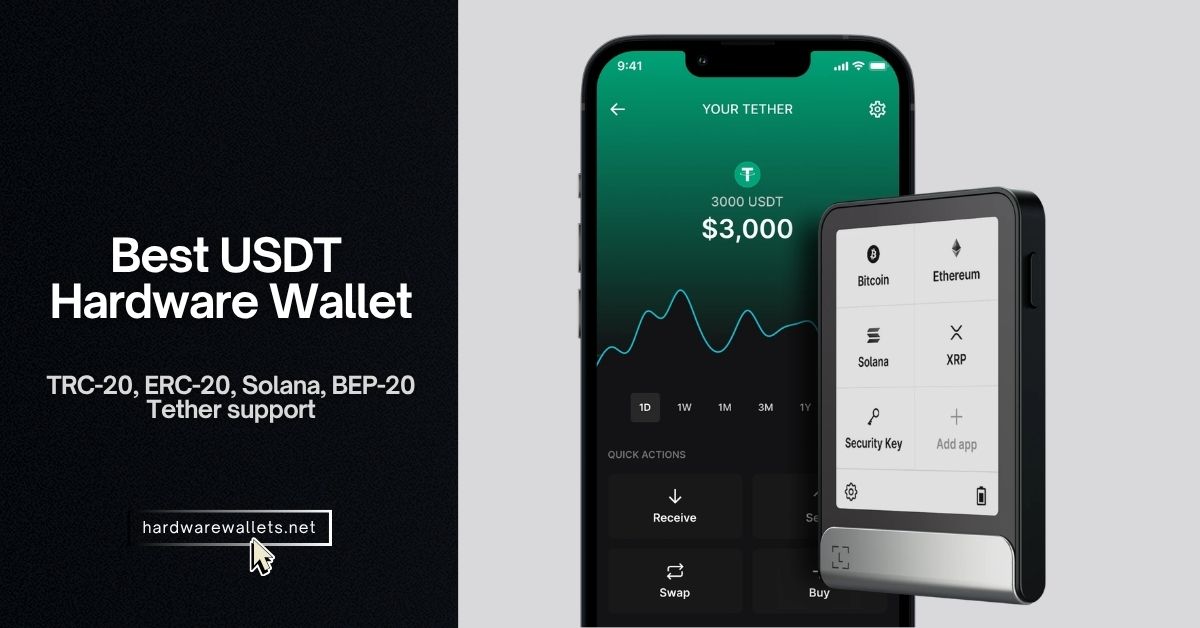
You see, choosing the best hardware wallet for USDT is not just about picking the most secure device. You also need to check which USDT networks it supports, how easy it is to move funds, and how well it keeps your private keys offline. That matters because USDT can run on different blockchains, including TRC20 on TRON, ERC20 on Ethereum, and BEP20 on BNB Smart Chain.
I tested and compared the safest USDT hardware wallets for long-term storage and regular transfers. My top picks include air-gapped USDT cold wallets, mobile-friendly options, and multi-chain devices that work well with several USDT networks.
In this guide, you’ll find the top 5 hardware cold wallets for USDT, along with their network support, security features, pros, cons, and the type of user each one suits best.
The 5 Best Hardware Wallets for USDT at a Glance
- ELLIPAL Titan 2.0 — Best Hardware Wallet for USDT Overall (100% Cold Storage; no WiFi, no Bluetooth, QR-code based)
- Tangem Wallet — Best USDT Hardware Wallet for Mobile Users (easiest to use; credit-card style tap-and-go)
- Trezor Safe 7 — Safest Open-Source Hardware Wallet for USDT
- SafePal S1 Pro — Most Affordable Cold Wallet for USDT (Air-Gapped)
- Ledger Flex — Best USDT Hardware Wallet on Multiple Chains (TRC-20, ERC-20, BEP-20, etc.)
Best USDT Hardware Wallets for Tether Comparison
| Wallet | Best for | USDT networks | Price |
|---|---|---|---|
| ELLIPAL Titan 2.0 | 100% air-gapped storage | Tron, Ethereum, Polygon, Solana, BNB Chain | $169 |
| Tangem Wallet | Phone-first users | Tron, Ethereum and other EVM chains | $69.90 (3 cards) |
| Trezor Safe 7 | Open-source security | Ethereum, BNB Chain, Polygon, Tron (since June 2026) | $249 |
| SafePal S1 Pro | Tight budgets | Tron, Ethereum, BNB Chain and more | $89.99 |
| Ledger Flex | Long-proven Tron support | Tron, Ethereum and other EVM chains | $249 |
Best Crypto Hardware Wallets for USDT (Tether) Reviewed
1. ELLIPAL Titan 2.0: Best Hardware Wallet for USDT Overall (100% Cold Storage)
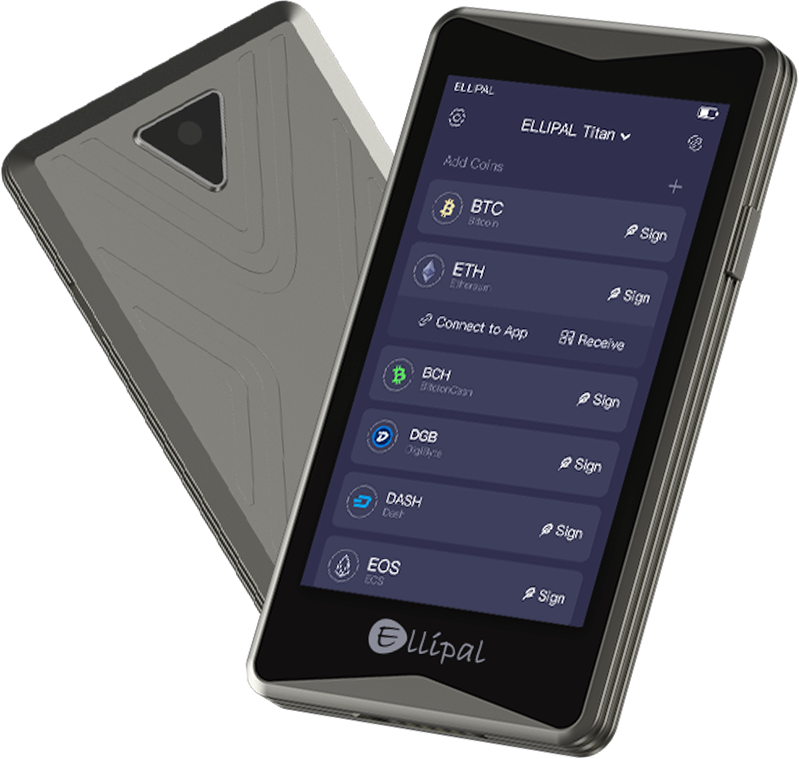
ELLIPAL Titan 2.0 is the best hardware wallet for USDT if your main goal is to keep a larger USDT balance in proper cold storage. Now, what makes it different is simple: the wallet does not use Wi-Fi, Bluetooth, NFC, or a USB data connection. It is 100% QR-code based.
It currently supports USDT across more than 10 blockchains, including Ethereum, TRON, Polygon, Solana, and BNB Smart Chain. It also has a useful TRC20 Energy Rental feature that can reduce the amount of TRX needed when sending USDT on TRON. The Titan 2.0 uses a CC EAL5+ secure element as well, creates keys offline, and supports standard BIP39 recovery. That means a broken device does not trap your USDT as long as you securely backed up the recovery phrase.
I also like the 4-inch screen here. You see, USDT exists on several networks, so checking the network, destination address, and transaction details before signing matters more than it might seem. You can review that information on the hardware itself instead of blindly trusting what your phone displays.
Now, the trade-off is convenience. Every outgoing transaction requires the QR-code workflow, so I would pick Tangem or Ledger instead if you send USDT several times per day. (real my ELLIPAL Titan 2.0 review)
What I like
- Fully air-gapped: no Wi-Fi, Bluetooth, NFC, or USB data connection.
- Supports stablecoins across 45+ blockchains, including major USDT networks.
- Supports USDT on TRON, Ethereum, BNB Smart Chain, Polygon, and Solana within its broader stablecoin ecosystem.
- 4-inch touchscreen makes addresses and transaction details easier to check.
- TRC20 Energy Rental can help reduce the TRX cost of some USDT transfers.
- Standard BIP39 backup means you are not locked into ELLIPAL hardware.
What I don’t like
- QR signing takes more steps than tapping a Tangem card or using Ledger over Bluetooth.
- The strict air-gap is excellent for security, but it can feel unnecessarily slow if you move USDT frequently
2. Tangem Wallet: Best USDT Hardware Wallet for Mobile Users
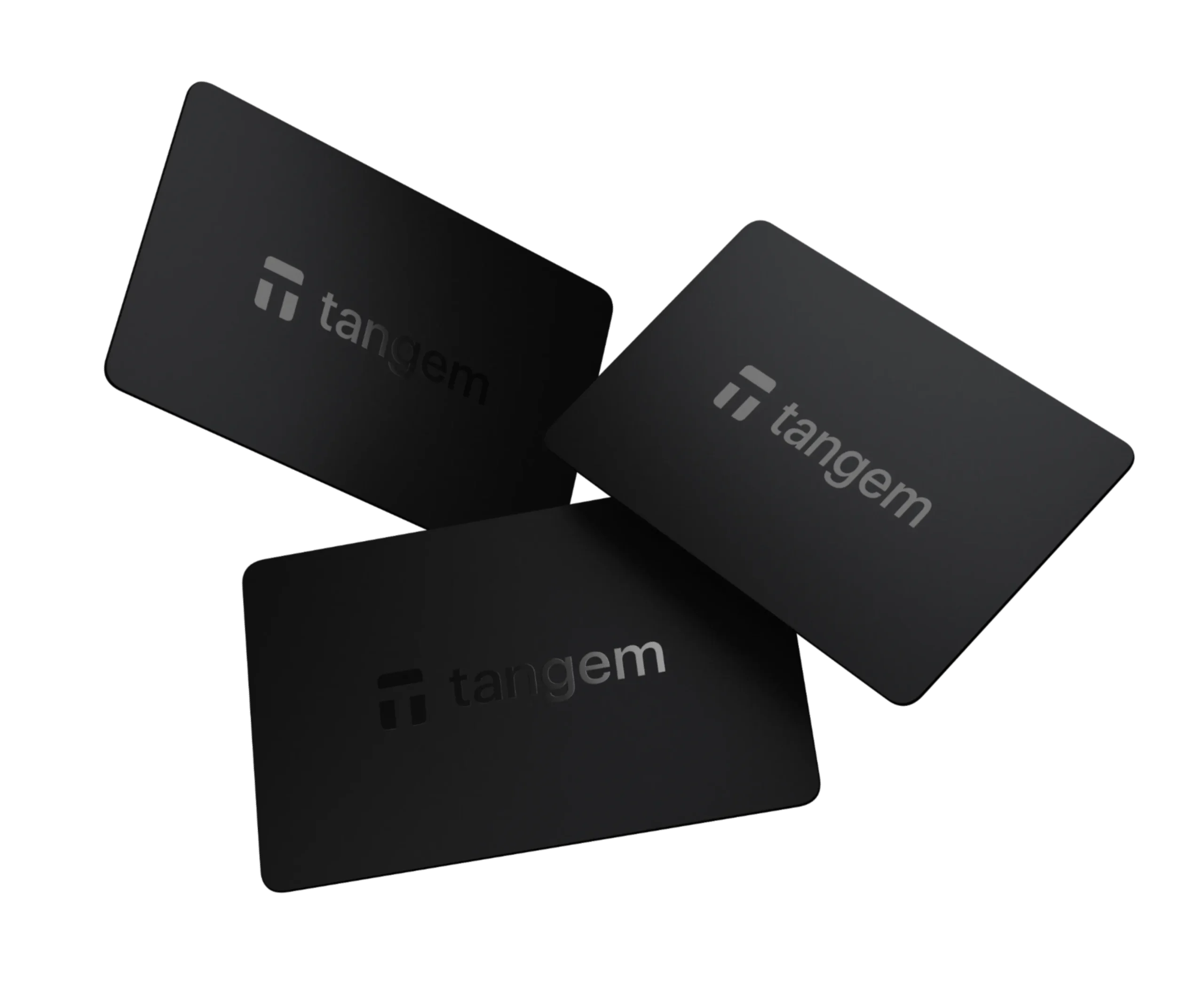
Tangem is almost the opposite of ELLIPAL. It is a card-style cold wallet for USDT. So, instead of carrying a small electronic device with a screen, you get a card that looks and feels much like a bank card. You can open the Tangem app, tap the card against your phone using NFC, enter your access code or biometrics, and approve the transaction.
Tangem’s current USDT listing supports Ethereum, Solana, TRON, Avalanche, TON, Kava, and Shibarium. That covers two of the most important USDT options – ERC20 and TRC20 – along with several lower-cost networks.
Okay, inside the card, a Samsung secure element rated EAL6+ creates your key and never lets it out. You can set up without a seed phrase and rely on backup cards instead, or you can choose a seed phrase if you prefer the traditional route. There are no batteries, cables, buttons, or charging routines. But you need to just remember that Tangem has no hardware screen, so the phone remains an important part of the transaction-review process. (read my Tangem wallet review)
What I like
- One of the easiest hardware wallets for sending USDT from a phone.
- Supports USDT on TRON, Ethereum, Solana, Avalanche, TON, Kava, and Shibarium.
- EAL6+ secure element keeps the private key inside the card.
- No battery to charge or USB cable to carry.
- Two- and three-card backup sets make physical redundancy simple.
- Very compact and easy to carry compared with touchscreen hardware wallets.
What I don’t like
- No screen on the card, so transaction information is displayed through the phone rather than independently on the hardware.
- You need a phone with full NFC, and tablets and computers cannot be used at all.
- In seedless mode, losing every linked card means losing access, so I would suggest to keep backup cards in separate secure locations.
3. Trezor Safe 7: Safest Open-Source Hardware Wallet for USDT
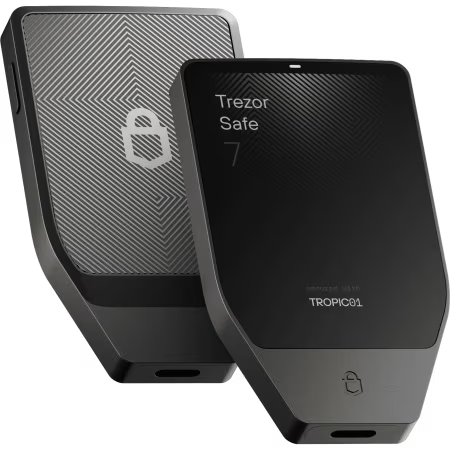
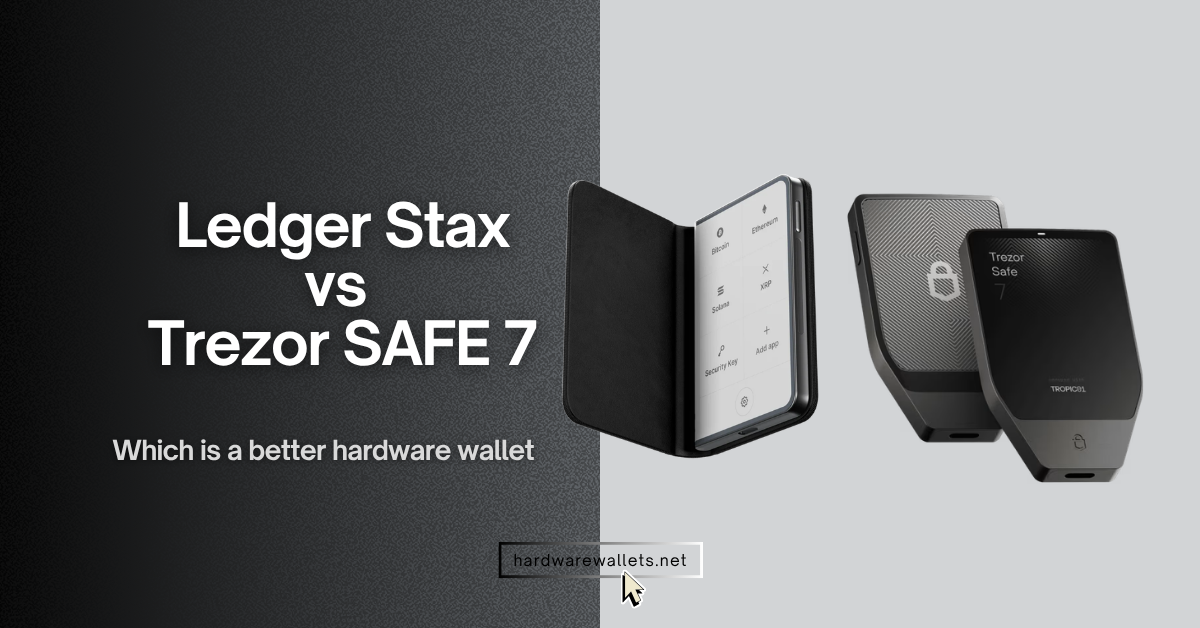
Trezor Safe 7 is the option I would look at first if you want strong hardware protection but also care about being able to inspect how the wallet works. The company keeps its device software open source, and Safe 7 goes further than earlier Trezor models with three independent hardware-security layers. It uses the auditable TROPIC01 secure element, an EAL6+ OPTIGA Trust M secure element, and a hardened STM32U5 microcontroller.
Well, for USDT specifically, support is now much better than it was when Safe 7 first appeared. Trezor currently lists Tether support on 11 networks: TRON, Ethereum, Polygon PoS, Base, Arbitrum One, Optimism, BNB Smart Chain, Celo, Kaia, Kava, and Solana.
But remember, Safe 7 is not the cheapest choice (costs $249), and it is not air-gapped. Still, for someone storing serious USDT value who wants open-source firmware, broad network support, and strong physical security, it is one of the strongest options here. (read my Trezor Safe 7 review)
What I like
- USDT support across 11 different networks.
- Supports both TRC20 and ERC20 USDT, plus BNB Smart Chain, Solana, Polygon, and major Ethereum L2s.
- Open-source software lets security researchers inspect the implementation.
- Uses two secure elements plus a hardened MCU for layered hardware security.
- Supports both USB-C and encrypted Bluetooth for mobile or desktop use.
What I don’t like
- It is not air-gapped; connectivity includes USB-C and Bluetooth.
- The Safe 7 is a premium device, which may be unnecessary if you only hold a modest USDT balance.
- Some supported assets or network functions can still involve third-party wallet integrations rather than everything behaving identically inside Trezor Suite.
4. SafePal S1 Pro: Most Affordable Cold Wallet for USDT (Air-Gapped)
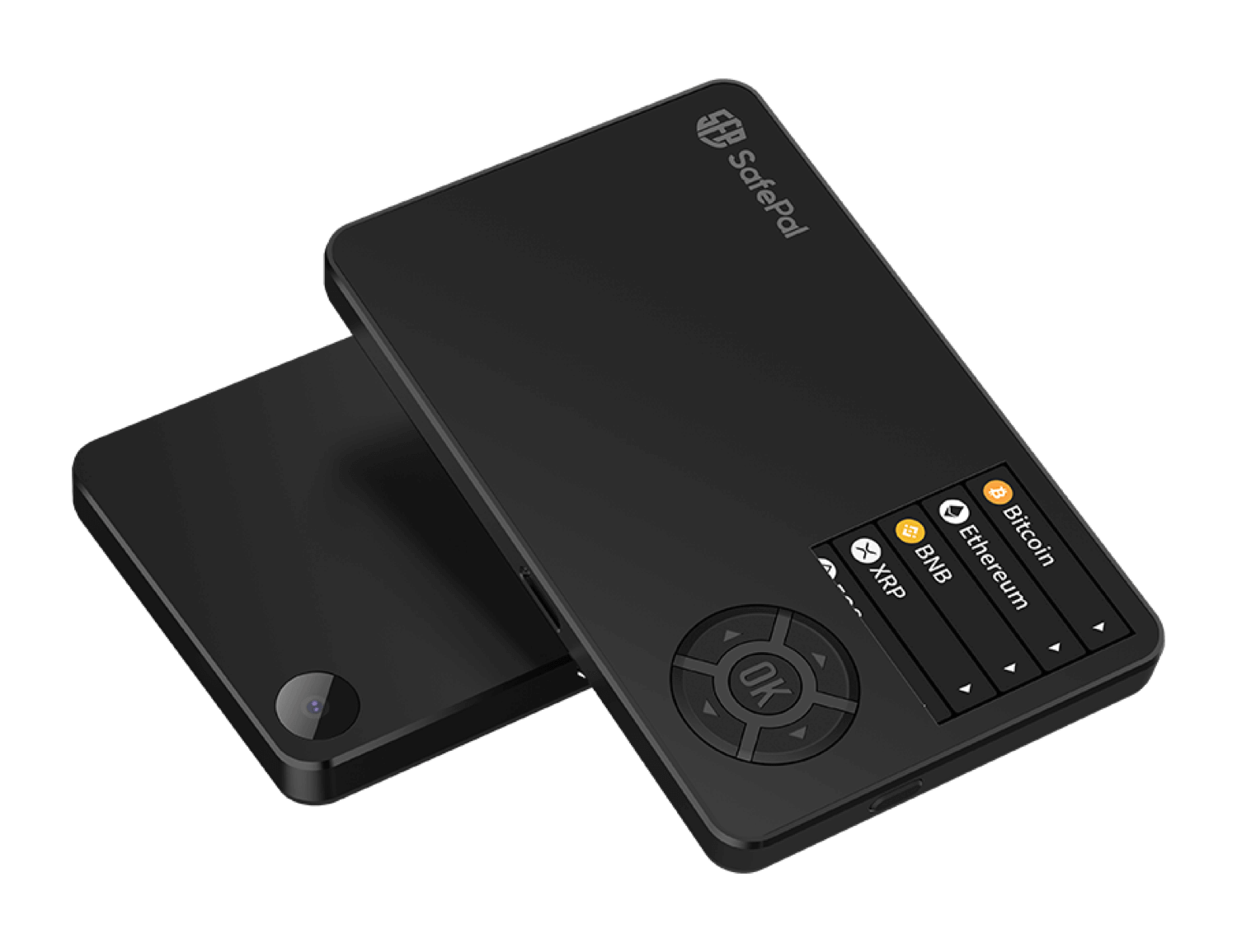
SafePal offers the cheapest hardware wallet for USDT that costs under $80. There is no Wi-Fi, Bluetooth, NFC, or USB data connection during signing. The USB-C port is used for power rather than normal wallet-to-computer transaction communication.
The wallet ecosystem supports 200+ blockchains, and it specifically lists USDT-type transfers across common networks such as BEP20, ERC20, TRC20, and Solana. SafePal has also documented USDT support on Polygon, Arbitrum, Optimism, Avalanche, Celo, Kava, and other networks.
Now, about security. Inside the S1 Pro is a CC EAL6+ secure element, along with anti-tampering sensors and a self-destruct mechanism designed to protect sensitive data if someone physically attacks the device.
Well, where SafePal loses ground is usability. Its 1.3-inch display is much smaller than the screens on ELLIPAL, Trezor Safe 7, or Ledger Flex. Normal USDT transfers are manageable, but complicated DeFi transactions can require scanning several QR codes. (also check out my picks for the most affordable hardware wallets for everyday use)
What I like
- One of the cheapest genuinely air-gapped USDT crypto hardware wallets in this group.
- Supports ERC20, TRC20, BEP20, and Solana-based USDT among many other networks.
- CC EAL6+ secure element.
- No Wi-Fi, Bluetooth, NFC, or USB data connection during signing.
- Supports 200+ blockchains and unlimited tokens.
What I don’t like
- The 1.3-inch screen is small, especially when checking longer transaction details.
- QR signing can become tedious for complex DeFi or dApp transactions. There are many cases where a dApp required roughly 20 QR scans and sometimes failed before completion.
- Users have occasionally reported firmware-update problems. These reports are not enough to call it a widespread defect, but they are worth knowing about before buying.
5. Ledger Flex: Best USDT Hardware Wallet on Multiple Chains (TRC-20, ERC-20, BEP-20, etc.)

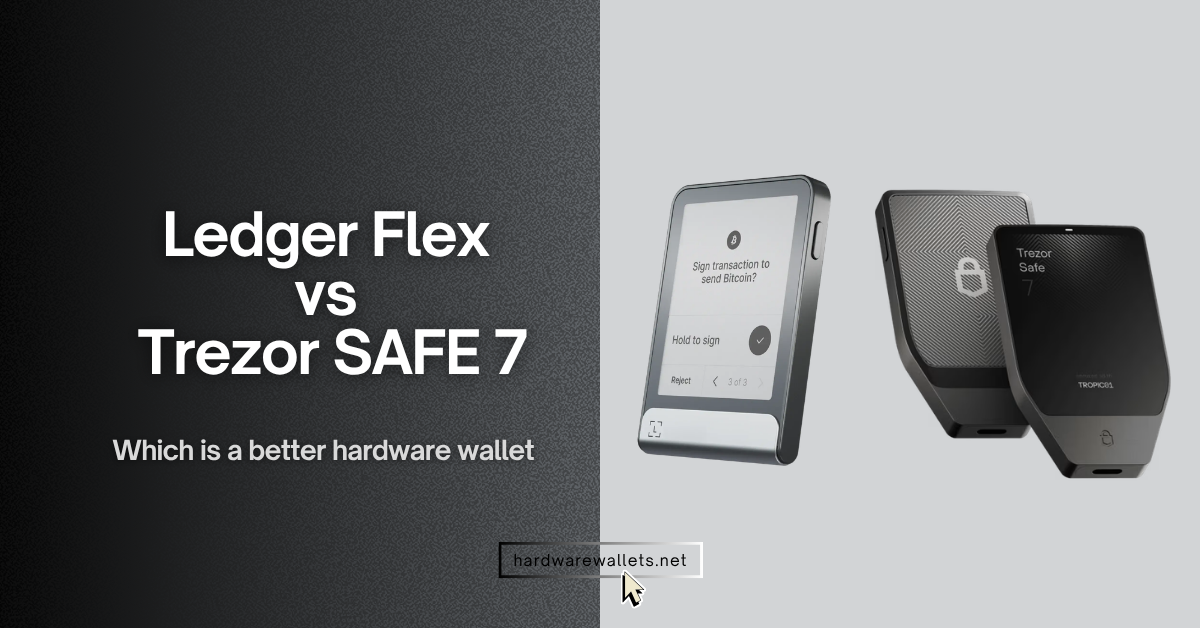
Ledger is another top USDT hardware wallet. It directly supports USDT management across major networks such as Ethereum ERC20, TRON TRC20, and Polygon, while Ledger’s BNB Smart Chain support also allows BEP20 token accounts. Plus, Ledger additionally works with 50+ third-party wallets for assets and networks that are not fully managed inside Ledger Wallet. It has a 2.8-inch E Ink touchscreen, a CC EAL6+ secure element, and connections over USB-C, Bluetooth 5.2, and NFC.
Now, the downside is that Ledger relies more heavily on its software ecosystem and firmware updates than a simple air-gapped device. Many users complain about connection and update problems, and Ledger’s own release notes confirm that it fixed both a Bluetooth issue after OS updates and a bug that could leave battery charging stuck below 100%. (read my Ledger Flex review)
What I like
- Excellent choice for multi-chain USDT holdings.
- Supports TRC20 and ERC20 USDT, with Polygon and BNB Smart Chain/BEP20 support in the broader Ledger ecosystem.
- CC EAL6+ Secure Element.
- 2.84-inch E Ink touchscreen gives you much clearer transaction verification than older Ledger Nano devices.
- USB-C and Bluetooth make regular USDT transfers easier than QR-only hardware wallets.
- Strong support for third-party wallets gives you more options if Ledger Wallet does not natively expose a particular asset or function.
What I don’t like
- Not air-gapped; it uses Bluetooth and USB connectivity.
- Some less-common tokens or network functions may require a third-party wallet rather than working entirely inside Ledger Wallet.
- It costs considerably more than Tangem or SafePal S1 Pro, so the premium mainly makes sense if you value its screen, multi-chain flexibility, and more polished day-to-day workflow.
Which USDT Network Does Your Hardware Wallet Need to Support?
USDT is not one coin on one blockchain, and that surprises many new buyers. Tether issues it on several networks, and each version only works on its own network. So, if you send a token to the wrong network, the money can vanish with no way to reverse it. So before you pick a wallet, decide which network you actually use.
USDT TRC20 (TRON Network)
TRC20 is the Tron version, and its addresses start with the letter “T”. People like it because transfers are fast and cheap, especially when you pay with energy and bandwidth instead of burning TRX.
It is the go-to network for large cross-border stablecoin transfers, especially in Asia and emerging markets. If you get paid in USDT or send money to exchanges in those regions, TRC20 is probably your network. ELLIPAL, Tangem, SafePal, Trezor, and Ledger all handle it. (check out best USDT TRC20 crypto wallets)
USDT ERC20 (Ethereum Network)
ERC20 is the Ethereum network version, and its addresses start with “0x”. Here, fees are generally higher than on Tron, and they climb when the network gets busy. In return, you get the widest wallet and DeFi support of any USDT version, so every device in this guide handles it. (check out the best Ethereum wallets)
USDT on Solana, BNB Chain, Polygon, and Other Networks
BNB Chain (BEP-20), Polygon, and Solana charge lower fees than Ethereum, and many exchanges let you withdraw USDT on them. All USDT hardware wallets listed above support these networks.
Quick Tip: Remember USDT is a centralized currency. Tether can freeze USDT at specific addresses, and no USDT-supported hardware wallet can prevent that. A hard wallet keeps your keys safe, but it does not control what the token issuer does.
Which USDT Tether Hardware Wallet Should You Choose?
- Choose the ELLIPAL Titan 2.0 if you want a fully air-gapped device with a big screen, and you send a lot of TRC20 USDT. You must keep your seed phrase out of every app, because the biggest ELLIPAL loss I found came from importing one.
- Choose Tangem if you want a cheap, pocket-sized USDT cold wallet and you mostly use your phone. The three-card set gives you backups for under $70, but you must accept the NFC phone requirement and a closed-source chip.
- Choose the Trezor Safe 7 if open-source code matters most to you and you can pay $249. Tron USDT support is new, so update the Suite app and the firmware first, and send a small test amount.
- Choose the SafePal S1 Pro if your budget is tight and you still want QR signing. You must use it only for signing, and read the app reviews before you connect to any DApp.
- Choose the Ledger Flex if you want a mature ecosystem, a big E Ink screen, and years of Tron support. Here, be ready for a higher price and closed-source firmware.
How to Move USDT to a Cryptocurrency Hardware Wallet Safely
- Buy the wallet only from the maker’s official store or an authorized reseller, and check that the packaging is sealed.
- Set up the device yourself, write the seed phrase on paper or steel, and never photograph it or type it into a phone app or computer.
- Decide which USDT network you need, then add that network inside the hardware wallet app and copy the receiving address from the Receive screen.
- Check the full address on the device screen, not just the first and last characters, because lookalike addresses share both ends.
- Make sure you hold a little of the network’s fee coin, such as TRX for Tron, ETH for Ethereum or BNB for BNB Chain.
- Send a small test amount, such as 10 or 20 USDT, and wait until it shows up in the wallet.
- Send the rest in one or two transfers, and then save your address in an address book so you do not have to copy it from history.
- Never share your seed phrase with anyone claiming to be support, because real staff will not ask for it, and scam accounts often appear in forums and direct messages.
You can check out my top picks: best crypto hardware wallets for altcoins and best cold wallets for altcoins
FAQs About USDT Hard Wallets
What is the best hardware wallet for USDT?
ELLIPAL Titan 2.0 is my overall best pick for storing USDT in a hardware wallet. It keeps your private keys completely offline and signs transactions through QR codes without Wi-Fi, Bluetooth, NFC, or a USB data connection.
The ELLIPAL wallet supports stablecoins across 45+ blockchains, including major USDT networks such as TRON, Ethereum, BNB Smart Chain, Polygon, and Solana. That combination of broad USDT network support and fully air-gapped signing makes it especially suitable for people holding larger USDT balances in cold storage.
Can you store USDT safely on a hardware cold wallet for the long term?
Yes, you can secure USDT with a hardware cold wallet. Technically, the USDT itself remains on its blockchain, while the hardware wallet stores the private keys needed to control and move it. So, keeping those keys offline reduces their exposure to malware, phishing attacks, and compromised computers or phones.
Which hardware wallets support USDT TRC20?
ELLIPAL Titan 2.0, Tangem Wallet, Trezor Safe 7, SafePal S1 Pro, and Ledger Flex can all be used with TRC20 USDT. TRC20 USDT runs on the TRON blockchain, so the important requirement is support for TRON and its TRC20 tokens.
Does Ledger support TRC20 USDT?
Yes, Ledger supports USDT on the TRON network as a TRC20 token. You can add a TRON account in the Ledger Wallet app and use your Ledger device to secure and authorize TRC20 transactions. Ledger specifically lists both Ethereum ERC20 and TRON TRC20 as supported ways to manage USDT.
Does Trezor support USDT TRC20?
Yes, current Trezor models support TRC20 USDT, including the Trezor Safe 7. Trezor now supports TRON directly in Trezor Suite on the Safe 7, Safe 5, Safe 3, and Model T, and it supports all TRC20 tokens, including USDT. The older Trezor Model One does not support TRON, so you should not buy that model specifically for TRC20 USDT.
Can I store ERC20 and TRC20 USDT on the same hardware wallet?
Yes, a compatible Tether hardware wallet can secure both ERC20 and TRC20 USDT at the same time. They remain separate assets on separate blockchains: ERC20 USDT runs on Ethereum, while TRC20 USDT runs on TRON.
Your wallet therefore manages them through different network accounts, and you need ETH for Ethereum transaction fees and TRX or TRON network resources for TRC20 transfers.