
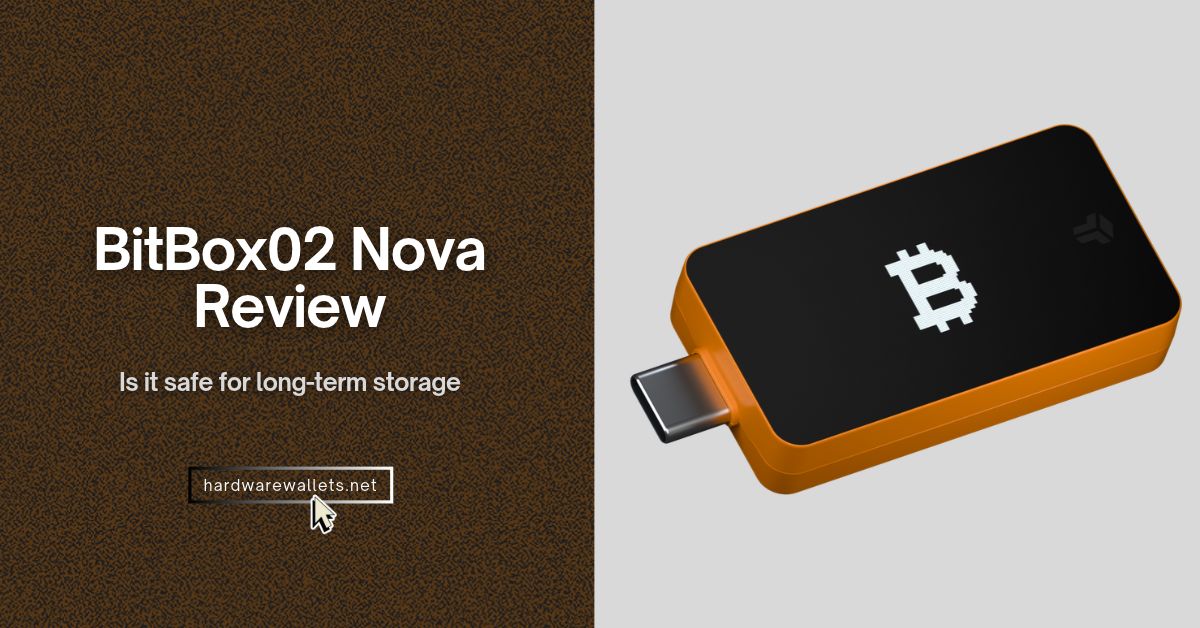
The “Nova” model offers something the original BitBox02 couldn’t. It lets you check a Bitcoin/altcoin address or approve a payment from your iPhone without opening your laptop. Of course, you still need to plug it in for power, though.
In my BitBox02 Nova review, I’ll look at how the hardware wallet protects your Bitcoin, what happens if you lose the device, and where the small screen and side controls can make things harder. I’ll also explain who should buy the Nova, who can stick with the original BitBox02, and what to check before choosing the Bitcoin-only or Multi edition.
Key Specifications: BitBox02 Nova Review
| Feature | BitBox02 Nova specifications |
|---|---|
| Manufacturer | Shift Crypto AG. Made in Switzerland. |
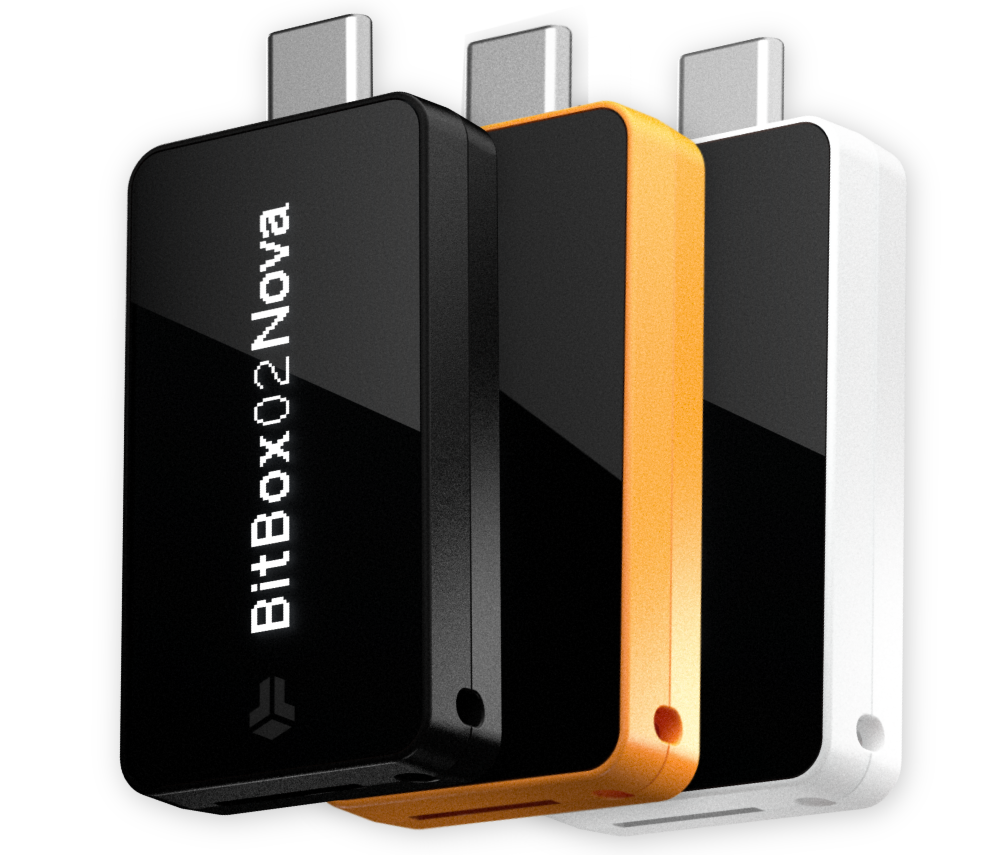
| Dimensions and weight | 54.5 × 25.4 × 9.6 mm, including the USB-C plug. 13 g without accessories. |
| Display and housing | 128 × 64 px monochrome OLED with a tempered-glass cover. Polycarbonate housing. |
| Controls | Capacitive sensors on the long sides for taps, slides, and holds. The display itself is not a touchscreen. |
| Colors | Midnight Black and Polar White for both editions. Bitcoin Orange for Bitcoin-only. |
| Included accessories | microSD card, USB-C extension cable, USB-A adapter, Lightning adapter, rubber pulls, and labeling stickers. |
| Manufacturer warranty | 2 years. |
| iPhone and iPad | iOS 16+ or iPadOS 16+. Bluetooth Low Energy carries data. USB-C or the included Lightning adapter supplies power. |
| Android | Android 9+ with USB OTG. Uses USB for data, not Bluetooth. |
| Windows and Mac | Windows 10+ on x86-64. macOS 12+ on Intel or Apple silicon. Both use USB for data. |
| Linux | USB on x86-64. BitBox lists Debian 11.6+, Ubuntu 22.04+, Fedora 36+, and openSUSE rolling release. |
| ChromeOS and 32-bit desktop | Not supported. BitBox also doesn’t officially support Windows on ARM. |
| USB-only mode | The Nova turns off its Bluetooth radio during USB data use. You can also disable Bluetooth in BitBoxApp over USB. |
| Power and air-gapped signing | Requires external USB power. Uses USB or Bluetooth for data. No QR, NFC, or microSD transaction signing. |
| Main chip and secure element | Microchip ATSAMD51J20A, 120 MHz Cortex-M4F, plus an EAL6+ certified Infineon OPTIGA Trust M V3 secure element. |
| Bluetooth security | Whisper uses encrypted communication and a separate DA14531 Bluetooth chip that can’t access wallet secrets. |
| Firmware and authenticity | Open-source firmware with reproducible builds. BitBoxApp checks device authenticity. |
| Password and reset limit | Enter the password on the Nova. The device resets after 10 failed attempts. The secure element enforces the limit. |
| On-chain signing | Review and approve transactions on the Nova. Both editions support the Anti-Klepto signing protocol. |
| microSD backup | Included. Restores on a compatible BitBox without the old device password. The backup file is unencrypted. |
| Recovery words | 24 English BIP39 words by default, or 12 with advanced setup. View the words on the Nova and copy them to paper or steel. |
| Optional wallet passphrase | Supported. Separate from the device password. Neither the microSD backup nor the recovery words include it. |
| Bitcoin-only edition | Bitcoin (BTC) only. No altcoins, tokens, or FIDO U2F security-key function. |
| Multi edition in BitBoxApp | BTC, LTC, ETH on Ethereum mainnet, and selected ERC-20 tokens such as USDT, USDC, LINK, and DAI. |
| Cardano (ADA) | Multi edition only. Requires an external wallet such as AdaLite or NuFi. |
| Additional EVM networks | Multi edition only. Networks such as Polygon, BNB Smart Chain, Arbitrum, Optimism, and Fantom Opera require a compatible external wallet. |
| Solana and XRP | Neither edition supports SOL or XRP. |
| Direct MetaMask connection | Not supported. Rabby or MyEtherWallet can manage supported assets instead. |
| FIDO U2F security key | Multi edition only. Adds two-factor sign-in for compatible services. |
| Switching editions | Not supported. You can’t switch between Multi and Bitcoin-only on the same device. |
| Bitcoin address formats | Native SegWit (bc1q) and Taproot (bc1p) in BitBoxApp. |
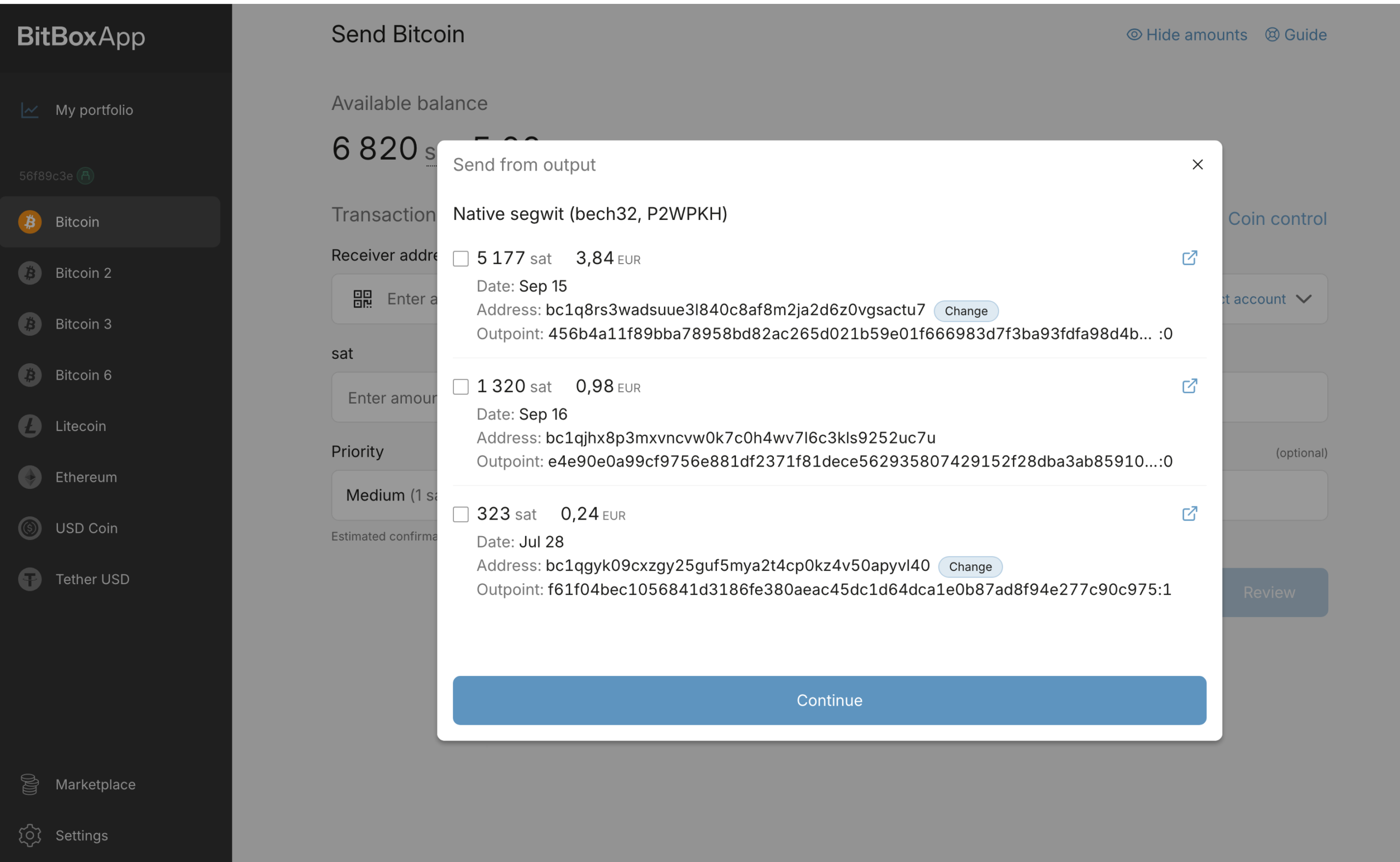
| Coin control | Available in BitBoxApp. Choose which Bitcoin outputs to spend. |
| Bitcoin multisig | Requires an external wallet. Use the Nova as a signer in Sparrow or Electrum. |
| Personal Bitcoin node | BitBoxApp connects through an Electrum-compatible server, not directly to Bitcoin Core. |
| Bitcoin Lightning | Mobile app beta. Uses a separate Spark-based wallet with spending keys on your phone, not on the Nova. No desktop Lightning support. |
What’s New: BitBox02 vs. BitBox02 Nova Comparison
The BitBox02 Nova’s biggest upgrade is iPhone and iPad support. The original BitBox02 still does the basics well, but it won’t connect to an iPhone, even one with a USB-C port. The Nova also gets a glass screen cover and a new security chip. Now, what it doesn’t get is a bigger screen or a new way to back up your wallet.
| Feature | BitBox02 | BitBox02 Nova |
|---|---|---|
| iPhone and iPad | Not supported | Bluetooth on iOS 16+ or iPadOS 16+ |
| Android and desktop | USB | USB |
| Screen | 128 × 64 px OLED | Same resolution, with a tempered-glass cover |
| Security chip | Microchip ATECC608B | EAL6+ certified Infineon OPTIGA Trust M V3 |
| Size and weight | 54.5 × 25.4 × 9.6 mm, 12 g | Same size, 13 g |
| Backup | microSD or recovery words | Same options |
Negatives: What I Don’t Like
The Multi edition still has narrow coin support
The BitBox02 Nova Multi-coin edition can hold more than Bitcoin, but the list of coins you can manage right inside BitBoxApp is really short. The app handles Bitcoin, Litecoin, Ethereum on its main network, and a selection of Ethereum tokens such as USDT, USDC, and LINK.
But again, you’ll need a separate Cardano wallet such as AdaLite or NuFi. Polygon, Arbitrum, and Optimism also need a compatible external wallet. And there’s no workaround for Solana or XRP. The Nova doesn’t support either one, even through an external wallet. (check: best Solana wallets and best XRP hardware wallets)
Side sensors can miss taps or holds
The Nova uses touch sensors along its edges instead of buttons. You need to tap to make a choice, slide to move through options, and hold both long sides to confirm certain actions.
Now, that last move matters during setup. The Nova asks you to hold both sides to confirm the date before it writes the microSD backup. One BitBox02 Nova review says that it kept getting stuck at that step because the device wouldn’t register the input. Well, after the owner sent a video, BitBox offered a replacement. Another owner reported trouble entering the device password.
Now, to be clear, a missed tap doesn’t always mean you have a faulty unit. BitBox says nearby metal and the way you handle the wallet when you plug it in can affect the sensors.
Its first calibration step is simple. You can plug the Nova in, set it on a stable, non-metal surface, and leave it alone for 10 seconds. BitBox also improved touch reliability with a microSD card inserted in firmware 9.23.2. That update addressed a specific issue, so it doesn’t explain every missed tap.
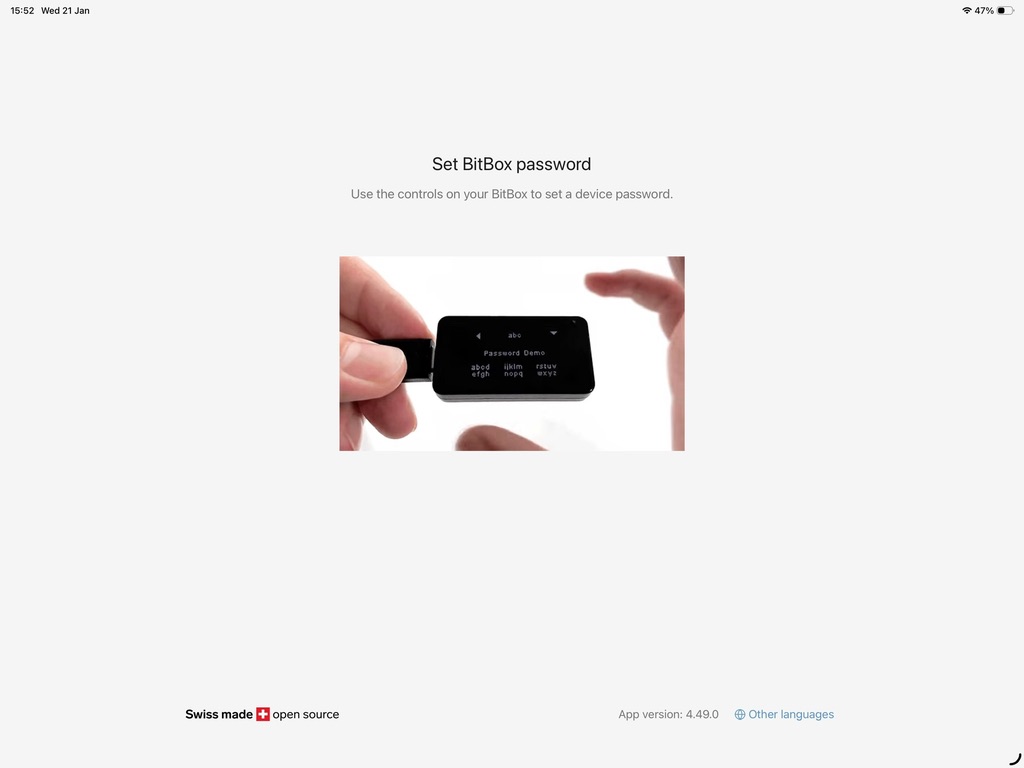
An iPhone case can make pairing fail
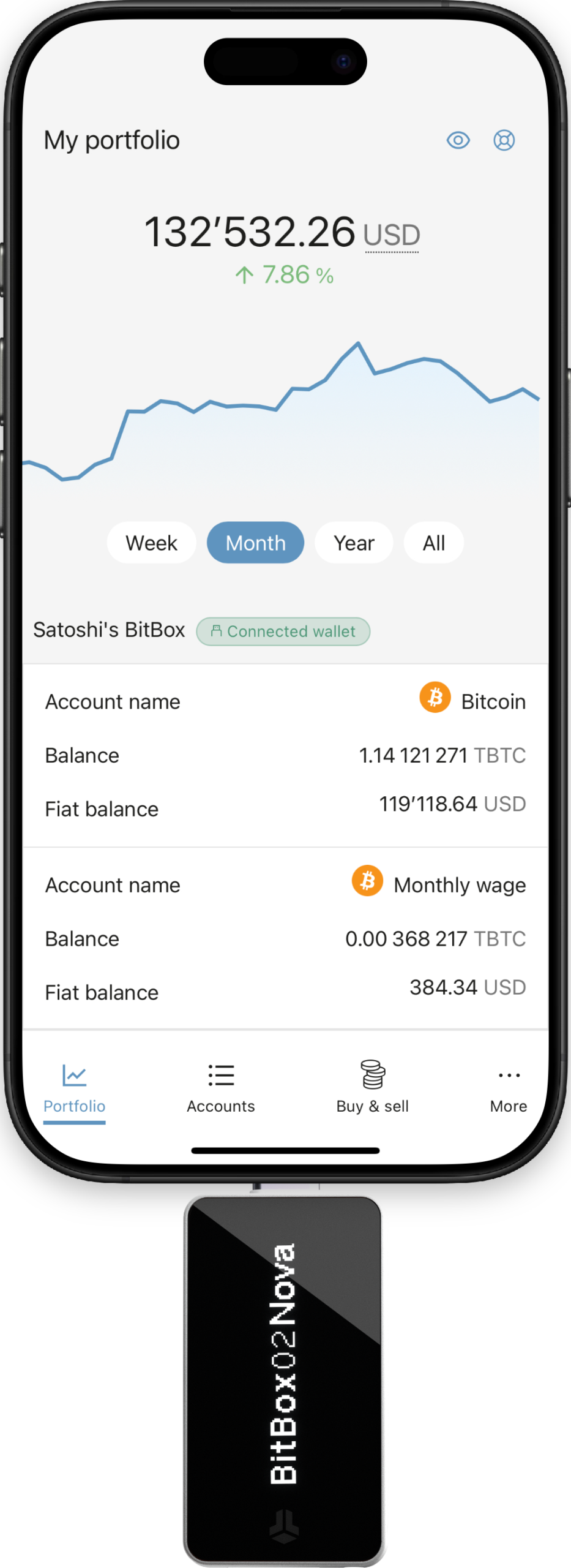
Your iPhone may spot the Nova, show a loading circle, and then lose it before you can pair. The fix had nothing to do with Bluetooth settings. During testing, I took off the phone case, plugged the Nova back in, and confirmed that the case had caused the problem. Plus, two other reviewers also said they also had to remove their cases for the plug to fit.
Now, gere’s why it happens. Generally, on an iPhone, Bluetooth carries the data, but the plug supplies the power. A case can stop the Nova’s USB-C plug or Lightning adapter from sliding all the way in. A loose fit can cut power and make it look like Bluetooth failed.
Before you change any settings, take off the case and watch the Nova’s screen. A screen that goes dark or restarts points you toward the power connection. A screen that stays on while the app loses the Nova gives you a reason to try pairing again.
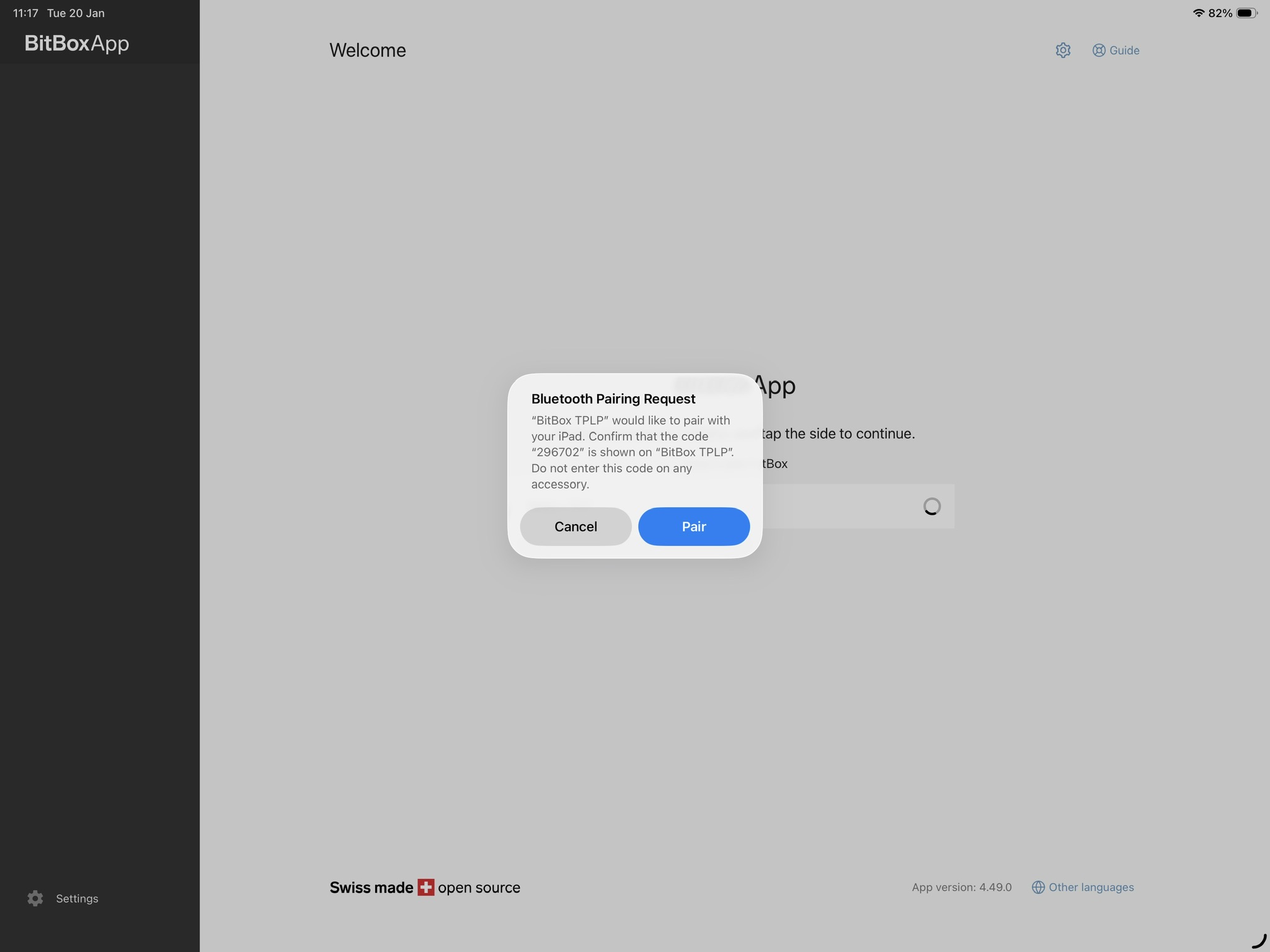
Your device password doesn’t protect the microSD backup
The password you enter on the BitBox02 Nova unlocks the device, but it doesn’t lock the backup in MicroSD. Generally, an unencrypted copy of your wallet backup on the included microSD card.
Okay, here’s why that matters. Someone who gets the card can restore your standard hardware wallet on another compatible BitBox and set a new device password. They don’t need your Nova or the password you chose. So once you finish the backup, take the card out and keep it somewhere safe, separate from the wallet.
The optional wallet passphrase also works differently. It opens a separate wallet and doesn’t encrypt the card. The Nova doesn’t save that passphrase in the backup, so the card alone won’t restore the passphrase-protected wallet. Hence, you need the exact passphrase to get back in. Lose it, and neither the card nor BitBox support can recover that wallet for you.
Positives: What the Nova does well
You get both iPhone support and a wired option
The BitBox02 Nova fixes a big gap in the original BitBox02. You can now use BitBoxApp on an iPhone or iPad. You need to plug the Nova into a USB-C port, or use the included Lightning adapter on an older iPhone.
Here, the plug powers the Nova, but Bluetooth carries the data. During setup, you need to compare the pairing code on both screens before you connect. BitBox uses an encrypted connection and runs Bluetooth on a separate chip that can’t access your wallet secrets.
The Nova uses USB for data on Windows, Mac, Linux, and compatible Android devices. It turns off the Bluetooth radio while it communicates over USB. You can also switch Bluetooth off in the app over USB and leave it off until you need it again. That gives you a wired fallback without buying another cold wallet.
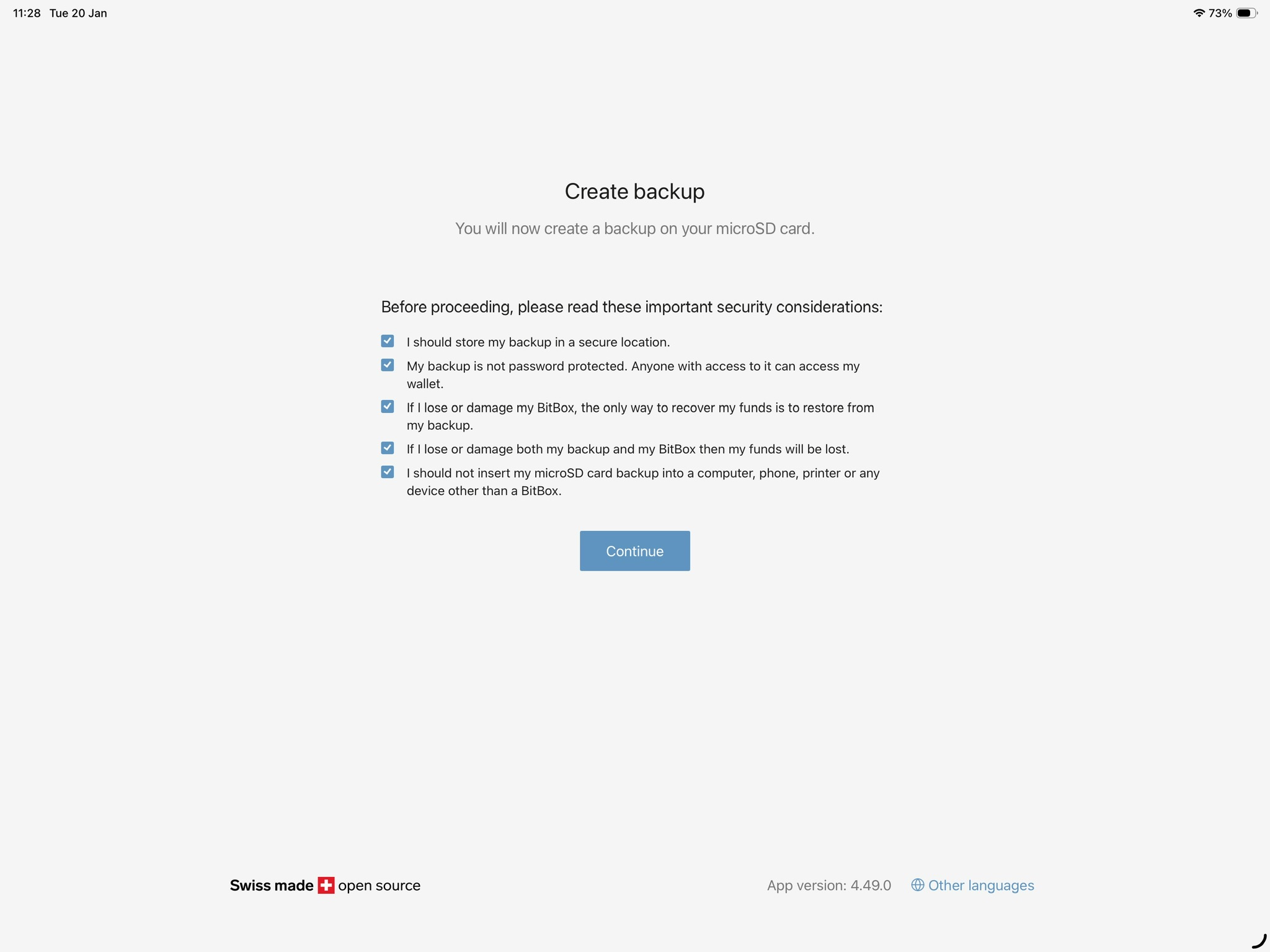
You have two practical backup options
The Nova writes a backup straight to the included microSD card during standard setup. You don’t have to copy a list of words before you can finish. You can use the card to restore the wallet on a new or reset BitBox without typing the words one at a time.
But yes, just remember to remove the card afterward and store it separately. Your device password doesn’t protect it. support.bitbox.swiss
You can also show your 24 recovery words on the Nova itself and record them on paper or hardware steel backup. That’s useful because most other hardware wallets can’t read BitBox’s microSD backup file directly. The words give you another way back in through a compatible cryptocurrency wallet.
Here, the nice part is you don’t have to pick just one method. You can keep the card and record the words for the same wallet without resetting it or moving your funds.
It’s compact and has useful Bitcoin tools
The BitBox02 Nova weighs 13 grams and measures 54.5 × 25.4 × 9.6 mm, including the USB-C plug. It’s small enough to slip into a pocket, but it still has its own glass OLED screen.
You can check the address and amount on the device before you approve a send. That’s the part I like about the design. Even with a wallet this small, you don’t have to rely on the phone or computer screen alone.
BitBoxApp also gives you “coin control” (you can choose which pieces of your Bitcoin balance go into a payment). Say you have Bitcoin from two separate deposits and want to spend from only one. You can select that deposit’s available output and leave the other untouched, as long as the one you chose covers the payment and fee.
Plus, you can also use the Nova with Sparrow on desktop. You just need to close BitBoxApp before connecting so the two apps don’t compete for the USB connection.
Is BitBox02 Nova Really Safe to Store My Bitcoin? Security Review
Yes. The BitBox02 Nova is a solid choice for long-term Bitcoin storage. It keeps your private keys on the device, not on your phone or computer. Before you send Bitcoin, you can check the address and amount on the Nova’s own screen. Its EAL6+ certified security chip also enforces the 10-attempt password limit. After 10 wrong tries, the device resets.
Still, that chip doesn’t make the Nova bug-proof. BitBox fixed two issues with the Nova’s security chip setup in January 2026 and patched other firmware flaws in August. The company said it had no reports of stolen funds tied to the August flaws. That’s a good reason to install updates through the official BitBoxApp.
BitBox02 Nova Review: Bitcoin-only vs. Multi-coin
Wel, when you look at the BitBox02 Nova hardware wallet, you have two main options to pick from: the Bitcoin-only edition and the Multi version. Honestly, the choice goes way beyond just which coins you want to hold; it really comes down to how the device is built on the inside.
With the Bitcoin-only model, the focus is 100% on BTC. The makers stripped out every single line of code meant for other networks. Why does that matter? Well, having less code makes the system much simpler, easier for security experts to check, and gives hackers way fewer weak spots to target. So, if you only care about Bitcoin and want the highest level of safety possible, this is usually the route you will want to take.
Now, if you hold a mix of assets, the Multi edition is built to handle coins like Ethereum, Cardano, and Litecoin, along with thousands of other tokens. Plus, it throws in some handy extras, like letting you use the device as a FIDO U2F security key to log into your online accounts. (read: best multi-chain hardware wallets)
Of course, packing in all those extra tools means the software has to be a lot more complex. You end up trading away that super-minimalist setup in order to get a device that can do a whole lot more.
| Feature | BitBox02 Nova (Bitcoin-only) | BitBox02 Nova (Multi) |
| Supported Coins | Bitcoin (BTC) only | Bitcoin, Ethereum, Cardano, Litecoin, and 1,500+ tokens |
| Firmware Design | Minimalist codebase with all altcoin code removed | Expanded codebase to handle multiple networks |
| Security & Attack Surface | Smaller attack surface; easier for experts to audit | Larger attack surface due to extra software features |
| Extra Features | None (purely focused on storing Bitcoin) | Includes FIDO U2F authentication for online logins |
| App Experience | Clean, simple interface built just for BTC | Includes menus and settings for multiple coins |
| Can You Switch Later? | No, the software is permanently locked at the factory | No, the software is permanently locked at the factory |
| Best For | Bitcoin-only holders who want maximum security | Investors with mixed portfolios who want more tools |
My Final Verdict: BitBox02 Nova Review
To sum up mu BitBox02 Nova review, I’d pick it for long-term Bitcoin storage, especially if I wanted to use it with an iPhone. You can check a receive address or approve a send on the Nova itself, and the included microSD card makes the first backup easy.
My main gripe is the way you interact with it. The side sensors can miss a tap or hold, and a bulky iPhone case can stop the plug from sitting flush. Neither would put me off for occasional use, but I wouldn’t buy it expecting the feel of a large touchscreen or a completely wireless setup.
Now again, already own a BitBox02 and use it with a computer or Android phone? I’d keep it unless you specifically want the Nova’s glass cover or upgraded security chip. For a new buyer who only holds Bitcoin, I’d choose the Bitcoin-only Nova. For a mixed portfolio that includes Solana or XRP, I’d look elsewhere.