
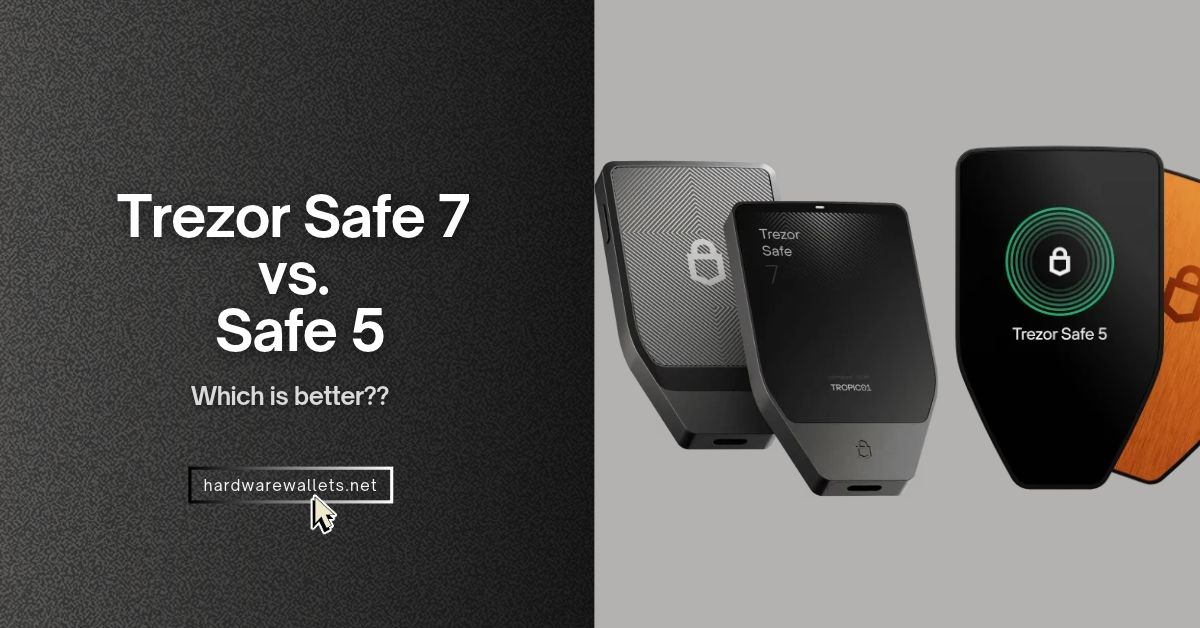
Well, the biggest difference in the Trezor Safe 7 vs Safe 5 comparison is what you can do on your iPhone. The Safe 7 lets you sign transactions over Bluetooth. Actually, with the Safe 5, you can only check your balance on your iPhone, but you’ll need a computer or compatible Android phone to sign. The Safe 5 also costs less, so you may not need the upgrade if you’re already happy using a USB-C cable.
This guide covers an in-depth Trezor Safe 7 vs. Trezor Safe 5 comparison. You’ll see how these two Trezor hardware wallets compare on touchscreen size, security, battery life, and price, plus what you give up by switching to the Safe 7.
Trezor Safe 7 vs. Safe 5 at a Glance
| Key features | ||
|---|---|---|
| US list price | $249 | $129 |
| iPhone and iPad signing | Yes, via Bluetooth in Trezor Suite | No signing. You can still track, buy, and receive crypto in Suite. |
| Android and desktop | Bluetooth or USB-C | USB-C only |
| Color touchscreen | 2.5 inches, 520 × 380 pixels | 1.54 inches, 240 × 240 pixels |
| Build and weight | Aluminum body, 45 g, IP54 dust and splash resistance | Plastic body with an aluminum back, 23 g, no published IP rating |
| Hardware security | Two secure elements and a hardened processor | One EAL6+ certified secure element |
| Quantum-ready checks | Covers startup, firmware updates, and device authenticity | No equivalent post-quantum checks |
| Optional microSD lock | No microSD slot | Requires your paired card and PIN once enabled |
| Battery and power | 330 mAh battery. Charges over USB-C or with a compatible Qi2 charger. | No battery. Draws power through USB-C. |
| Supported crypto | BTC, ETH, XRP, SOL, ADA, and more with Universal firmware | BTC, ETH, XRP, SOL, ADA, and more with Universal firmware |
| Firmware options | Universal or Bitcoin-only | Universal or Bitcoin-only |
| Wallet backups | 12-, 20-, and 24-word backups, plus multi-share backups | 12-, 20-, and 24-word backups, plus multi-share backups |
| PIN and passphrase | Enter both on the wallet’s touchscreen | Enter both on the wallet’s touchscreen |
| FIDO2 security key | Use it to sign in to compatible services | Use it to sign in to compatible services |
What’s Different Between Trezor Safe 7 and Safe 5?
- Phone support. You can set up the Trezor Safe 7 and sign transactions from your iPhone over Bluetooth. The Trezor Safe 5 can show your balances on an iPhone, but you’ll need a computer or Android phone with USB-C to sign. It won’t work on iPhones.
- Touchscreen. The Trezor Safe 7’s 2.5-inch screen gives you more room to check addresses and amounts before you approve a transaction. The Safe 5’s 1.54-inch screen does the same job in a smaller, lighter wallet.
- Hardware security. The Trezor Safe 7 uses two secure elements and adds quantum-ready checks for startup, updates, and device authenticity. The Trezor Safe 5 uses only one certified secure element and doesn’t have those extra checks.
- microSD lock. You can set up the Safe 5 to require both your PIN and a paired microSD card to unlock it. The Safe 7 doesn’t have a microSD slot.
- Battery and charging. You can use the Safe 7 wirelessly and charge it over USB-C or on a compatible Qi2 pad. The Trezor Safe 5 has no battery, so it only powers on when you plug it in.
- Price. The Trezor Safe 7 lists for $249, compared with $129 for the Safe 5. The extra $120 makes the most sense when you’ll actually use iPhone signing, Bluetooth, or the larger screen.
Connectivity and Phone Support: Bluetooth vs USB-C and What You Can Do on iPhone
| Connection or task |
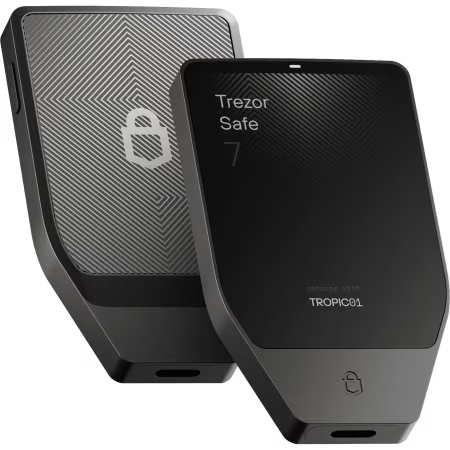 Trezor Safe 7 |
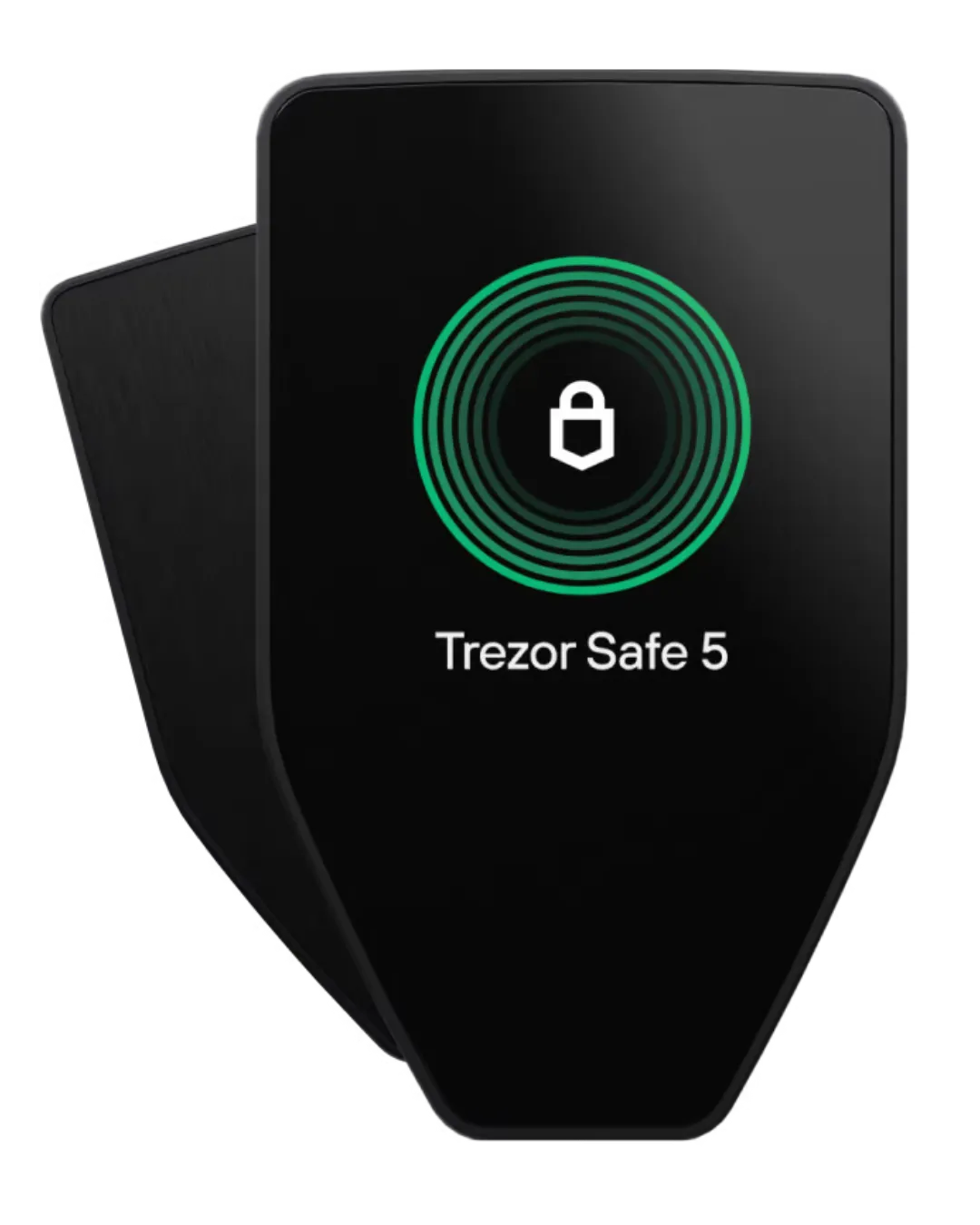 Trezor Safe 5 |
|---|---|---|
| iPhone and iPad connection | Bluetooth through the Trezor Suite app. USB-C charges the wallet but doesn’t connect it to Suite. | No direct connection over Bluetooth or USB-C. |
| What you can do on iPhone | Set up and manage the wallet, receive crypto, and approve sends or swaps on the wallet screen. | Track balances, buy, and receive crypto in Suite. No setup, sending, swapping, or device management. |
| Android | Bluetooth or USB-C | USB-C only |
| Windows, Mac, and Linux | Bluetooth or USB-C in the desktop app | USB-C only |
| Trezor Suite in a browser | USB-C only on supported computers and Android phones | USB-C only on supported computers and Android phones |
| Can you turn Bluetooth off? | Yes, in the wallet settings. | No Bluetooth hardware. |
| Shop & reviews |
Security: Secure Elements, Quantum-Ready Protection, and microSD Lock
| Security feature |
Trezor Safe 7
|
Trezor Safe 5
|
|---|---|---|
| Secure elements | Two — OPTIGA Trust M (V3), rated EAL6+, and TROPIC01 | One — OPTIGA Trust M (V3), rated EAL6+ |
| Hardware design | Two secure elements and a hardened STM32U5 processor work together to protect access to the wallet. | One secure element helps protect access to the wallet and verify that the device is genuine. |
| Quantum-ready checks | Post-quantum checks for startup, firmware updates, and device authenticity. | No equivalent post-quantum checks. |
| microSD lock | No microSD slot. | Optional lock that requires both your PIN and a paired microSD card. |
| Wallet backup options | 12-, 20-, and 24-word backups, plus multi-share backups | 12-, 20-, and 24-word backups, plus multi-share backups |
| Shop & reviews |
Note: The Safe 7’s quantum-ready design is a separate feature. It helps the wallet verify that it’s genuine and running trusted software. It doesn’t make your Bitcoin transactions quantum-proof. The blockchain needs its own upgrades for that.
Touchscreen and Build: 2.5-Inch vs 1.54-Inch Display
| Display or build detail |
Trezor Safe 7
|
Trezor Safe 5
|
|---|---|---|
| Color touchscreen | 2.5 inches, 520 × 380 pixels | 1.54 inches, 240 × 240 pixels |
| Screen brightness | 700 nits | — |
| Screen glass and feedback | Gorilla Glass 3 with vibration feedback | Gorilla Glass 3 with vibration feedback |
| Body and back | Aluminum unibody with a reinforced glass back | Plastic body with an anodized aluminum back |
| Dust and water protection | IP54 dust and splash resistance. Not rated for immersion. | No published IP rating. |
| Dimensions | 75.4 × 44.5 × 8.3 mm | 65.9 × 40 × 8 mm |
| Weight | 45 g | 23 g |
| Operating temperature | 32°F to 113°F (0°C to 45°C) | −4°F to 140°F (−20°C to 60°C) |
| Shop & reviews |
Battery and Charging: Wireless Charging vs Battery-Free Design
| Power or charging detail |
Trezor Safe 7
|
Trezor Safe 5
|
|---|---|---|
| Power source | Built-in 330 mAh lithium iron phosphate (LiFePO₄) battery or USB-C power | USB-C power only. No battery. |
| Typical battery life | About one day of normal use per full charge | Not applicable |
| Charging options | USB-C or a magnetic Qi2-compatible charging pad | Nothing to charge |
| What comes in the box | USB-C cable. Wireless charging pad sold separately. | USB-C cable |
| Can you replace the battery? | No. | Not applicable |
| Can you still use it if the battery fails? | Yes, over USB-C with a compatible computer or Android phone. | No battery to wear out. |
| Shop & reviews |
Price Difference: What Do You Get for Paying More?
| Price or buying factor |
Trezor Safe 7
|
Trezor Safe 5
|
|---|---|---|
| US list price | $249 | $129 |
| Price difference | $120 more before discounts | $120 less before discounts |
| What you get for your money | iPhone signing, wireless use, a larger screen, and extra hardware security layers. | A color touchscreen, a certified secure element, and optional microSD protection. |
| What you give up | No microSD lock. Costs more and has a built-in battery to maintain. | No iPhone signing, no wireless use, and less screen space. |
| Best value for | You regularly sign from an iPhone or want more room to review transactions. | You mostly sign from a computer or Android phone and don’t mind a cable. |
| Shop & reviews |
Trezor Safe 7 vs. Safe 5 Pros and Cons
Is the Trezor Safe 7 Worth Upgrading From the Safe 5?
Yes, the Trezor Safe 7 is worth the upgrade when you want to sign transactions from your iPhone. That’s the biggest change.
You see, your Safe 5 can show your balances on iOS, but it can’t approve a send or swap there. Now, with the Safe 7, you can start a transaction in Trezor Suite on your iPhone and approve it on the wallet’s touchscreen. You also get Bluetooth on Android and desktop, plus a 2.5-inch screen that gives you more room to check addresses and amounts.
But again, keep your Trezor Safe 5 when you mostly use a computer or Android phone and don’t mind a cable. The Safe 7 lists for $249 versus $129 for the Safe 5. The extra hardware security is useful, but the Safe 7’s quantum-ready checks protect the device and its software updates. They don’t make your crypto quantum-proof. And once you upgrade, you give up the Safe 5’s optional microSD lock.
Read more comparison:
- Ledger Nano X vs. Trezor Safe 5
- Ledger Stax vs. Trezor Safe 7
- Ledger Flex vs Trezor Safe 7
- Ledger vs Trezor Hardware Wallets
- ELLIPAL vs Trezor
FAQs: Trezor Safe 7 vs. Safe 5
Do the Trezor Safe 7 and Safe 5 Support the Same Coins?
Yes, both support major coins like Bitcoin (BTC), Ethereum (ETH), XRP, Solana (SOL), and Cardano (ADA). But that doesn’t mean you can use every coin with the same wallet app on both models. Take Monero (XMR). Neither device manages it directly in Trezor Suite. You can use the Safe 5 with Monero GUI on desktop, while the Safe 7 works with Cake Wallet on iPhone and Android.
Can You Use Your Safe 5 Wallet Backup on a Safe 7?
Yes. You can restore your Trezor Safe 5 wallet backup on a Safe 7 without transferring your crypto. The Safe 7 supports the Safe 5’s 12- and 24-word BIP39 backups, as well as its 20-word SLIP39 single-share and multi-share backups.
Now, for a multi-share backup, you’ll need enough shares to meet the threshold you set. You must enter your recovery words on the Safe 7 itself, not on your computer or phone. And to reopen a hidden wallet, use the exact same passphrase you used on the Safe 5.
Can You Use the Trezor Safe 7 With Bluetooth Turned Off?
Yes. You can turn off Bluetooth in the Safe 7’s settings and use it as a wired hardware wallet. Connect it to Trezor Suite on a computer or compatible Android phone with a USB-C cable. Now, the exception is the iPhone. Even with a USB-C port, your iPhone needs Bluetooth to connect to the Safe 7 for wallet setup or transaction signing.