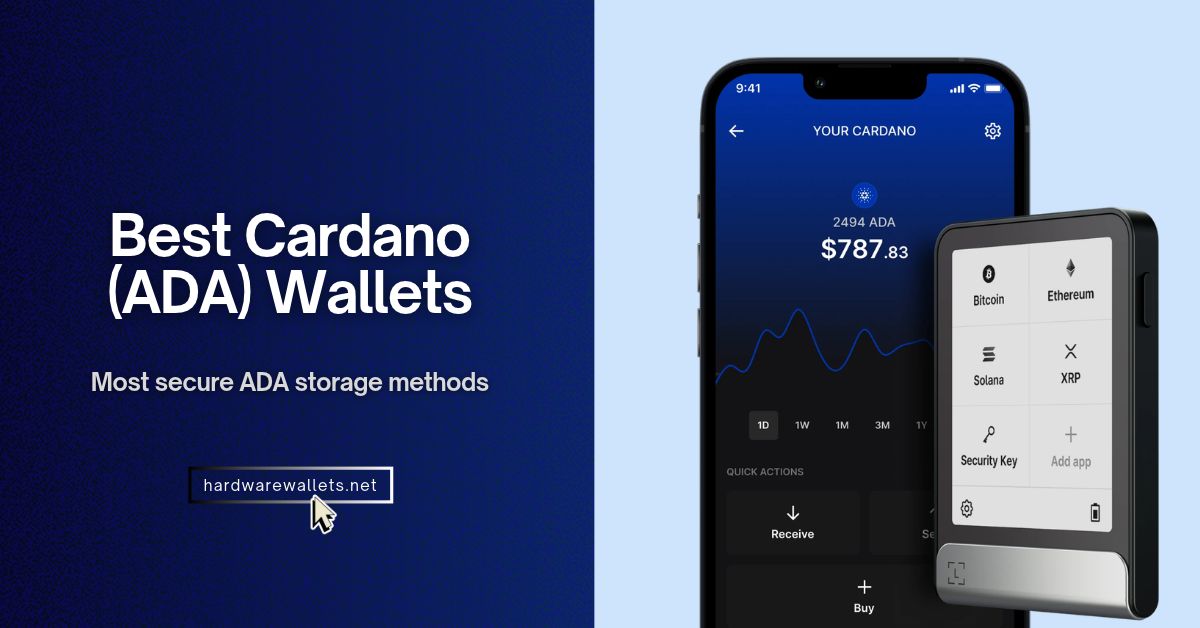

- Tangem Wallet 2.0 lets you sign by tapping a card against a compatible iPhone or Android phone.
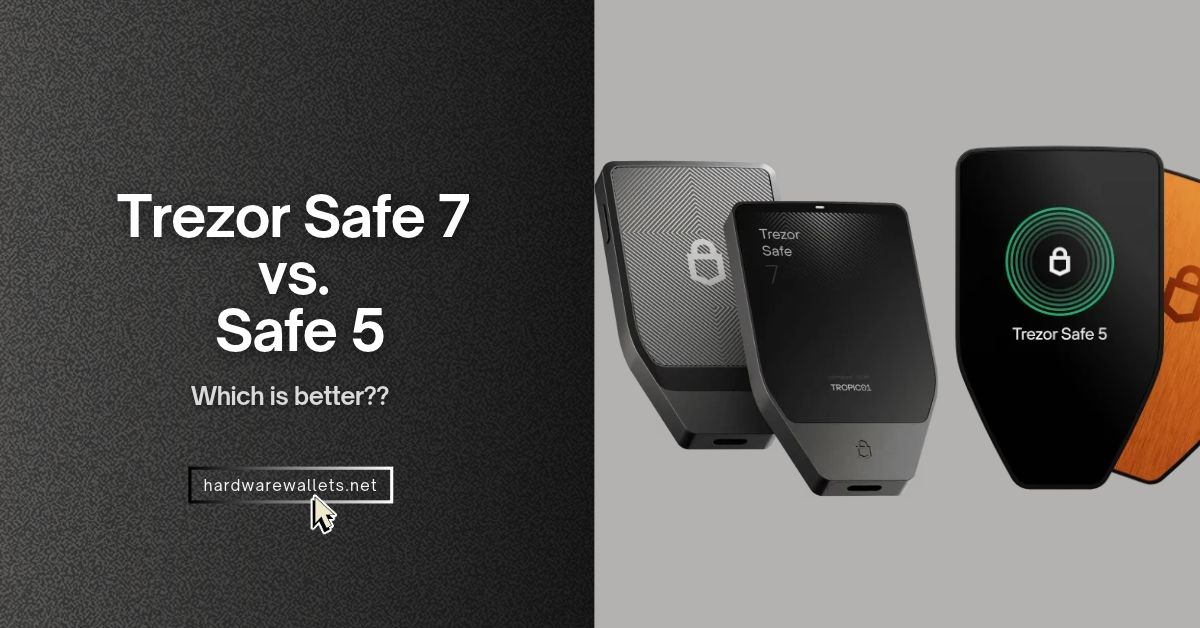
- The Trezor Safe 3 connects to a computer or compatible Android phone by USB-C and lets you check the recipient address on the wallet’s own screen. But, it can’t sign on an iPhone.
Here, your backup matters just as much. Tangem cold wallet lets you use spare cards instead of writing down a seed phrase. The Safe 3 uses recovery words or backup shares, so you can restore your cryptocurrency wallet even if you lose the device.
In this Tangem vs Trezor Safe 3 comparison, you’ll see how both hardware wallets stack up on security, recovery, supported coins, and price. You’ll also see which one makes more sense for storing Bitcoin or sending crypto from your phone.
Tangem Wallet 2.0
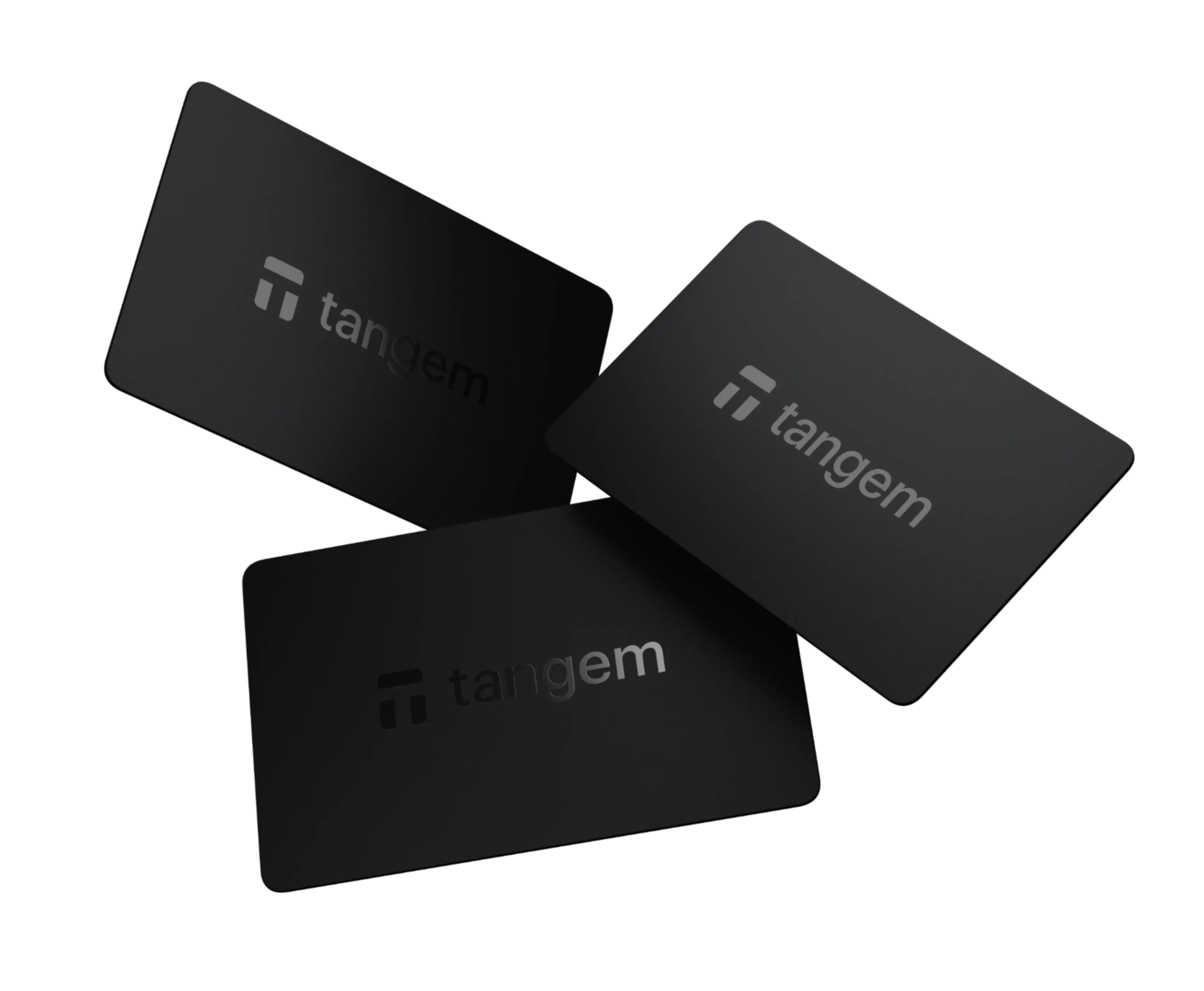
Best for Signing from your iPhone or Android phone and keeping spare cards instead of recovery words.
- Tap to sign on compatible iPhones and Android phones
- Any linked card can sign on its own
- Choose a seedless setup or a 12- or 24-word backup
- Manage Kaspa in the Tangem app
- No screen on the card to double-check an address
- You can’t add a replacement card to an existing set
- No desktop app. You still need your phone to sign
- You can’t update the card’s firmware
Verdict Get Tangem if you want to sign from your phone without plugging anything in. Just make sure you’re comfortable checking payments on your phone screen. With a seedless setup, keep the spare cards in separate places.
Trezor Safe 3
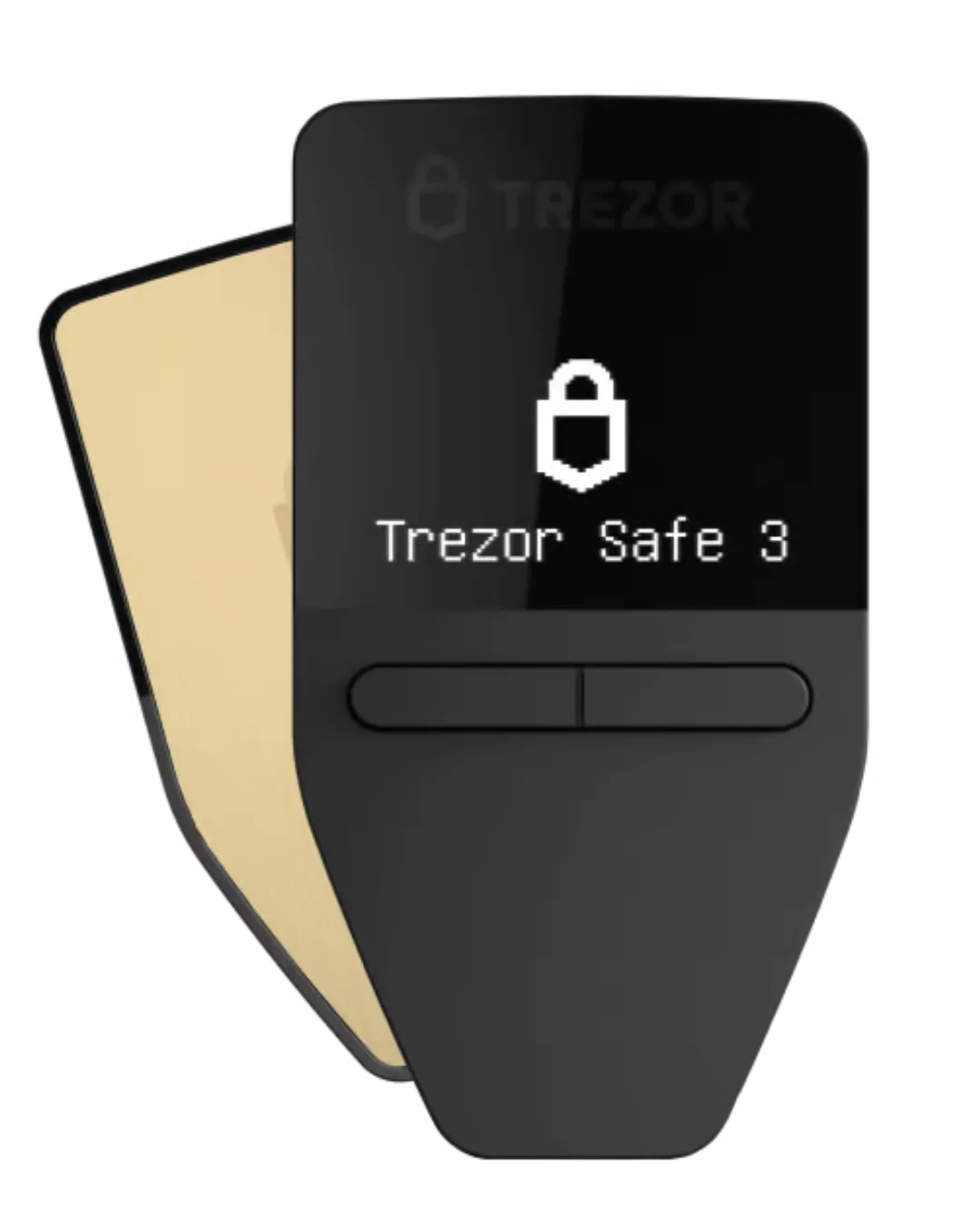
Best for Using a computer or compatible Android phone and checking payment details on the wallet itself.
- Check the recipient address on the device before you approve
- Set up one recovery backup or split it into shares
- Update the open-source firmware through Trezor Suite
- Choose Bitcoin-only firmware if you don’t use altcoins
- You can’t sign on an iPhone, even one with USB-C
- The 0.96-inch screen makes long addresses harder to read
- You need a USB cable each time you sign
- Monero needs a separate desktop app
Verdict Get the Safe 3 if you mostly use a computer and want to check the address on a separate screen before sending. The two-button controls take more presses, but you don’t have to rely on your computer screen alone.
Tangem vs Trezor Safe 3 at a Glance
| Compare |
Tangem Wallet 2.0
Best for phone-first use
Visit Tangem
|
Trezor Safe 3
Best for desktop use
Visit Trezor
|
|---|---|---|
| Price (USD) | $54.90 for 2 cards $69.90 for 3 cards |
$59 for the Universal model |
| Launch date | ||
| Coins and tokens | 16,000+ coins and tokens across 100 networks | Thousands of coins and tokens with Universal firmware |
| Popular assets | BTC, ETH, SOL, ADA, XRP, and USDT on Ethereum and TRON | BTC, ETH, SOL, ADA, XRP, and USDT on Ethereum and TRON |
| Other notable assets | Kaspa (KAS) in the Tangem app | Monero (XMR) through Monero GUI or CLI |
| iPhone signing | Yes, via NFC | No, limited app features only |
| Android signing | Yes, via NFC | Yes, via USB-C |
| Desktop signing | No direct signing from a computer | Yes, via USB with Trezor Suite |
| Transaction display | No screen on the card. Check details on your phone | 0.96-inch OLED screen with two buttons |
| Secure element | EAL6+ certified chip | EAL6+ certified chip |
| Backup options | 2 or 3 linked cards. Optional 12- or 24-word seed phrase | 12-, 20-, or 24-word backup. Multi-share backup available |
| Companion app | Tangem app for iPhone and Android | Trezor Suite for desktop and Android, with limited iPhone features |
| Power | Your phone powers the card during a tap | The USB connection powers the device |
| Dust and water resistance | IP69K-rated cards | — |
| Hardware warranty | 25-year limited hardware warranty | 2 years for individual customers buying from Trezor |
Tangem Wallet vs Trezor Safe 3 Security: Which Is Safer?
The Safe 3 has the edge for checking a payment before you approve it. You can compare the recipient address on the device with the address you meant to pay.
Tangem still signs the transaction on the card, but the card has no screen. Your phone is the only place you can see what you’re about to approve. So, that’s a more useful difference than the chip rating, since both wallets use an EAL6+ certified secure element.
| Security criteria | Tangem Wallet 2.0 |
Trezor Safe 3 |
|---|---|---|
| Where you verify a payment | On your phone in the Tangem app | On the device’s own screen |
| How you sign | Tap a linked card against your phone | Confirm with the device’s buttons |
| Secure element | EAL6+ certified chip | EAL6+ certified chip |
| Wallet lock | Access code. Phone biometrics can fill it in | PIN you can enter on the device |
| Wrong code or PIN | Adds a delay after six wrong attempts, up to 45 seconds | Resets the device after 16 wrong PIN attempts |
| Firmware | Closed-source card firmware that you can’t update. Tangem publishes the app code | Open-source device firmware you can update through Trezor Suite |
| Where you see recovery words | No words in seedless mode. The phone app shows the words when you choose a seed phrase | The device shows your recovery words during setup |
| Authenticity check | The app checks the card and its firmware | Trezor Suite checks the device during setup |
| Official store | Visit Tangem | Visit Trezor |
The firmware trade-off is also simple. Tangem can update the phone app, but it can’t patch the firmware on a card you already own. Trezor can update the device itself.
Now, that distinction mattered in December 2024, when Tangem fixed an app logging bug that could record private keys during seed-phrase setup. Tangem said the bug didn’t affect seedless setups.
Backup and Recovery: What Happens When You Lose Your Wallet?
Each linked Tangem card can open the same wallet on its own. A Trezor multi-share backup works differently. You need enough shares to restore the wallet. For example, with a 2-of-3 backup, one share alone won’t restore it. Read more about the Shamir Backup Tangem Wallet uses.
| Recovery scenario | Tangem Wallet 2.0 |
Trezor Safe 3 |
|---|---|---|
| You set up a new wallet | Use two or three linked cards. You can also create a 12- or 24-word BIP39 seed phrase | Newer units default to a 20-word SLIP39 backup. You can also use a 12- or 24-word BIP39 backup or set up SLIP39 multi-share |
| You lose your phone or computer | Install the Tangem app on another compatible phone. Use a linked card and your access code | Open Trezor Suite on another compatible computer or Android phone and connect your Safe 3 |
| You lose one card or the device | Use another linked card. You can’t add a replacement card to the existing set | Restore your wallet on a replacement Trezor or another wallet that supports your backup format |
| You lose all your hardware | A seedless wallet has no recovery route. A saved seed phrase gives you a way back in through a compatible wallet | Use your recovery words or enough shares to restore the wallet. You’ll also need the exact passphrase for a passphrase wallet |
| You forget your code or PIN | Use the locked card and another linked card to reset its code, provided you left code recovery enabled | Reset the device and restore the wallet from your backup |
| You lose your written backup but can still sign | Your linked cards still work. Move to a fresh setup to regain a written backup | You can still sign with the device. Move your funds to a wallet with a backup you can verify |
| Official store | Visit Tangem | Visit Trezor |
Note: You can’t import the Safe 3’s default 20-word SLIP39 backup into Tangem. Tangem imports BIP39 phrases, which use a different format. And with seedless Tangem, keep your backup cards in separate places. Three cards in one bag don’t help much if you lose the bag.
Ease of Use on iPhone, Android, and Desktop
Tangem is the simpler choice for phone-only use. Open the app, review the payment, and tap the card to sign. The Safe 3 takes an extra step because you plug it in and use two buttons, but you get a separate screen for checking the details. Plus, Safe 3 does not support iPhone signing.
| Ease-of-use criteria | Tangem Wallet 2.0 |
Trezor Safe 3 |
|---|---|---|
| iPhone | Set up the wallet and sign with NFC. The US App Store lists iOS 16.4 or later | Track balances and use limited buy and receive features. No hardware setup or signing on iPhone |
| Android | Set up and sign on a compatible NFC-enabled phone | Set up and sign in Trezor Suite over USB-C on a compatible phone |
| Desktop | No desktop wallet app. You can use WalletConnect with supported sites, but you still sign with your phone and card | Sign over USB with Trezor Suite on Windows, macOS, or Linux. A compatible browser can run the web app |
| First setup | Scan the cards, choose a backup method, and set an access code | Connect the device, install firmware, create and check your backup, and set a PIN |
| Checking a receive address | View and copy it in the app. The card can’t display it | Compare the address in Trezor Suite with the one on the device screen |
| What you need to send | A compatible phone and one linked card | The Safe 3, a USB cable, and a compatible computer or Android phone |
| Official store | Visit Tangem | Visit Trezor |
Supported Coins and Networks
Both crypto hardware wallets handle Bitcoin, Ethereum, Solana, Cardano, and XRP in their own apps. Both also support USDT on Ethereum and TRON. The Safe 3 can send and receive TRC-20 USDT directly in Trezor Suite, so TRON support alone isn’t a reason to pick Tangem.
| Coin or network | Tangem Wallet 2.0 |
Trezor Safe 3 |
|---|---|---|
| Bitcoin (BTC) on Bitcoin mainnet | Tangem app | Trezor Suite |
| Ethereum (ETH) and ERC-20 tokens | Tangem app | Trezor Suite |
| Solana (SOL) and SPL tokens | Tangem app | Trezor Suite |
| Cardano (ADA) | Tangem app | Trezor Suite |
| XRP on XRP Ledger | Tangem app | Trezor Suite |
| USDT on Ethereum (ERC-20) | Tangem app | Trezor Suite |
| USDT on TRON (TRC-20) | Tangem app | Trezor Suite |
| Base, Arbitrum One, and Optimism | Tangem app | Trezor Suite |
| Kaspa (KAS) | Tangem app | Not supported |
| Monero (XMR) | Not supported | Monero GUI or CLI on desktop, not Trezor Suite |
| Official store | Visit Tangem | Visit Trezor |
Tangem vs Trezor Safe 3 Price
The two-card Tangem pack costs $54.90, making it $4.10 cheaper than the $59 Trezor Safe 3. The three-card pack costs $69.90. That $15 step up from the two-card pack buys another card you can use to access the same wallet. It doesn’t unlock more coins or change how you sign.
| Price and value | Tangem Wallet 2.0 |
Trezor Safe 3 |
|---|---|---|
| Official USD price checked | $54.90 for two cards or $69.90 for three | $59 for the Universal model |
| What comes in the box | Two or three cards and a setup guide | One Safe 3, a USB-C to USB-C cable, two paper backup cards, and a setup guide |
| What the extra card or backup does | Each linked card can sign on its own | The paper cards hold your recovery words. They can’t sign transactions |
| App cost | Free, with no required subscription | Trezor Suite is free, with no required subscription |
| Hardware warranty | 25-year limited hardware warranty | Two years for individual customers who buy from Trezor |
| Check current price | Check Tangem Price | Check Trezor Price |
Final Verdict: Should You Buy Tangem or Trezor Safe 3?
To sum up our Tangem vs Trezor wallet review, buy Tangem if you manage your crypto from your phone. Buy the Trezor Safe 3 if you want to check transactions on the wallet’s own screen. Plus, Tangem is the better pick for iPhone users because you can sign with a quick tap. The Safe 3 can’t sign on an iPhone, even one with a USB-C port.
Now, for a wallet I’d mostly use at home with a computer, I’d pick the Safe 3. I’d rather check the recipient address on the device itself before sending. For phone-only use, I’d pick Tangem.
FAQs: Tangem Cards vs. Trezor Safe 3
Is Tangem or Trezor Safe 3 Better for Bitcoin?
The Trezor Safe 3 is better for desktop Bitcoin use. Tangem is better for sending Bitcoin from an iPhone. Both support native BTC, but the Safe 3 lets you verify addresses on its own screen. Trezor Suite also gives you coin control, so you can choose which parts of your Bitcoin balance to spend. I recommended Trezor for anonymous Bitcoin transactions.
Can You Import a Trezor Safe 3 Backup Into Tangem?
Yes for a 12- or 24-word BIP39 backup. No for a 20-word SLIP39 backup. Newer Safe 3 units default to the 20-word format, and Tangem doesn’t import it. In that case, set up a new Tangem wallet and transfer your funds on a network both wallets support.
Can You Replace a Lost Tangem Card Without Moving Your Crypto?
You can’t add a replacement card to an existing Tangem set. A remaining linked card still works. With a saved seed phrase, you can restore the same cold wallet on a new card set without moving your crypto. With a seedless setup, you’ll need to use a remaining card to send your funds to a new crypto wallet.